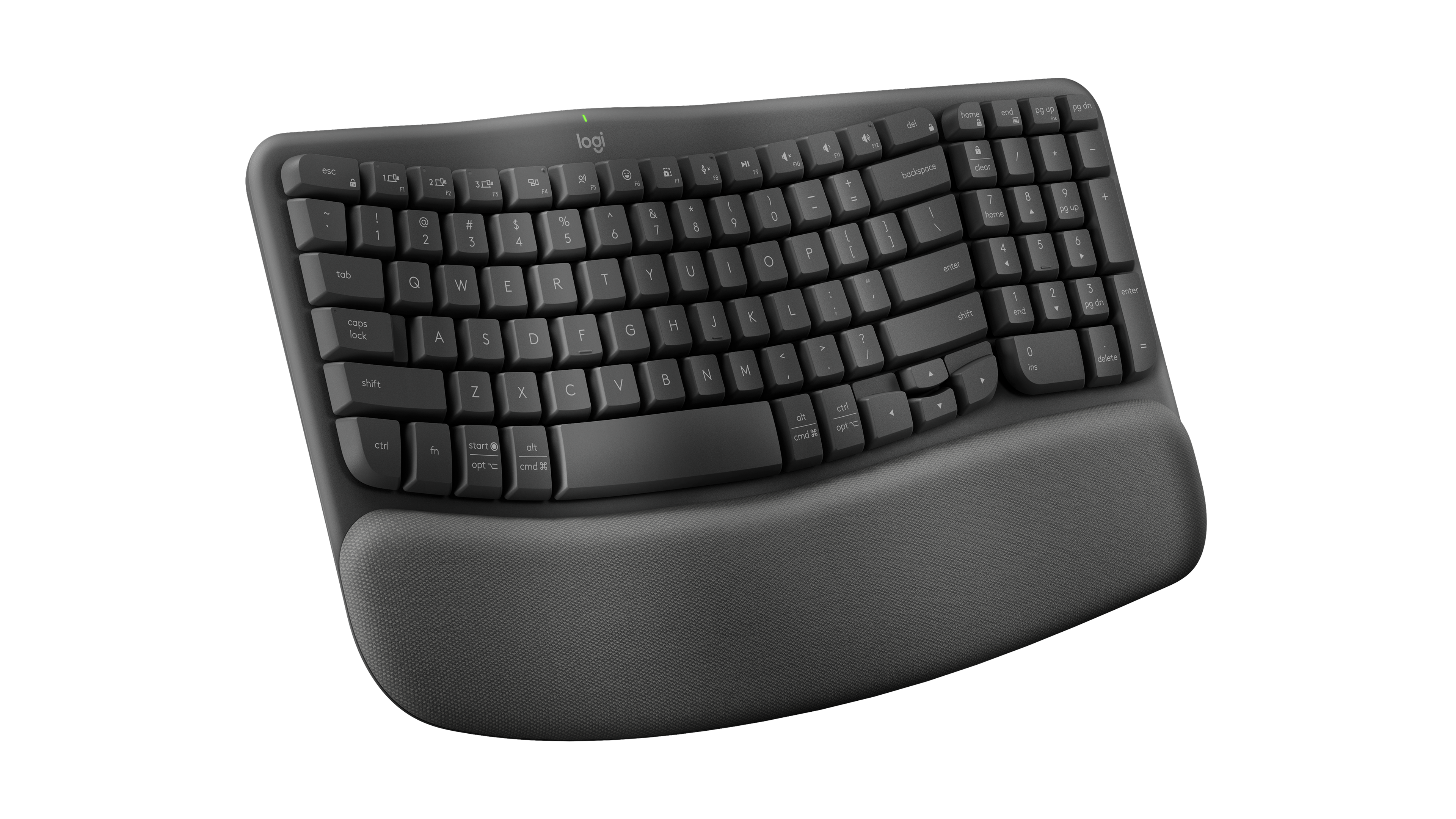
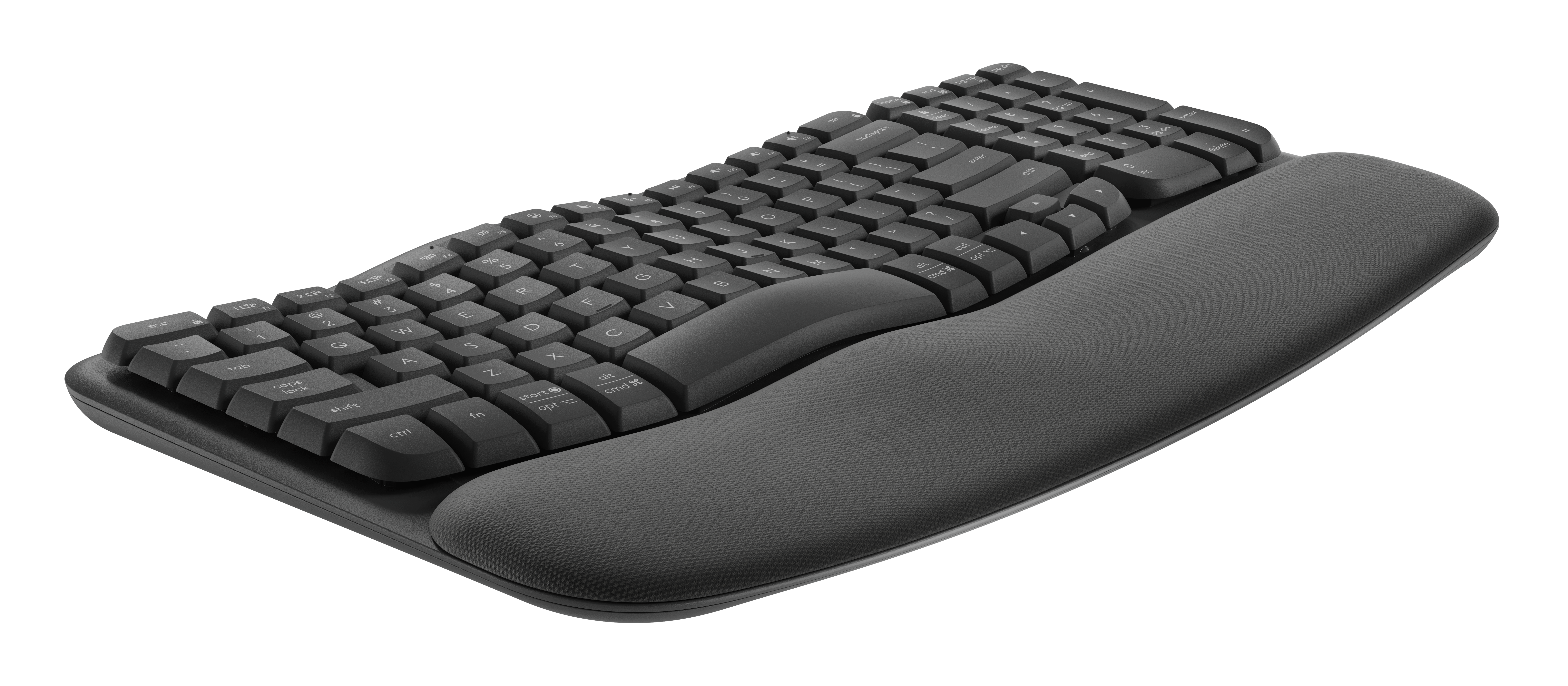
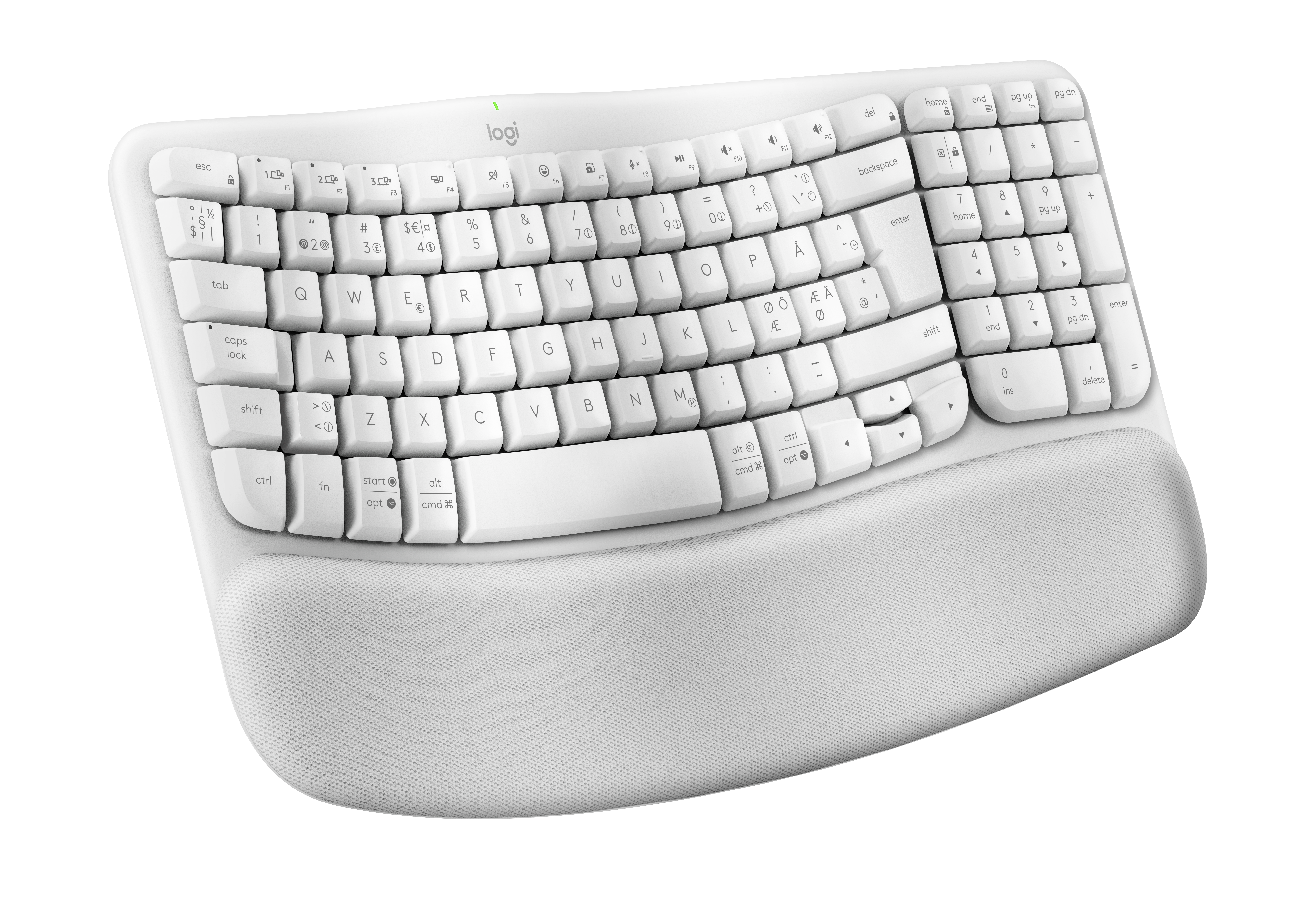
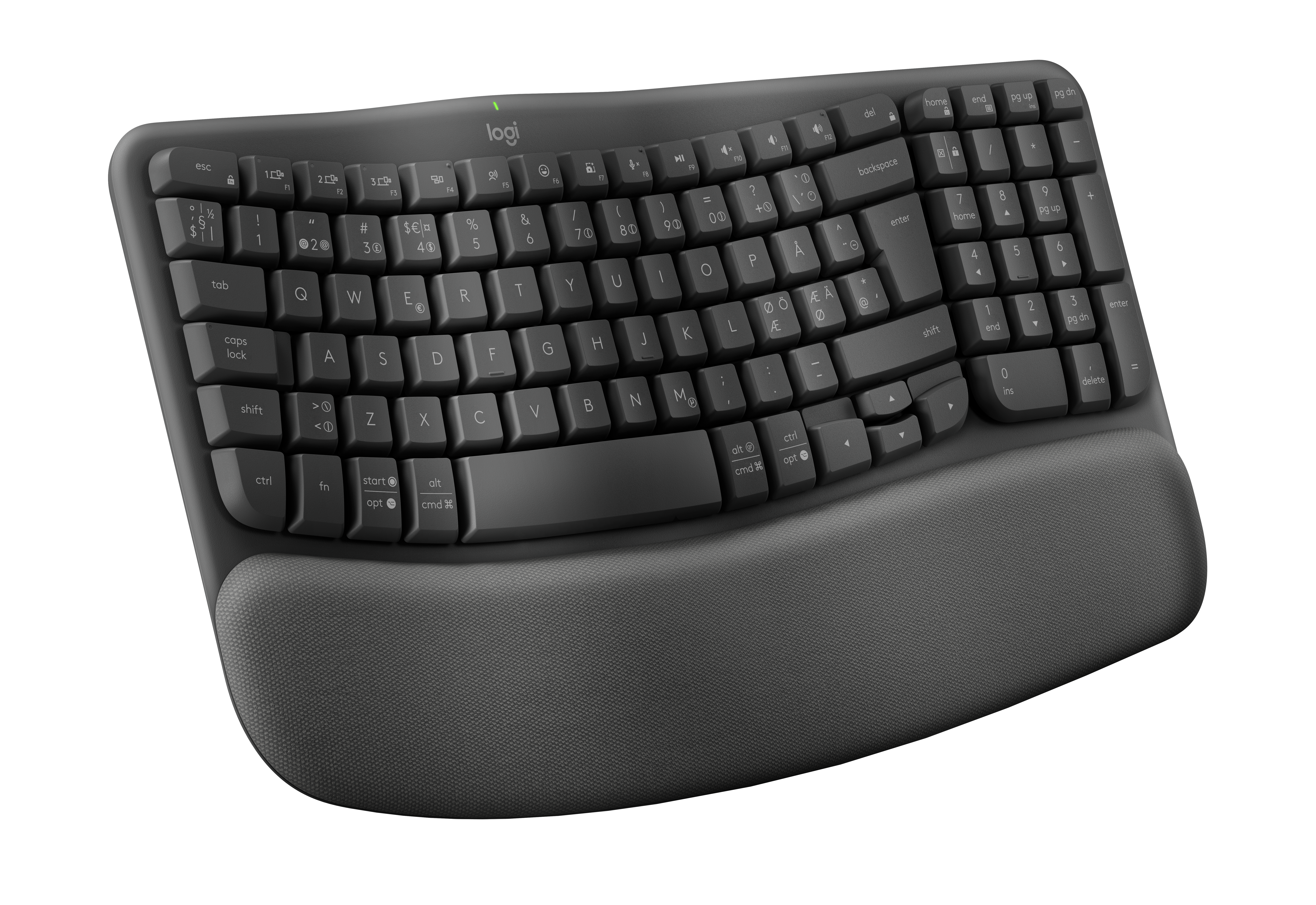
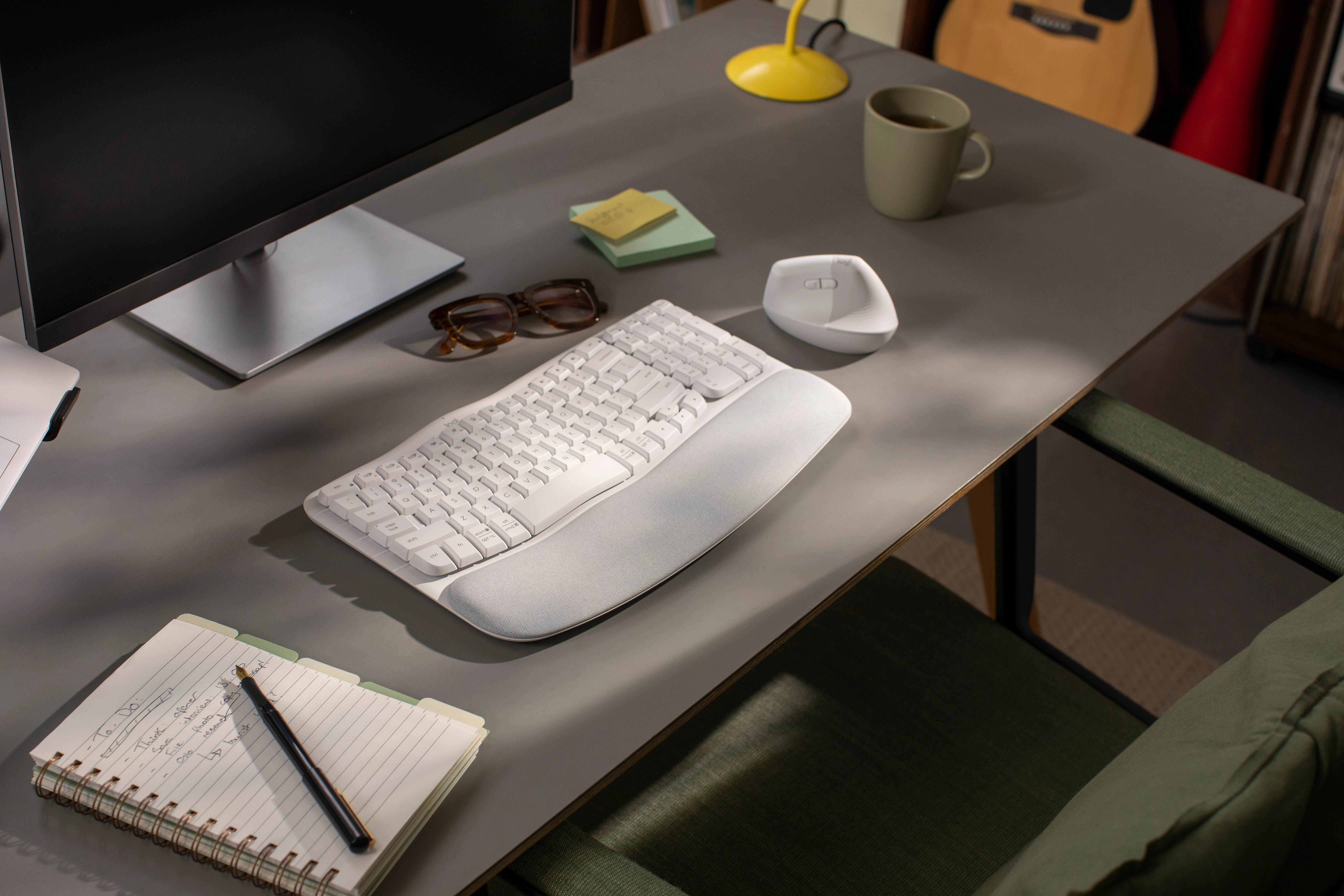
Photo 1 of 53
Logitech Wave Keys · Photo source
Wave Keys
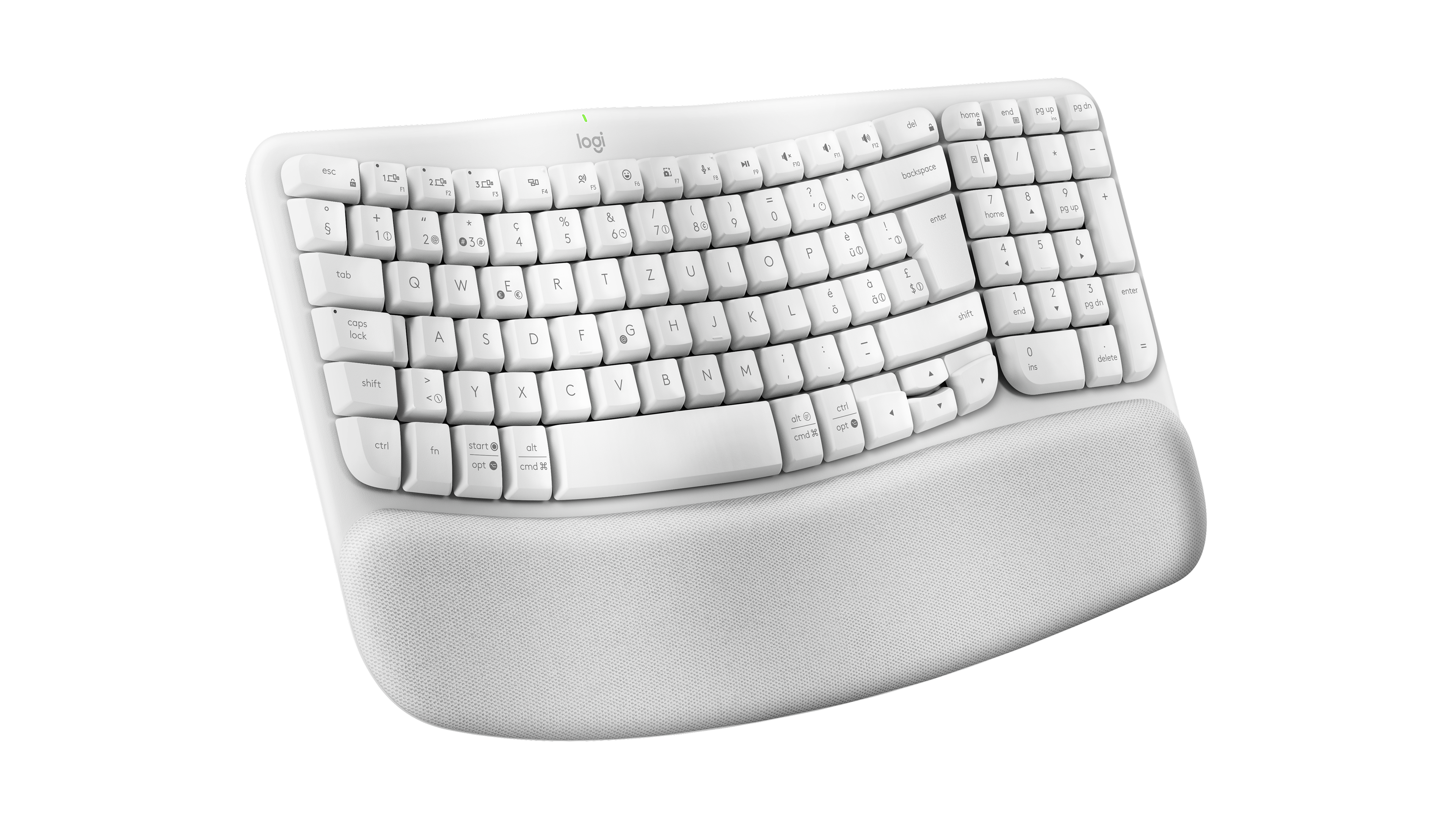
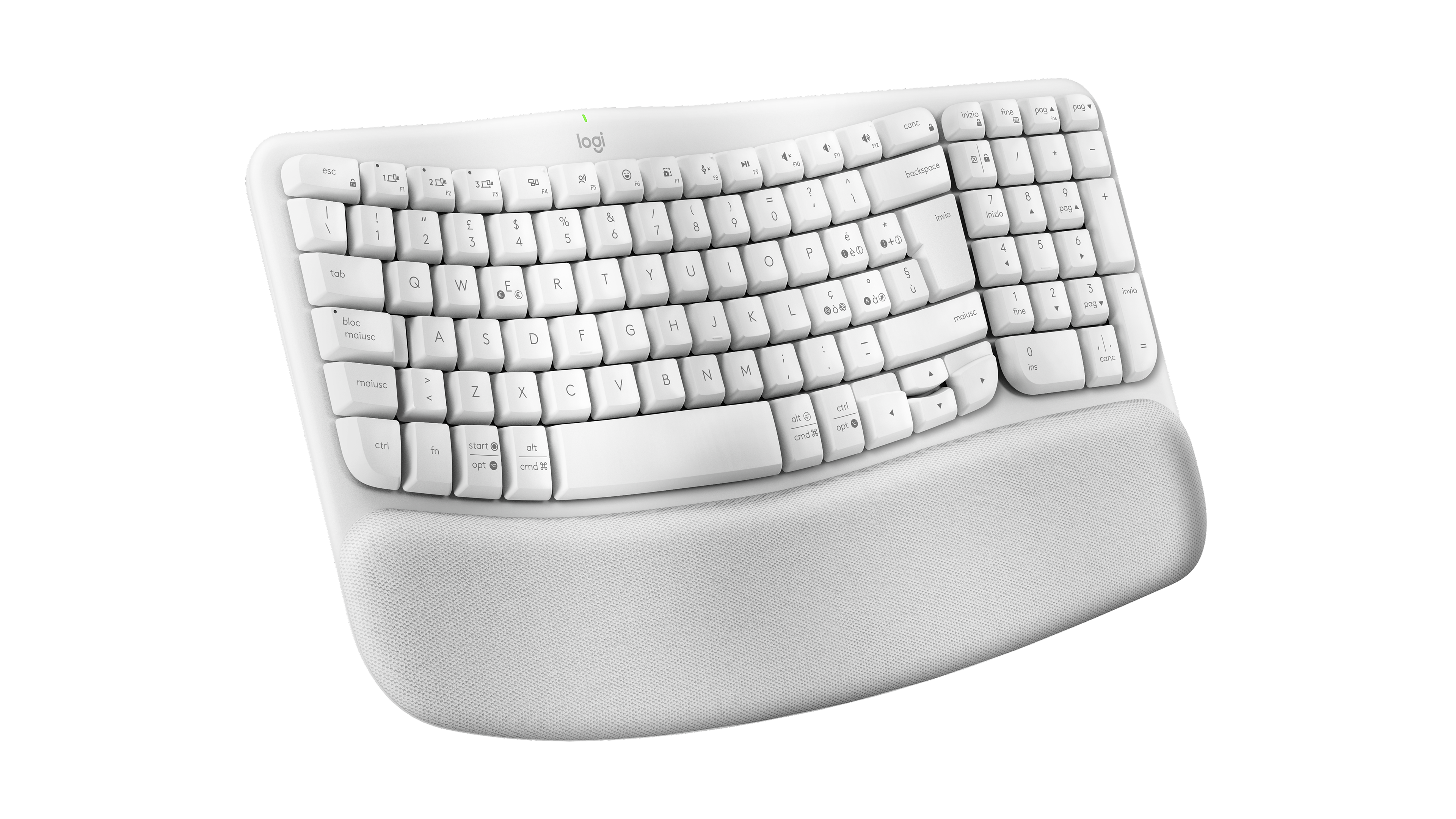
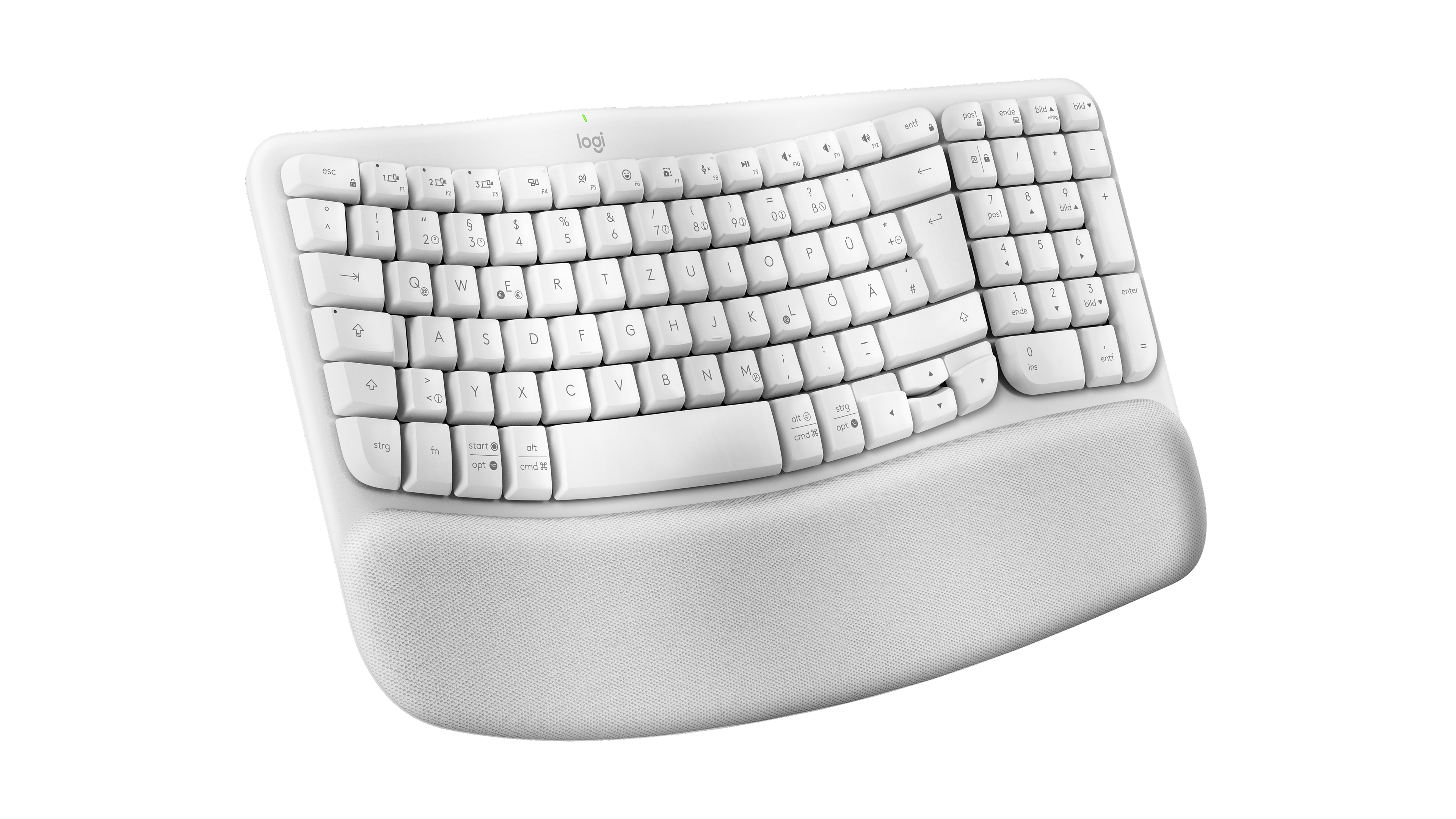
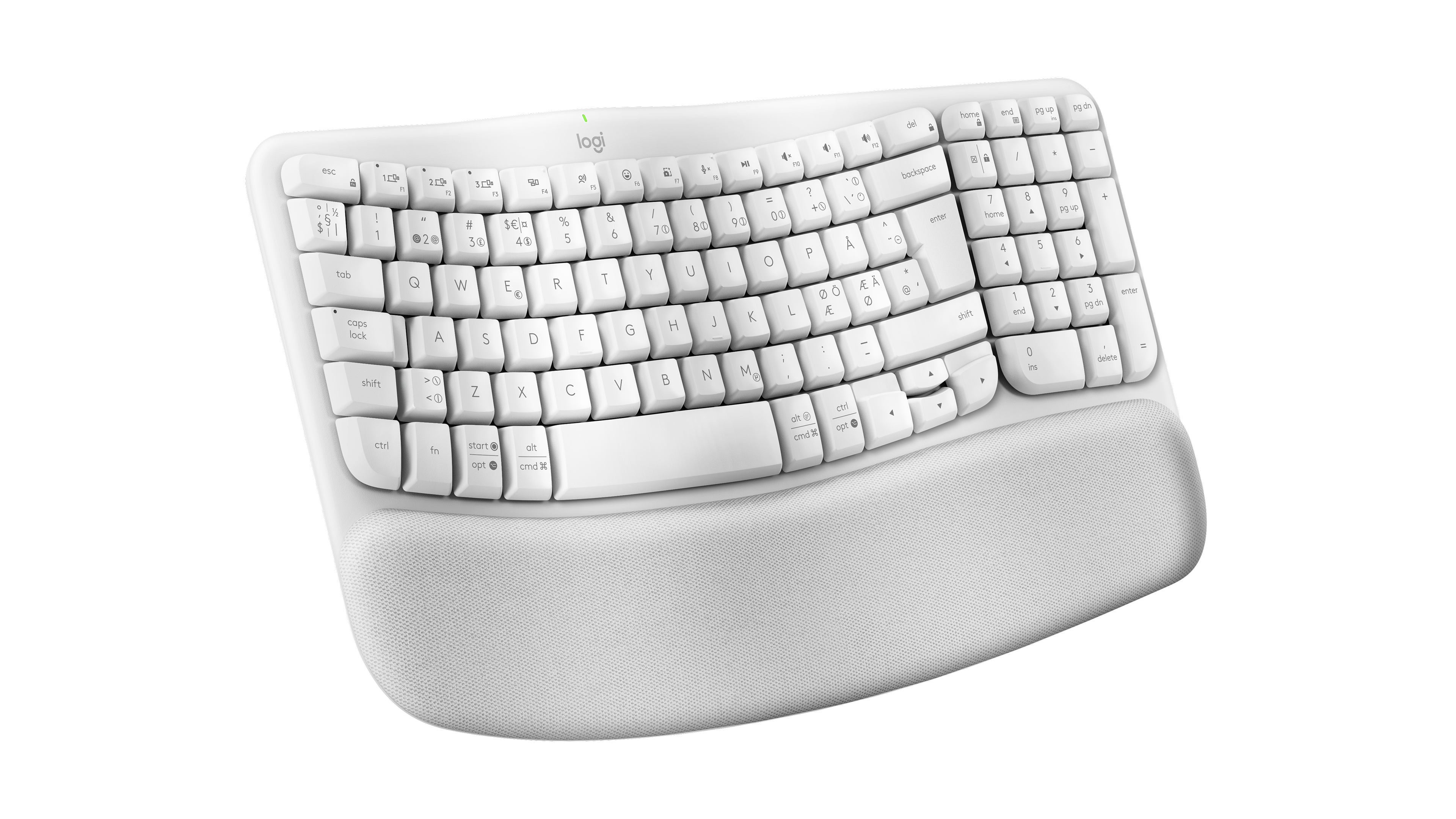
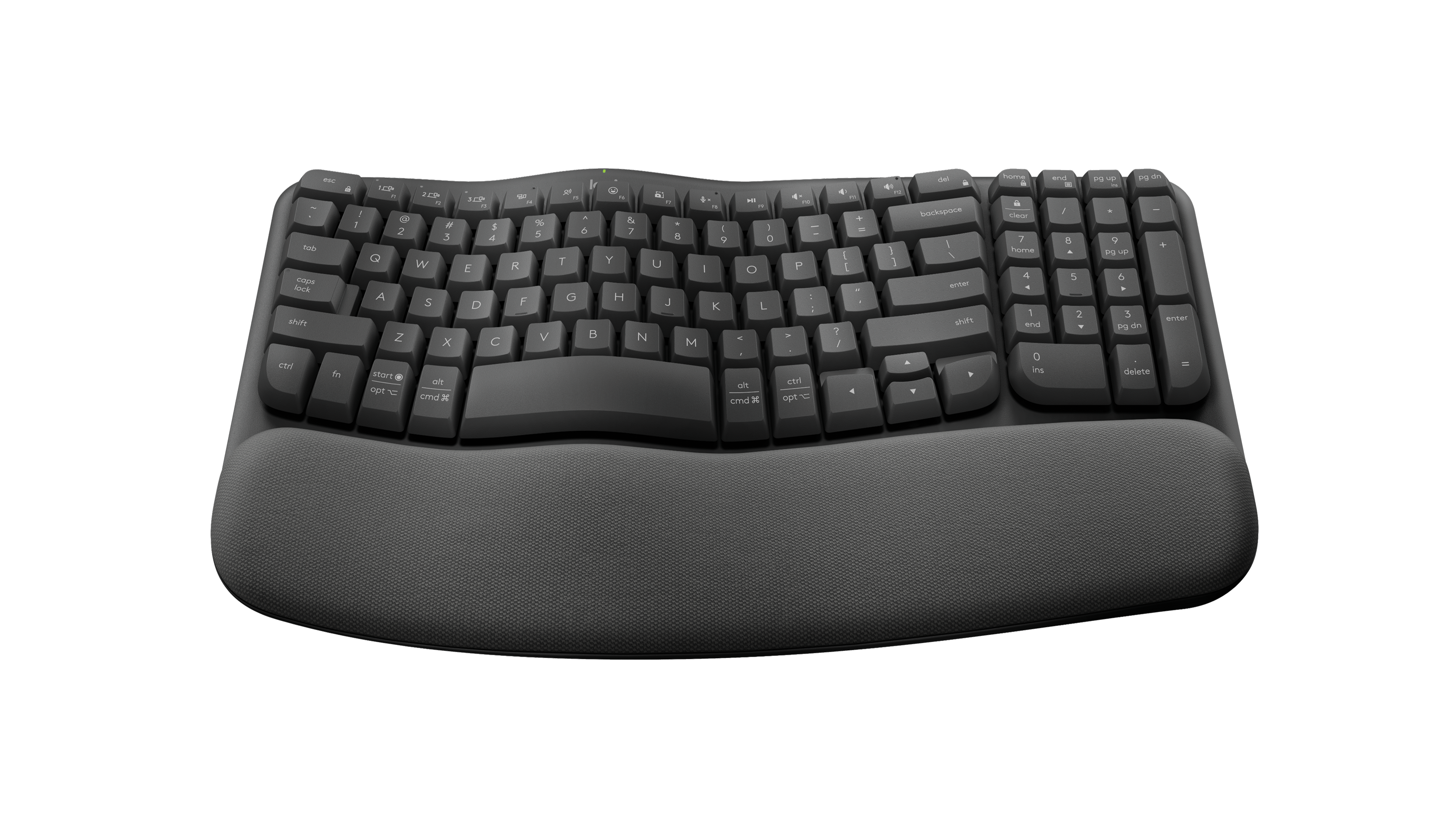
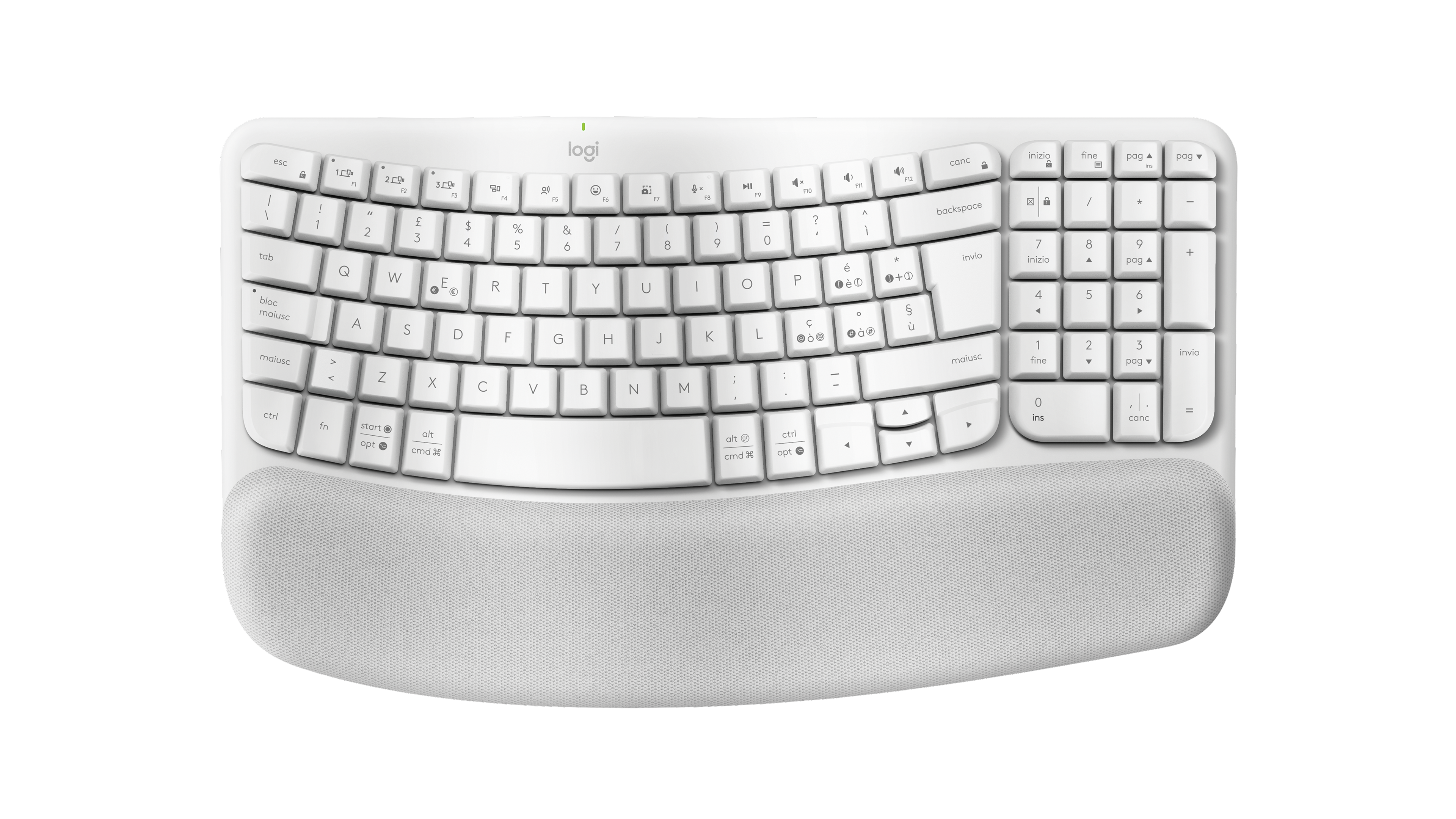
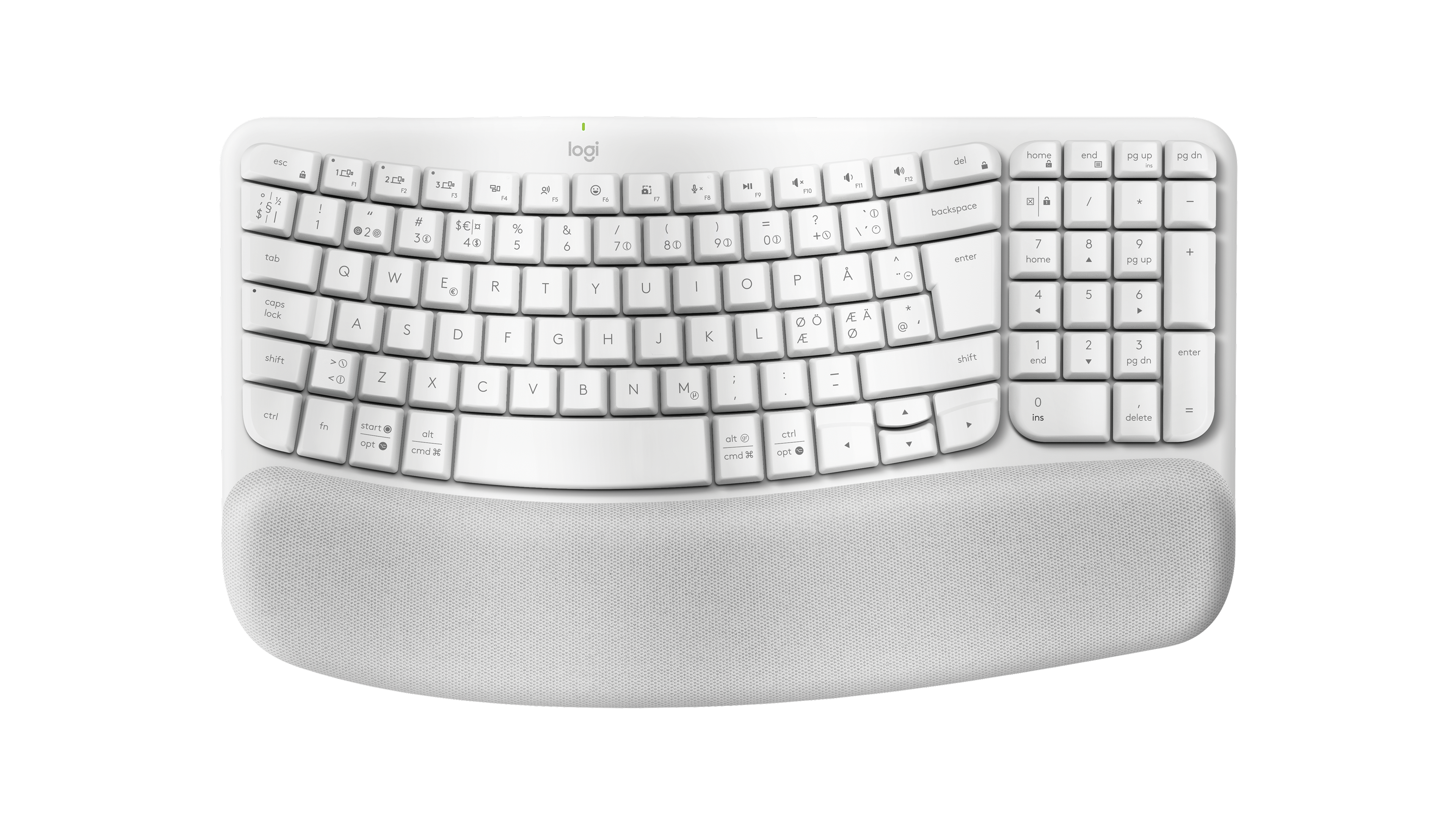
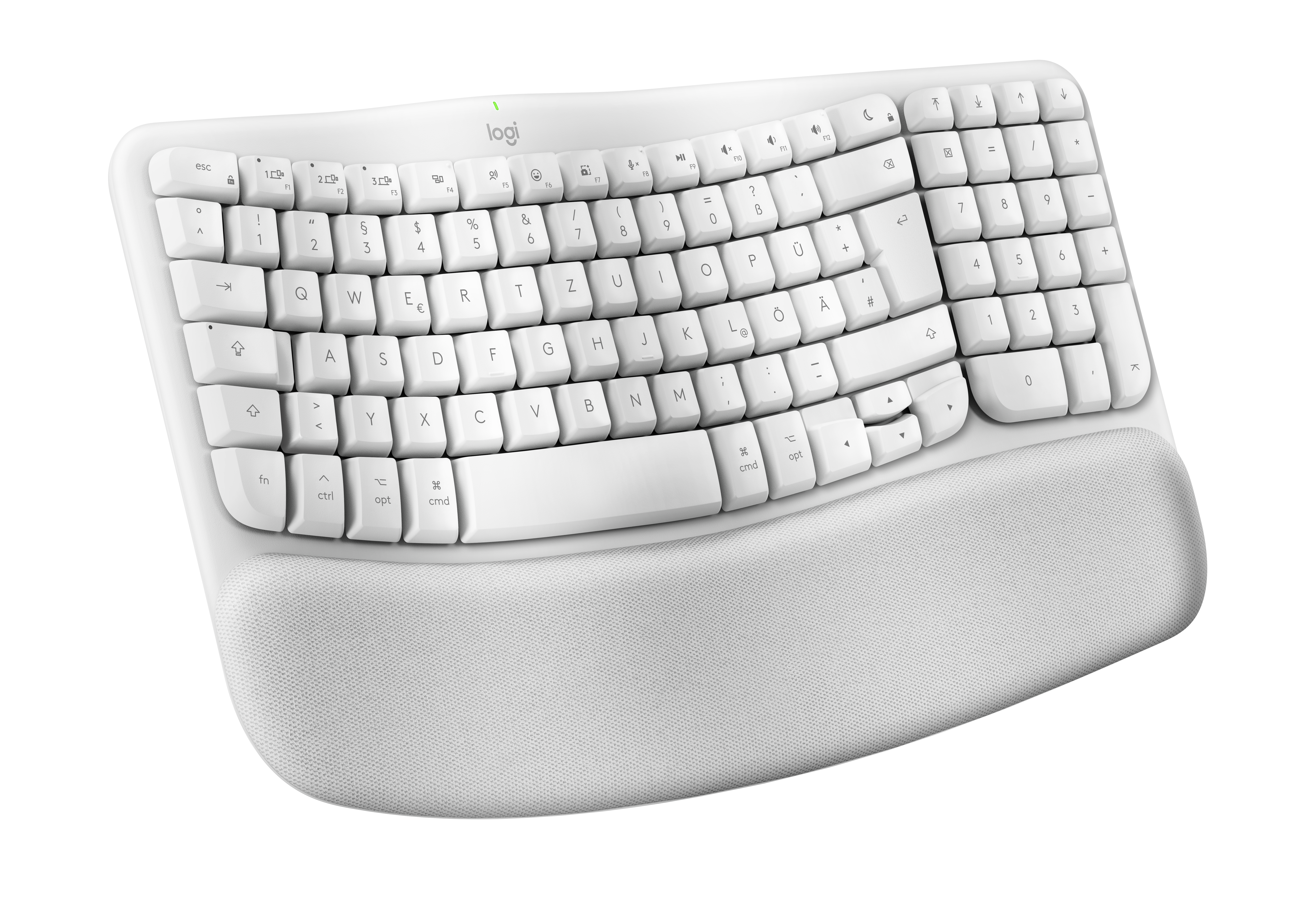
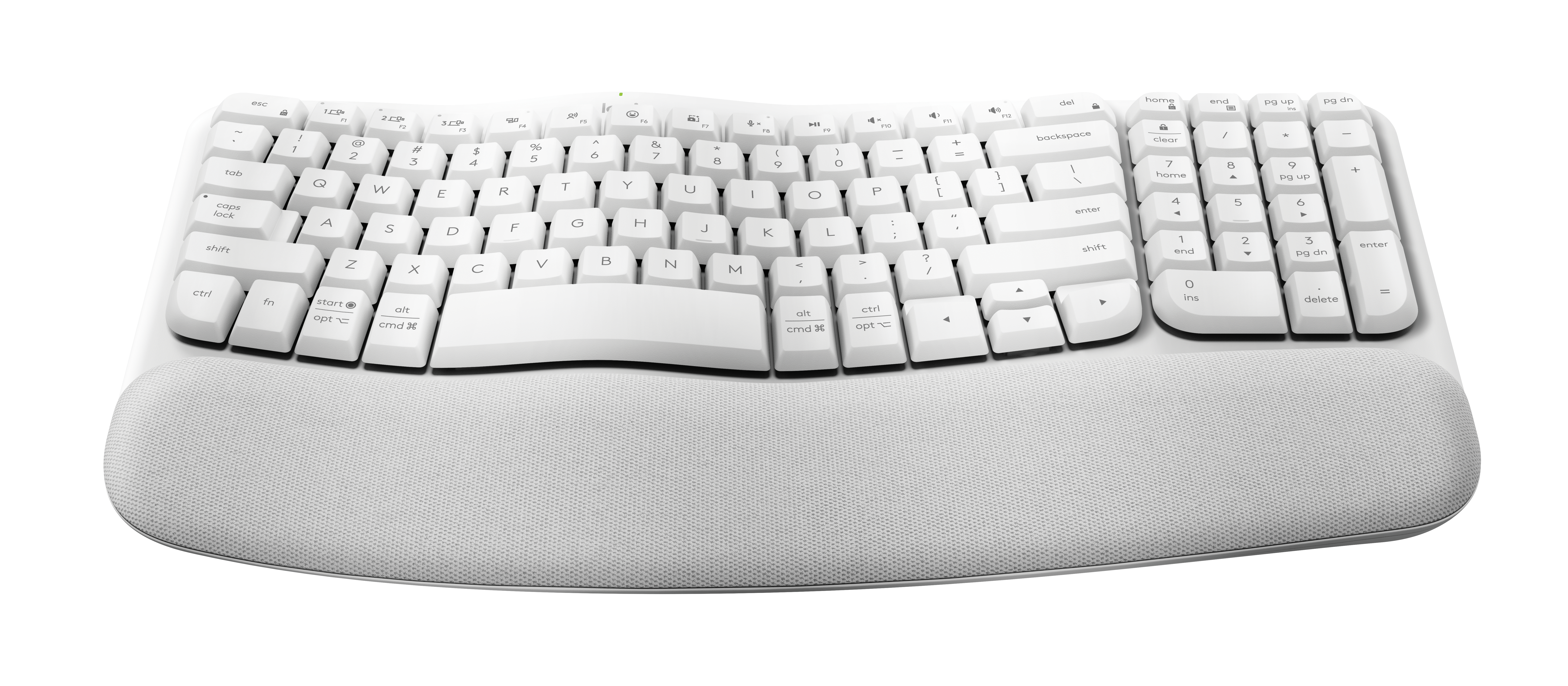
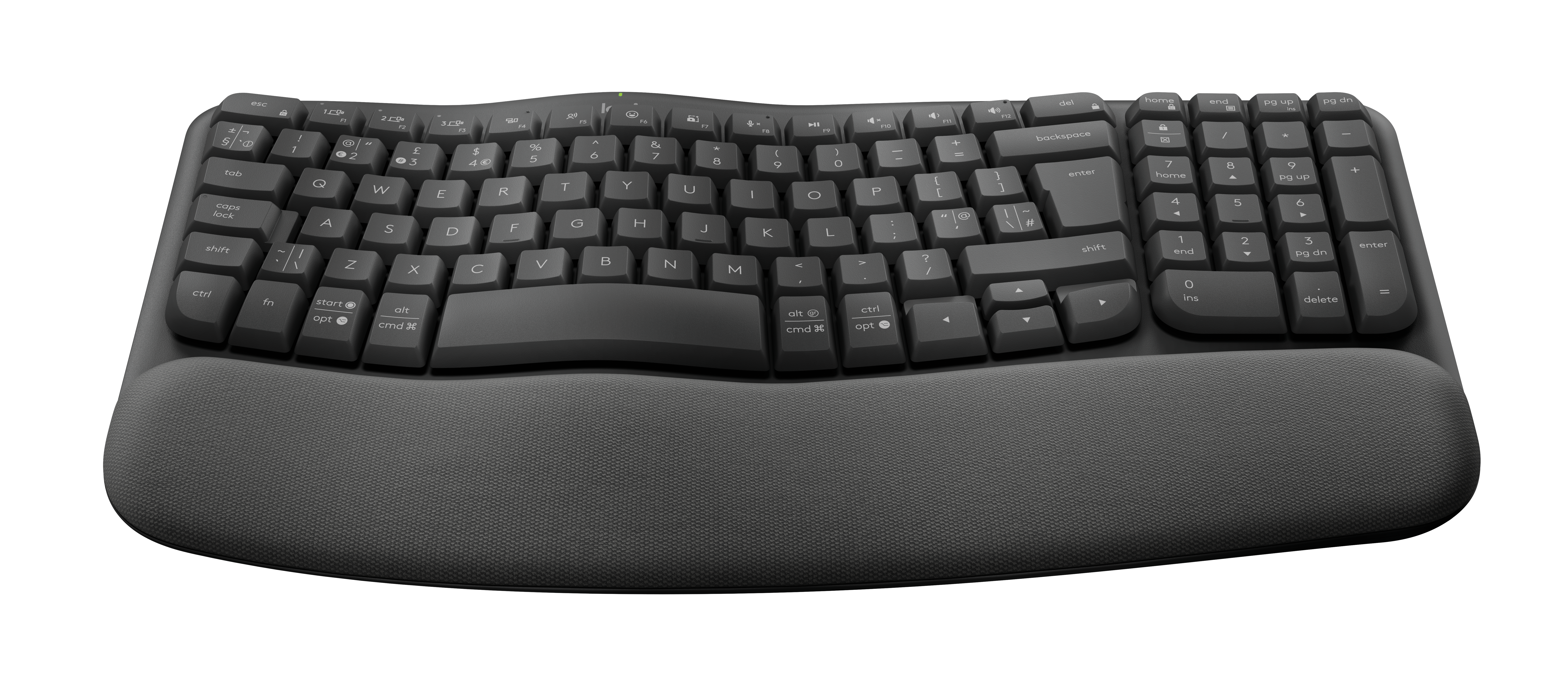
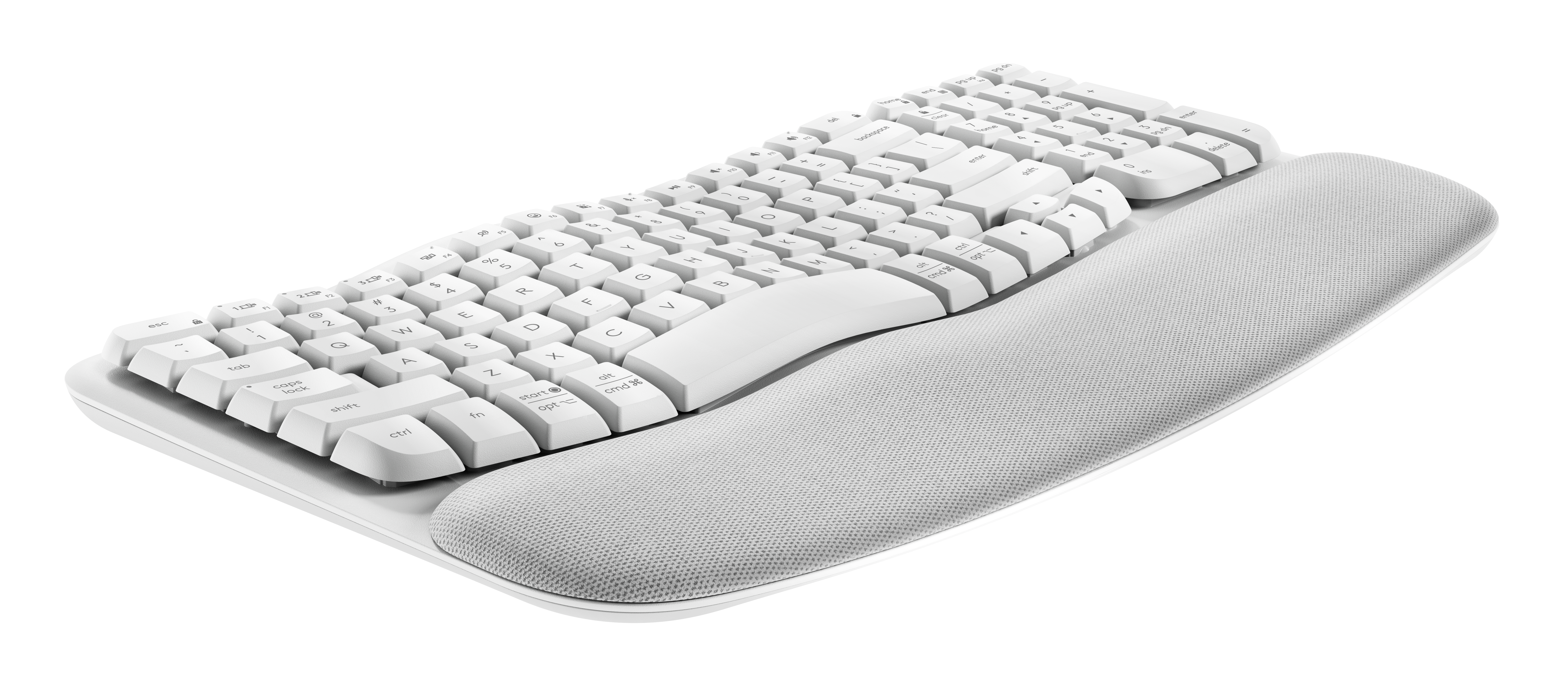
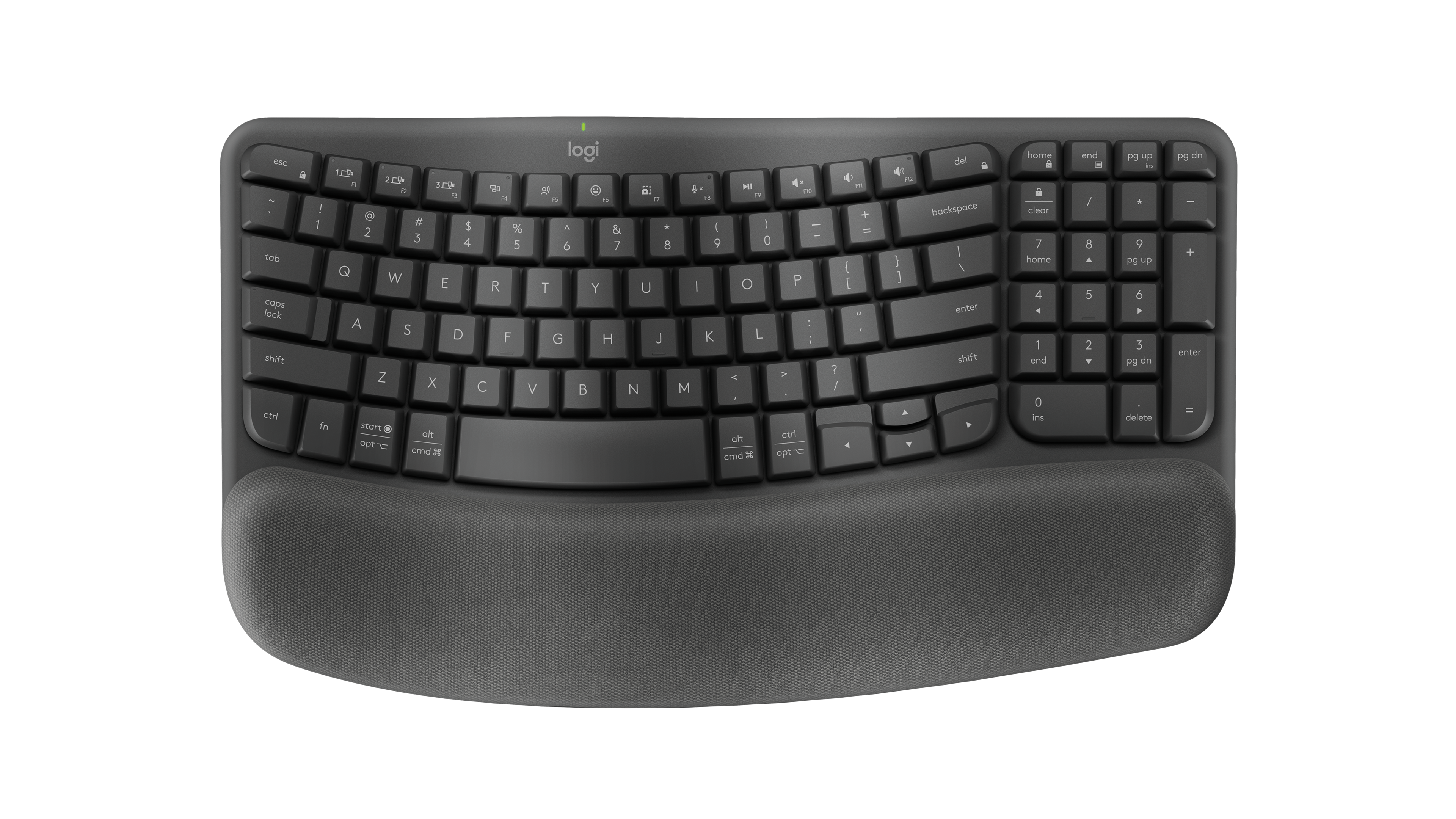
Logitech's wireless ergonomic keyboard with a wave-shaped key layout, a number pad and a built-in cushioned palm rest, running on two AAA batteries, suited to people who want a more natural typing posture without a split keyboard.
- Layout
- Full size
- Switches
- Membrane
- Backlight
- None
- Battery
- 36 months
- Connects by
- Bluetooth and USB receiver
- Weight
- 750 g
What reviewers say
Reviewers mostly find the wave shape and cushioned palm rest comfortable, and note very quiet typing, long battery life and easy connection to three devices. Opinions on the keys differ: RTINGS found them somewhat mushy and the layout cramped, and PC Gamer found typing lifeless and the ergonomics too basic, while TechRadar and Trusted Reviews rated it highly for office work.
From rtings.com, pcgamer.com, techradar.com and trustedreviews.com
Specifications
Report a wrong or missing specTyping
- Layout
- Full size
- Switches
- Membrane
- Backlight
- None
- Keys labelled for
- Mac, Windows and more
- Touch ID
- No
- Switches
- Plunger keys; 1.5 mm actuation distance, 50 g actuation force (55 g for the space bar), rated for 10 million keystrokes
- Key travel
- 2.5 mm total travel
- Keycaps
- Dual-printed Windows and Mac legends
- Layouts
- Compact wave-shaped layout with a number pad
- Special keys
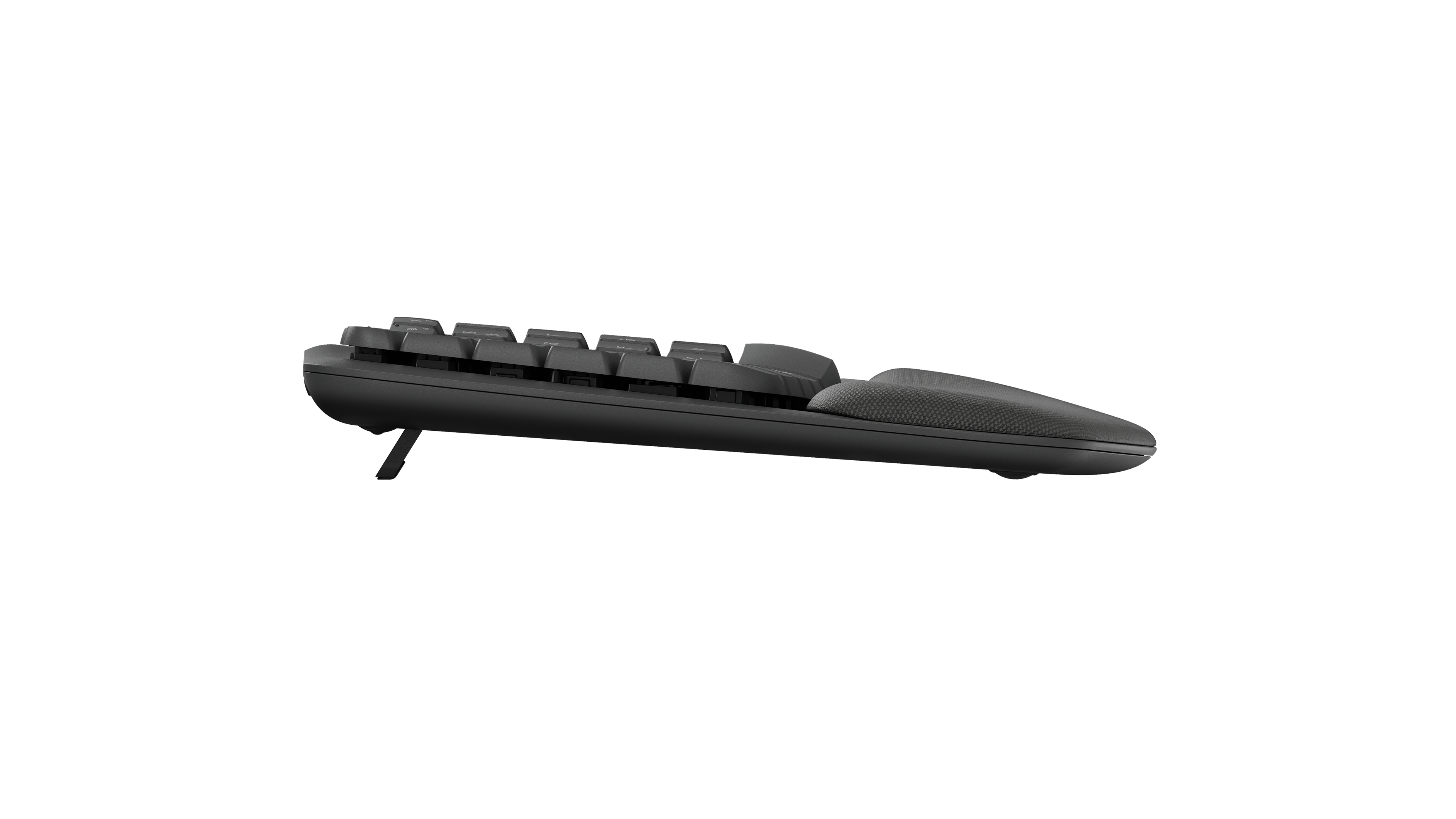
- Three Easy-Switch keys; Caps Lock and battery indicator lights; function keys and shortcuts customisable in Logi Options+; on/off switch; tilt legs (+4°)
Connections and battery
- Connects by
- Bluetooth and USB receiver
- Devices it switches between
- 3
- Power
- AAA battery
- Battery life (maker's claim)
- Up to 36 months
- Receiver
- Logi Bolt USB receiver (included) or Bluetooth Low Energy; up to three devices
- Battery life detail
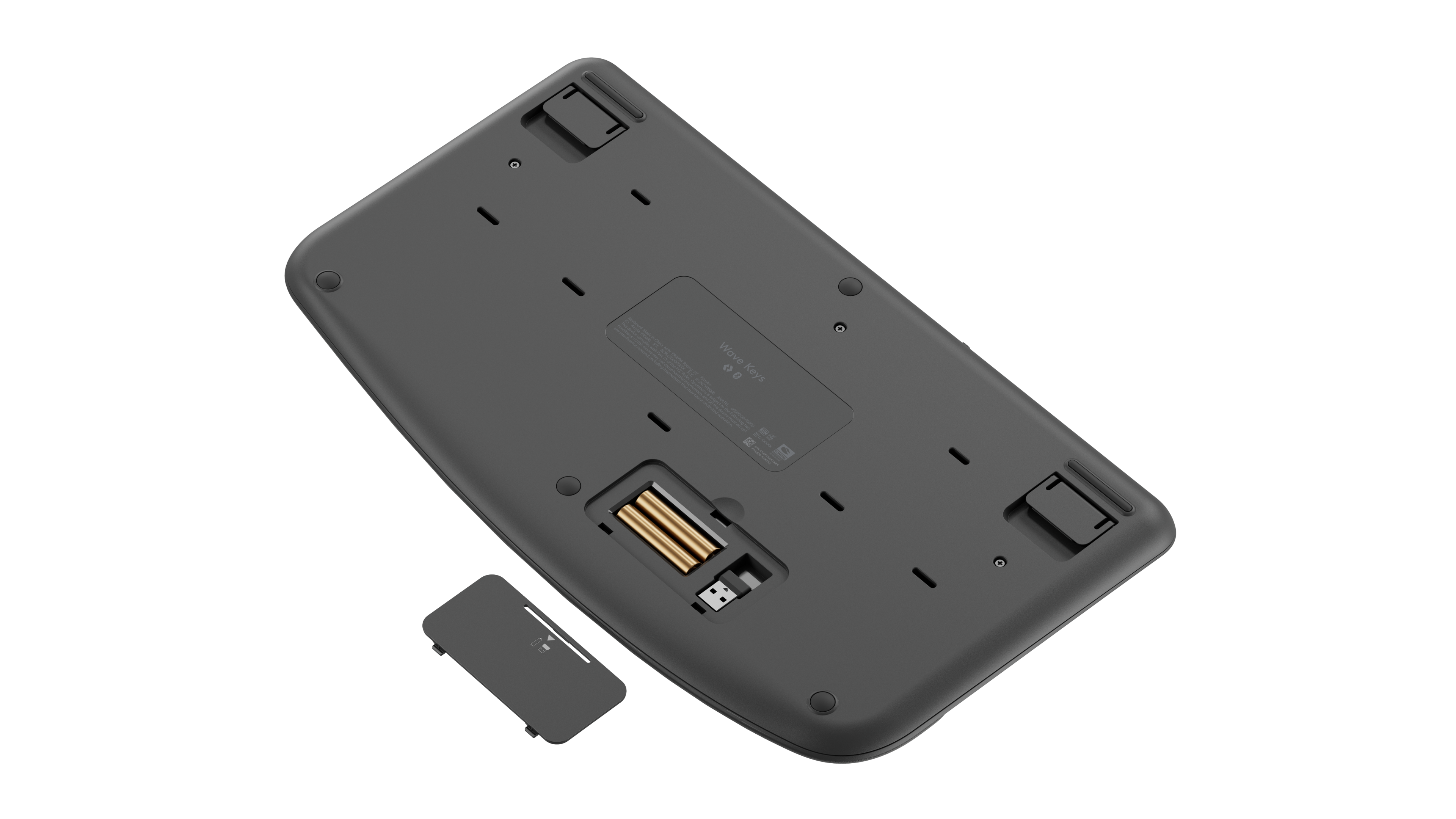
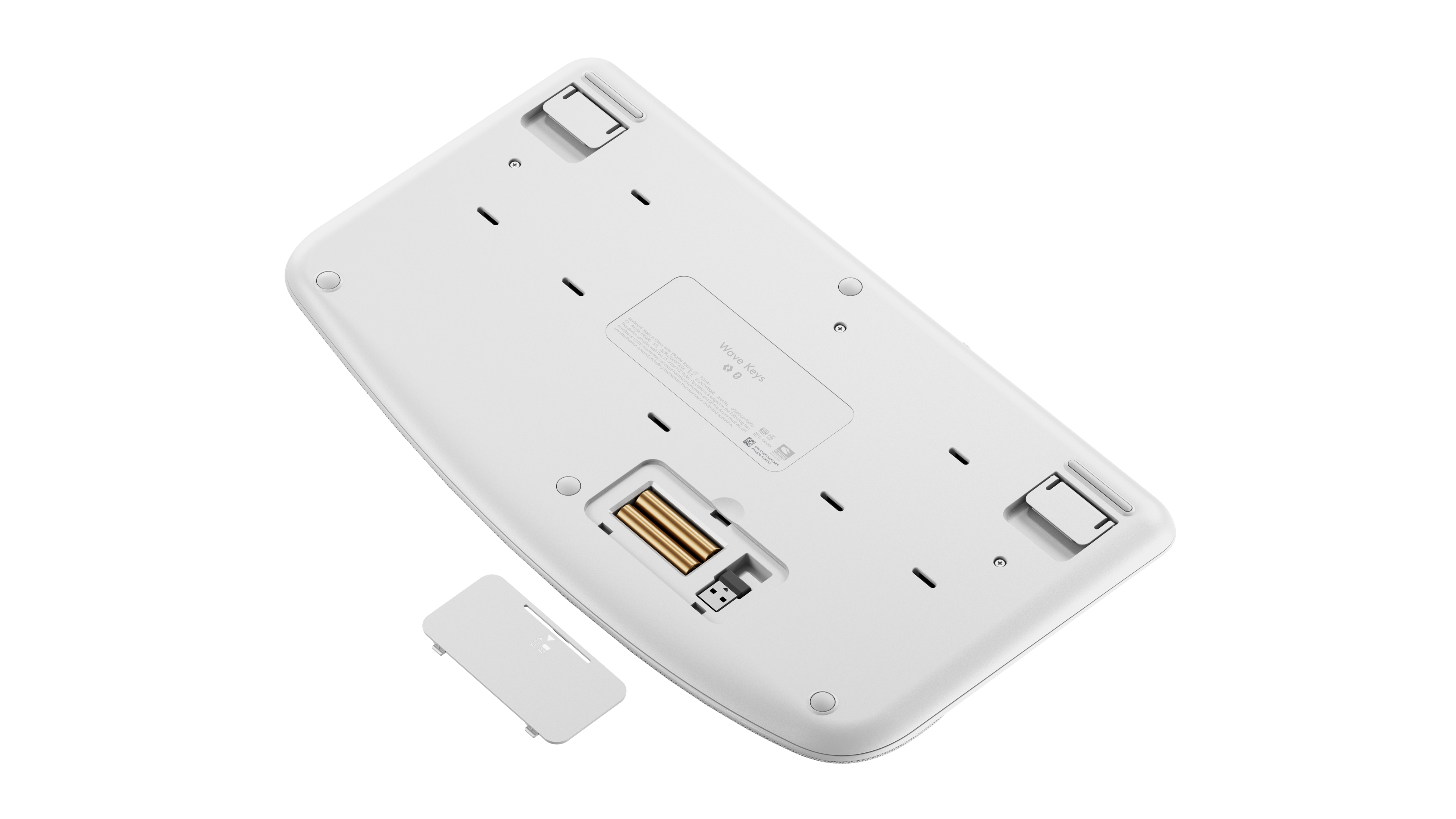
- Two AAA batteries (included, user-replaceable); up to 36 months
- Works with
- Logi Bolt with Windows 10, 11 or later, macOS 11 or later, Linux and ChromeOS; Bluetooth with the same plus iPadOS 14 or later, iOS 14 or later and Android 9.0 or later; basic functions without software on systems other than Windows and macOS
- Software
- Logi Options+ on Windows and macOS (Smart Actions, app-specific shortcuts); Logitech Flow with a Flow-enabled Logitech mouse
Design
- Weight
- 750 g
- Width × depth × height
- 375.97 × 218.91 × 30.53 mm
- Size
- 375.97 × 218.91 × 30.53 mm; 750 g with batteries, 685 g without (support specification)
- Materials
- Virgin ABS keycaps; top and bottom case in post-consumer recycled ABS; palm rest with three layers of memory foam
- Colours
- Graphite, Off-White, Rose; Wave Keys for Mac and Wave Keys for Business are sold separately
- In the box
- Keyboard, Logi Bolt USB receiver, two AAA batteries, quick start guide
- Warranty
- 2-year limited hardware warranty
Pros and cons
Pros
- Wave-shaped layout and a palm rest with three layers of memory foam; certified by United States Ergonomics
- Up to 36 months on two AAA batteries
- Logi Bolt receiver in the box as well as Bluetooth; switches between three devices
Cons
- No backlight
- The palm rest can't be removed
- Weighs 750 g with batteries
Closest rivals
Model | Layout | Switches | Backlight | Battery | Connects by | Weight | Released |
|---|---|---|---|---|---|---|---|
| Full size | Scissor | White | 5 months | Bluetooth and USB receiver | 810 g | Jun 2023 | |
| Full size | Scissor | None | 8 months | Bluetooth, USB receiver and Cable | 623 g | May 2024 | |
| Full size | Scissor | None | 36 months | Bluetooth and USB receiver | 685 g | Mar 2024 |

Sources
- logitech.com/en-gb/shop/p/wave-keys-ergonomic-wireless
- support.logi.com/hc/en-gb/articles/17176652037783-Specification-Wave-Keys
- support.logi.com/hc/en-gb/articles/17176664895383-Warranty-Wave-Keys
- news.logitech.com/press-releases/news-details/2023/Logitech-Introduces-Ergonomi…
Photo: resource.logitech.com
- Logitech Wave Keys in Graphite, underside view.: Logitech
- Logitech Wave Keys in Off-white, underside view.: Logitech
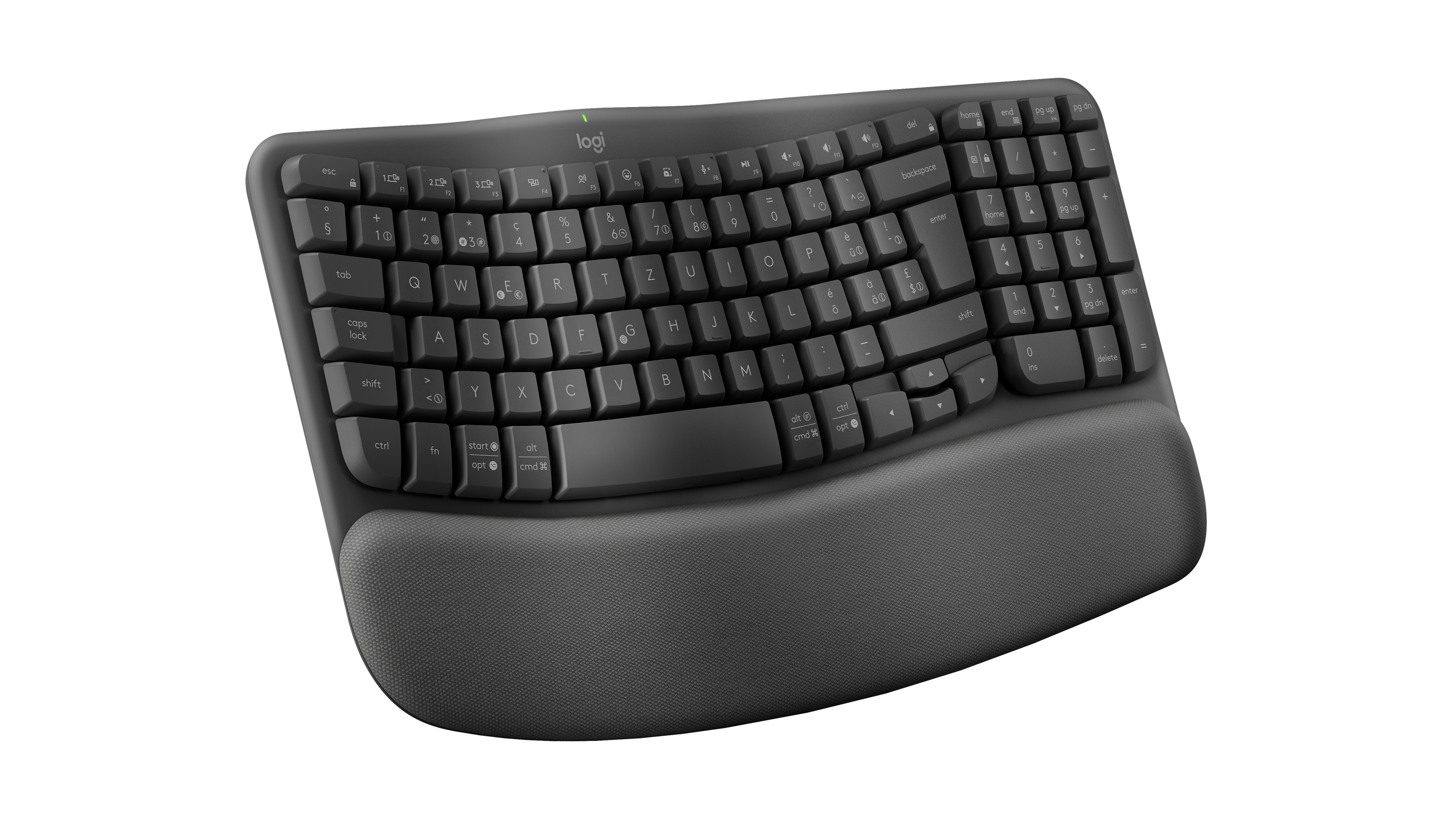
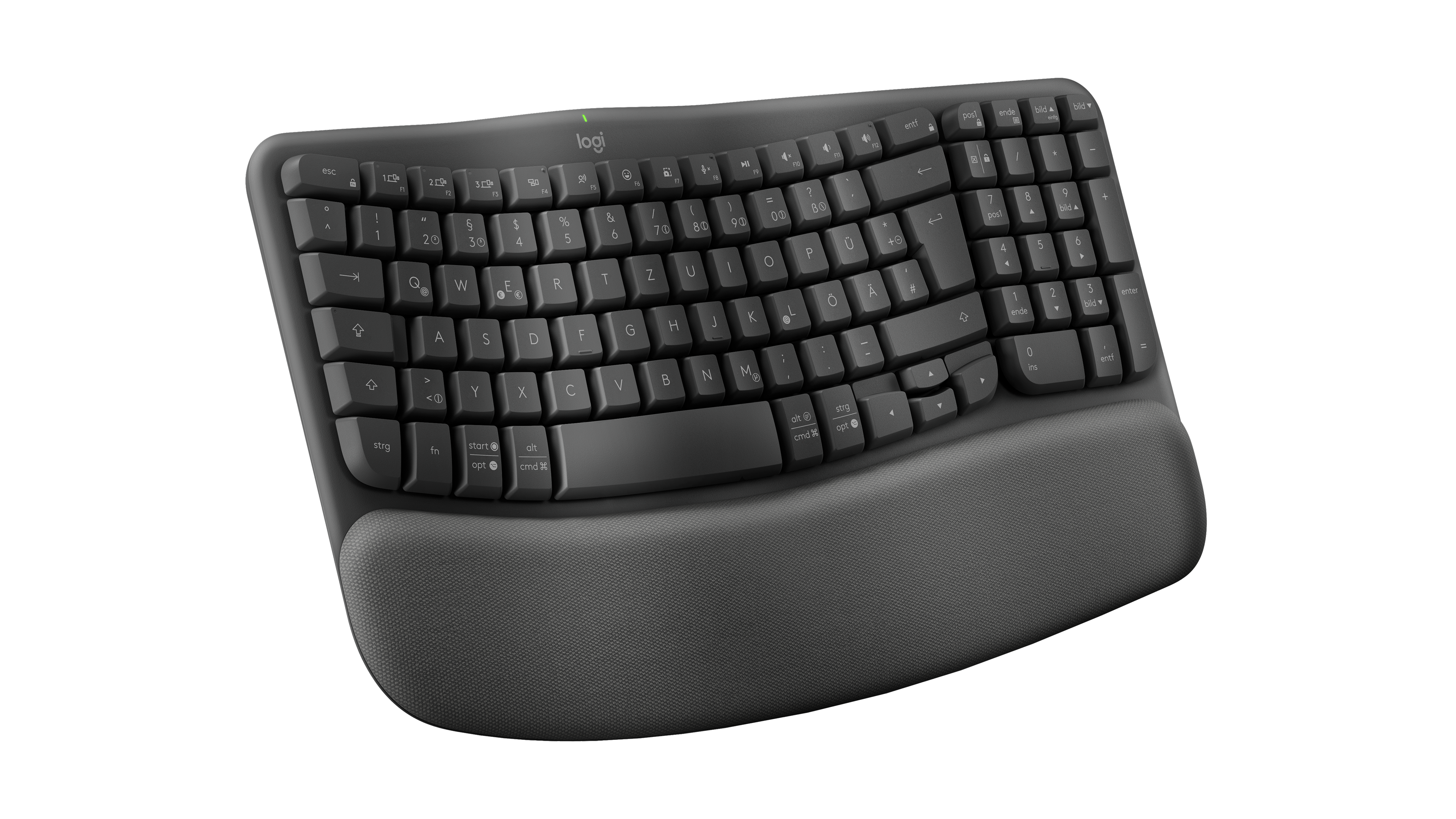
- Logitech Wave Keys in Graphite, three-quarter view from the left, showing Swiss QWERTZ legends.: Logitech
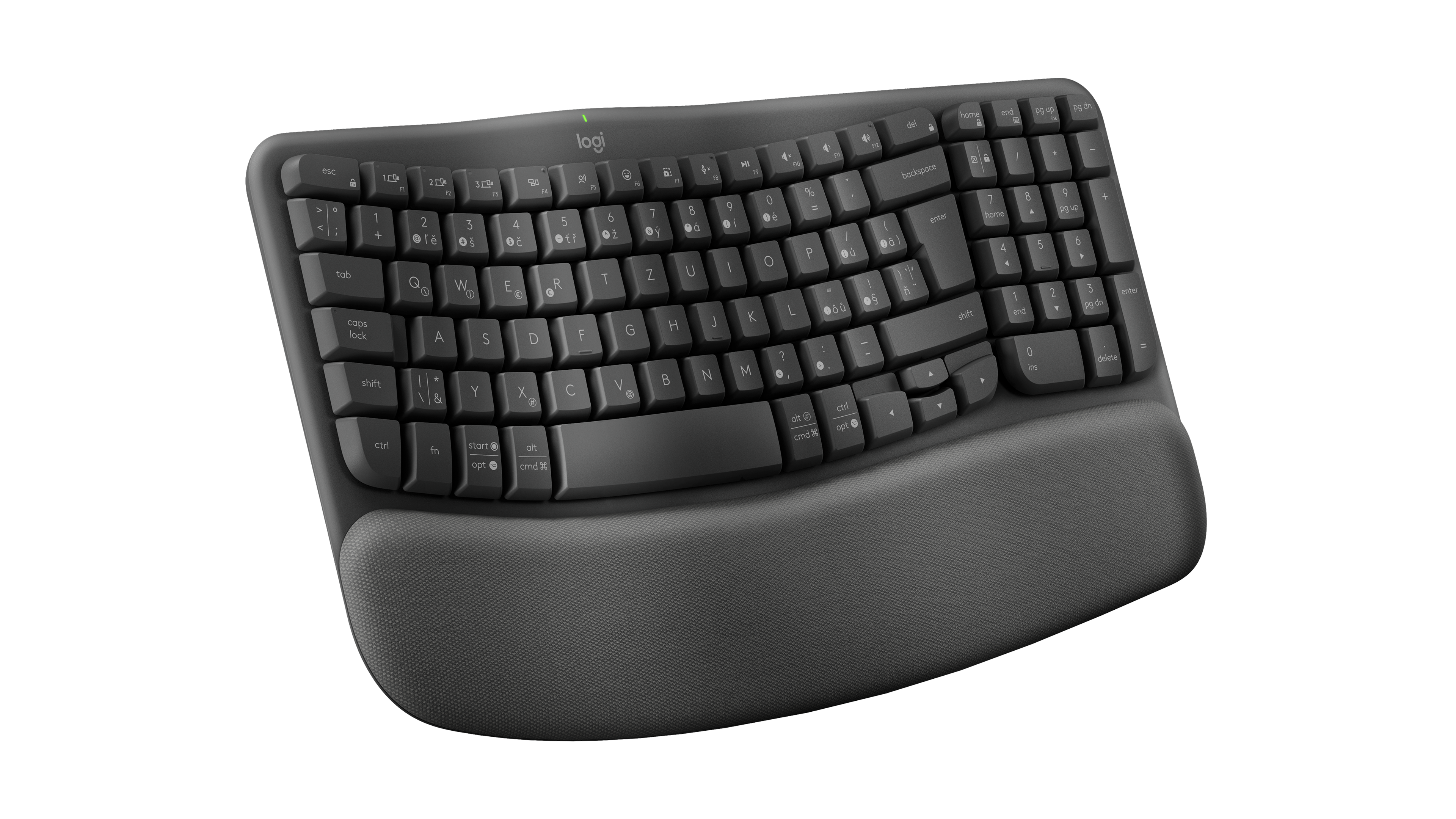
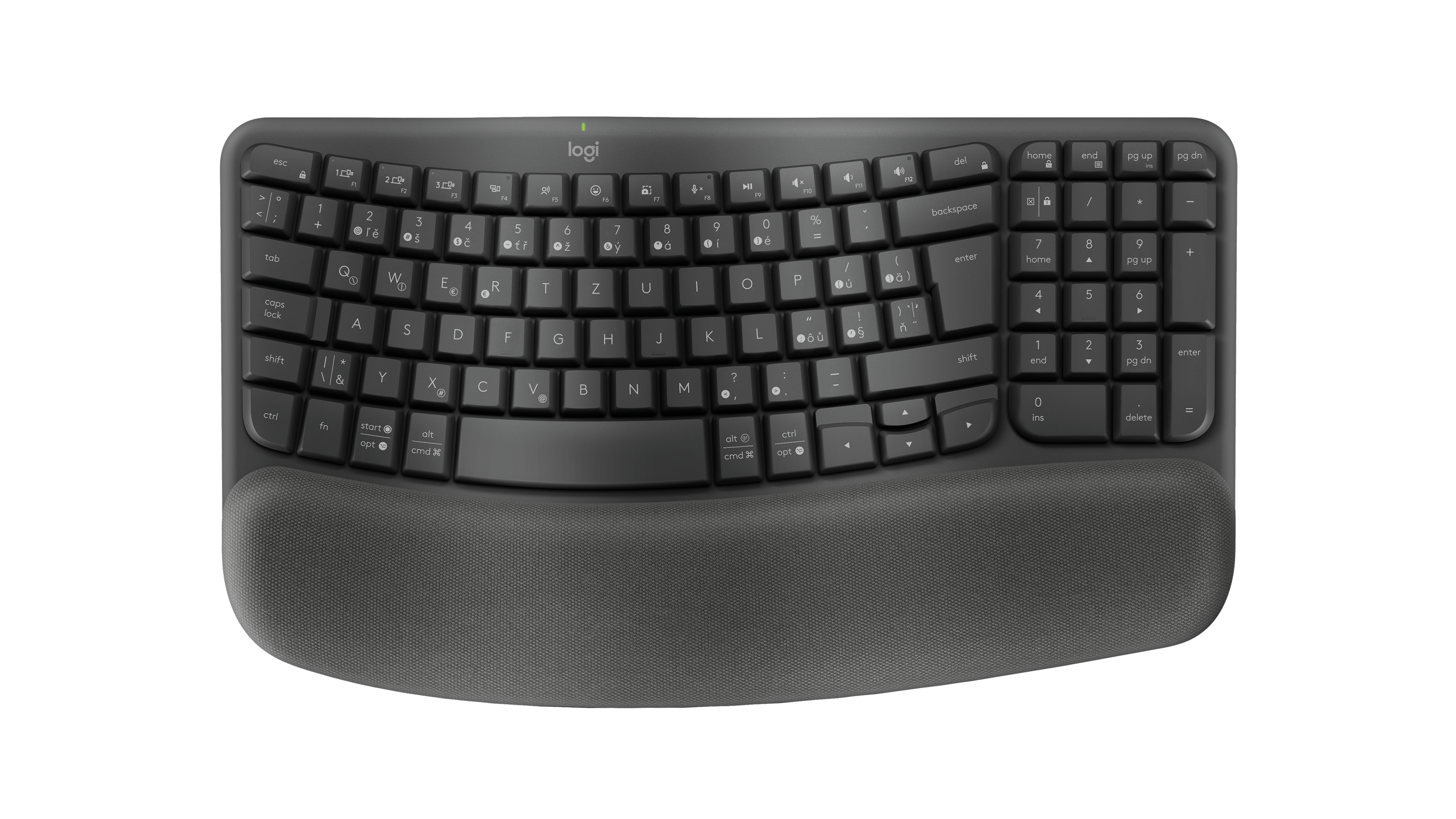
- Logitech Wave Keys in Graphite, three-quarter view from the left, showing Czech and Slovak QWERTZ legends.: Logitech
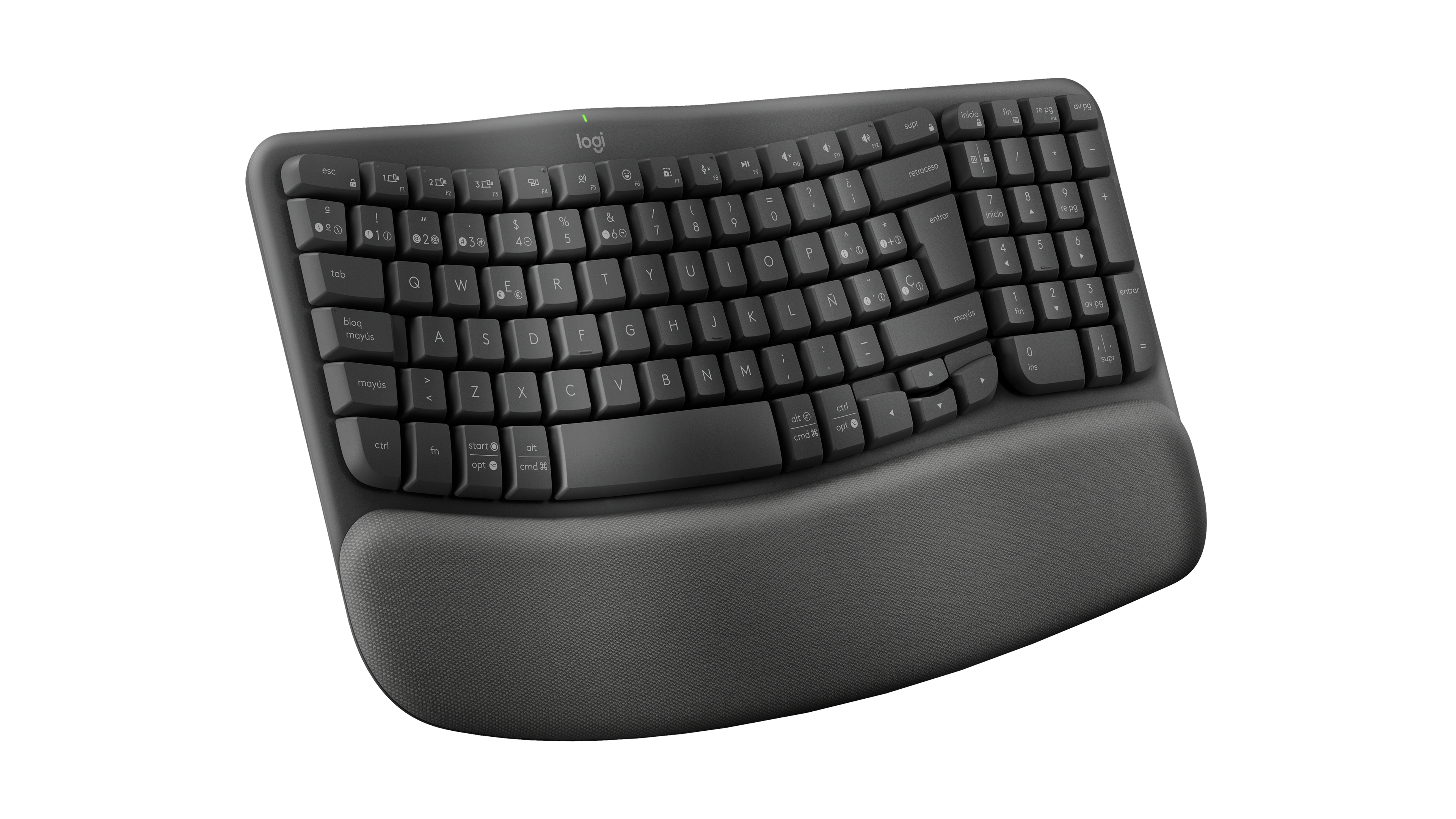
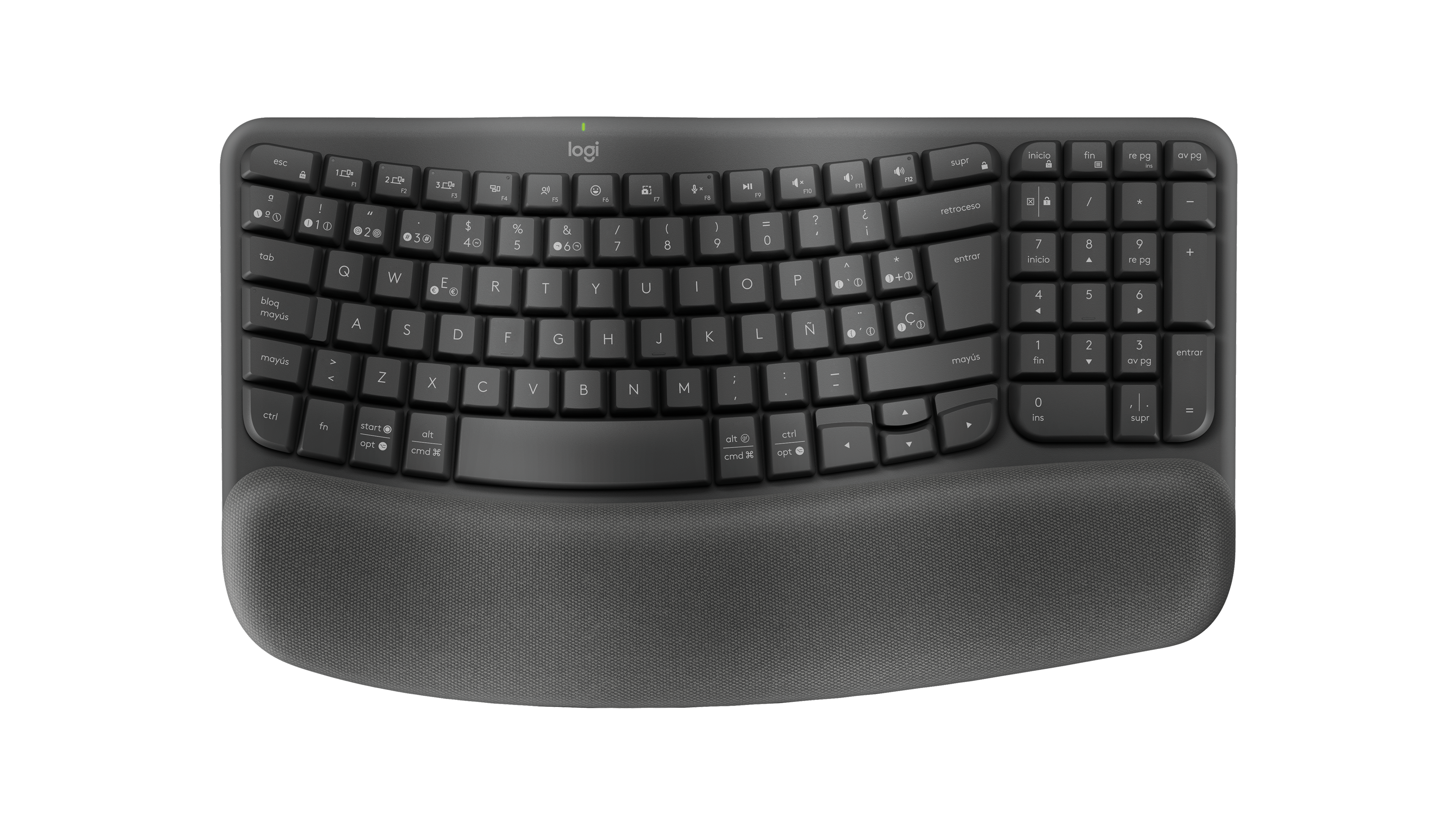
- Logitech Wave Keys in Graphite, three-quarter view from the left, showing Spanish QWERTY legends.: Logitech
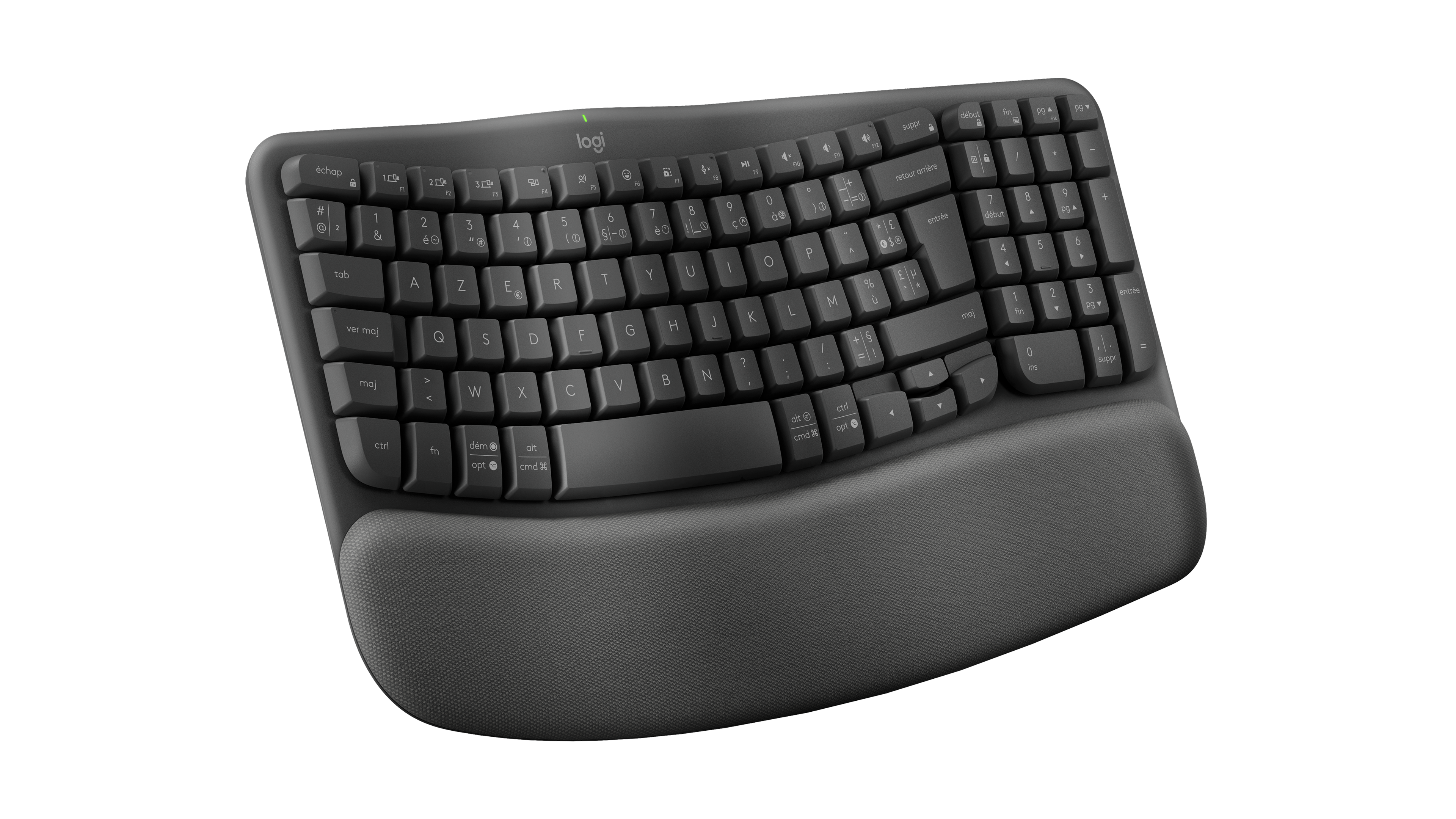
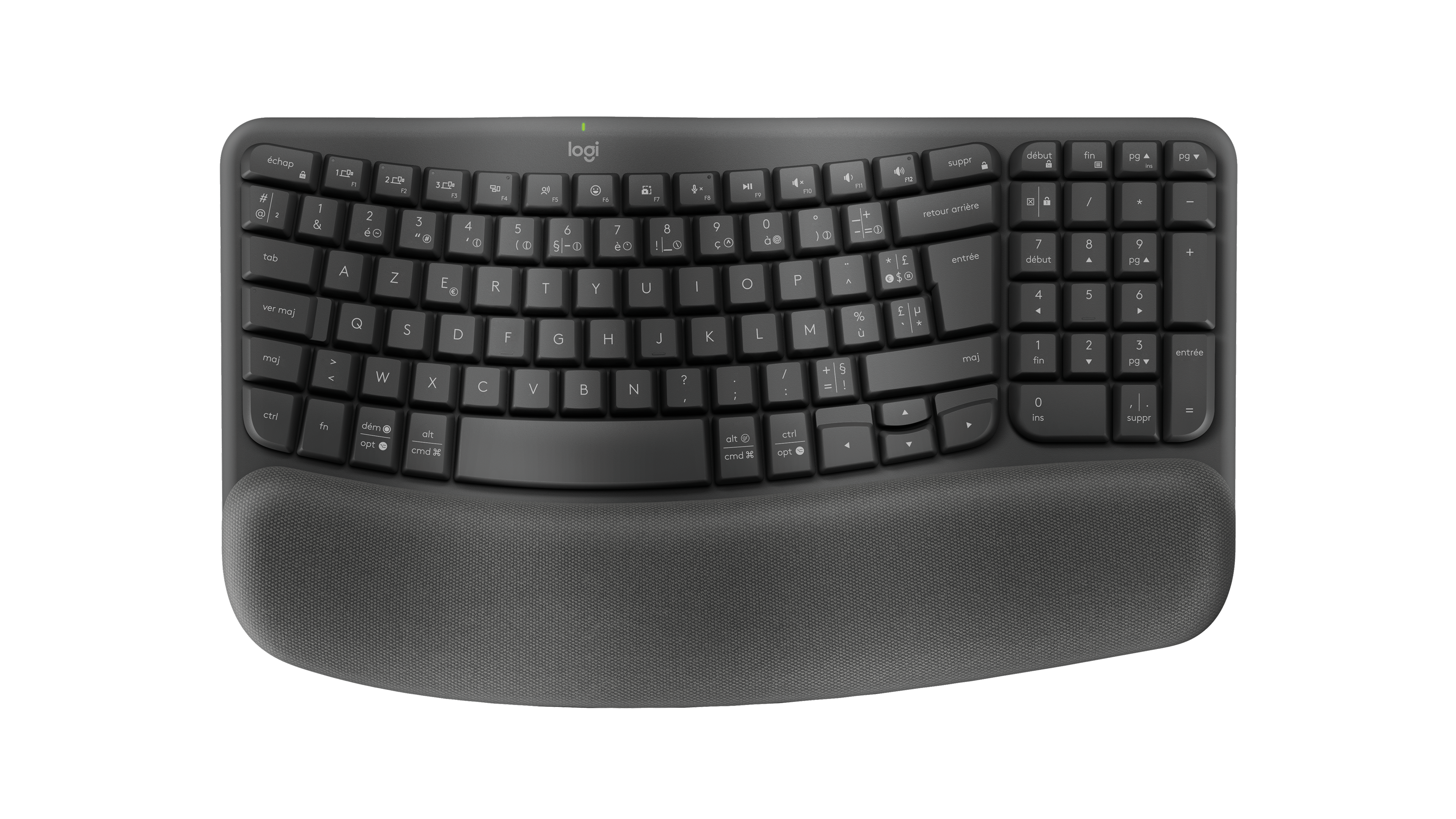
- Logitech Wave Keys in Graphite, three-quarter view from the left, showing French AZERTY legends.: Logitech
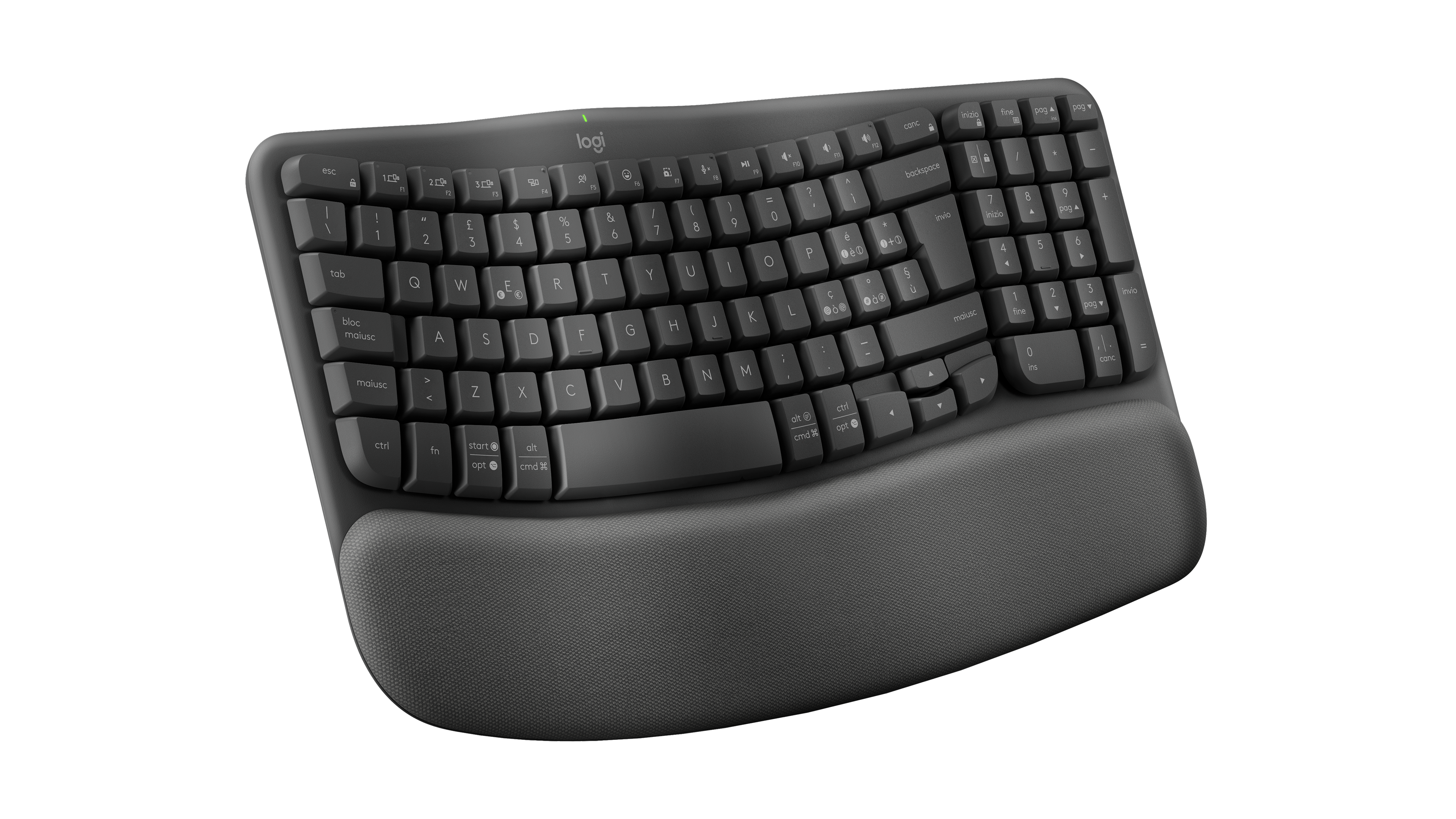
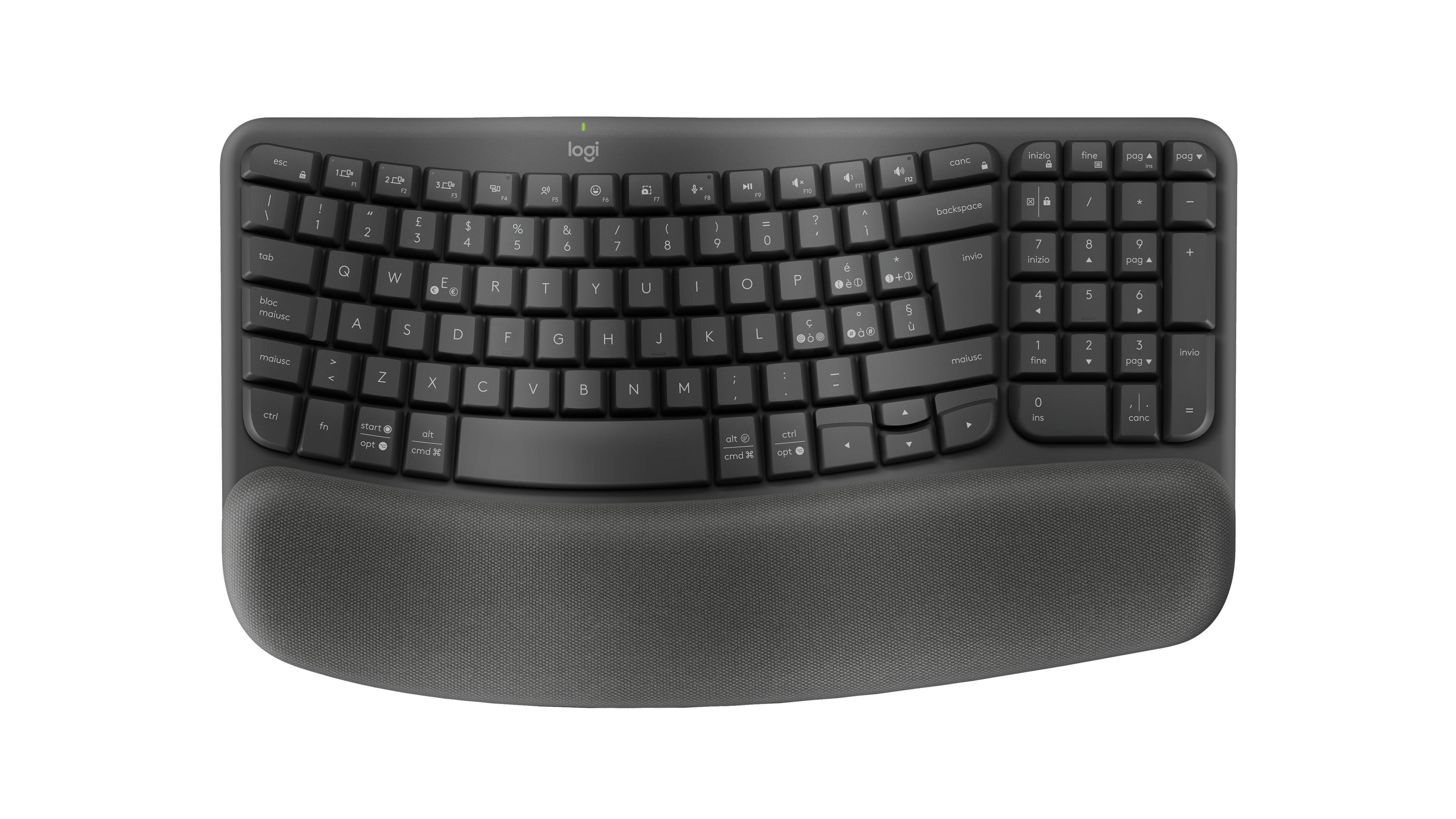
- Logitech Wave Keys in Graphite, three-quarter view from the left, showing Italian QWERTY legends.: Logitech
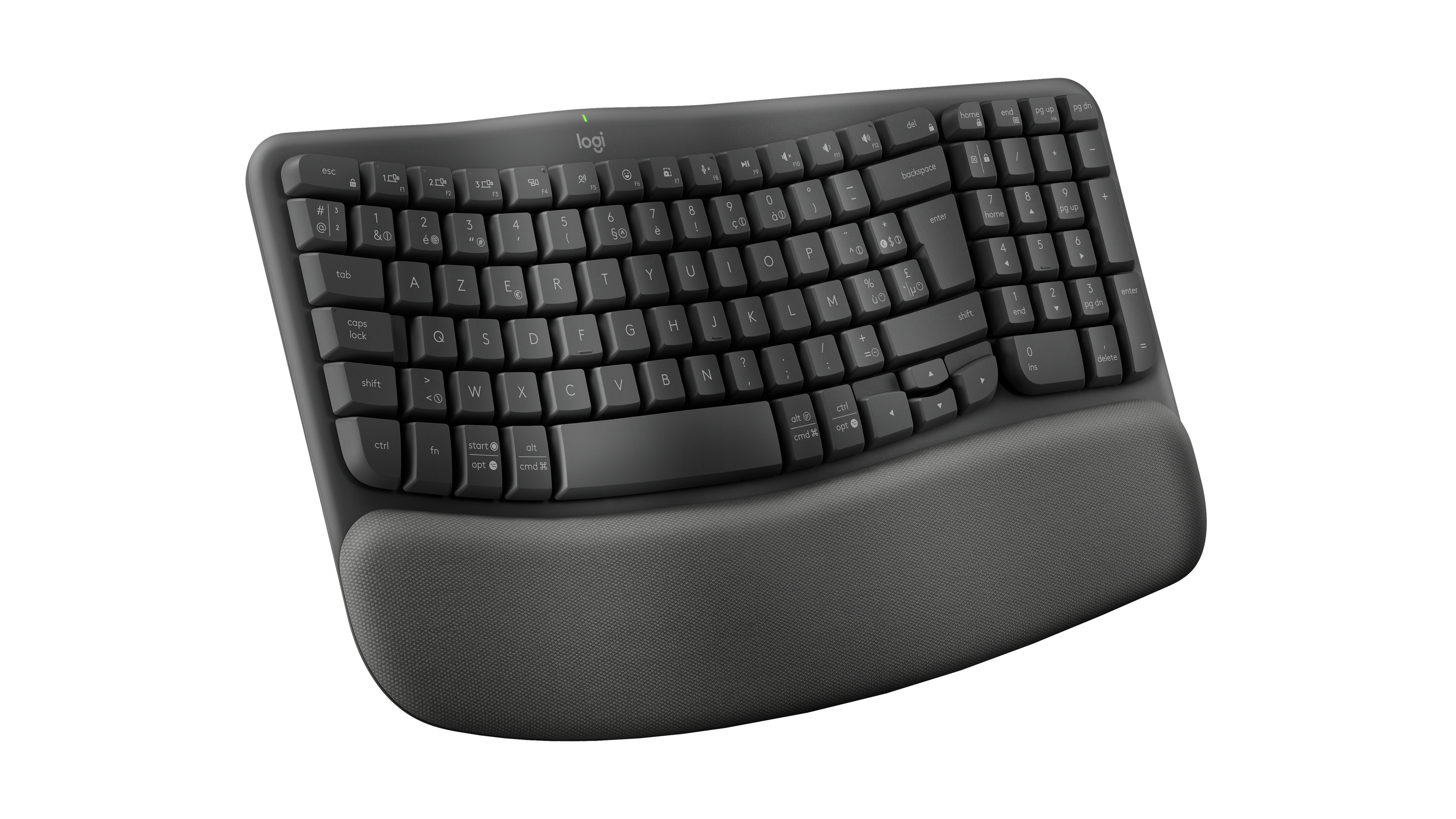
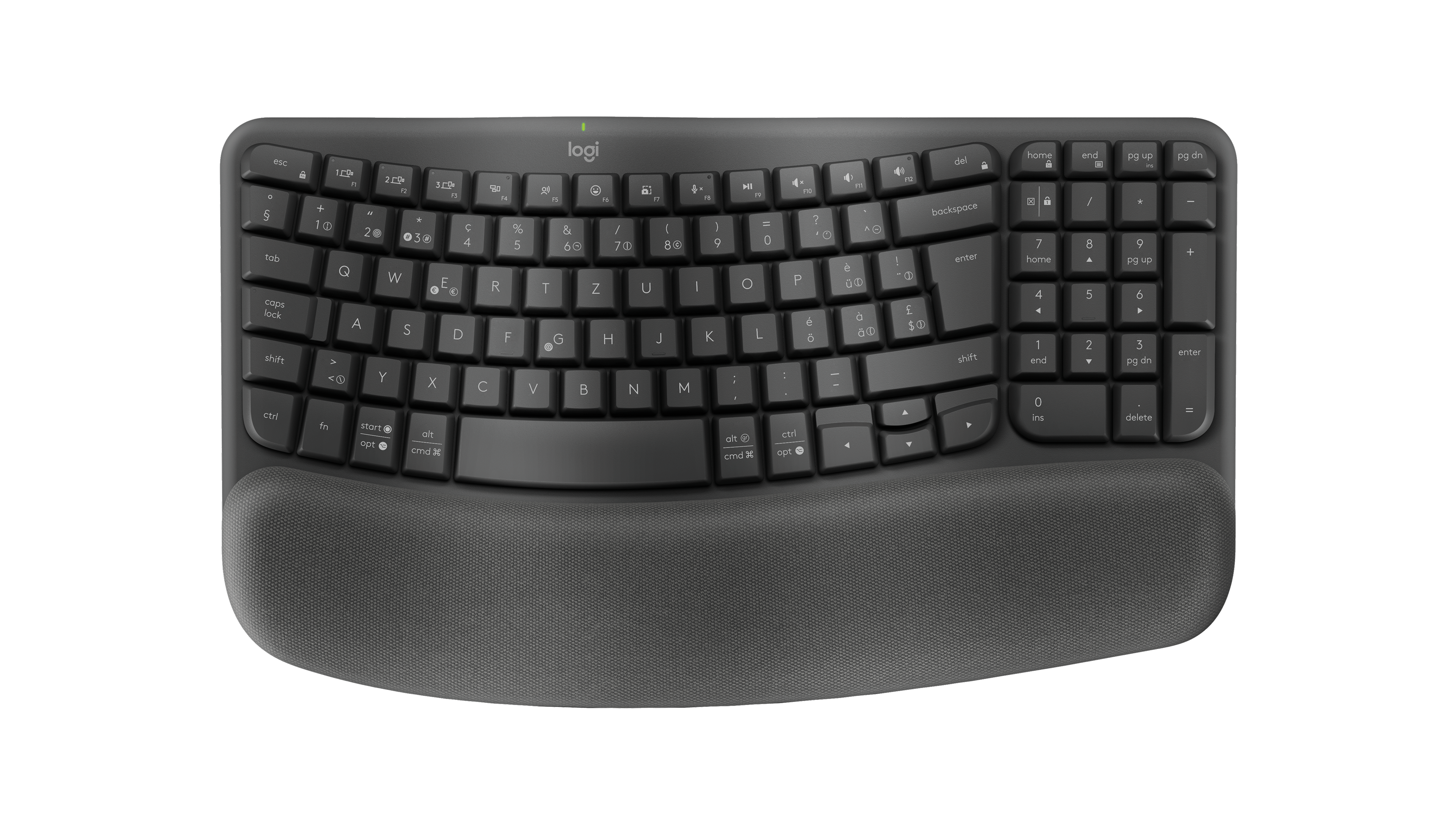
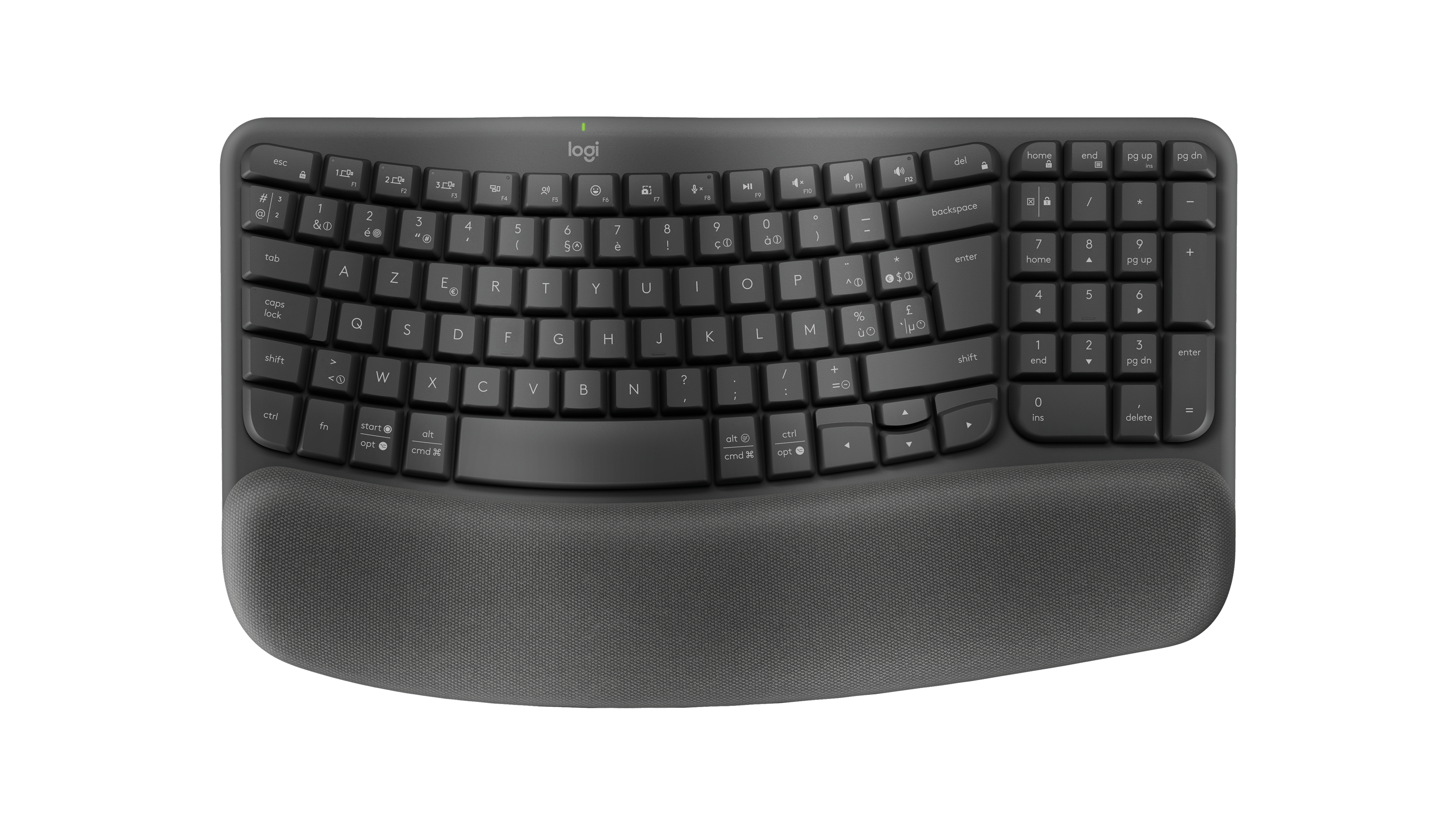
- Logitech Wave Keys in Graphite, three-quarter view from the left, showing Belgian AZERTY legends.: Logitech
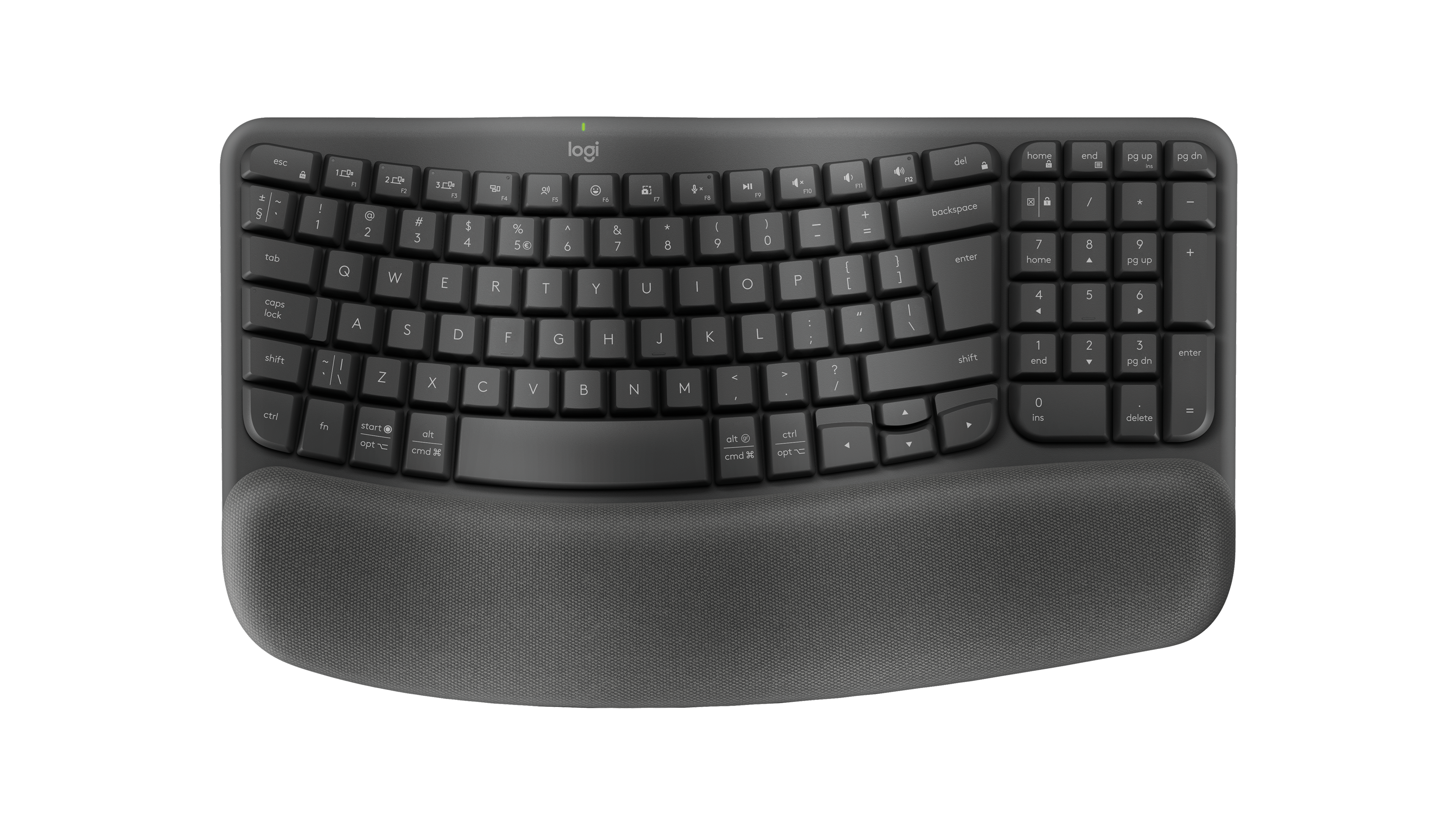
- Logitech Wave Keys in Graphite, three-quarter view from the left, showing US ANSI QWERTY legends.: Logitech
- Logitech Wave Keys in Graphite, three-quarter view from the left, showing US International QWERTY legends.: Logitech
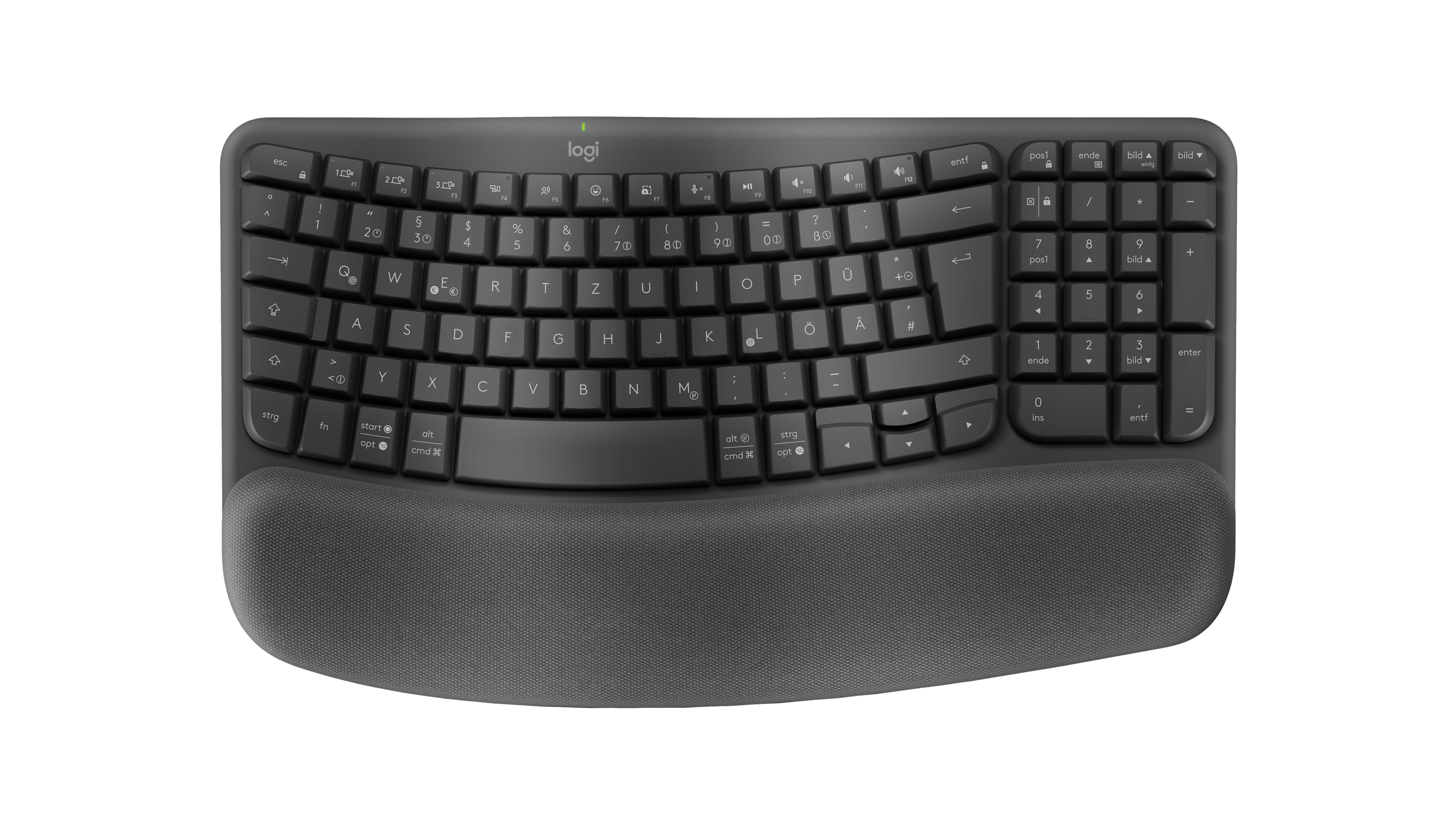
- Logitech Wave Keys in Graphite, three-quarter view from the left, showing German QWERTZ legends.: Logitech
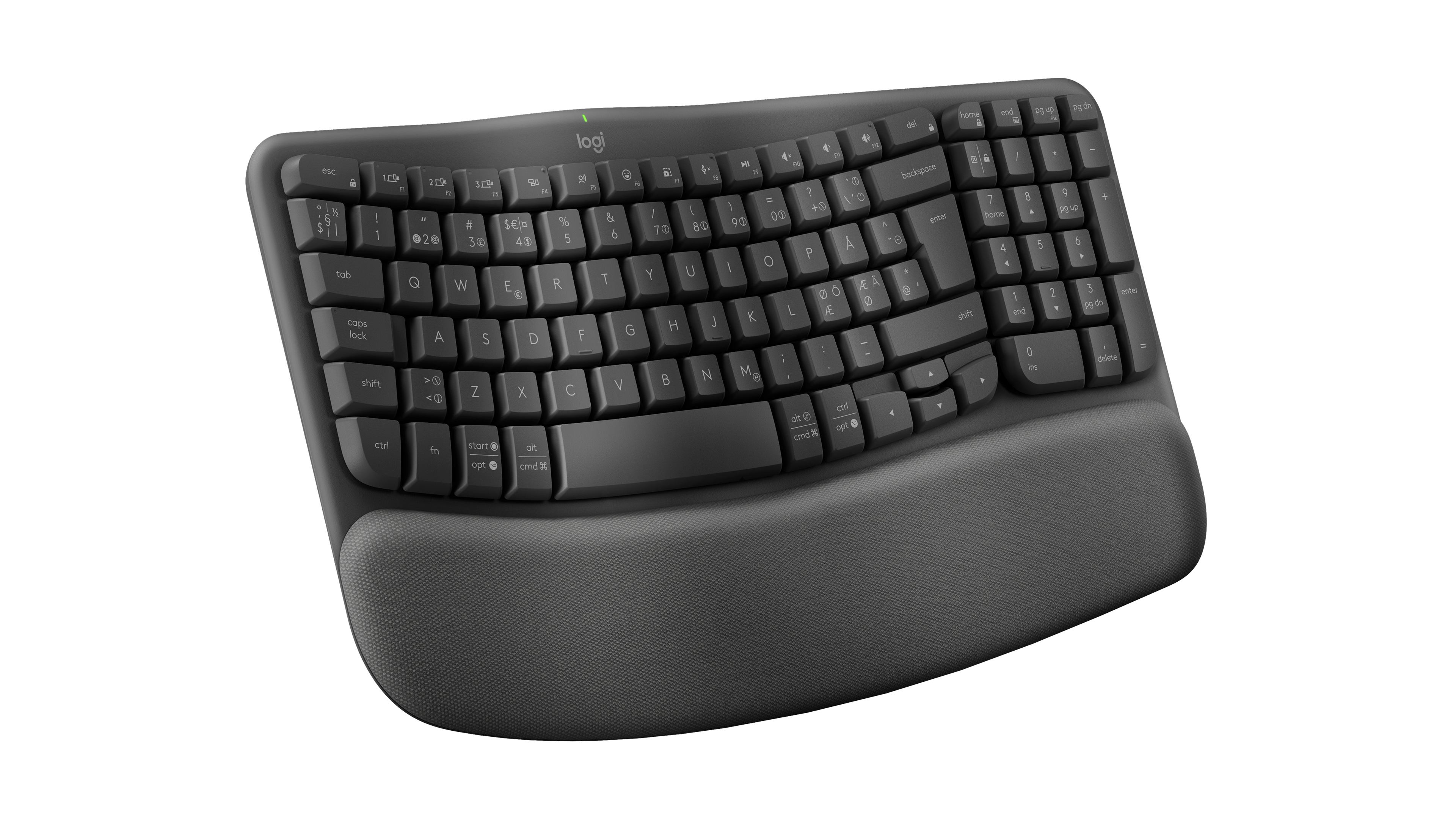
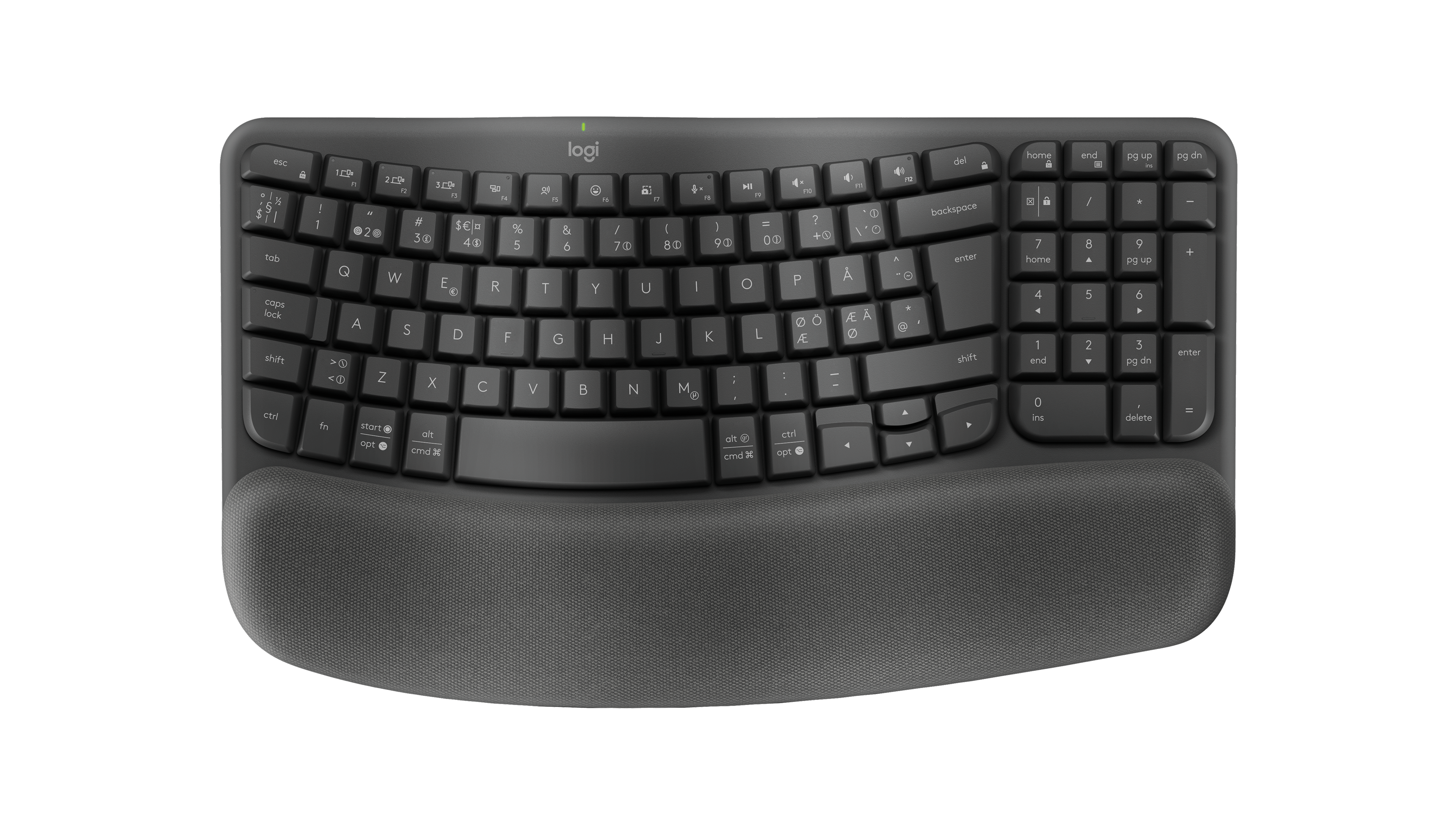
- Logitech Wave Keys in Graphite, three-quarter view from the left, showing Nordic QWERTY legends.: Logitech
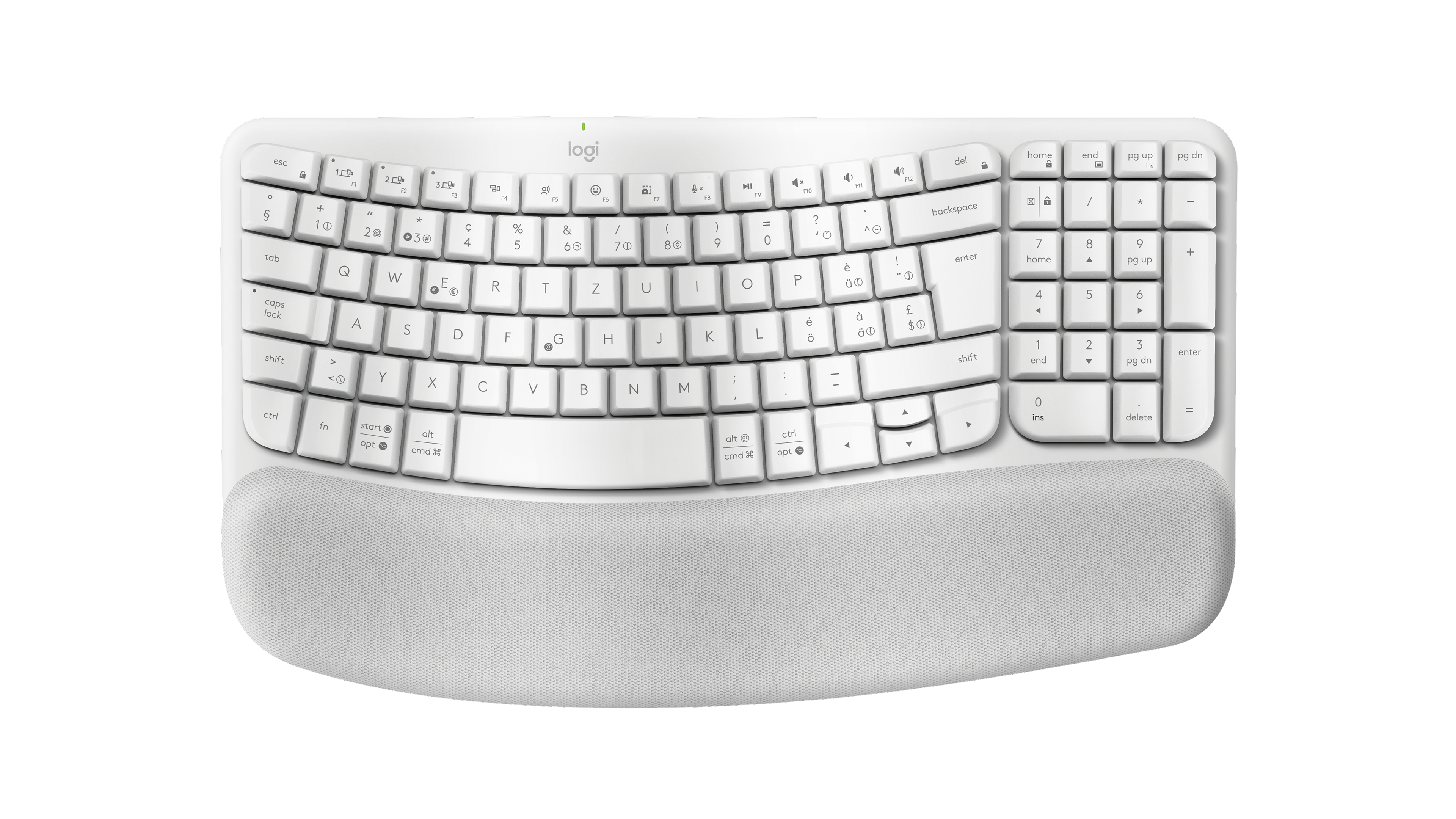
- Logitech Wave Keys in Off-white, three-quarter view from the left, showing Swiss QWERTZ legends.: Logitech
- Logitech Wave Keys in Off-white, three-quarter view from the left, showing Italian QWERTY legends.: Logitech
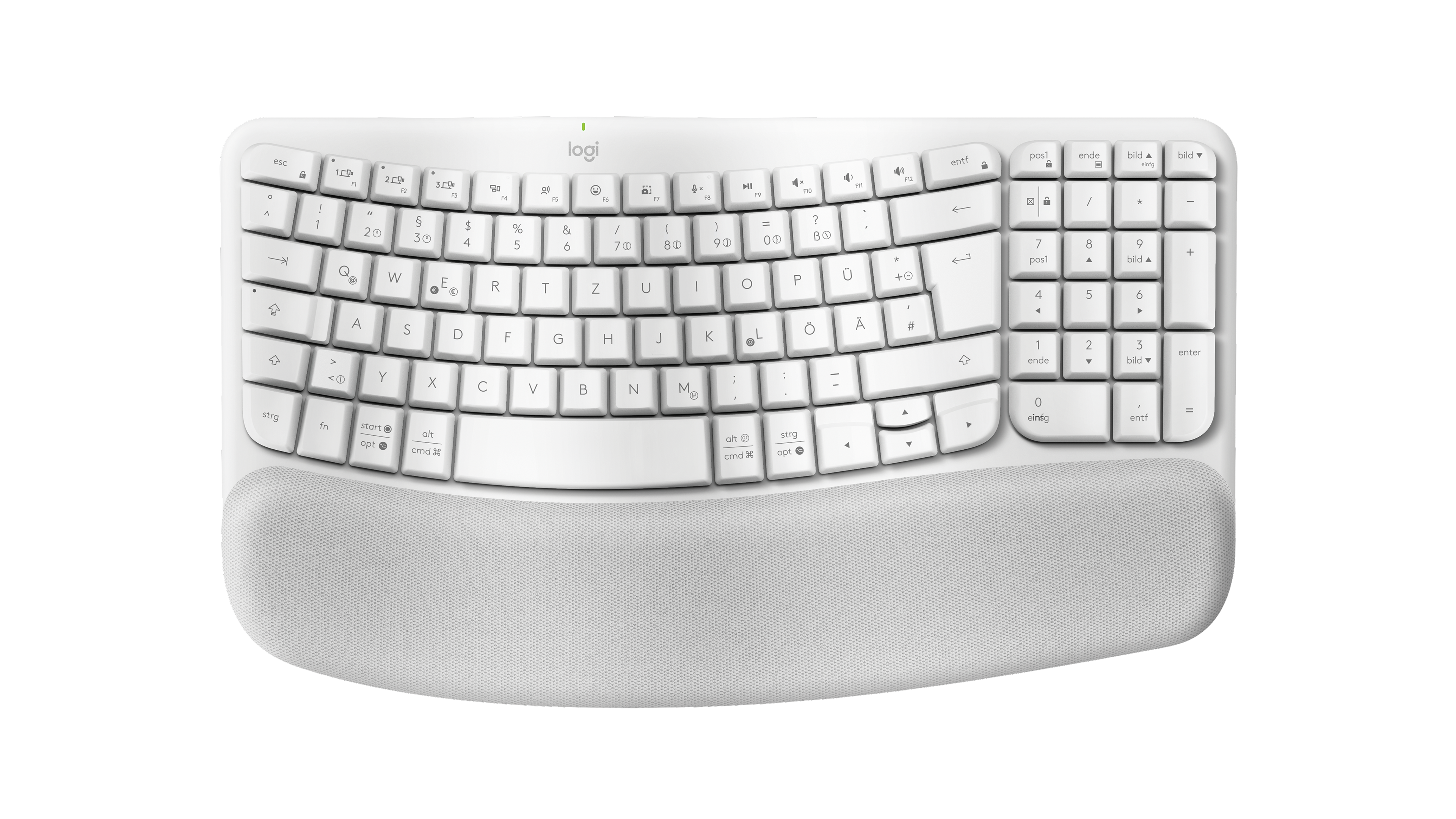
- Logitech Wave Keys in Off-white, three-quarter view from the left, showing German QWERTZ legends.: Logitech
- Logitech Wave Keys in Off-white, three-quarter view from the left, showing Nordic QWERTY legends.: Logitech
- Logitech Wave Keys in Graphite, three-quarter top view, showing US ANSI QWERTY legends.: Logitech
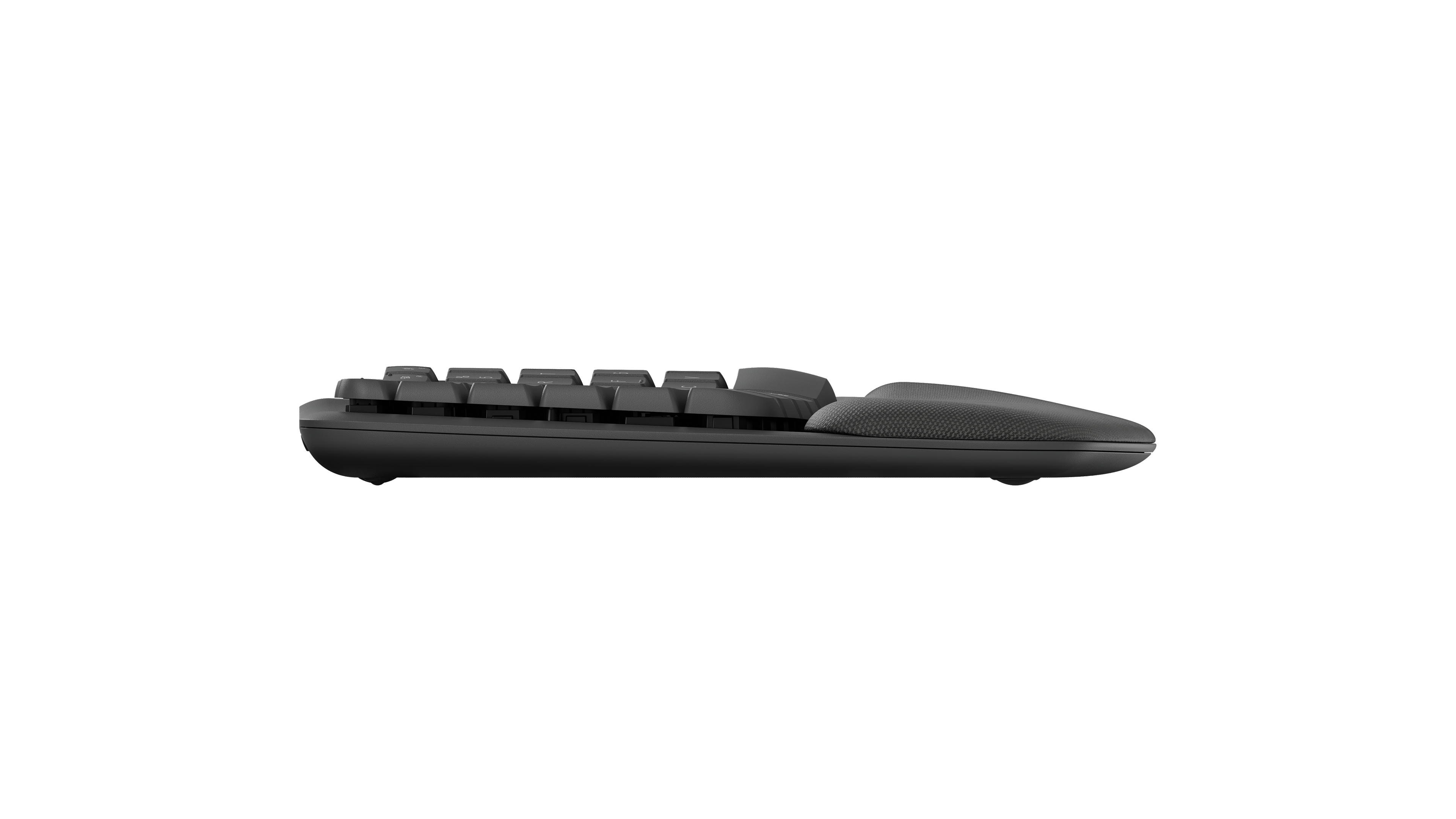
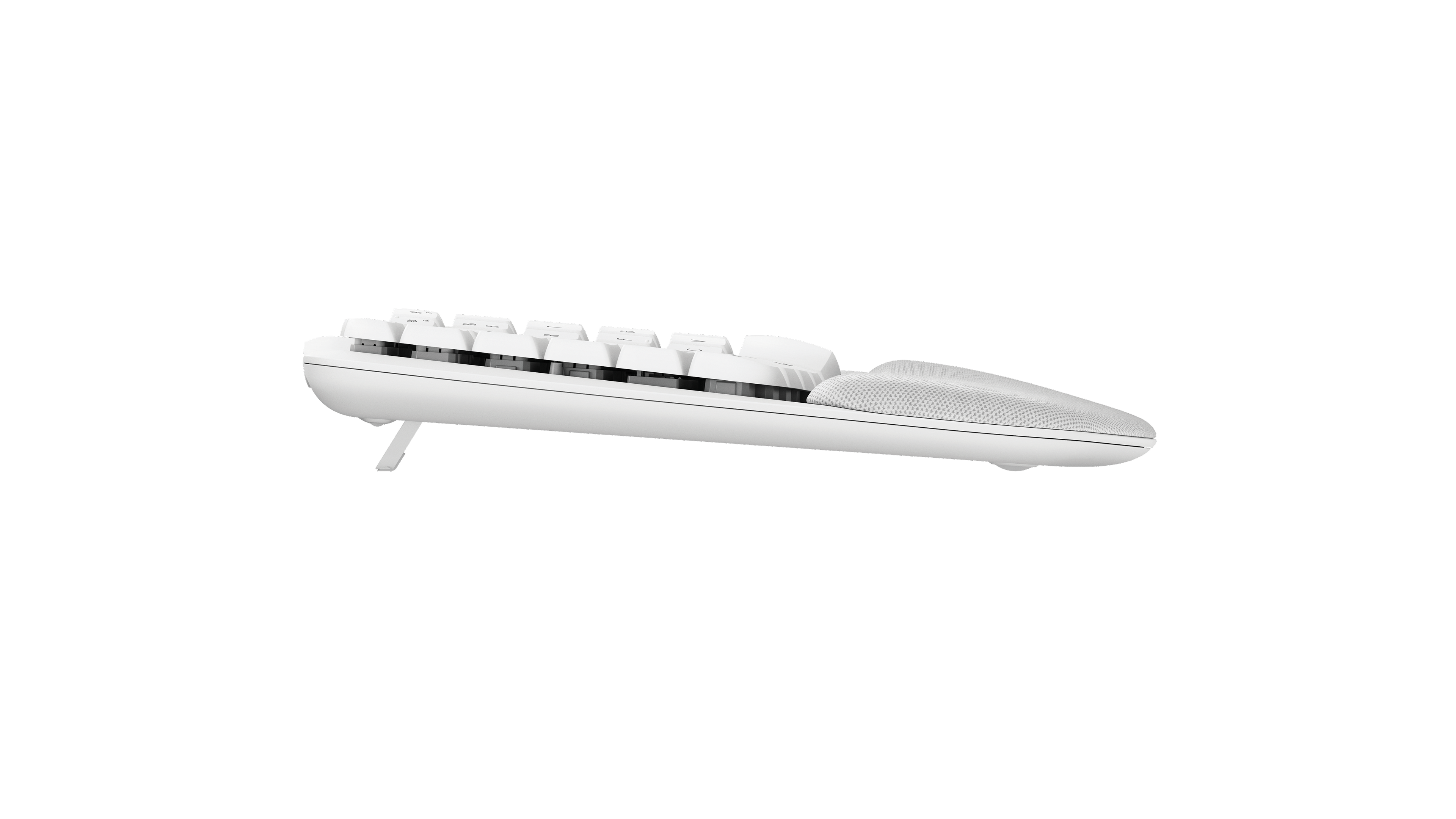
- Logitech Wave Keys in Graphite, side profile.: Logitech
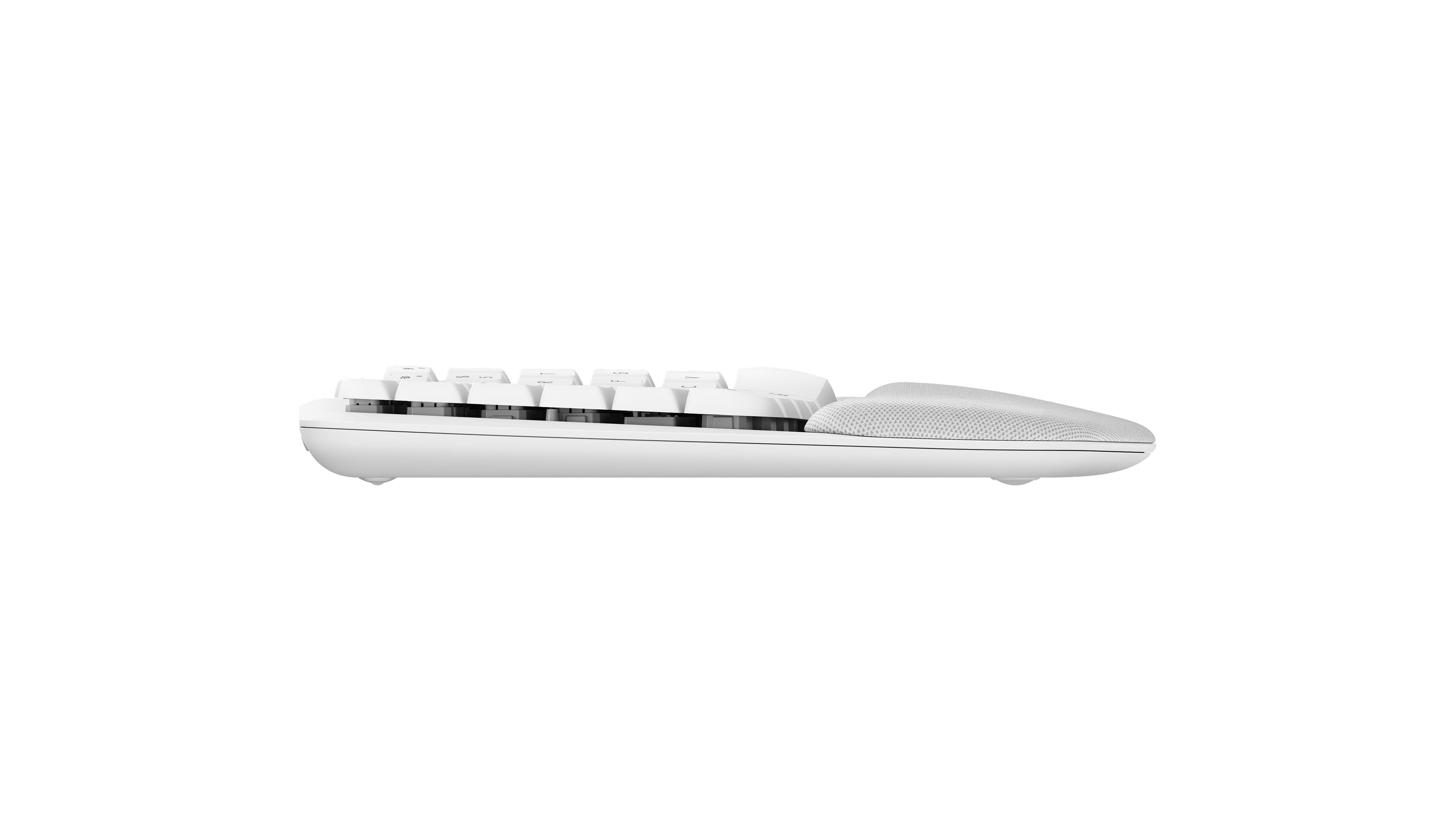
- Logitech Wave Keys in Off-white, side profile.: Logitech
- Logitech Wave Keys in Graphite, side profile with rear support leg open; rear support leg is open.: Logitech
- Logitech Wave Keys in Off-white, side profile with rear support leg open; rear support leg is open.: Logitech
- Logitech Wave Keys in Graphite, top angled view, showing Swiss QWERTZ legends.: Logitech
- Logitech Wave Keys in Graphite, top angled view, showing Czech and Slovak QWERTZ legends.: Logitech
- Logitech Wave Keys in Graphite, top angled view, showing German QWERTZ legends.: Logitech
- Logitech Wave Keys in Graphite, top angled view, showing Spanish QWERTY legends.: Logitech
- Logitech Wave Keys in Graphite, top angled view, showing French AZERTY legends.: Logitech
- Logitech Wave Keys in Graphite, top angled view, showing Italian QWERTY legends.: Logitech
- Logitech Wave Keys in Graphite, top angled view, showing Belgian AZERTY legends.: Logitech
- Logitech Wave Keys in Graphite, top angled view, showing Nordic QWERTY legends.: Logitech
- Logitech Wave Keys in Graphite, top angled view, showing US International QWERTY legends.: Logitech
- Logitech Wave Keys in Off-white, top angled view, showing Swiss QWERTZ legends.: Logitech
- Logitech Wave Keys in Off-white, top angled view, showing German QWERTZ legends.: Logitech
- Logitech Wave Keys in Off-white, top angled view, showing Italian QWERTY legends.: Logitech
- Logitech Wave Keys in Off-white, top angled view, showing Nordic QWERTY legends.: Logitech
- Wave Keys workspace photograph Off White 001b: Logitech company press library — High_Resolution_PNG-Wave Keys ENVR Off White 001b; complete supplied canvas and background retained
- Wave Keys workspace photograph Off White 003b: Logitech company press library — High_Resolution_PNG-Wave Keys ENVR Off White 003b; complete supplied canvas and background retained
- Wave Keys lifestyle photograph Off White 009b: Logitech company press library — High_Resolution_PNG-Wave Keys LIFE Off White 009b; complete supplied canvas and background retained
- Wave Keys lifestyle photograph Off White 011: Logitech company press library — High_Resolution_PNG-Wave Keys LIFE Off White 011; complete supplied canvas and background retained
- Wave Keys lifestyle photograph Off White 010: Logitech company press library — High_Resolution_PNG-Wave Keys LIFE Off White 010; complete supplied canvas and background retained
- Wave Keys workspace photograph Off White 002a: Logitech company press library — High_Resolution_PNG-Wave Keys ENVR Off White 002a; complete supplied canvas and background retained
- Wave Keys workspace photograph Off White 002b: Logitech company press library — High_Resolution_PNG-Wave Keys ENVR Off White 002b; complete supplied canvas and background retained
- Wave Keys Leti Combo for MAC keyboard-and-mouse composition top view Off White German layout: Logitech company press library — High_Resolution_PNG-Wave Keys Leti Combo for MAC BOB TOP Off White DEU; complete supplied canvas and background retained
- Wave Keys for MAC angled studio view Off White German layout: Logitech company press library — High_Resolution_PNG-Wave Keys for MAC AMAZON Off White DEU; complete supplied canvas and background retained
- Wave Keys front studio view Off White US layout: Logitech company press library — High_Resolution_PNG-Wave Keys FOB Off White US; complete supplied canvas and background retained
- Wave Keys front studio view Graphite UK: Logitech company press library — High_Resolution_PNG-Wave Keys FOB Graphite UK; complete supplied canvas and background retained
- Wave Keys keyboard-and-mouse composition top view Off White pictured layout: Logitech company press library — High_Resolution_PNG-Wave Keys BOB TOP Off White PAN; complete supplied canvas and background retained
- Wave Keys angled studio view Curve Off White US layout: Logitech company press library — High_Resolution_PNG-Wave Keys BTY2 Curve Off White US; complete supplied canvas and background retained
- Wave Keys angled studio view Curve Graphite US layout: Logitech company press library — High_Resolution_PNG-Wave Keys BTY2 Curve Graphite US; complete supplied canvas and background retained
- Wave Keys keyboard-and-mouse composition top view Graphite pictured layout: Logitech company press library — High_Resolution_PNG-Wave Keys BOB TOP Graphite PAN; complete supplied canvas and background retained
- Wave Keys angled studio view Off White pictured layout: Logitech company press library — High_Resolution_PNG-Wave Keys AMAZON Off White PAN; complete supplied canvas and background retained
- Wave Keys angled studio view Graphite pictured layout: Logitech company press library — High_Resolution_PNG-Wave Keys AMAZON Graphite PAN; complete supplied canvas and background retained
- Wave Keys workspace photograph Off White 004: Logitech company press library — High_Resolution_JPG-Wave Keys ENVR Off White 004; complete supplied canvas and background retained