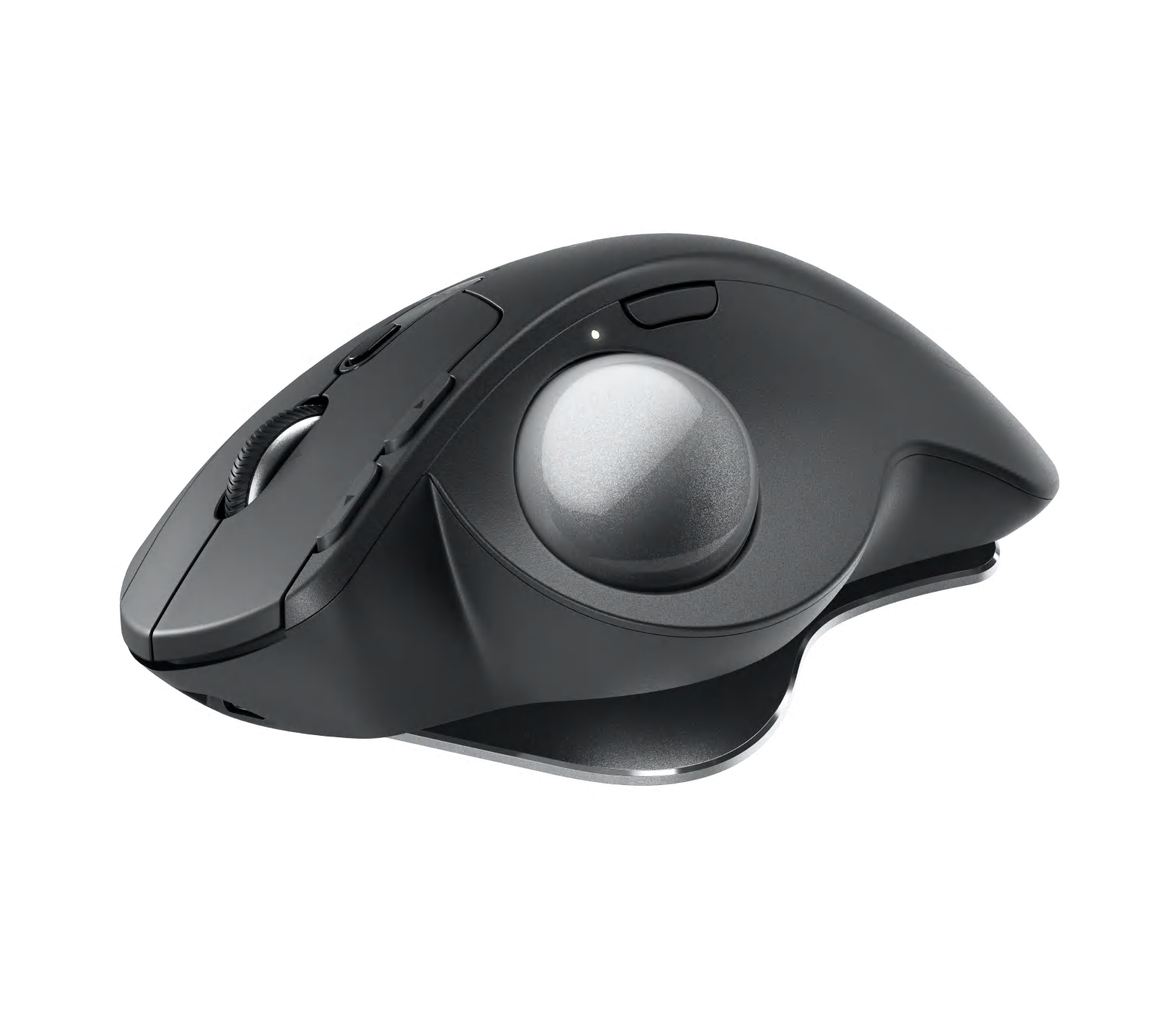
Photo 1 of 7
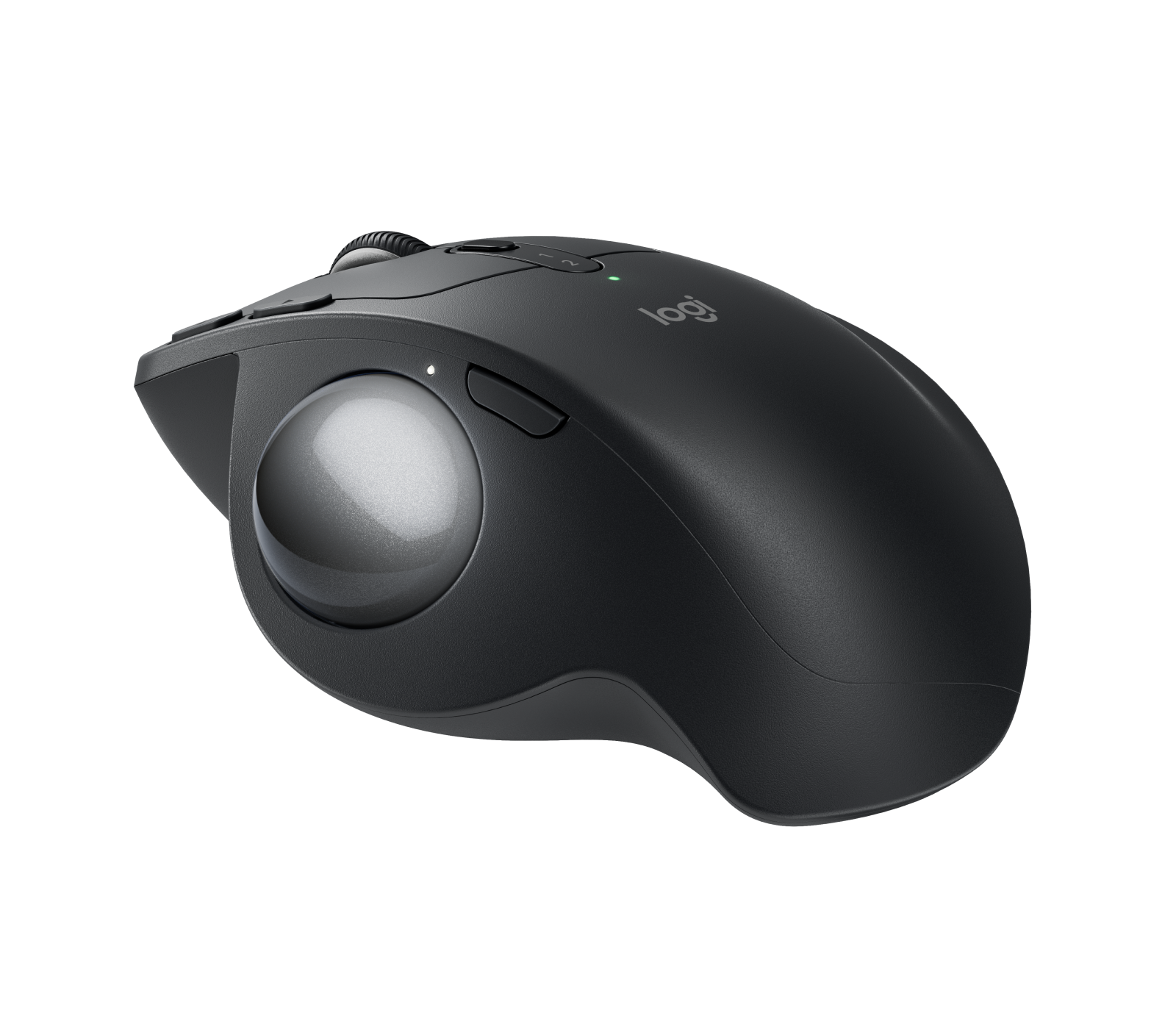
Logitech MX Ergo S · Photo source
Logitech · MX
MX Ergo S
Logitech's thumb-operated trackball with a tilting base, quiet clicks and USB-C charging, suited to right-handed users who want to move the cursor without moving their arm.
- Shape
- Trackball
- Buttons
- 8
- DPI
- 2,048
- Battery
- 120 days
- Connects by
- Bluetooth and USB receiver
- Weight
- 259 g
Specifications
Report a wrong or missing specTracking
- Shape
- Trackball
- Hand
- Right hand
- Sensitivity
- Up to 2,048 DPI
- Sensor
- Logitech Advanced Optical Tracking
- Buttons
- 8
- Free-spinning wheel
- No
- Thumb wheel
- No
- Quiet clicks
- Yes
- Sensor
- 512–2,048 DPI; precision mode button for slower, finer tracking; report rate 125 Hz over Logi Bolt and 88–133 Hz over Bluetooth
- Scroll wheel
- Precision scroll wheel with left and right tilt and middle click
Connections and battery
- Connects by
- Bluetooth and USB receiver
- Devices it switches between
- 2
- Power
- Rechargeable
- Battery life (maker's claim)
- Up to 120 days
- Charging port
- USB-C
- Receiver
- Logi Bolt USB-A receiver included
- Charging
- USB-C; a 1-minute charge gives 24 hours of use; full charge in 2 hours; 500 mAh battery; cable not included
- Works with
- Bluetooth 5.2 with Windows 10, 11 or later, macOS 12 or later, iPadOS 15 or later, Android 12 or later, Linux and ChromeOS; Logi Bolt with Windows 10, 11 or later, macOS 12 or later, Linux and ChromeOS
- Software
- Logi Options+ on Windows and macOS (Smart Actions, Logitech Flow)
Design
- Weight
- 259 g
- Size
- 132.5 × 99.8 × 51.4 mm (length × width × height); 259 g with the metal base plate, 164 g without
- Materials
- Plastics with 20% certified post-consumer recycled content; soft rubber grip; metal base plate with hinge; left and right buttons rated for 3 million clicks
- Colours
- Graphite
- In the box
- Trackball, Logi Bolt USB receiver, documentation (no cable)
- Warranty
- 2-year limited hardware warranty
Pros and cons
Pros
- Trackball under the thumb, so the mouse stays still and needs little desk space
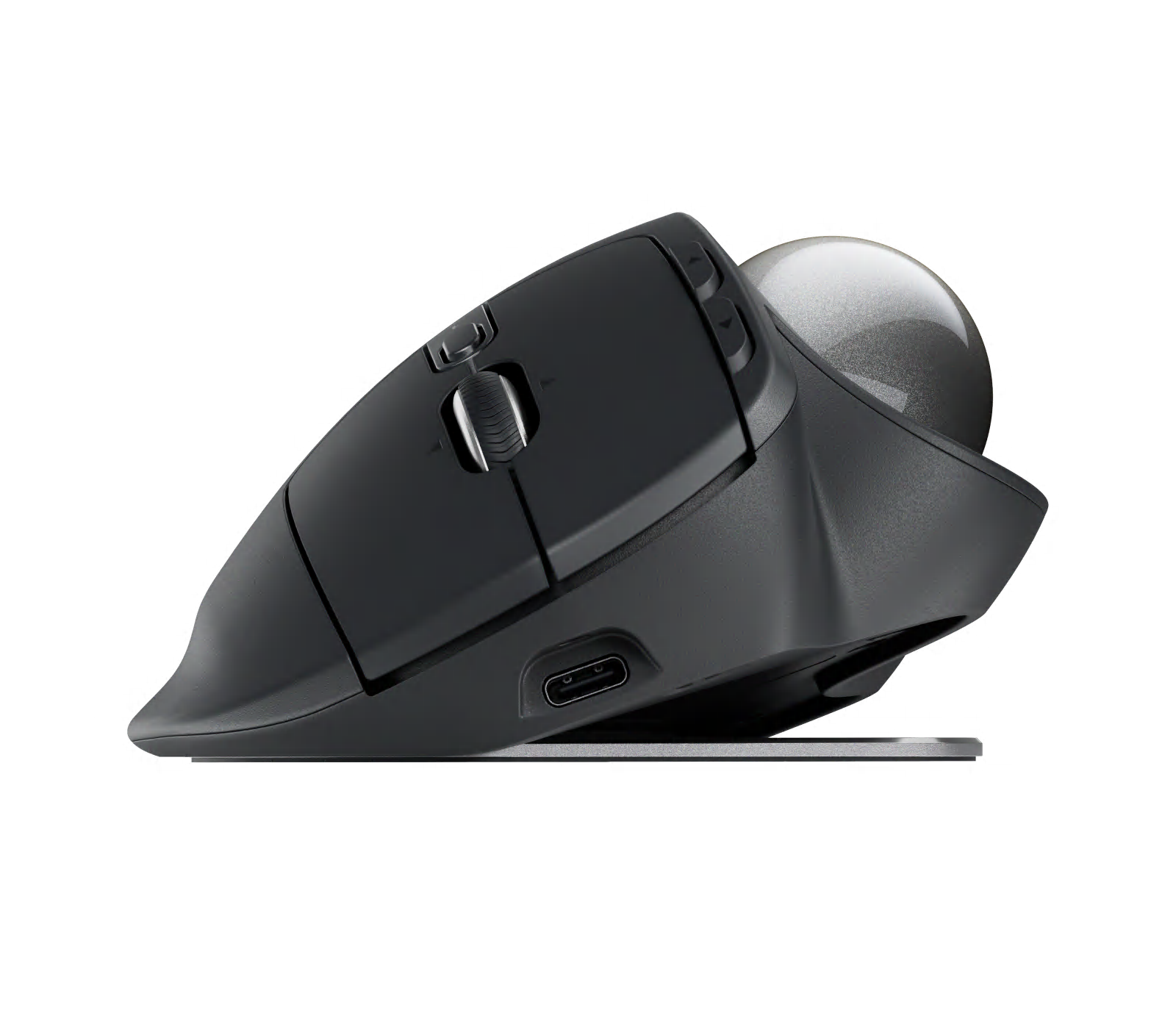
- Hinged metal base tilts it between 0 and 20 degrees
- Logitech quotes up to 120 days per charge, and 24 hours of use from a 1-minute charge
Cons
- Switches between two devices, not three
- No charging cable in the box
- Up to 2,048 DPI, and the wheel has no free-spin mode
Closest rivals
Model | Shape | Buttons | DPI | Battery | Connects by | Weight | Released |
|---|---|---|---|---|---|---|---|
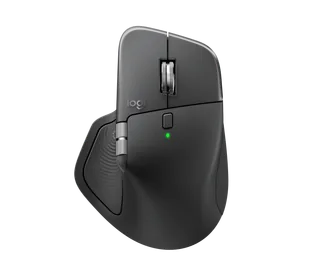
| Ergonomic | 8 | 8,000 | 70 days | Bluetooth and USB receiver | 150 g | Oct 2025 | |
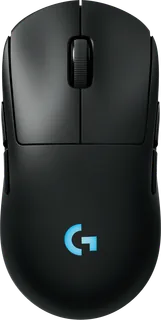
| Standard | 8 | 44,000 | 95 hours | USB receiver and Cable | 80 g | Sept 2024 | |
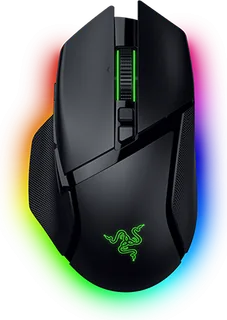
| Ergonomic | 11 | 35,000 | 140 hours | Bluetooth, USB receiver and Cable | 112 g | Oct 2024 |
Sources
- logitech.com/en-gb/shop/p/mx-ergo-s-wireless-trackball-mouse.910-007260
- support.logi.com/hc/en-gb/articles/25066383214871-Specification-MX-Ergo-S
- support.logi.com/hc/en-gb/articles/25066408771479-Getting-Started-MX-Ergo-S
- support.logi.com/hc/en-gb/articles/25267355912471-What-is-the-difference-betwee…
- support.logi.com/hc/en-gb/articles/25267423403671-What-does-a-quiet-click-mean-…
- press.logicool.co.jp/ja-jp/m575sp-mx-ergo-s-mxtb2-
- logitech.com/en-us/shop/p/mx-ergo-s-wireless-trackball-mouse
Photo: resource.logitech.com
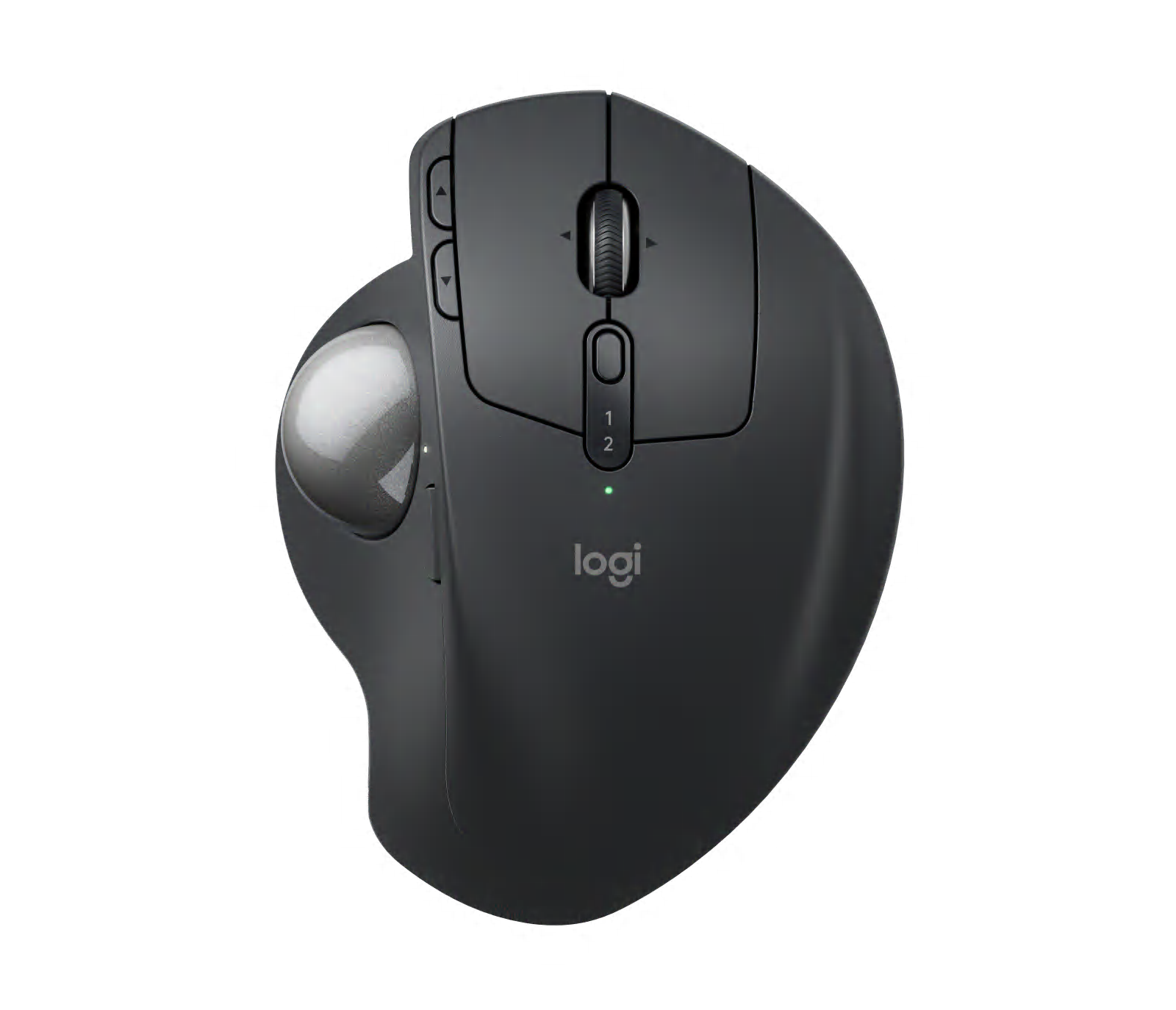
- MX Ergo S Graphite, top view with base flat: Logitech
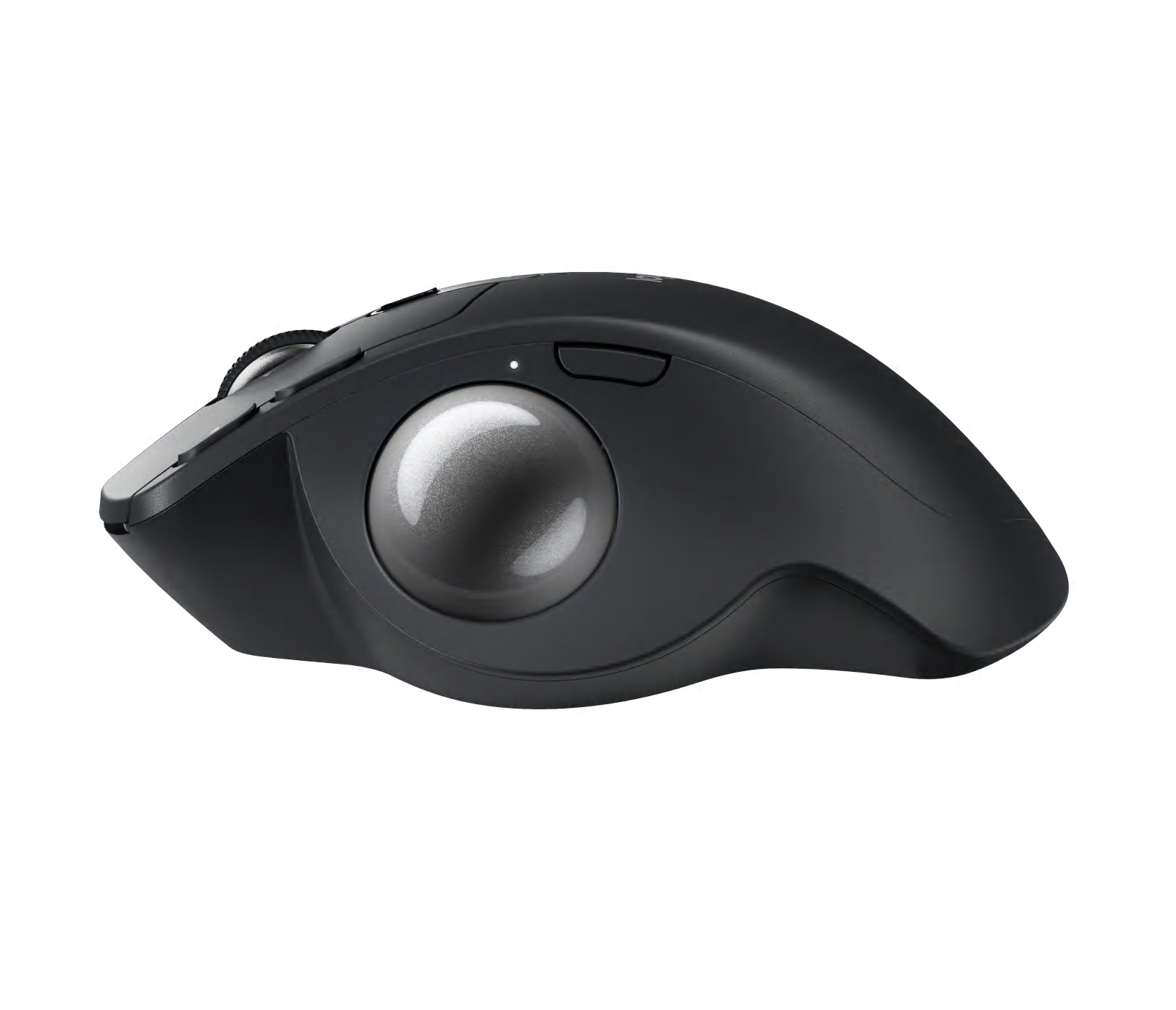
- MX Ergo S Graphite, thumb-side profile with base flat: Logitech
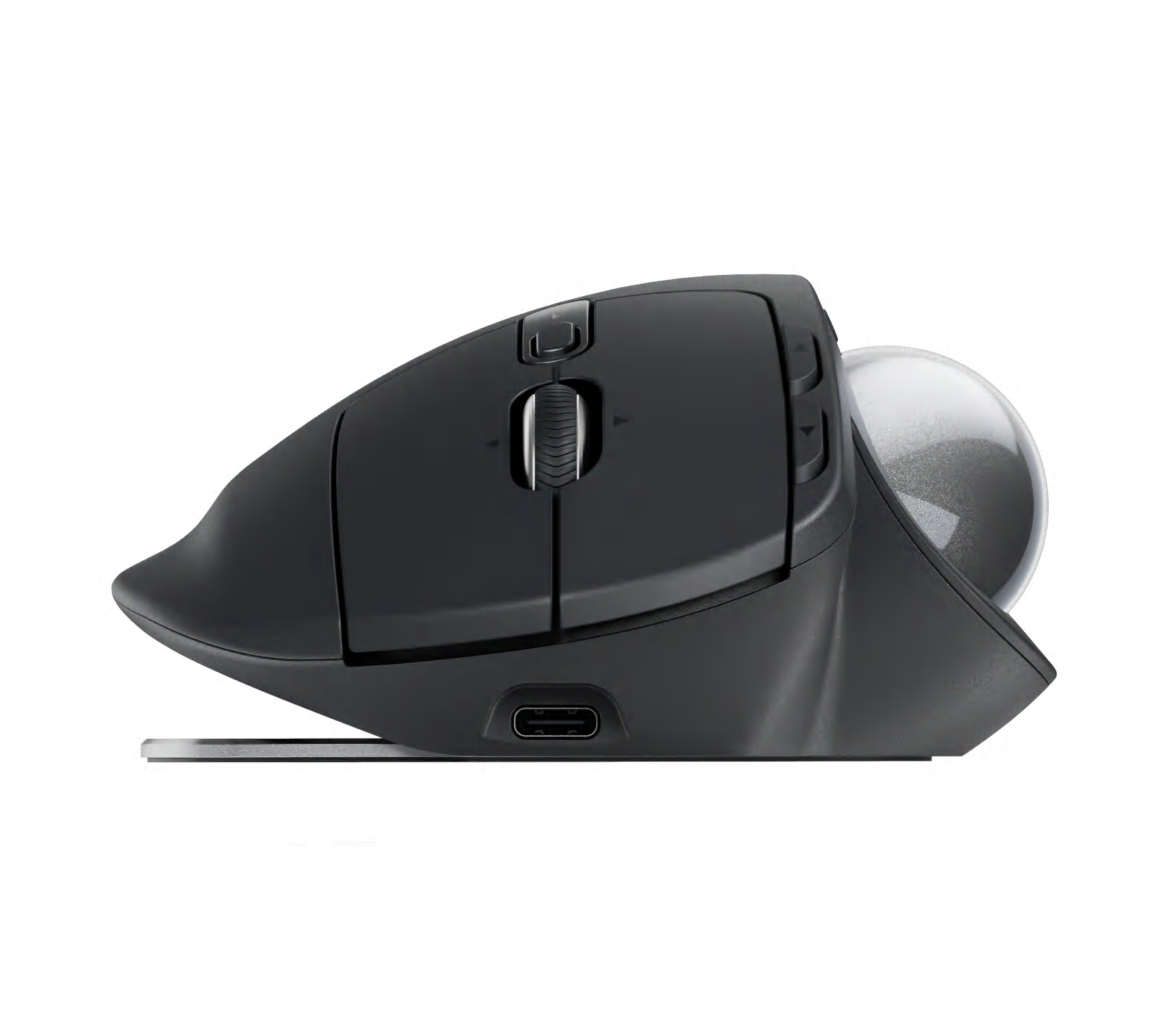
- MX Ergo S Graphite, front view and USB-C port with base flat: Logitech
- MX Ergo S Graphite, front view with base tilted20 degrees: Logitech
- MX Ergo S Graphite, thumb-side three-quarter view with base tilted20 degrees: Logitech
- MX Ergo S Graphite with its removable trackball beside the empty socket: Logitech