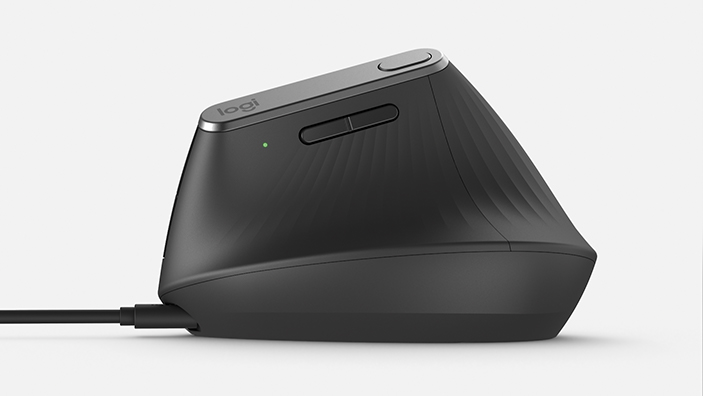
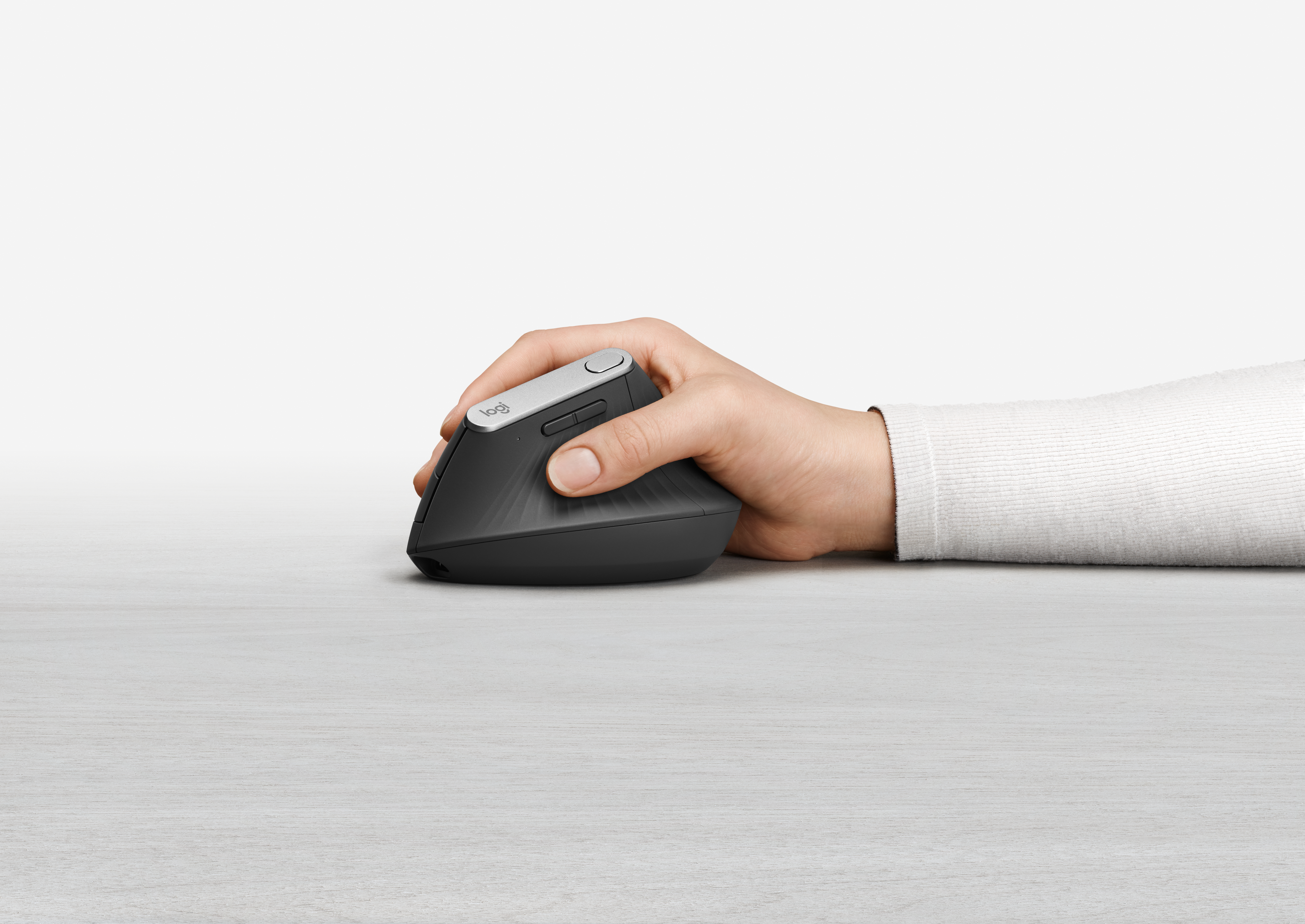
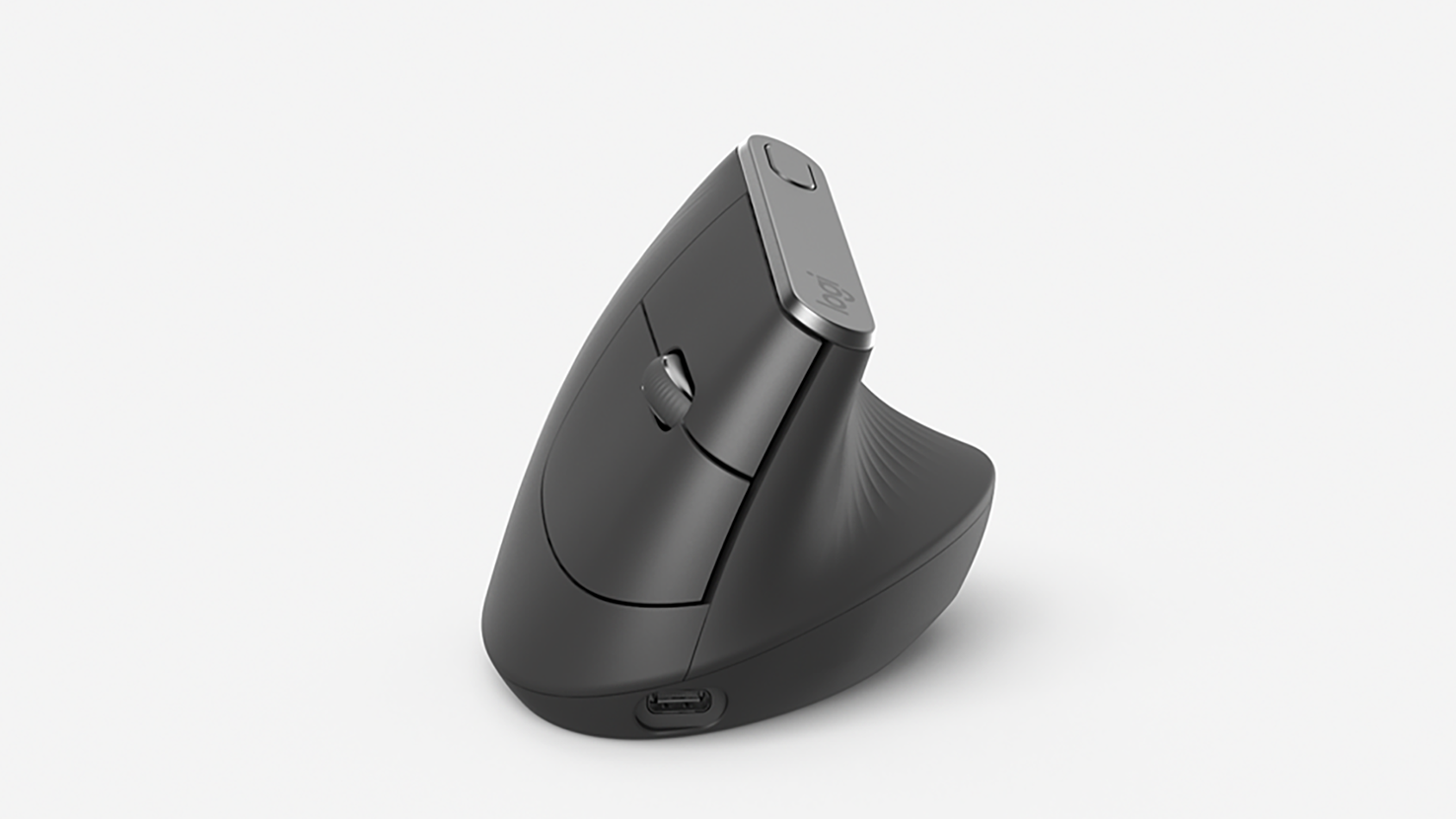
Logitech MX Vertical · Logitech press library; mxverticaladvancedergonomicmousef.i.5-comfortfromwithtexturedsurface703x396copy.jpg; larger published original of the same complete supplied photograph.
Logitech · MX
MX Vertical
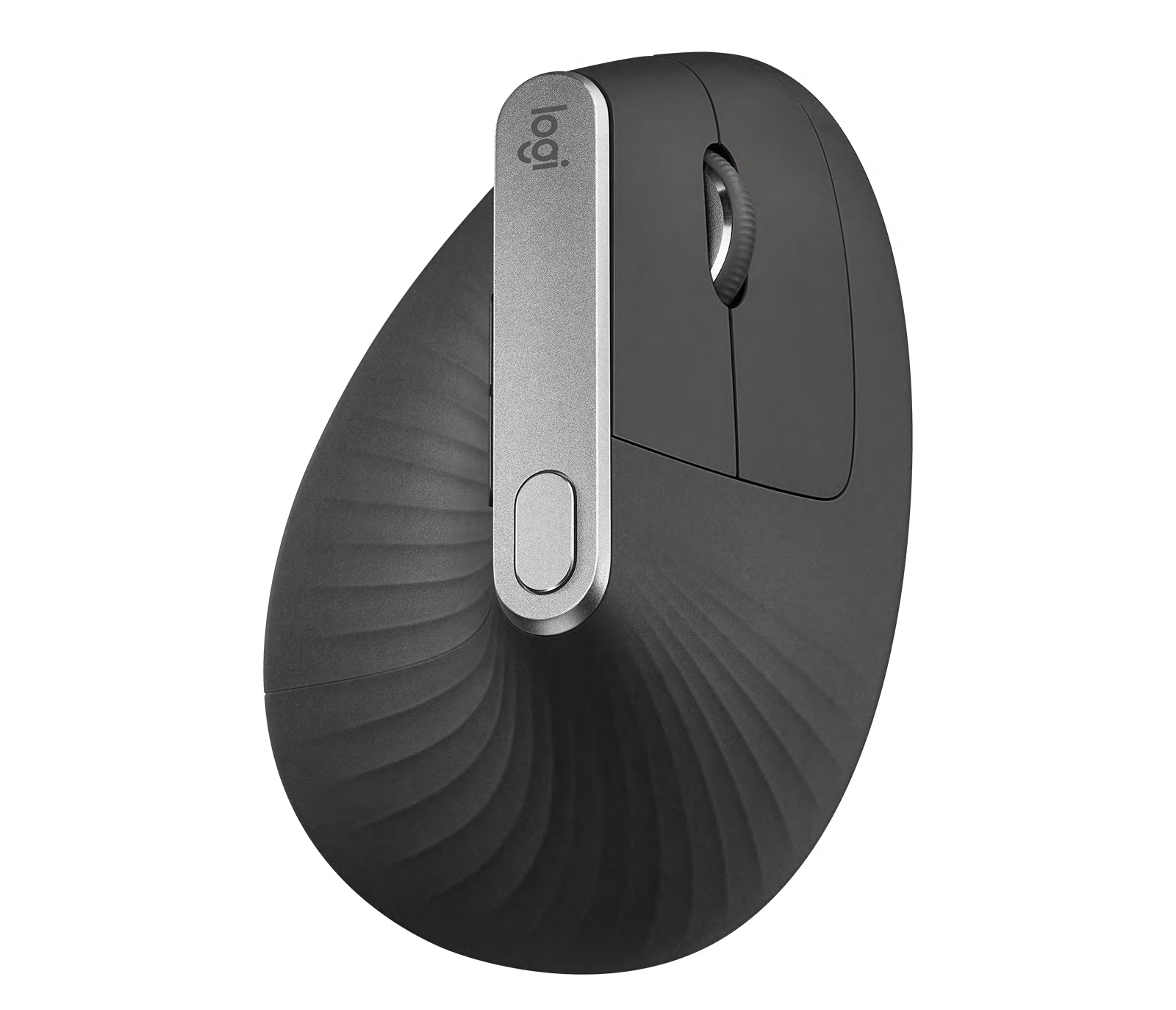
Logitech's vertical wireless mouse, held in a handshake position at a 57° angle, suited to right-handed users with medium to large hands who want less forearm twisting.
- Shape
- Vertical
- Buttons
- 6
- DPI
- 4,000
- Battery
- 4 months
- Connects by
- Bluetooth, USB receiver and Cable
- Weight
- 125 g
What reviewers say
Reviewers find it comfortable once the vertical grip is learned, with good build quality, flexible wireless connections and long battery life; PC Gamer found it noticeably reduced wrist strain. The common criticisms are its bulky shape, poor for small hands and travel; TechRadar found it expensive with nowhere to store the receiver, and PC Gamer found the thumb buttons awkward.
From rtings.com, pcgamer.com and techradar.com
Specifications
Report a wrong or missing specTracking
- Shape
- Vertical
- Hand
- Right hand
- Sensitivity
- Up to 4,000 DPI
- Buttons
- 6
- Free-spinning wheel
- No
- Thumb wheel
- No
- Quiet clicks
- No
- Sensor
- High-precision sensor, 400–4,000 DPI in 50 DPI steps; the cursor speed button on top switches between 1,000 and 1,600 DPI by default
- Scroll wheel
- Precision wheel with line-by-line scrolling and middle click
Connections and battery
- Connects by
- Bluetooth, USB receiver and Cable
- Devices it switches between
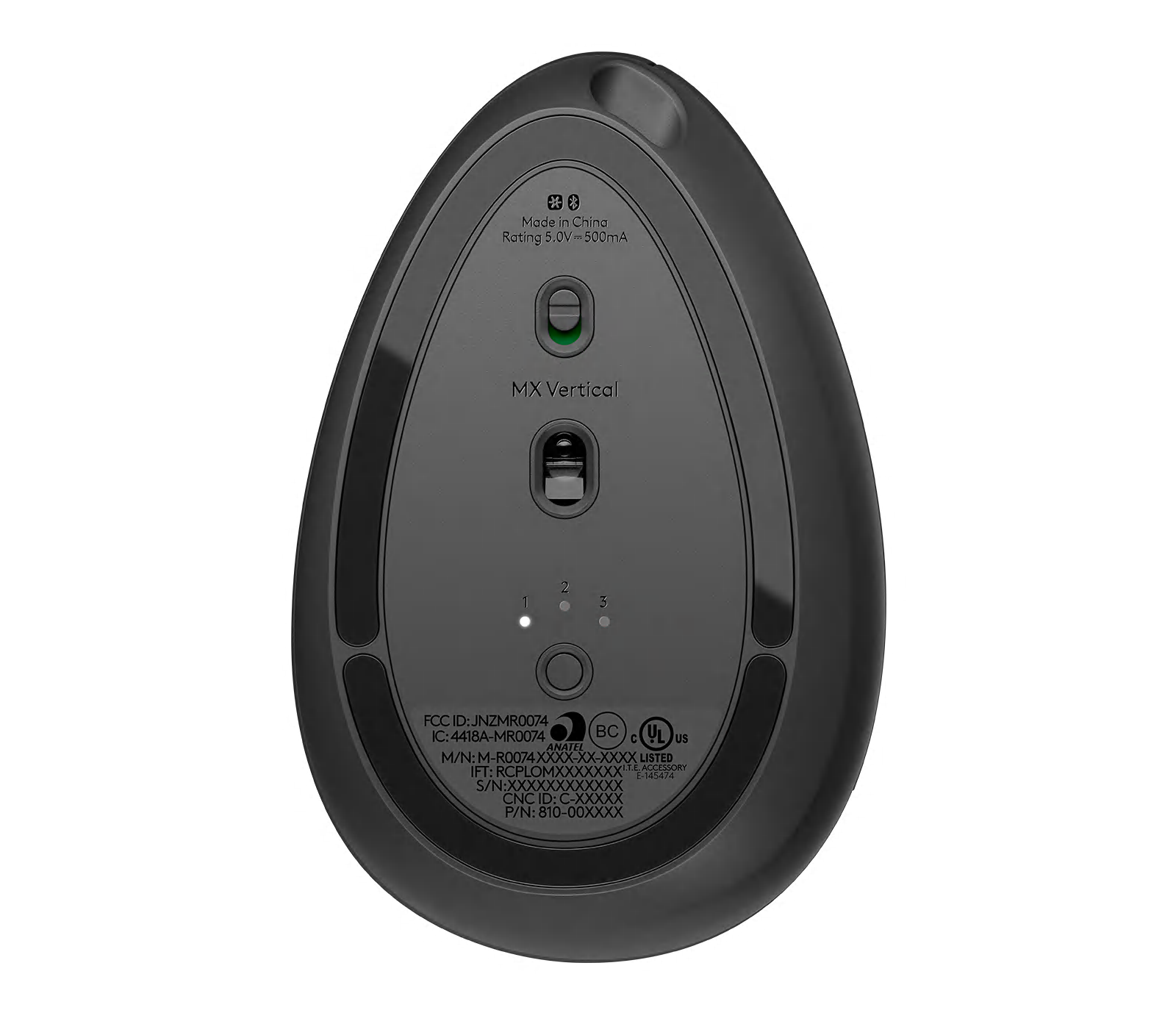
- 3
- Power
- Rechargeable
- Battery life (maker's claim)
- Up to 4 months
- Charging port
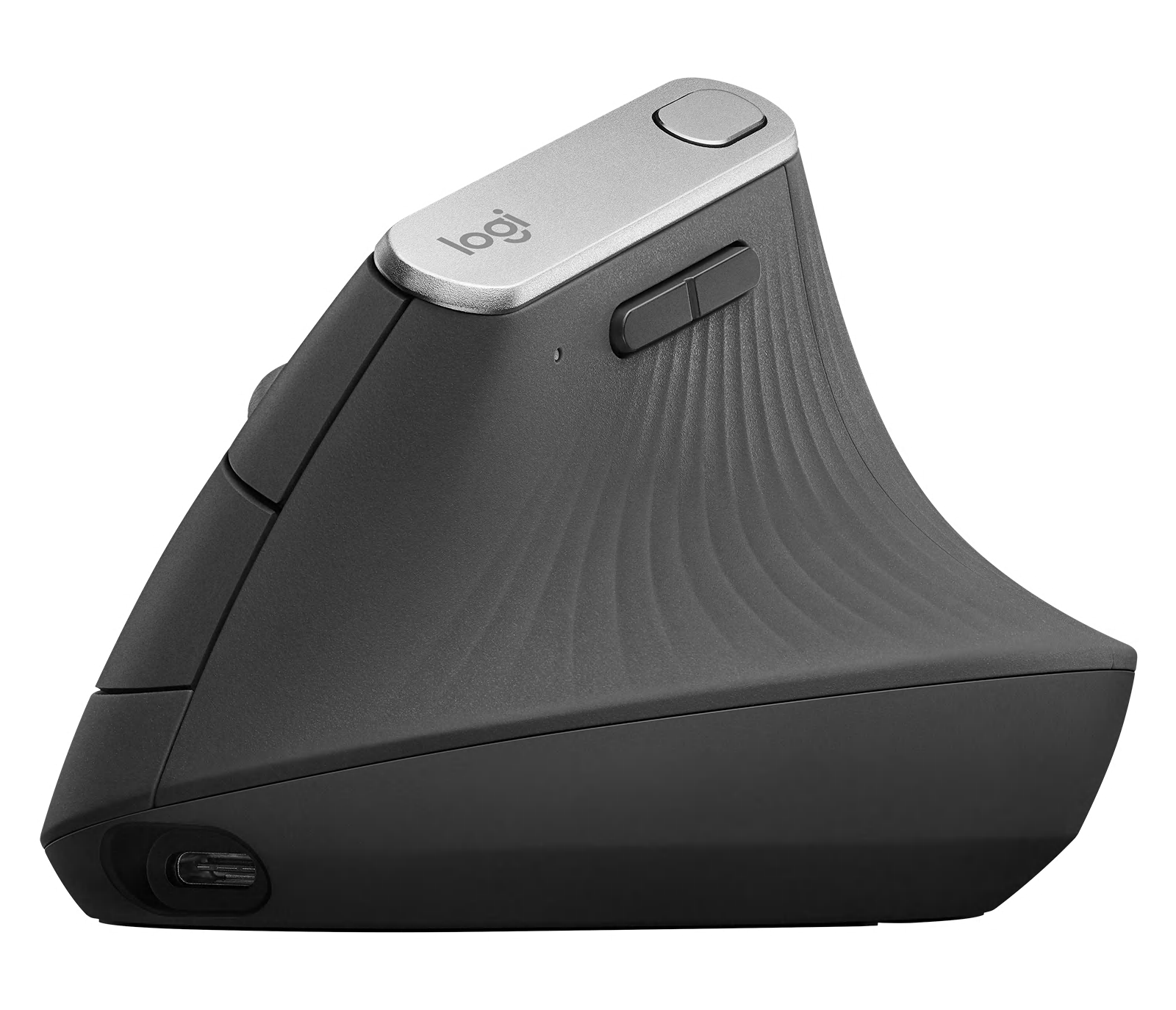
- USB-C
- Receiver
- Logitech Unifying USB-A receiver included (not Logi Bolt)
- Charging
- USB-C; up to 4 months on a full charge; a 1-minute charge gives 3 hours of use; 240 mAh lithium-polymer battery; works as a wired mouse while plugged in
- Works with
- Bluetooth Low Energy 4.2 with Windows 10, 11 or later, macOS 10.15 or later, iPadOS 13.4 or later, Linux and ChromeOS; Unifying receiver with Windows 10, 11 or later, macOS 10.15 or later, Linux and ChromeOS
- Software
- Logi Options+ on Windows and macOS (Logitech Flow)
Design
- Weight
- 125 g
- Size
- 120 × 79 × 78.5 mm (length × width × height); receiver 23.1 × 18.4 × 6.6 mm, 2 g
- Materials
- Textured rubber surface and thumb rest; left and right buttons rated for 10 million clicks
- Colours
- Graphite
- In the box
- Mouse, Unifying USB receiver, USB-C charging cable (USB-A to USB-C), documentation
- Warranty
- 2-year limited hardware warranty
Pros and cons
Pros
- 57° vertical angle; Logitech says it reduces muscle strain by 10% compared with a standard mouse
- Connects over Bluetooth, the included Unifying receiver or its USB-C cable
- Cursor speed button switches between two DPI settings
Cons
- Line-by-line scroll wheel only, with no free-spin mode or thumb wheel
- Uses the older Unifying receiver rather than Logi Bolt
- Up to 4,000 DPI, half the MX Master 4's 8,000
Closest rivals
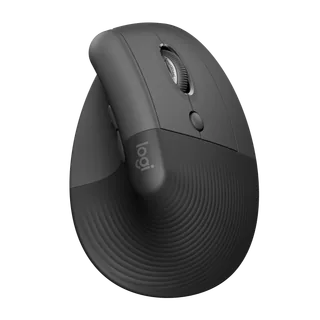
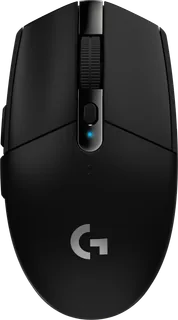
Model | Shape | Buttons | DPI | Battery | Connects by | Weight | Released |
|---|---|---|---|---|---|---|---|
| Vertical | 6 | 4,000 | 24 months | Bluetooth and USB receiver | 125 g | Apr 2022 | |
| Standard | 6 | 12,000 | 250 hours | USB receiver | 99 g | May 2018 | |
| Ergonomic | 6 | 25,600 | 60 hours | USB receiver and Cable | 95 g | Jun 2019 |
Sources
- logitech.com/en-gb/shop/p/mx-vertical-ergonomic-mouse.910-005448
- support.logi.com/hc/en-gb/articles/360023303394-MX-Vertical-Technical-Specifica…
- support.logi.com/hc/en-gb/articles/360023459893-Getting-Started-MX-Vertical
- news.logitech.com/press-releases/news-details/2018/Logitech-Goes-Vertical-With-…
- logitech.com/en-us/shop/p/mx-vertical-ergonomic-mouse.910-005447
- rtings.com/mouse/reviews/logitech/mx-vertical
- MX Vertical Graphite, top view: Logitech
- MX Vertical Graphite, thumb-side profile: Logitech
- MX Vertical Graphite, top three-quarter view: Logitech
- MX Vertical Graphite, underside and device selector: Logitech
- MX Vertical Graphite, physical scroll-wheel and button-shell close-up: Logitech
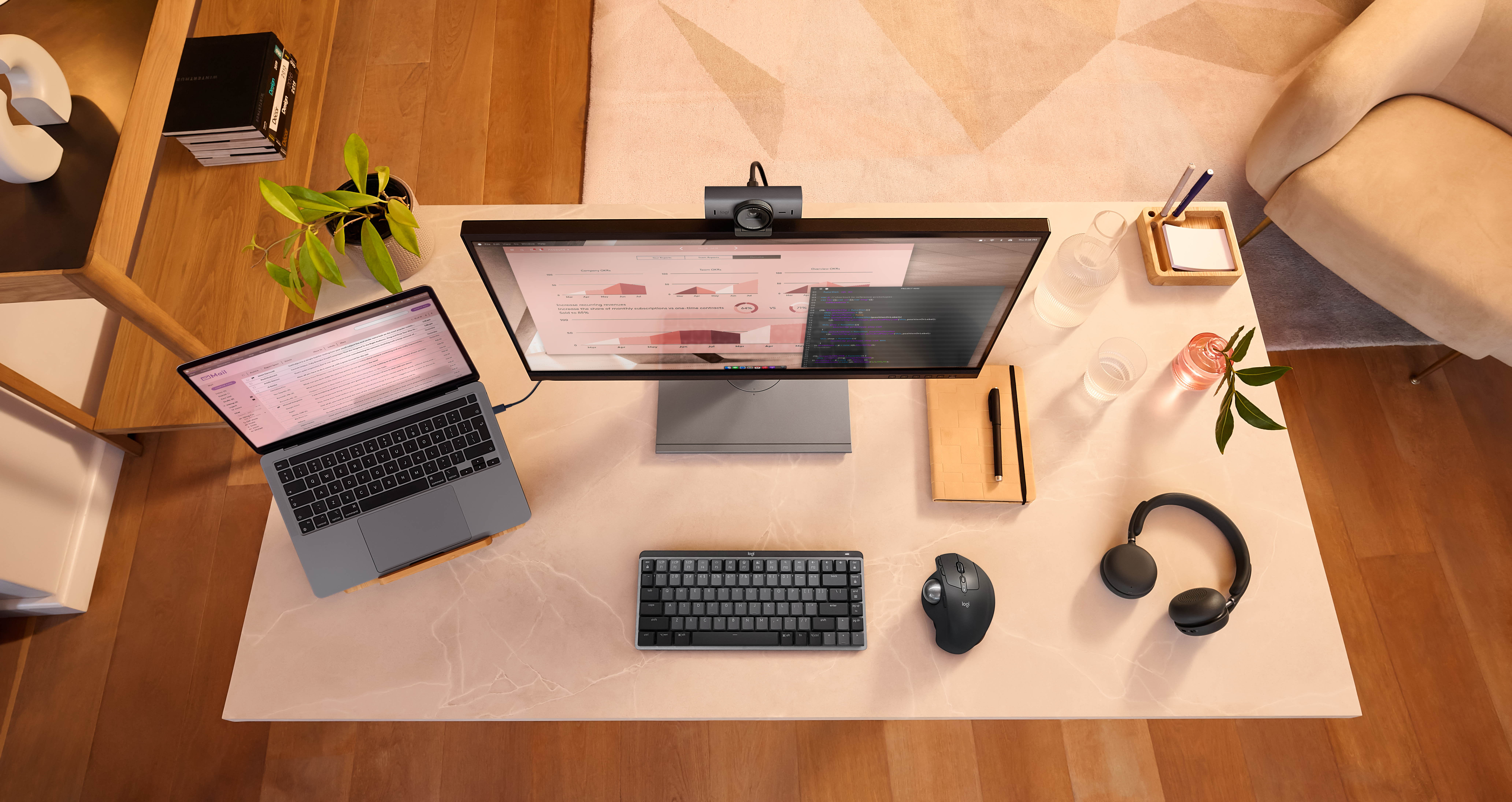
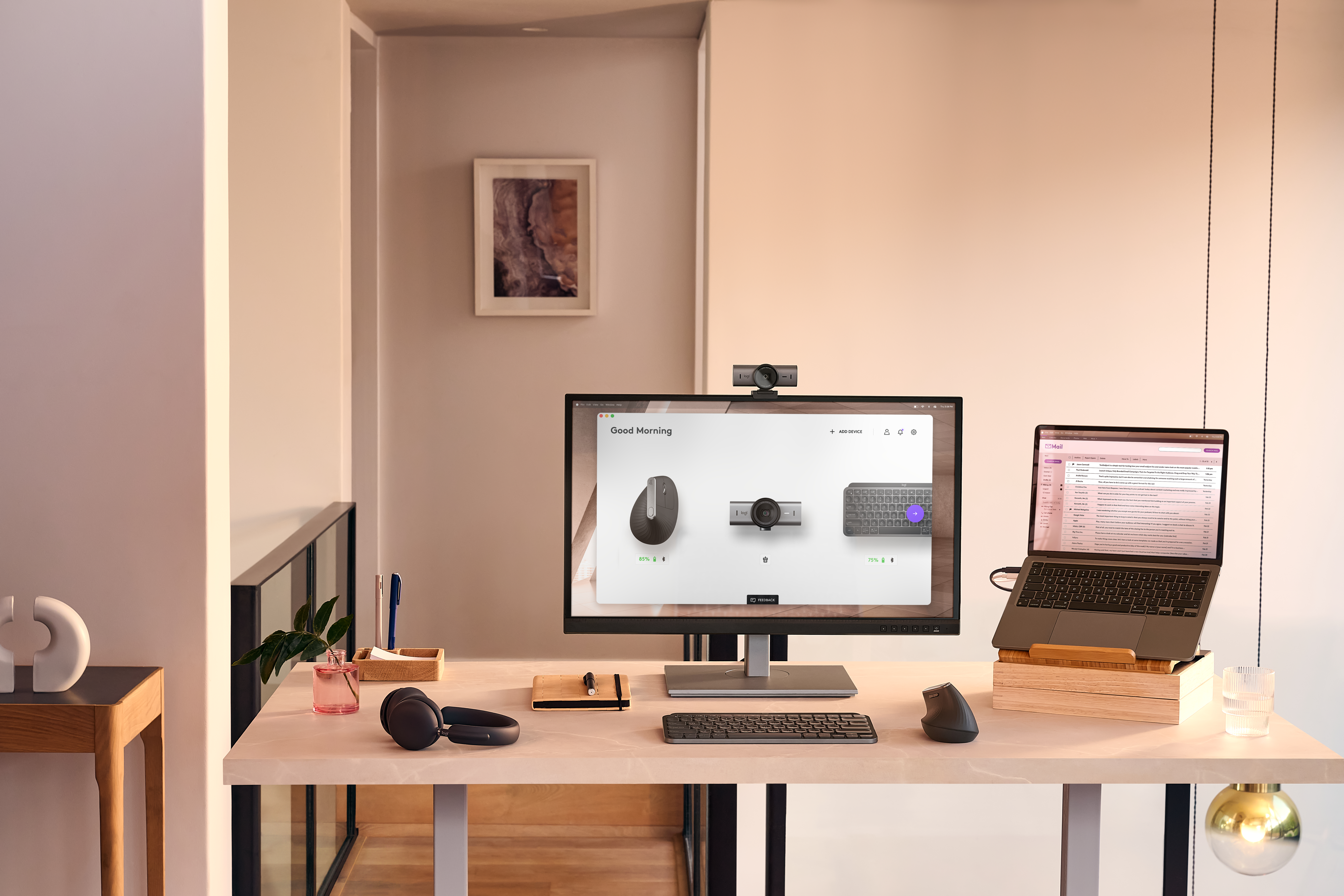
- Logitech MX Vertical with MX Keys Mini and MX Brio in an overhead office desk photograph: Logitech press library; high-resolution-jpg-mxsolutionsmxbrioenvrcomfortseekertopshotmxkeysminimxverticalgraphite014erwscreens.jpg
- Logitech MX Vertical with MX Keys Mini and MX Brio on an office desk, front view: Logitech press library; high-resolution-jpg-mxsolutionsmxbrioenvrcomfortseekerfrontonmxkeysminimxverticalgraphite109wscreensc.jpg
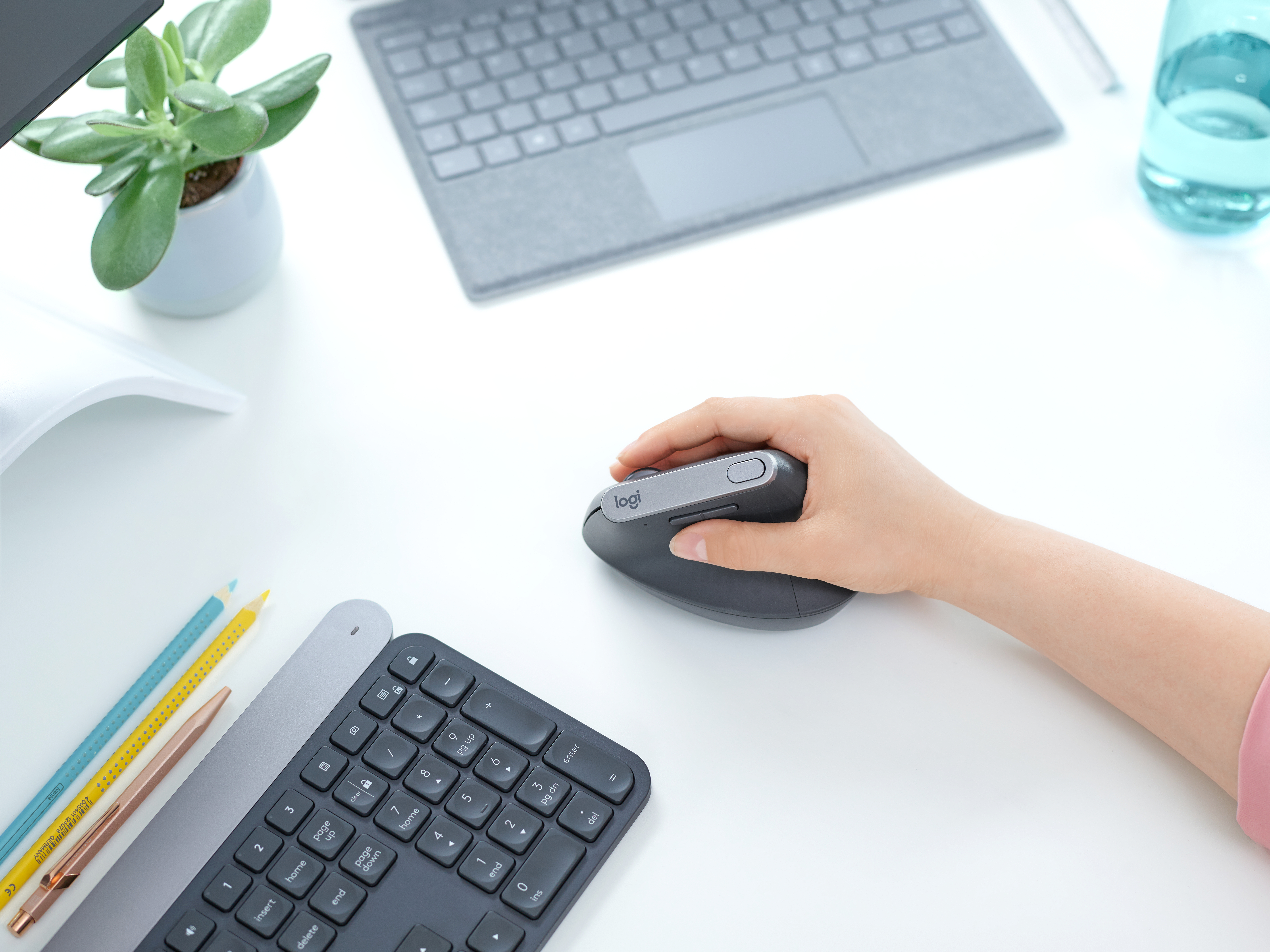
- Logitech MX Vertical in use beside a keyboard and laptop: Logitech press library; high-resolution-jpg-mxverticalls00010.jpg
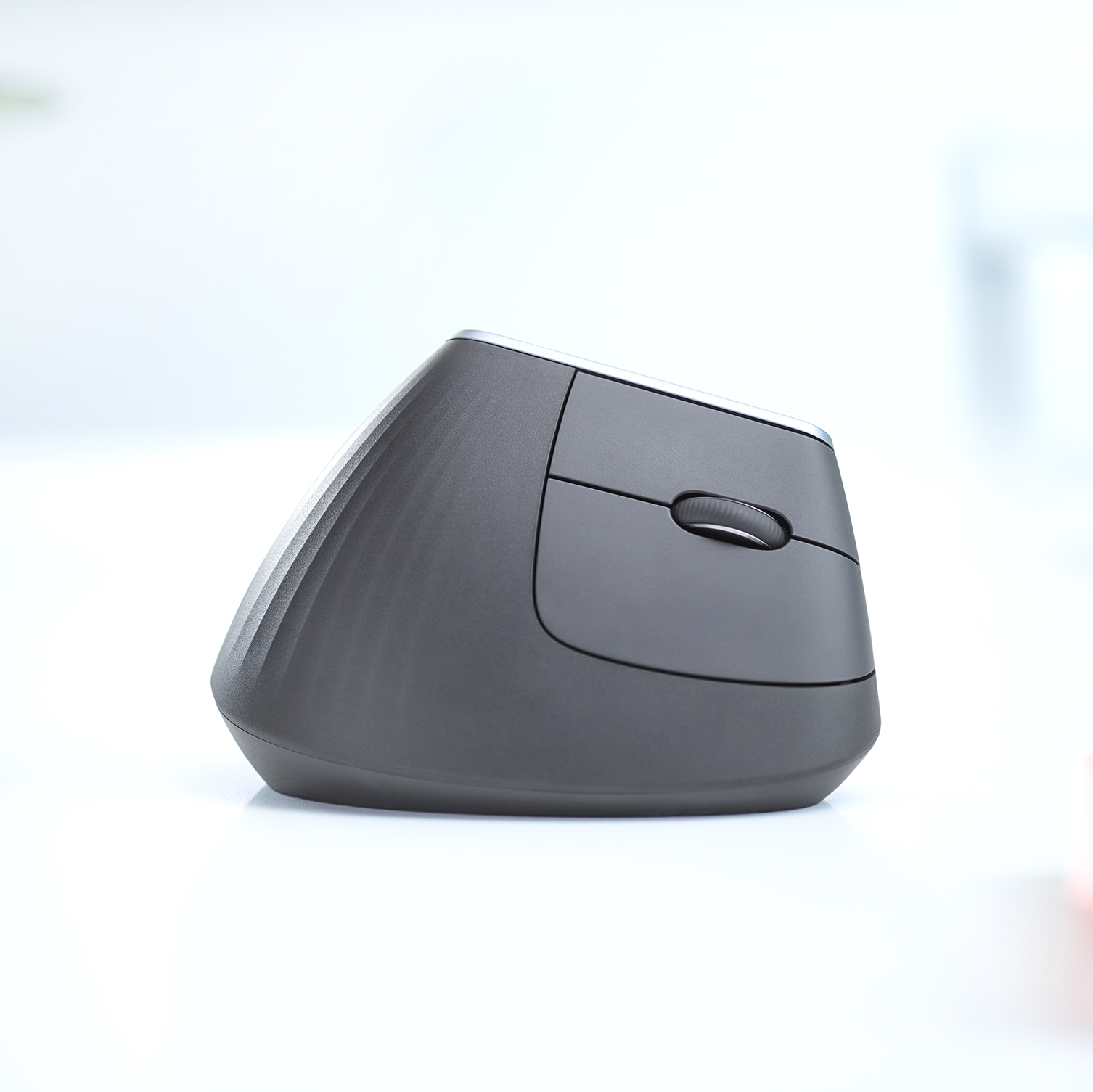
- Logitech MX Vertical side profile on a desk, supplied square composition: Logitech press library; mxverticalamazonfeatureimages-lifestyleimage21500x1500.jpg
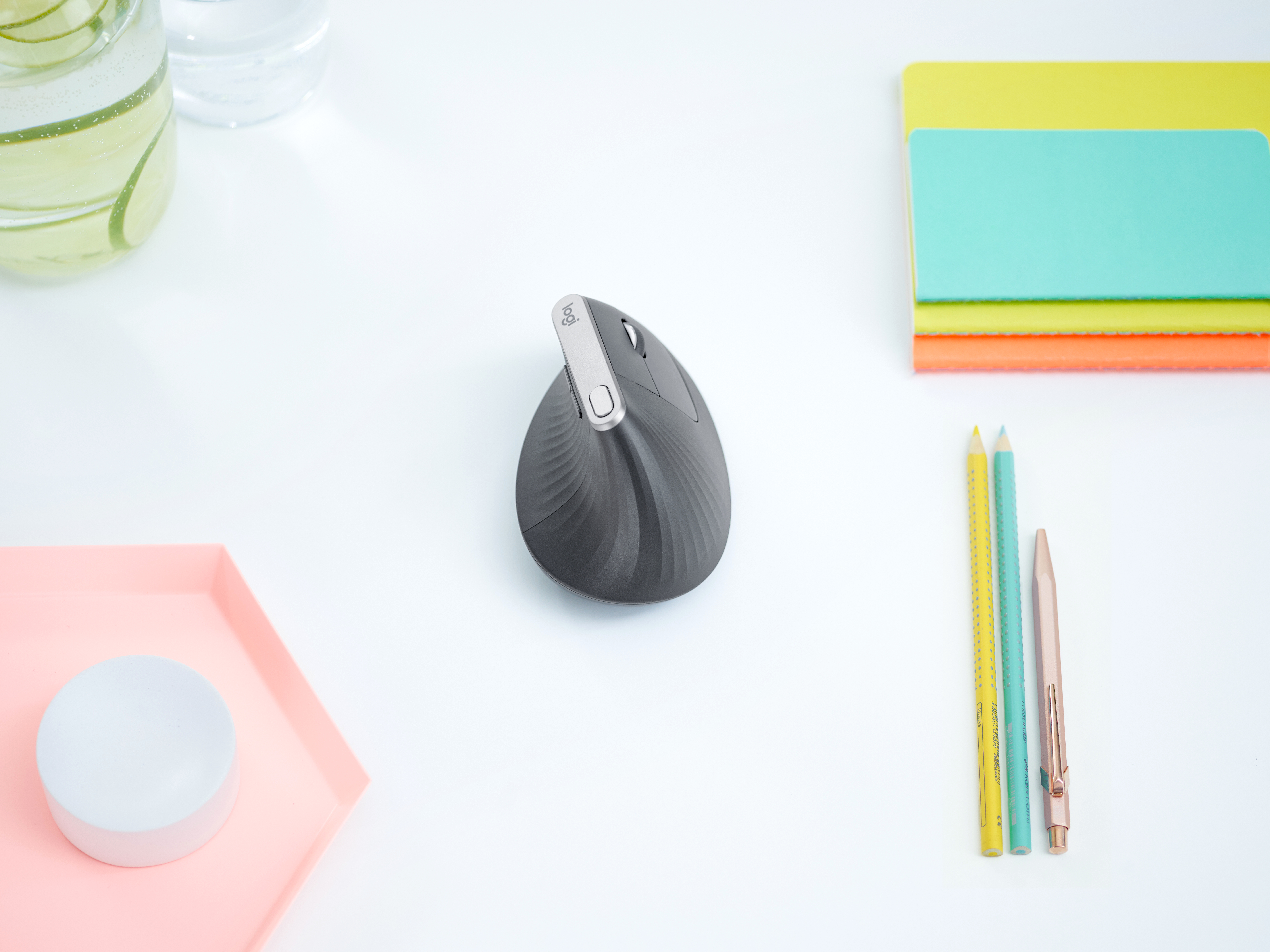
- Logitech MX Vertical overhead view on a white desk with stationery: Logitech press library; high-resolution-jpg-mxverticalls00008.jpg
- Logitech MX Vertical connected to its charging cable, supplied side detail: Logitech press library; mxverticaladvancedergonomicmousef.i.9fastrecharging-703x396.jpg
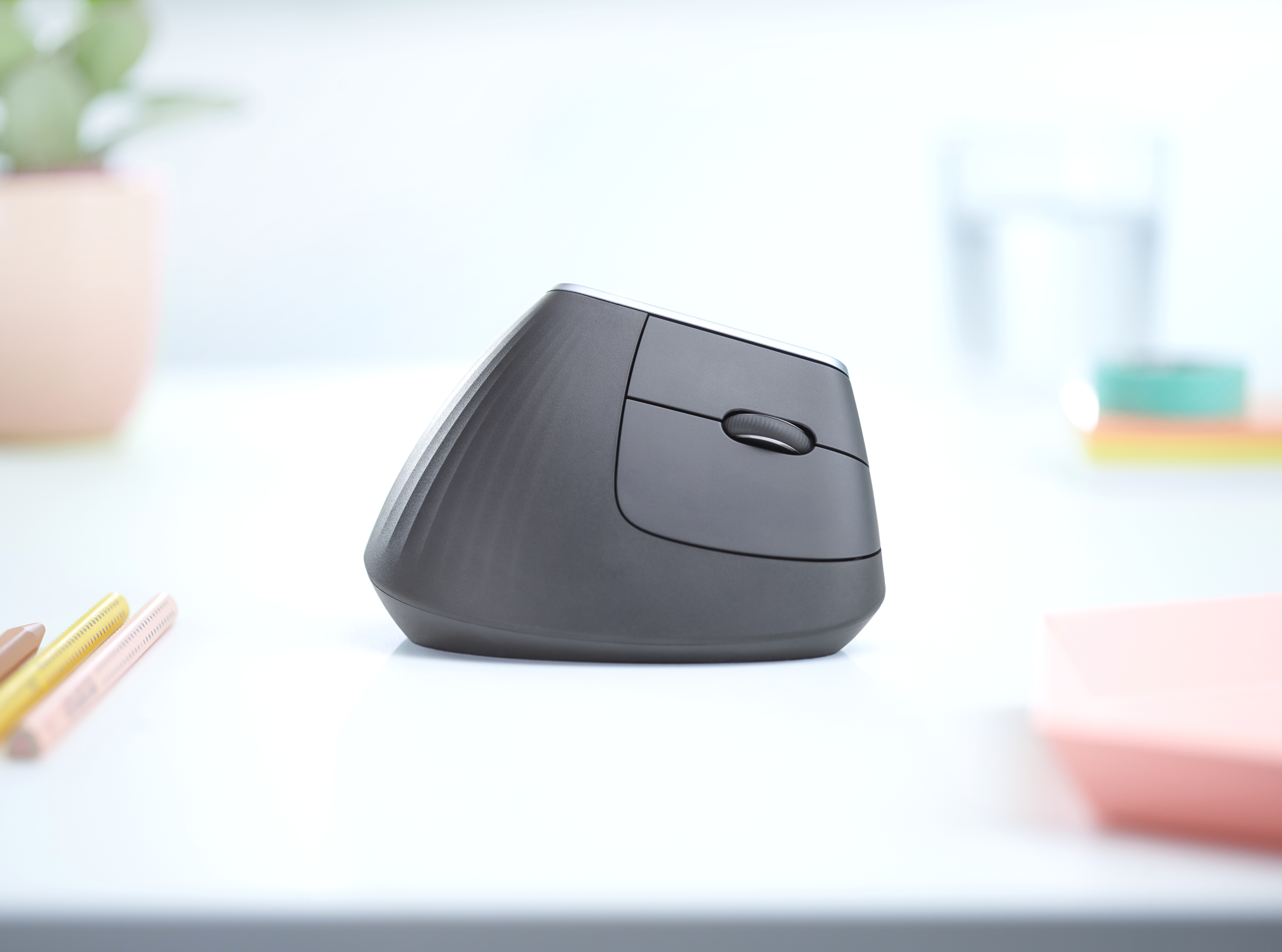
- Logitech MX Vertical side profile on a white desk: Logitech press library; high-resolution-jpg-mxverticalls00007.jpg
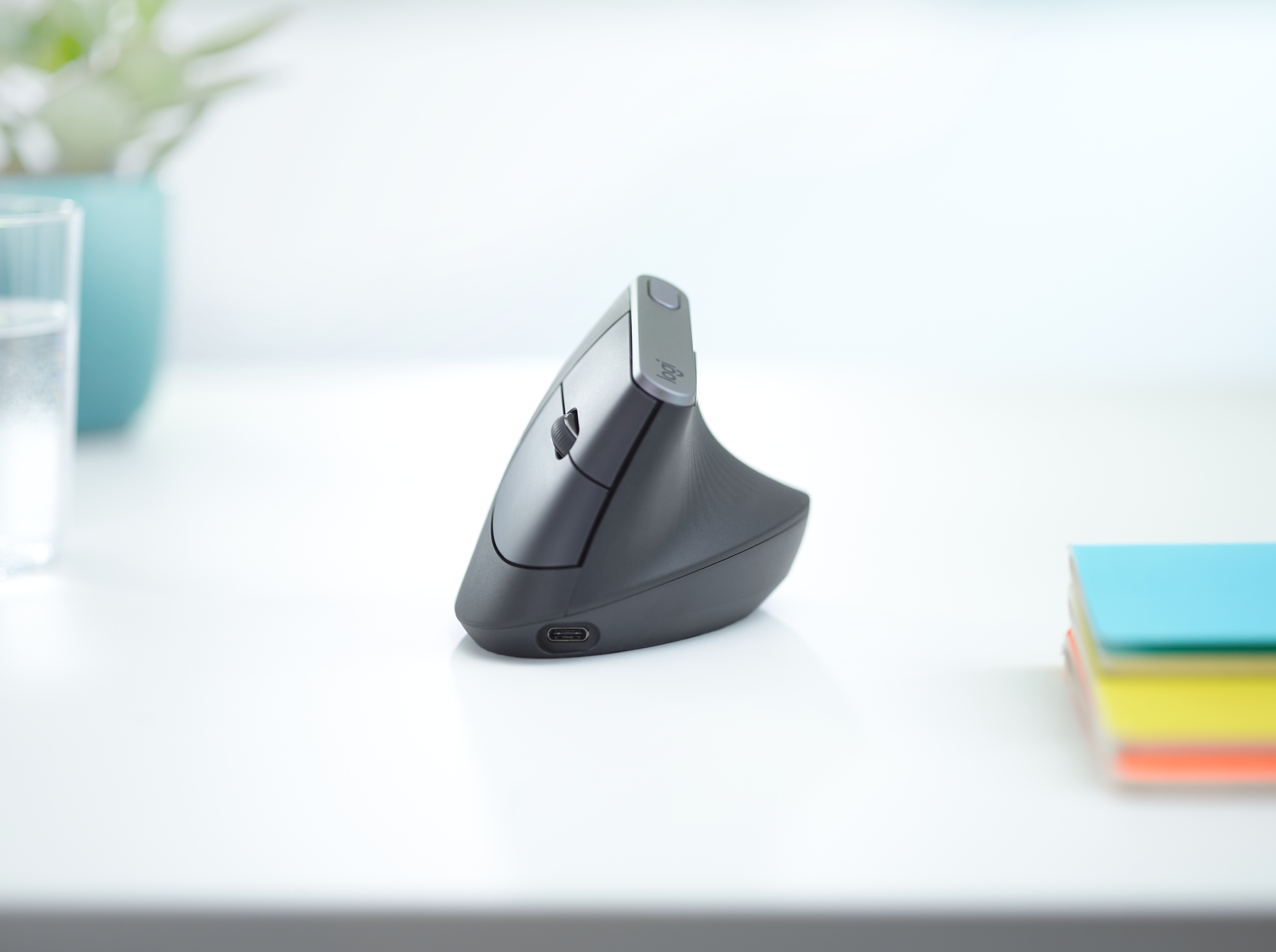
- Logitech MX Vertical front three-quarter view on a white desk: Logitech press library; high-resolution-jpg-mxverticalls00006.jpg
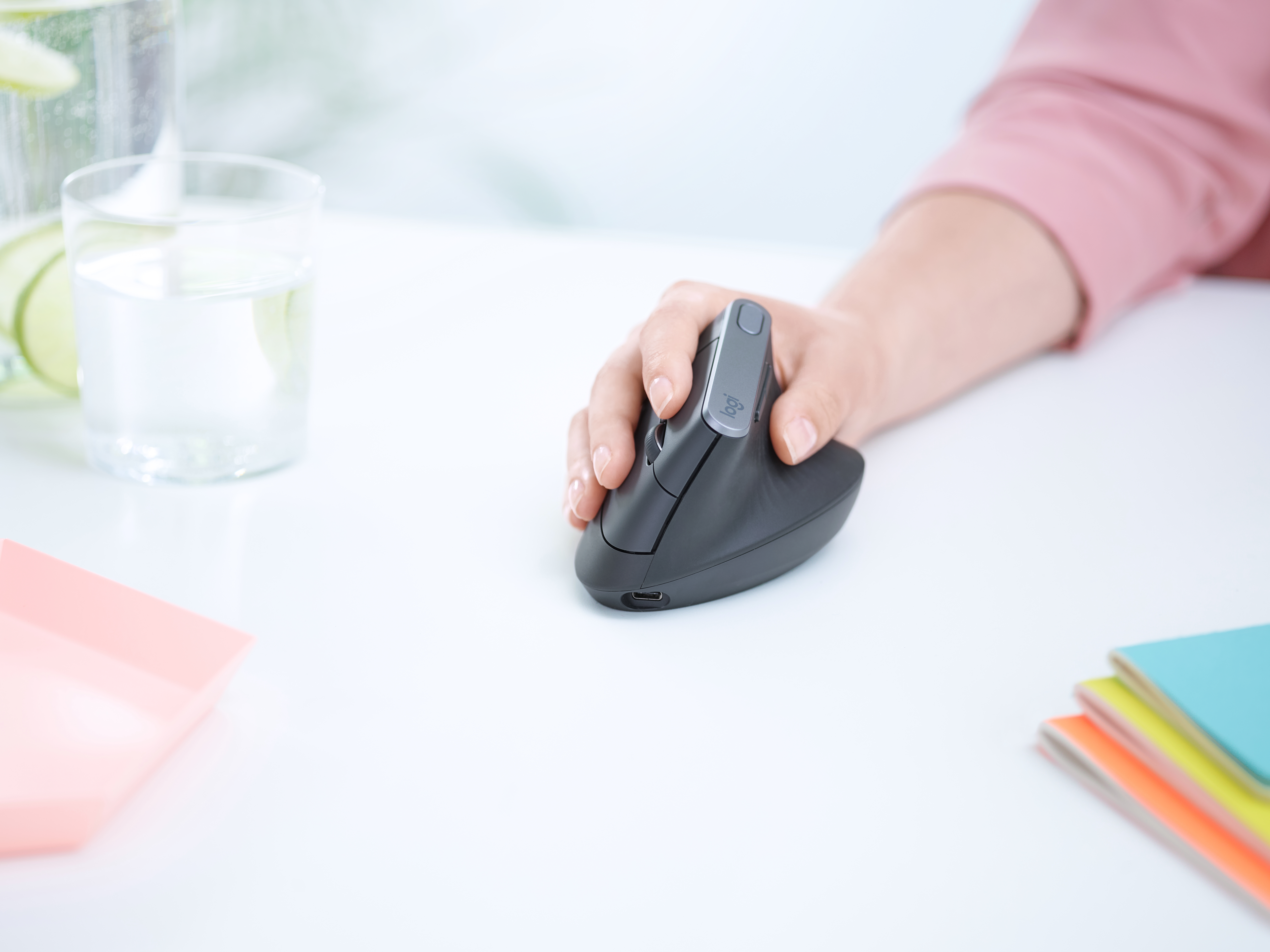
- Logitech MX Vertical in use on a white desk: Logitech press library; high-resolution-jpg-mxverticalls00005.jpg
- Logitech MX Vertical overhead view on a pale wood desk: Logitech press library; high-resolution-jpg-mxverticaladvancedergonomicmousekeyvisual2.jpg
- Logitech MX Vertical in use, hand and mouse side profile: Logitech press library; high-resolution-jpg-mxverticaladvancedergonomicmousehandshot2.jpg
- Logitech MX Vertical used at a standing desk: Logitech press library; high-resolution-jpg-mxverticalls00004.jpg