Photo 1 of 15
ASUS ProArt Display 6K PA32QCV · Photo source
ASUS · ProArt
ProArt Display 6K PA32QCV
ASUS's 31.5-inch 6K (6016 x 3384) IPS monitor for content creators, with Thunderbolt 4 (96W charging and daisy chaining), VESA DisplayHDR 600, 98% DCI-P3 and Calman Verified factory calibration.
- Size
- 31.5″
- Resolution
- 6016 × 3384
- PPI
- 219
- Panel
- IPS
- Refresh
- 60 Hz
- Brightness
- 400 nits
- HDR
- 600
- USB-C power
- 96 W
What reviewers say
Reviewers agree the 6K panel is exceptionally sharp for the price, and praise its brightness, colour modes and Thunderbolt connectivity. The common criticisms are the 60Hz refresh and weak HDR; PCWorld and RTINGS found contrast low, though Tom's Hardware measured it as high, and RTINGS also found the matte coating hazy and the colours cool out of the box.
From tomshardware.com, pcworld.com and rtings.com
Specifications
Report a wrong or missing specDisplay
- Screen size
- 31.5″
- Resolution
- 6016 × 3384 (6K)
- Sharpness
- 219 pixels per inch
- Panel
- IPS
- Refresh rate
- 60 Hz
- Response time (grey to grey)
- 5 ms
- Brightness (typical)
- 400 nits
- HDR peak brightness
- 600 nits
- HDR certification
- DisplayHDR 600
- HDR formats
- HDR10
- Contrast ratio
- 1,500:1
- Colour range
- 98% DCI-P3, 100% sRGB
- DCI-P3 coverage
- 98%
- Screen finish
- Matte
- Shape
- Flat
- Adaptive sync
- VESA AdaptiveSync
- Colour depth
- 10-bit, 1073.7M colours (ASUS's user guide lists 8-bit + Hi-FRC)
- sRGB coverage
- 100%
- Colour accuracy
- Delta E < 2
- Colour modes
- ProArt presets: Native, sRGB, Adobe RGB, P3 (DCI-P3, Display P3, M Model-P3), BT.2020, DICOM, Rec.709, HDR, User mode 1 and 2
- HDR detail
- Multiple HDR modes
- Response time detail
- Trace Free overdrive
- Viewing angles
- 178° / 178° (CR ≥ 10)
- Pixel pitch
- 0.116 mm (218 ppi)
- Eye care
- TÜV-certified Flicker-free and Low Blue Light
- Calibration
- Factory calibrated and Calman Verified, with a pre-calibration report; ProArt Chroma Tune; Light Sync ambient light sensor and backlight sensor
Connections
- Video inputs
- HDMI 2.1, DisplayPort 1.4, Thunderbolt 4
- USB-C charging
- Up to 96 W
- USB ports
- Thunderbolt 4, USB-C, 2 × USB-A
- KVM switch
- Yes
- Ethernet
- No
- Speakers
- Yes
- HDMI detail
- HDMI 2.1 (FRL)
- DisplayPort detail
- DisplayPort 1.4 with DSC
- USB-C detail
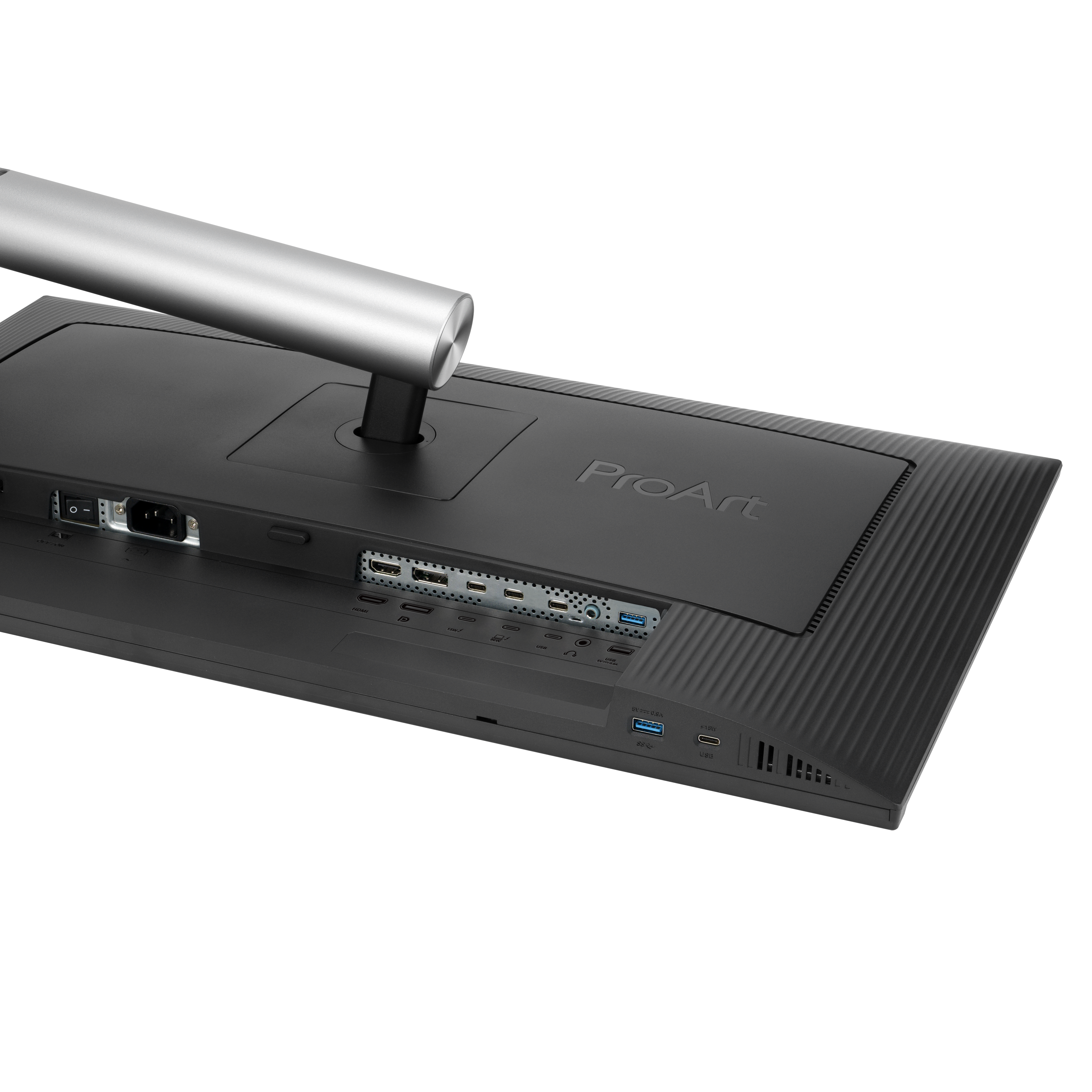
- Two Thunderbolt 4 ports, one with 96 W and one with 15 W power delivery; Thunderbolt out supports daisy chaining; a separate USB-C upstream port for the KVM switch
- Daisy chaining
- Yes, over Thunderbolt 4
- USB hub detail
- 1 × USB 3.2 Gen 1 Type-C and 2 × USB 3.2 Gen 1 Type-A (one USB-C and one USB-A on the bottom bezel)
- Picture by picture
- PIP and PBP
- Audio out
- Earphone jack
- Speaker detail
- 2 × 2 W
Design
- Stand adjusts
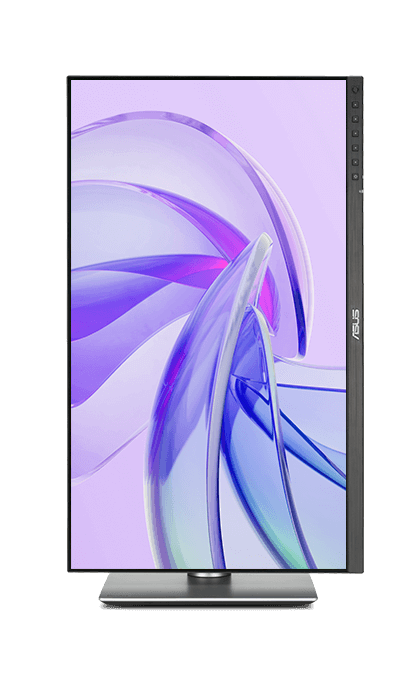
- Height, tilt, swivel, pivot
- VESA mount
- Yes
- Weight with stand
- 9.3 kg
- Height adjustment
- 0–130 mm
- Tilt
- +23° to −5°
- Swivel
- +30° to −30°
- Pivot
- +90° to −90°
- VESA pattern
- 100 × 100 mm
- Size with stand
- 71.42 × 61.79 × 24.01 cm (W × H × D)
- Size without stand
- 71.42 × 41.97 × 4.69 cm (W × H × D)
- Weight without stand
- 6.3 kg
- Controls
- Front buttons for power, QuickFit Plus, input, two shortcuts and exit, plus a 5-way menu button
- Colours
- Black
Power and support
- Power use
- Under 49.49 W on (44.49 W typical in the user guide); under 0.5 W power saving; 0 W with the hard switch off
- Energy class
- G (SDR), G (HDR)
- Power supply
- 100–240 V AC, 50/60 Hz
- Software
- DisplayWidget Center (Windows and macOS)
- Certifications
- Calman Verified, Mac Compliance, VESA MediaSync Display, TÜV Flicker-free, TÜV Low Blue Light, TCO Certified, EPEAT Gold, ENERGY STAR
- Warranty
- 3-year zero bright dot (ZBD) panel warranty
- In the box
- Thunderbolt 4 cable, HDMI Ultra High Speed cable, power cord, colour pre-calibration report, microfiber cloth, quick start guide, warranty card, welcome card
Pros and cons
Pros
- 6K resolution at 218 ppi, with 98% DCI-P3 and factory calibration to Delta E < 2 (Calman Verified)
- Thunderbolt 4 input with 96W laptop charging, a second Thunderbolt 4 port for daisy chaining, and a built-in KVM switch
- Stand adjusts for height (130 mm), tilt, swivel and pivot
Cons
- 60Hz refresh rate and 5ms grey-to-grey response
- Besides Thunderbolt, only one HDMI 2.1 and one DisplayPort 1.4 input
- Only one of the two Thunderbolt 4 ports supplies 96W; the other supplies 15W
Closest rivals
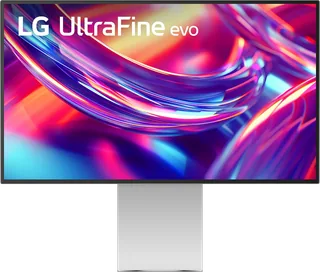
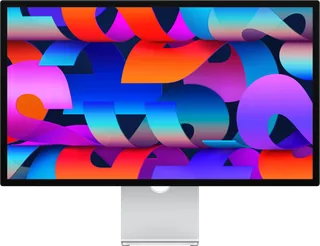
Model | Size | Resolution | PPI | Panel | Refresh | Brightness | HDR | USB-C power | Released |
|---|---|---|---|---|---|---|---|---|---|
| 31.5″ | 6016 × 3384 | 219 | IPS | 60 Hz | 400 nits | 600 | 90 W | Aug 2025 | |
| 31.5″ | 6144 × 3456 | 224 | IPS | 60 Hz | 450 nits | 600 | 96 W | Sept 2025 | |
| 27″ | 5120 × 2880 | 218 | IPS | 60 Hz | 600 nits | – | 96 W | Mar 2022 |
Sources
- asus.com/uk/displays-desktops/monitors/proart/proart-display-6k-pa32qcv/techspec
- asus.com/uk/displays-desktops/monitors/proart/proart-display-6k-pa32qcv
- dlcdnets.asus.com/pub/ASUS/LCD%20Monitors/PA32QCV/PA32QCV_UG_EN.pdf
- press.asus.com/news/press-releases/asus-31-5-inch-ips-display-6k-hdr
- eprel.ec.europa.eu/screen/product/electronicdisplays/2376659
Photo: press.asus.com
- Front view with native ProArt display: press.asus.com/assets/w_5000,h_5000/b41dc6d2-0a7d-482c-8d65-ff89abf3cbd9/ProArt…
- Front-left view: press.asus.com/assets/w_5000,h_4998/0ea4d866-8ce9-40ab-a679-43f91c01e0a9/ProArt…
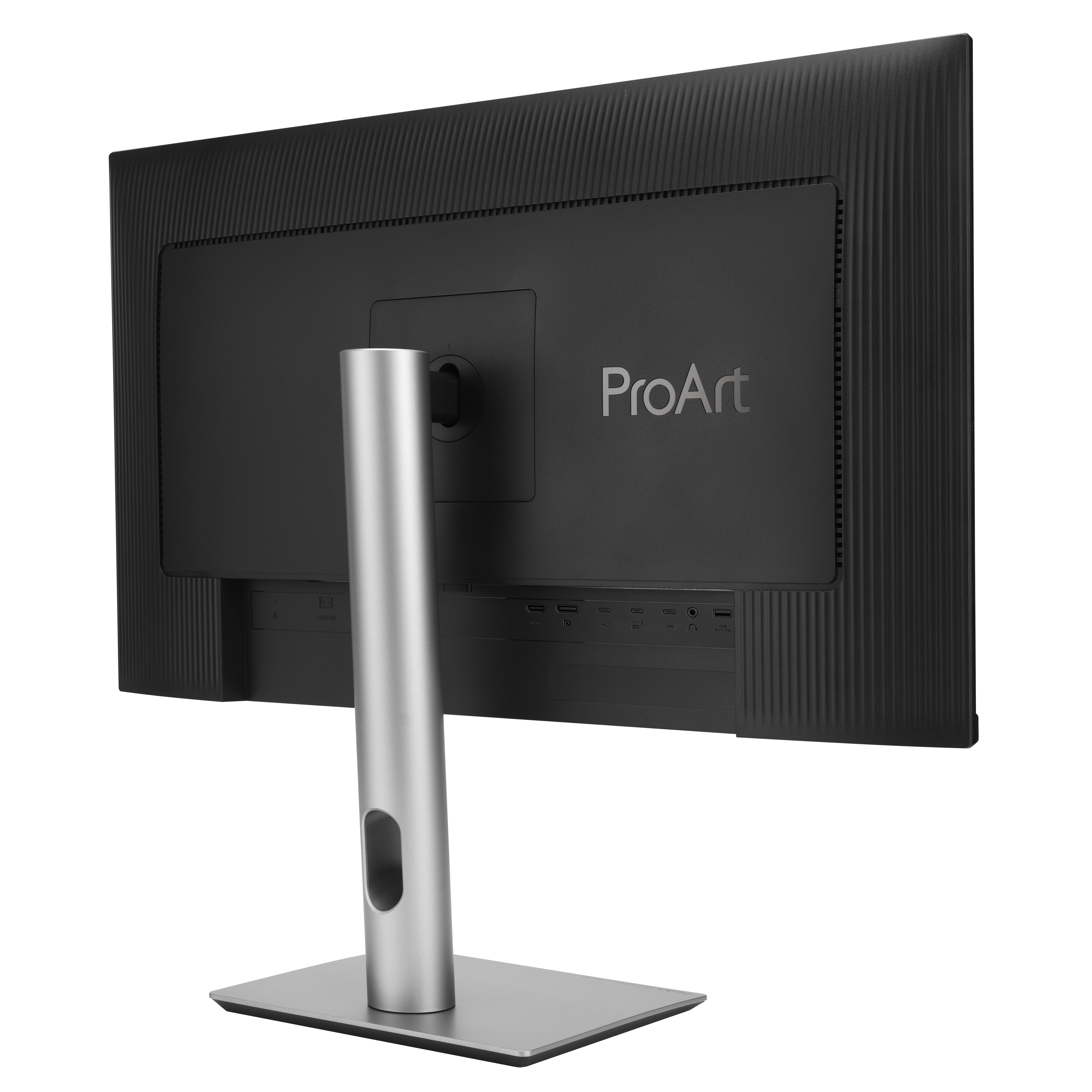
- Rear-left view: press.asus.com/assets/w_5000,h_5000/da00784c-518c-4870-8913-10250f1481b3/ProArt…
- Underside connection close-up: press.asus.com/assets/w_5000,h_5001/0abf46d8-a6c2-4d1a-a0c6-90c435016d99/ProArt…
- Rear view: dlcdnwebimgs.asus.com/gain/552f4f56-78a2-421e-bdcb-0d0edd53e8fd
- Portrait display view: dlcdnwebimgs.asus.com/gain/6ed33d68-6f6e-4882-b02d-c9ec0f8c0c5f
- Lowered display view: dlcdnwebimgs.asus.com/gain/4bfc79f5-6a04-4269-ac4f-69cfcf0f229a
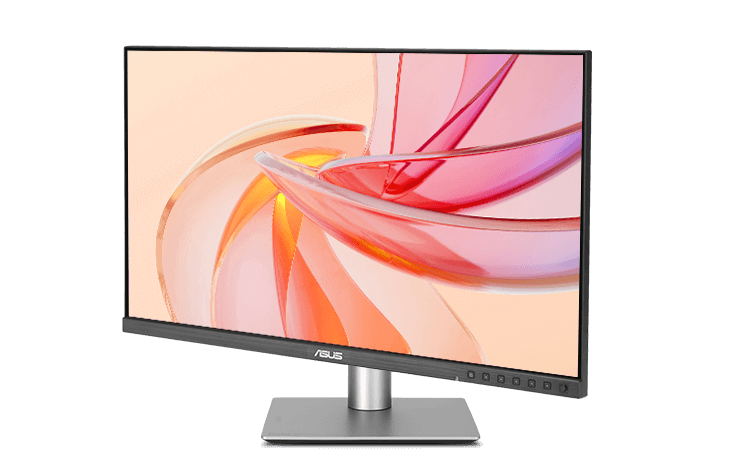
- Angled display with native warm screen artwork: dlcdnwebimgs.asus.com/files/media/84382793-0a81-449e-8d5d-7ce0ab0ce99b/v1/img/e…
- Portrait display with native purple screen artwork: dlcdnwebimgs.asus.com/files/media/84382793-0a81-449e-8d5d-7ce0ab0ce99b/v1/img/e…
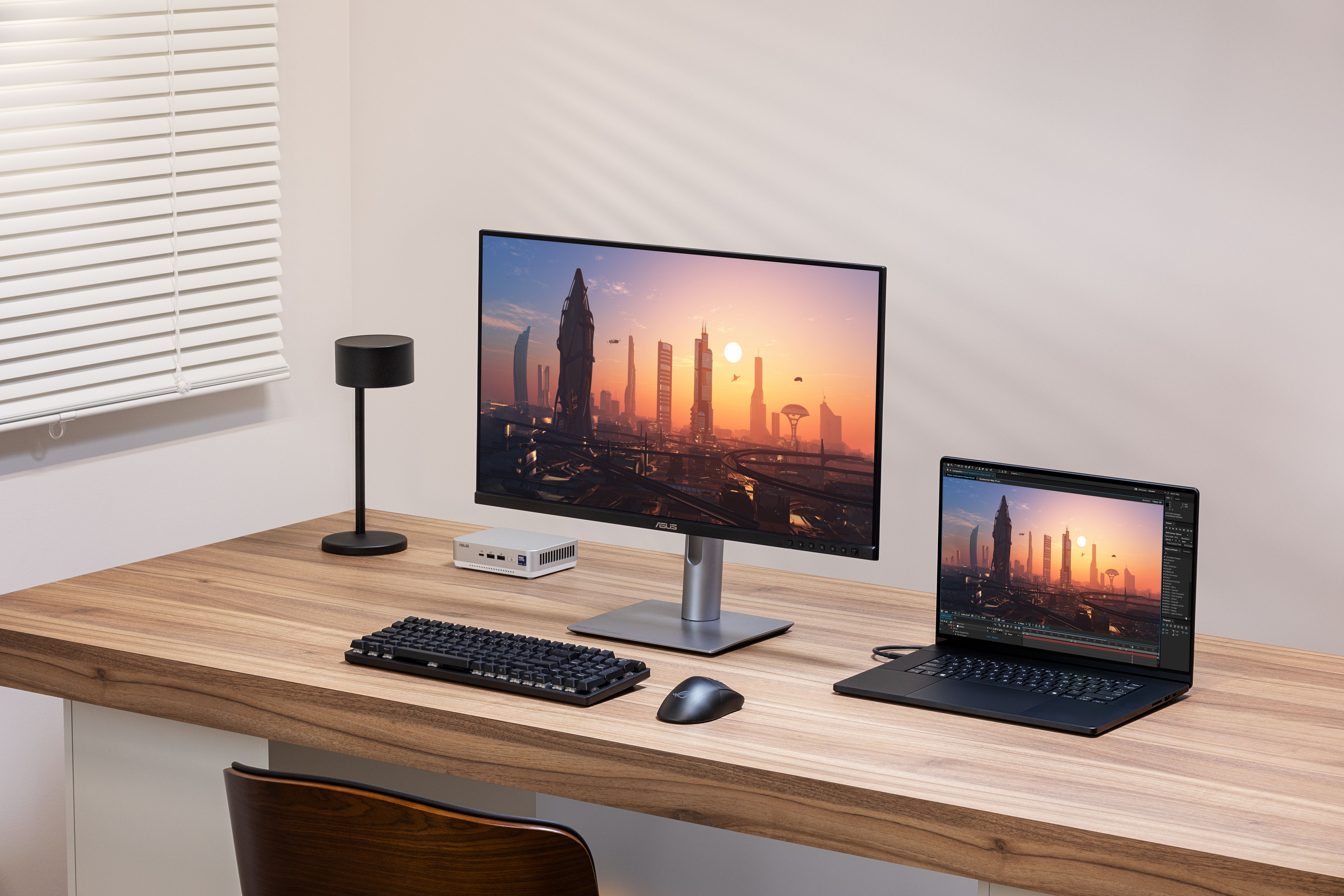
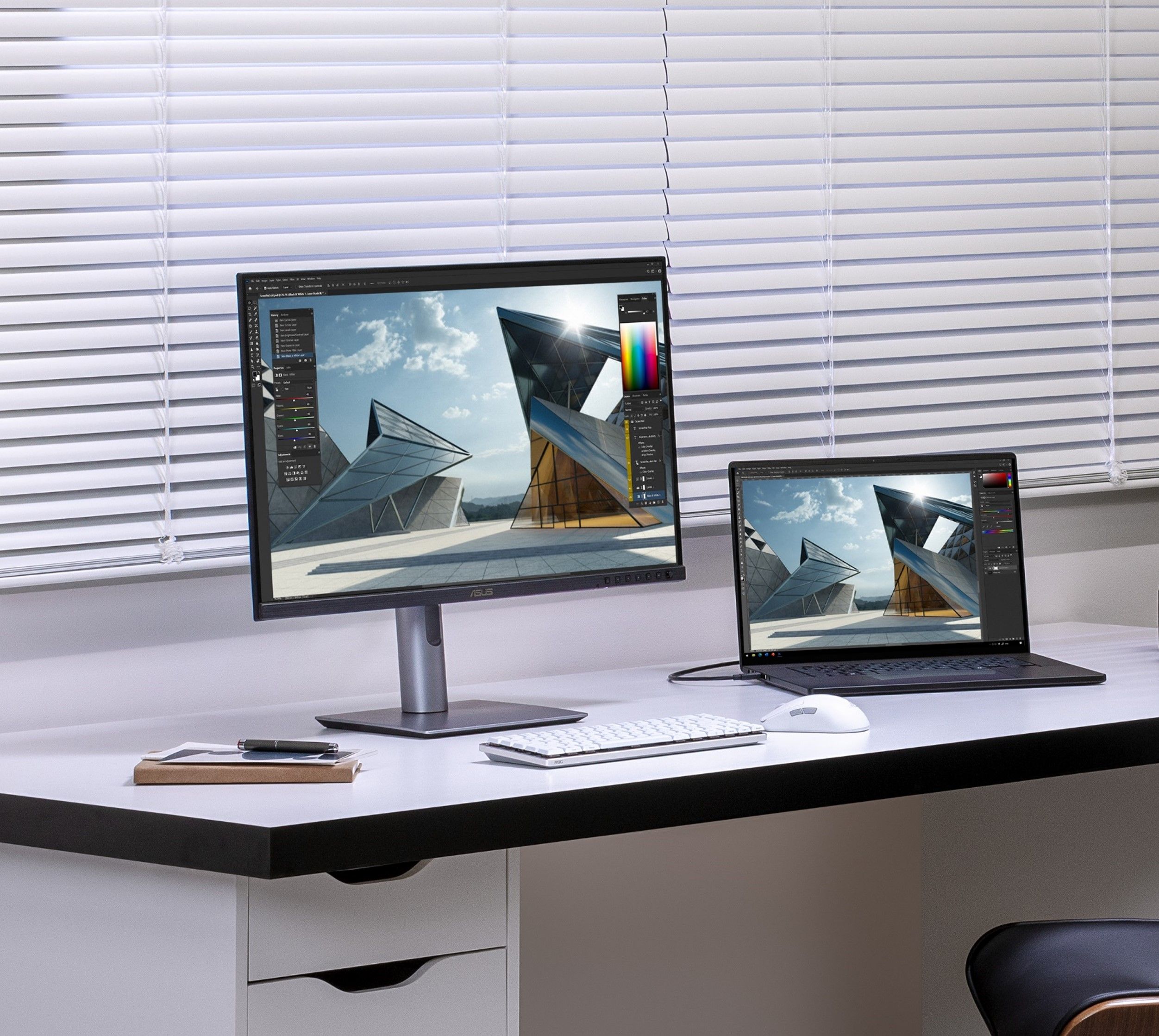
- ASUS ProArt Display 6K PA32QCV in a desk setup with laptop: ASUS, official ProArt Display 6K PA32QCV product photograph; complete supplied scene retained; pictured connected devices and accessories do not establish included hardware or product specifications
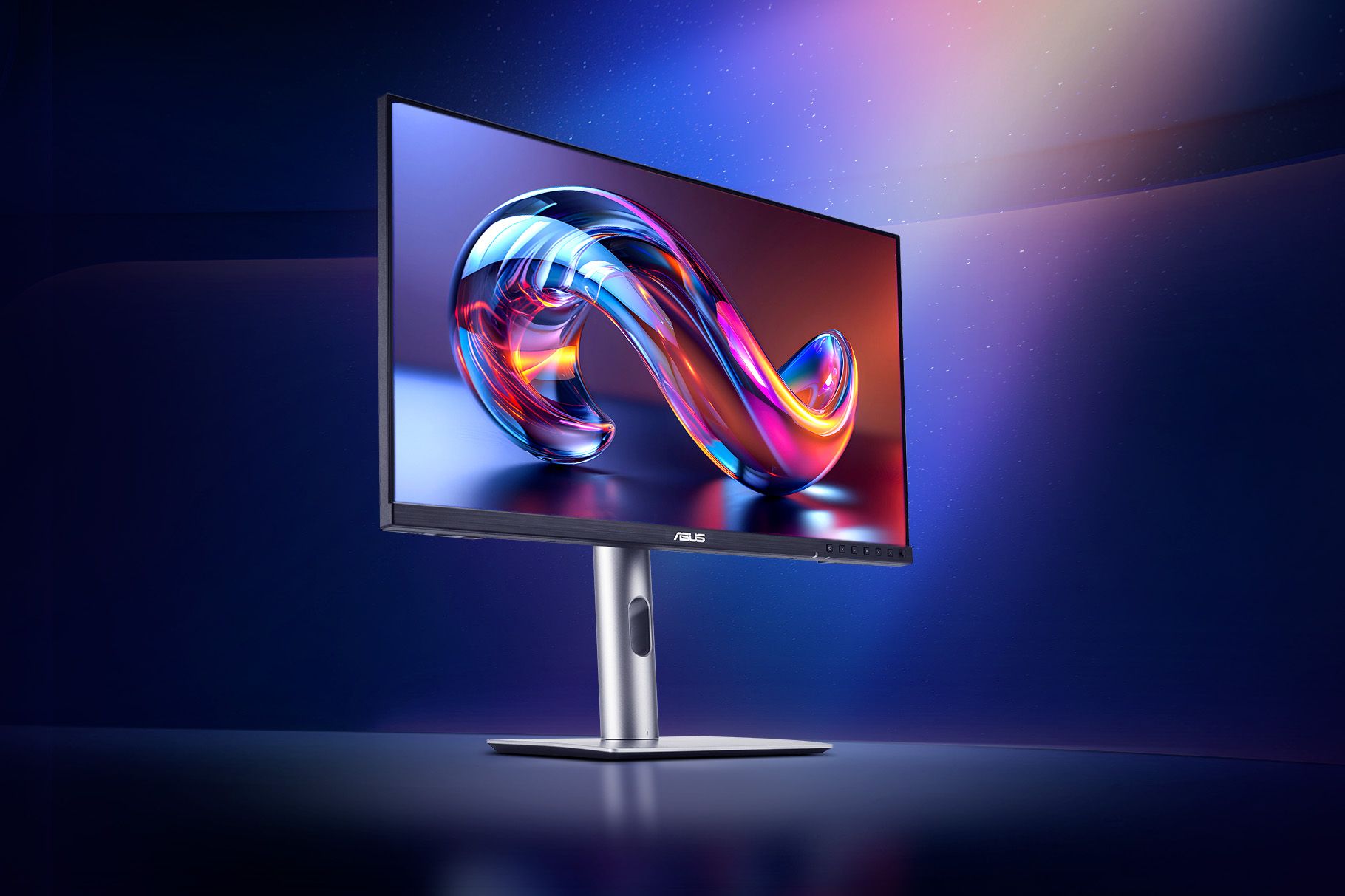
- ASUS ProArt Display 6K PA32QCV angled front view in a blue studio scene: ASUS, official ProArt Display 6K PA32QCV product photograph; complete supplied scene retained; pictured connected devices and accessories do not establish included hardware or product specifications
- ASUS ProArt Display 6K PA32QCV in portrait orientation beside a laptop at a desk: ASUS, official ProArt Display 6K PA32QCV product photograph; complete supplied scene retained; pictured connected devices and accessories do not establish included hardware or product specifications
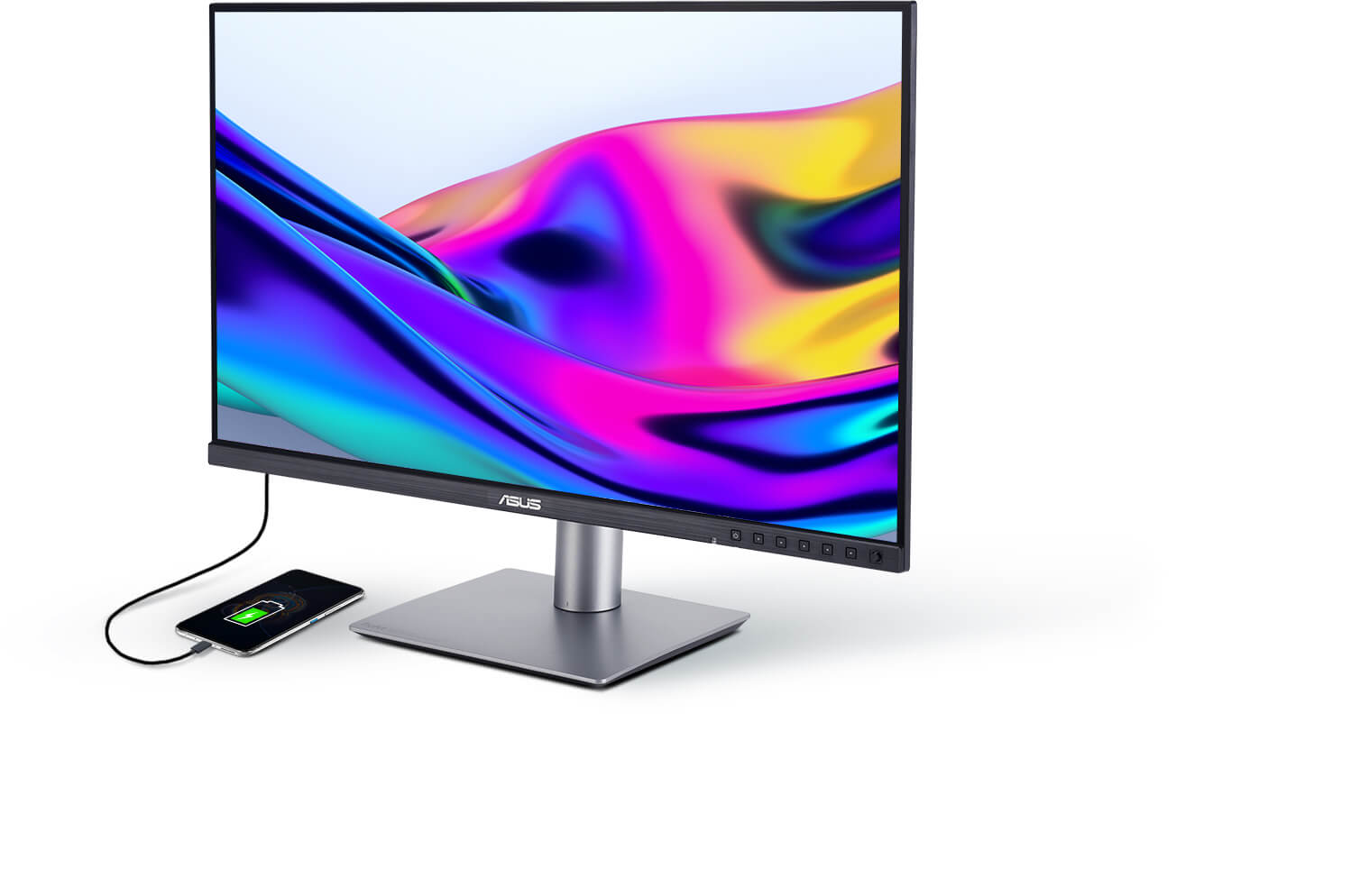
- ASUS ProArt Display 6K PA32QCV, front three-quarter view with a connected smartphone on the studio surface.: ASUS official ProArt Display 6K PA32QCV product-page image; complete supplied framing and background retained.
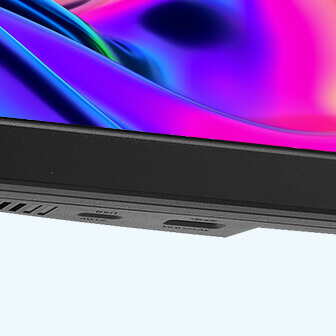
- ASUS ProArt Display 6K PA32QCV, bottom bezel and quick-access USB port close-up.: ASUS official ProArt Display 6K PA32QCV product-page image; complete supplied framing and background retained.