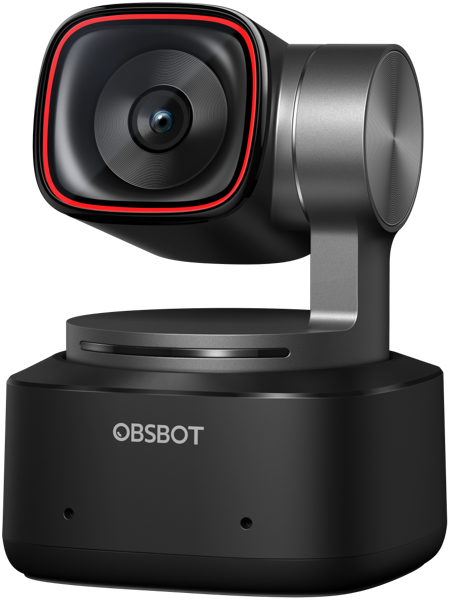
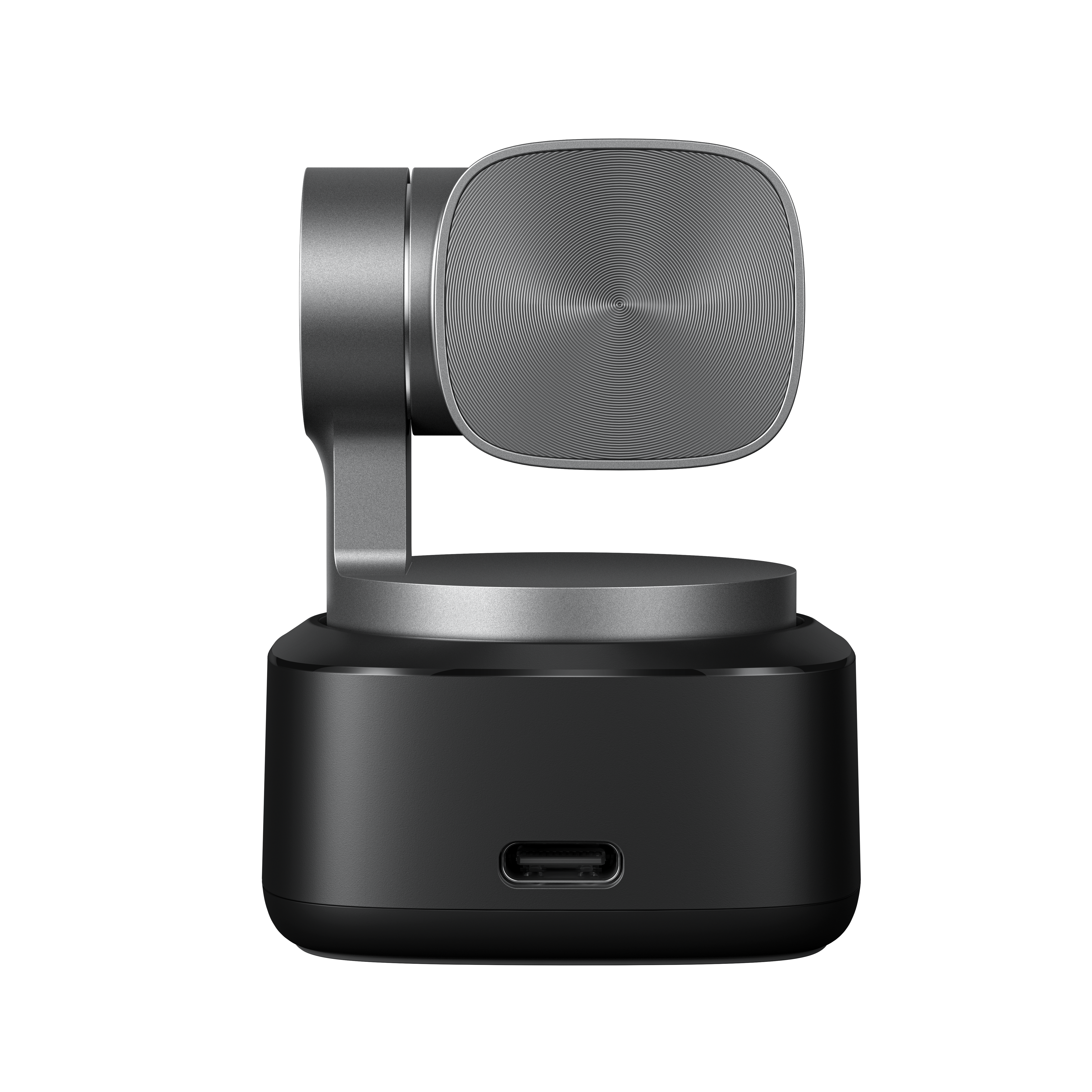
Photo 1 of 14
OBSBOT Tiny 2 · Photo source
Tiny 2
A 4K webcam on a two-axis gimbal that pans and tilts to follow you, with a 1/1.5-inch sensor, fast phase-detection autofocus, and gesture and voice control, suited to presenters and streamers who move around.
- Video
- 4K 30
- Field of view
- 85.5°
- Autofocus
- Yes
- Connector
- USB-C
What reviewers say
Reviewers agree it is a compact, travel-friendly webcam with sharp 4K video, smooth AI tracking on its motorised gimbal and handy gesture and voice controls. Both found it expensive; PCMag rated the microphone average, and TechRadar found the dynamic range limited and the autofocus not the fastest.
From pcmag.com and techradar.com
Specifications
Report a wrong or missing specVideo
- Highest resolution
- 4K (3840 × 2160) at 30 fps
- Highest frame rate
- 60 fps
- Sensor
- 1/1.5″ CMOS, 50 MP
- Field of view
- 85.5° diagonal
- Autofocus
- Yes
- HDR
- Yes
- Auto framing
- Yes
- Sensor
- 1/1.5-inch CMOS; 50 MP effective
- Resolutions and frame rates
- MJPEG and H.264 at 3840 × 2160 up to 30 fps, 1920 × 1080 and 1280 × 720 up to 60 fps; uncompressed YUV at 3840 × 2160 at 15 fps, 1920 × 1440 and 1920 × 1080 up to 30 fps, 1280 × 960 up to 60 fps
- Lens
- f/1.9; 26 mm equivalent; 85.5° diagonal (4:3) and 72.9° horizontal field of view; 1–4x zoom
- Focus
- All-pixel PDAF autofocus or manual focus; minimum focus distance 10 cm
- Image features
- HDR; beauty mode
- Framing and tracking
- AI tracking with auto zoom on a two-axis gimbal (non-removable); pan ±140°, tilt 30° down to 70° up (controllable); up to 120°/s
Audio
- Microphones
- 2
- Microphones
- Built-in dual omnidirectional microphones with noise reduction and automatic gain control
Connections and software
- Connector
- USB-C
- Connection
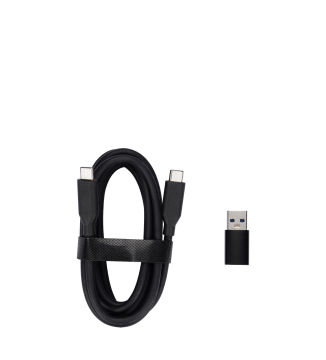
- USB 3.0 over USB-C; USB-C 3.0 cable and USB-C to USB-A 3.0 adapter included
- Works with
- Windows 10 or later, macOS 11 or later
- Software
- OBSBOT Center (formerly OBSBOT WebCam); gesture control and voice control
Design
- Privacy shutter
- No
- Weight
- 95.6 g
- Privacy
- Privacy mode points the gimbal away and can stream a preset picture or video
- Size
- 47 × 44 × 62.02 mm; 143.3 g with mount
Pros and cons
Pros
- Two-axis gimbal with AI tracking and auto zoom
- Large 1/1.5-inch 50 MP sensor with all-pixel phase-detection autofocus
- Gesture and voice control (English and Mandarin)
Cons
- 4K limited to 30 fps; 60 fps at 1080p and below
- No physical privacy shutter; privacy mode turns the camera away instead
- Heavier than fixed webcams at 95.6 g without its mount
Closest rivals
Model | Video | Field of view | Autofocus | Connector | Released |
|---|---|---|---|---|---|
| 4K 30 | 79.4° | Yes | USB-C | Sept 2024 | |
| 4K 30 | 79.4° | Yes | USB-C | Jun 2024 | |
| 4K 30 | 82° | Yes | USB-C | Jan 2023 |

Sources
- obsbot.com/obsbot-tiny-2-4k-webcam/specs
- obsbot.com/obsbot-tiny-2-4k-webcam
- obsbot.com/news/obsbot-launches-tiny-2
Photo: resource-cdn.obsbothk.com
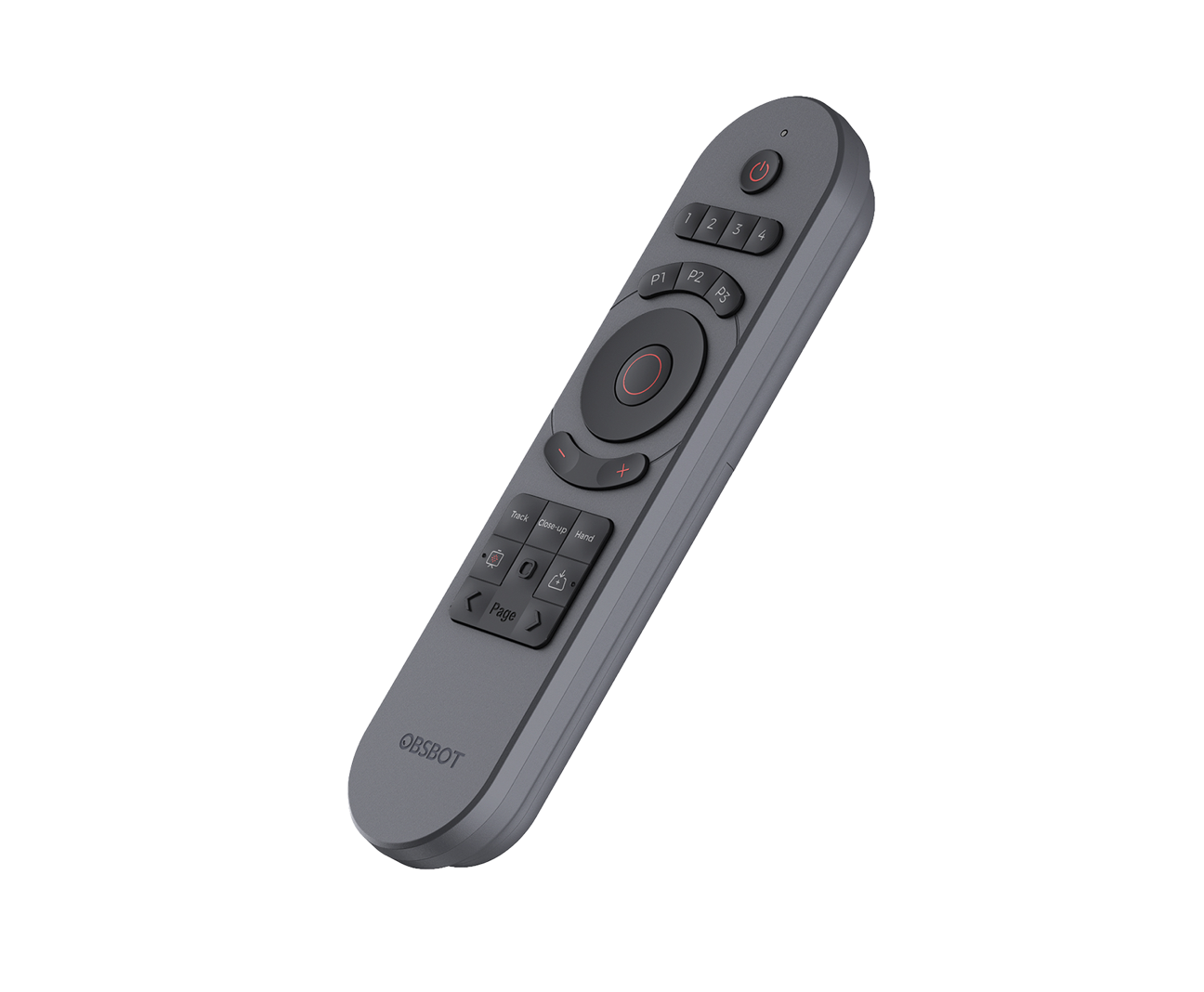
- Optional OBSBOT Tiny Smart Remote 2, angled view; sold separately: resource-media.obsbothk.com/image/default/EB210DF820674EB3A83722F1E39B83E0-6-2.…
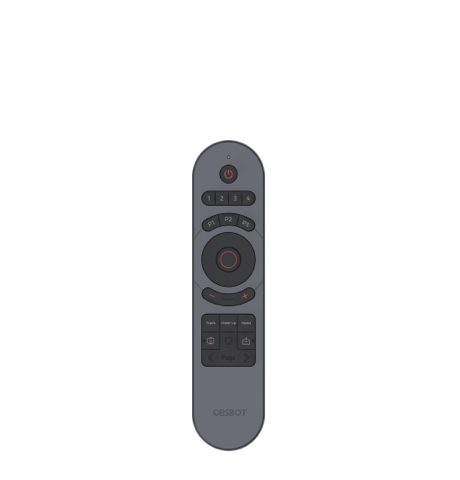
- Optional OBSBOT Tiny Smart Remote 2, front view; sold separately: resource-media.obsbothk.com/image/default/0C40FC8B60484605ACDF4415F8A857E0-6-2.…
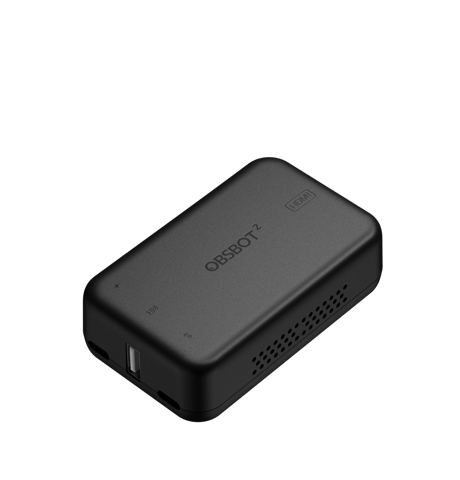
- Optional OBSBOT UVC to HDMI Adapter 2nd Gen; sold separately: resource-media.obsbothk.com/image/default/6BA426F82A3D40CDA625E6EFBE918AC8-6-2.…
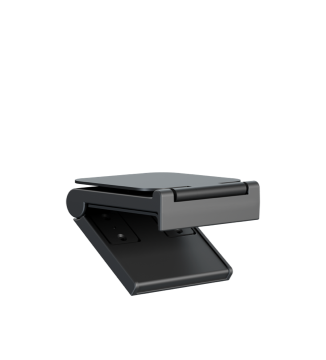
- OBSBOT Tiny 2 adjustable monitor mount: resource-media.obsbothk.com/image/default/E307ED539BFF4B6BA0CA4E2EF19FE96C-6-2.…
- OBSBOT Tiny 2 USB-C cable and USB-C to USB-A adapter: resource-media.obsbothk.com/image/default/A5D5DEE8DB354A99B161151FA9279EFB-6-2.…
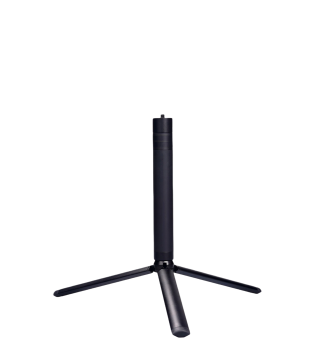
- Optional extendable tripod for OBSBOT Tiny 2; sold separately: resource-media.obsbothk.com/image/default/2A0AC1B53E2742D5A8409F1B5D5E2145-6-2.…
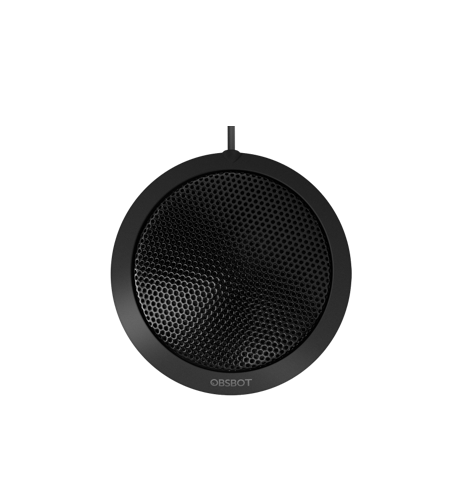
- Optional OBSBOT HQ Mic shown on the Tiny 2 accessory page; sold separately: resource-cdn.obsbothk.com/img/obsbot-tiny/4k-page/acs/pic_acs_3.png
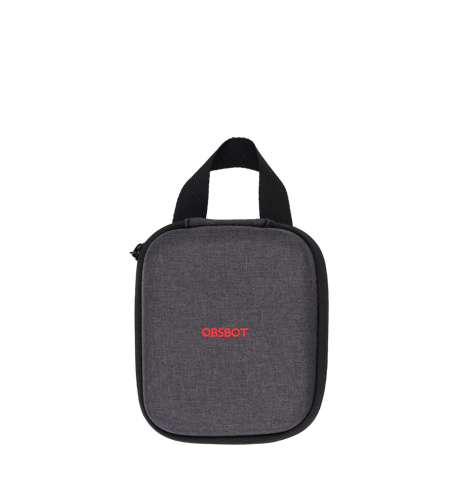
- OBSBOT Tiny 2 storage case: resource-media.obsbothk.com/image/default/7F10AE1ABCA6486A865553CCADBD553B-6-2.…
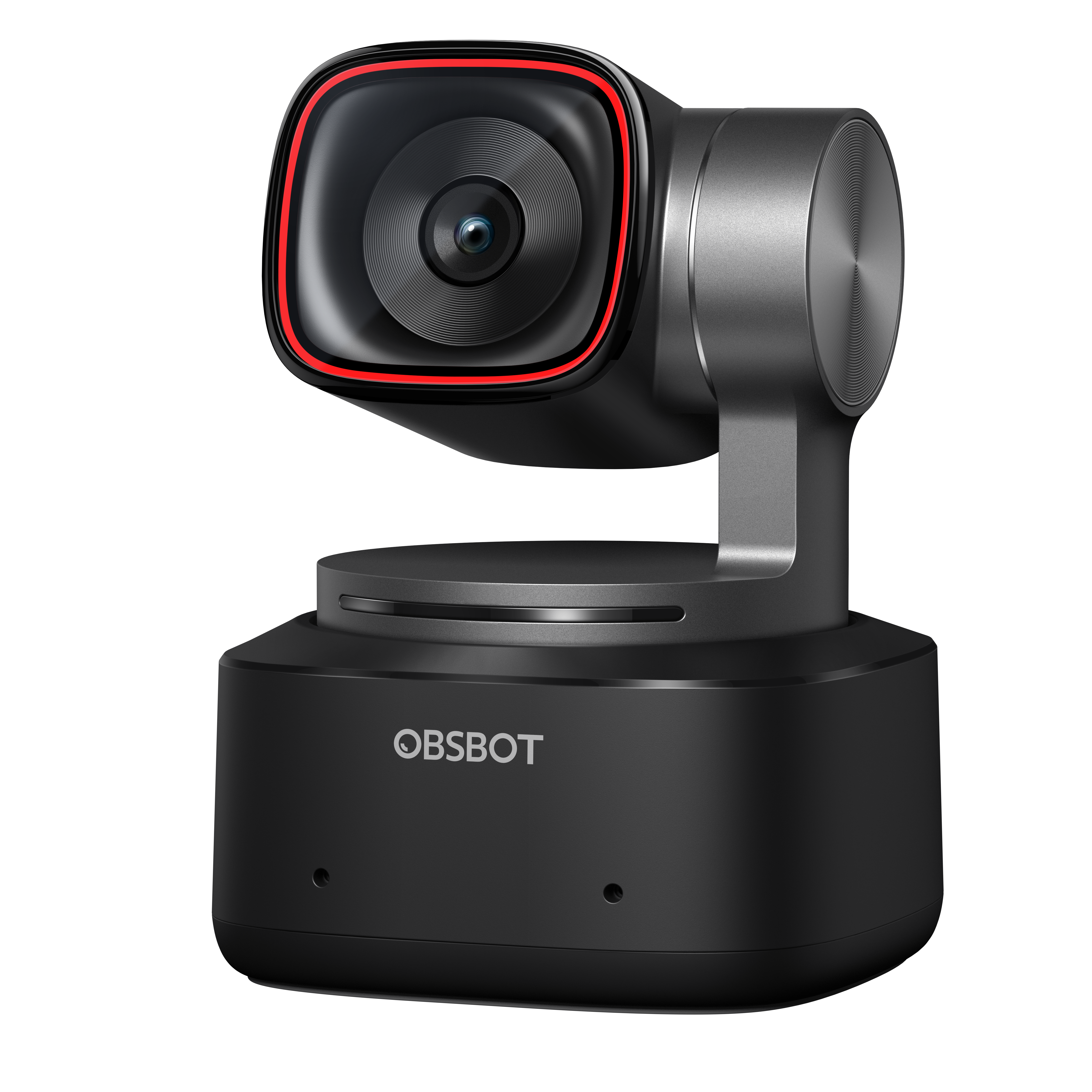
- OBSBOT Tiny 2, elevated front angle: resource-media.obsbothk.com/image/default/4D55DE1E3C07400695072949EEEBE7CD-6-2.…
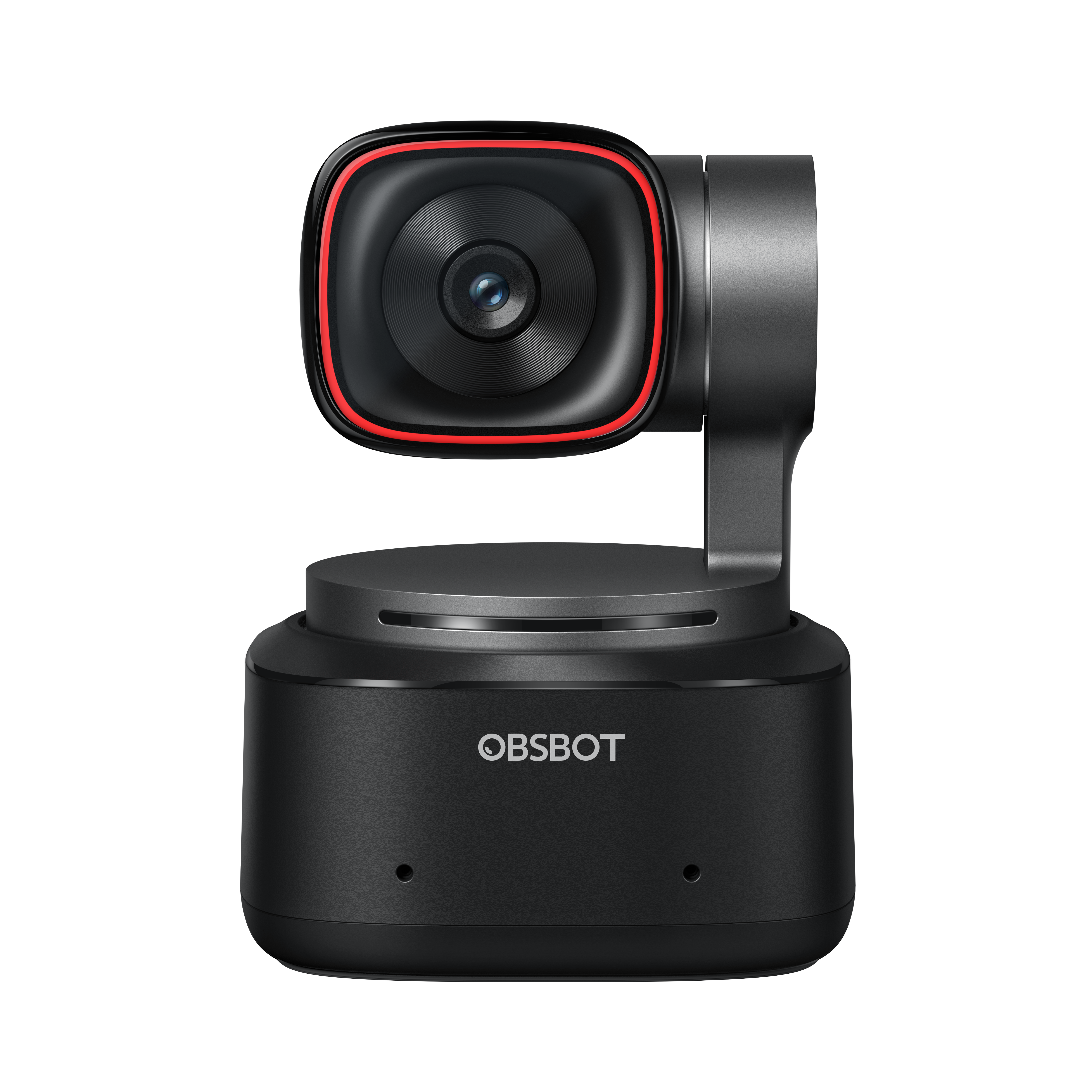
- OBSBOT Tiny 2, straight front view: resource-cdn.obsbothk.com/download/media-kit/media/obsbot_tiny_series/obsbot_ti…
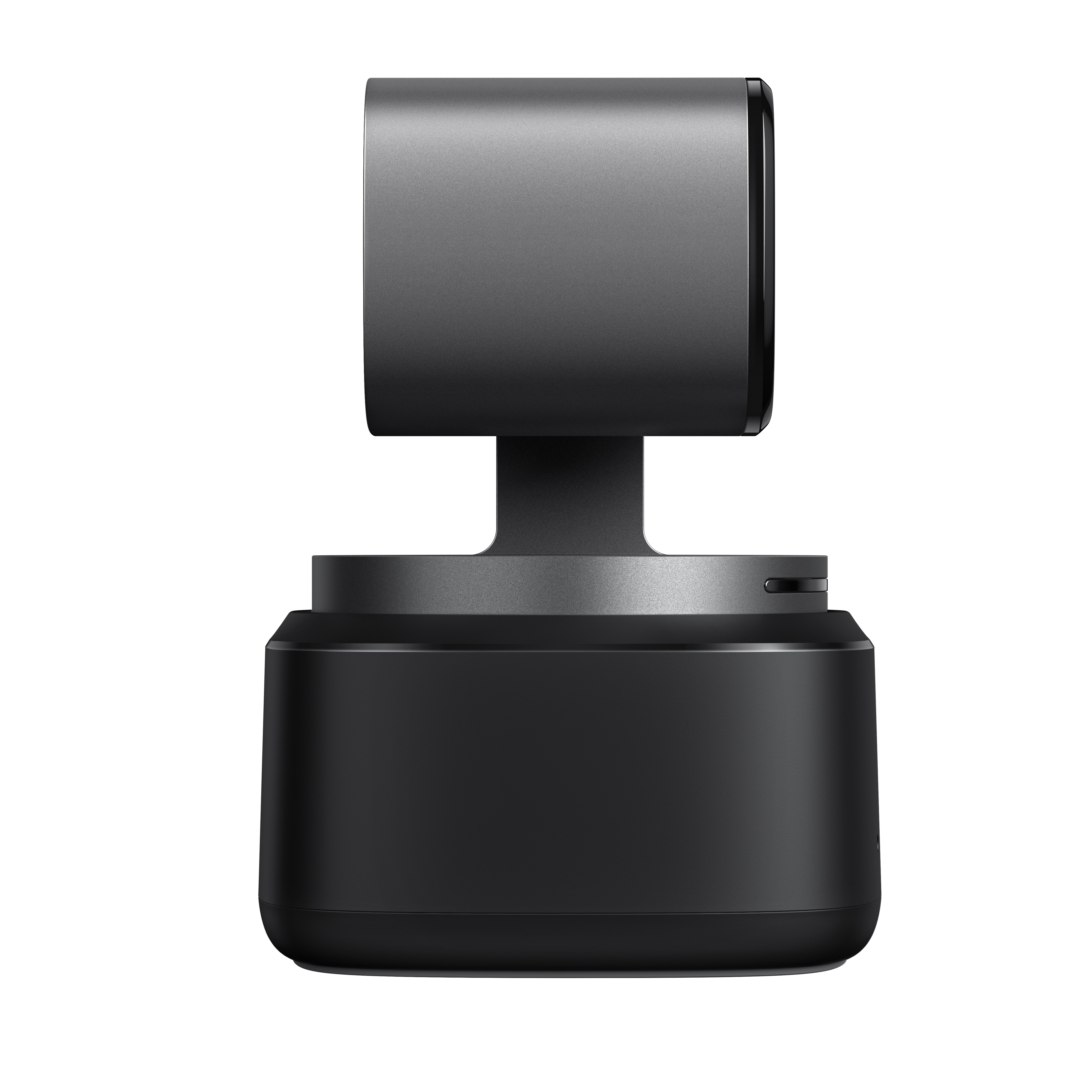
- OBSBOT Tiny 2, right side view: resource-cdn.obsbothk.com/download/media-kit/media/obsbot_tiny_series/obsbot_ti…
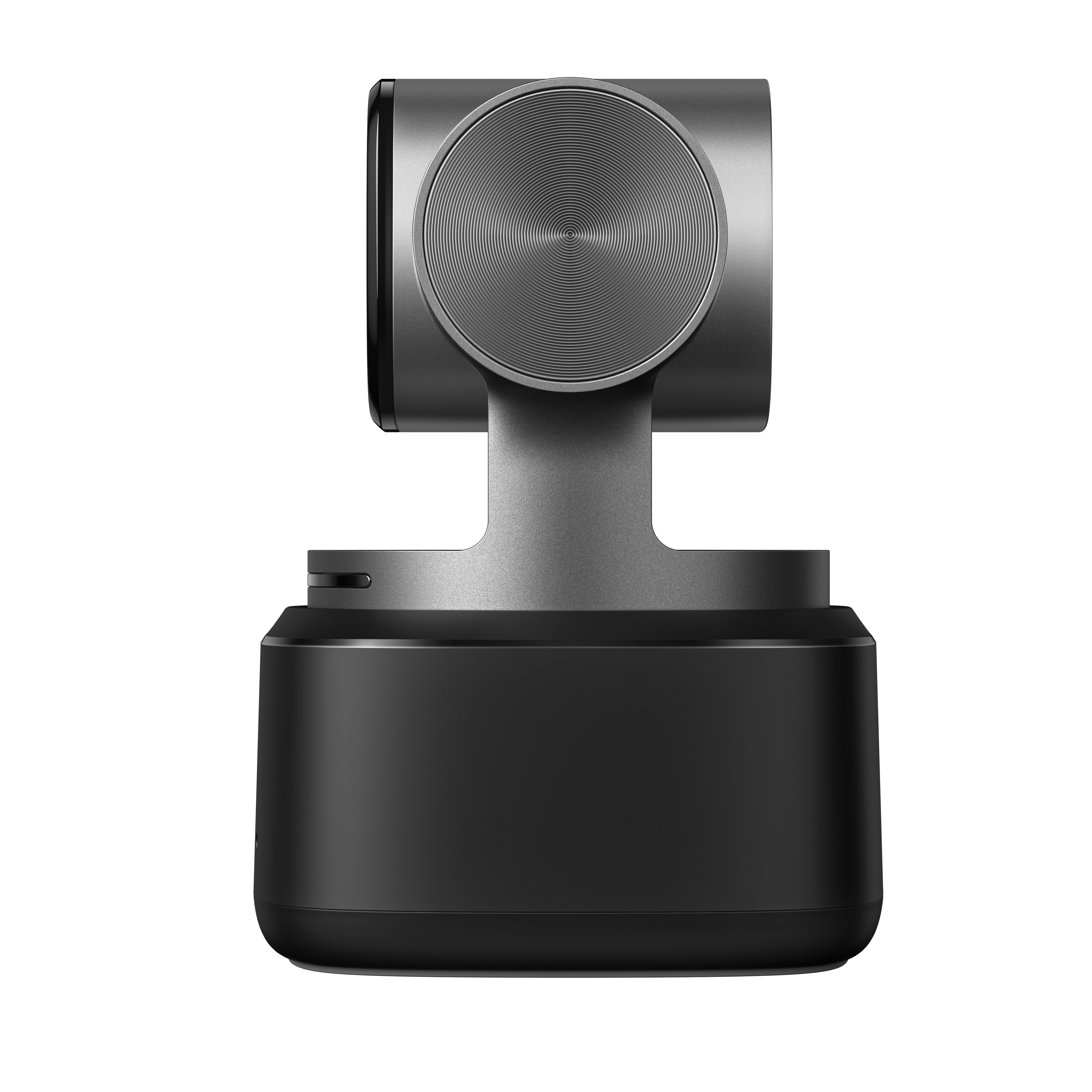
- OBSBOT Tiny 2, left side view: resource-cdn.obsbothk.com/download/media-kit/media/obsbot_tiny_series/obsbot_ti…
- OBSBOT Tiny 2, rear view with USB-C connector: resource-cdn.obsbothk.com/download/media-kit/media/obsbot_tiny_series/obsbot_ti…