Photo 1 of 17
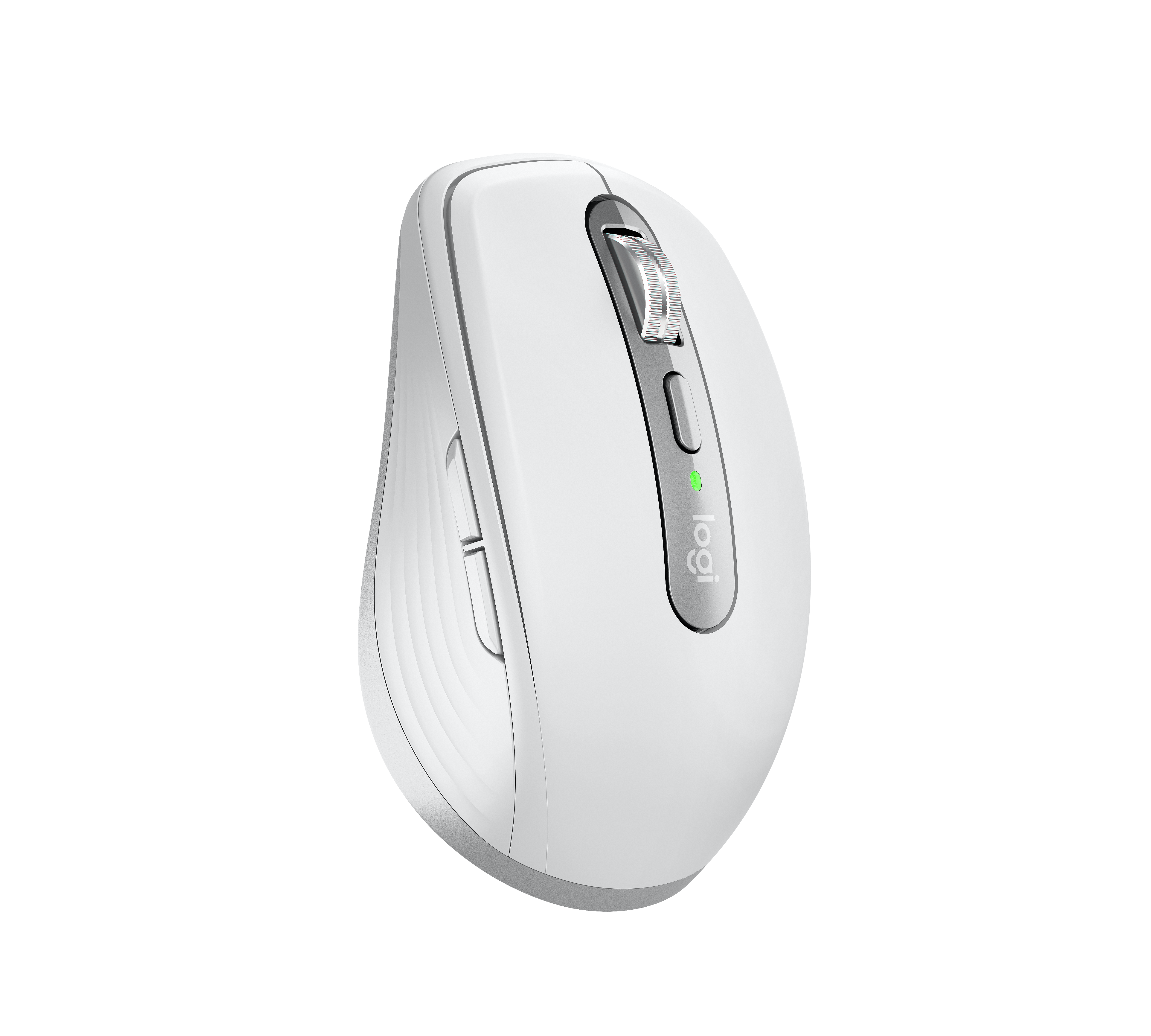
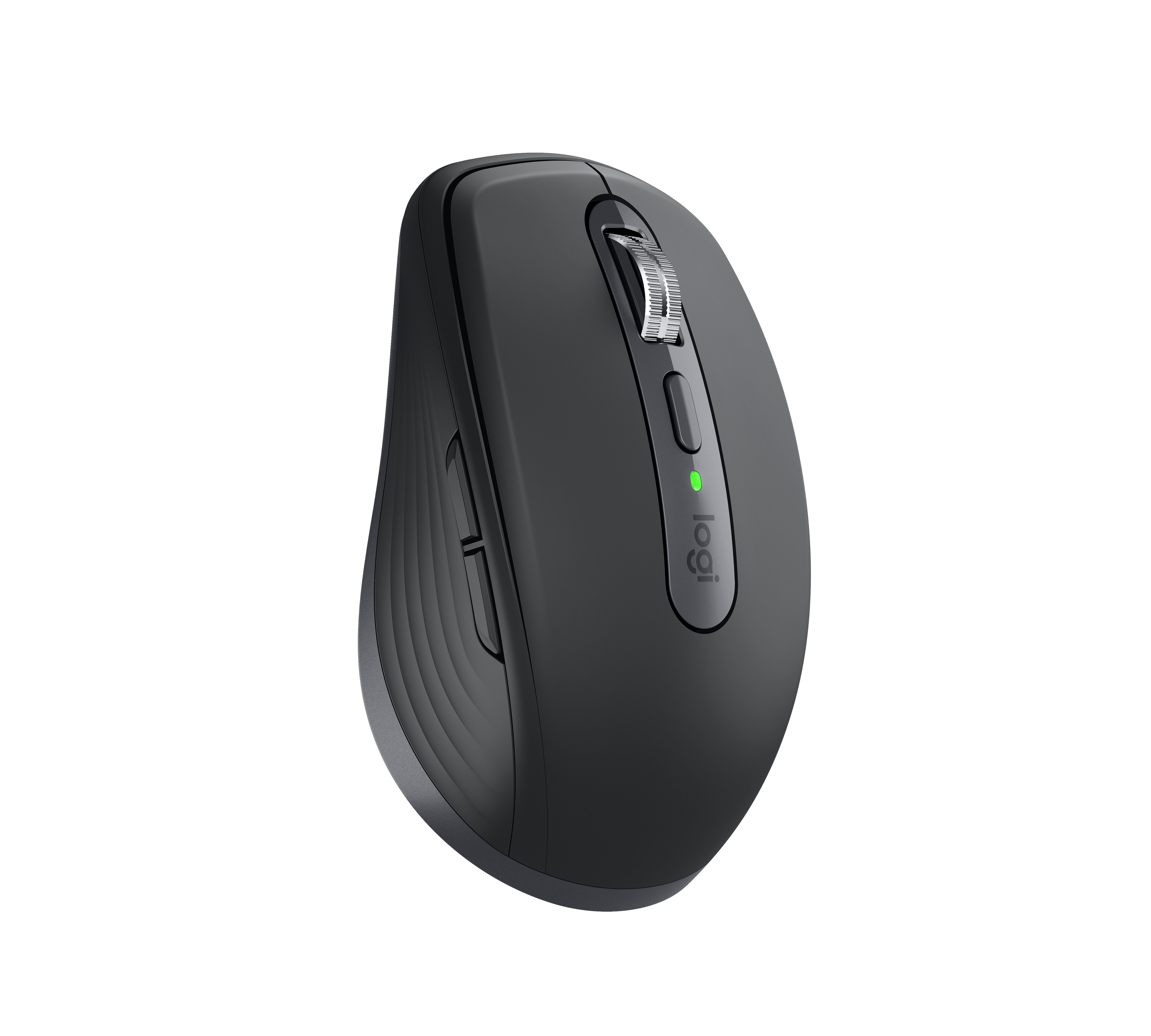
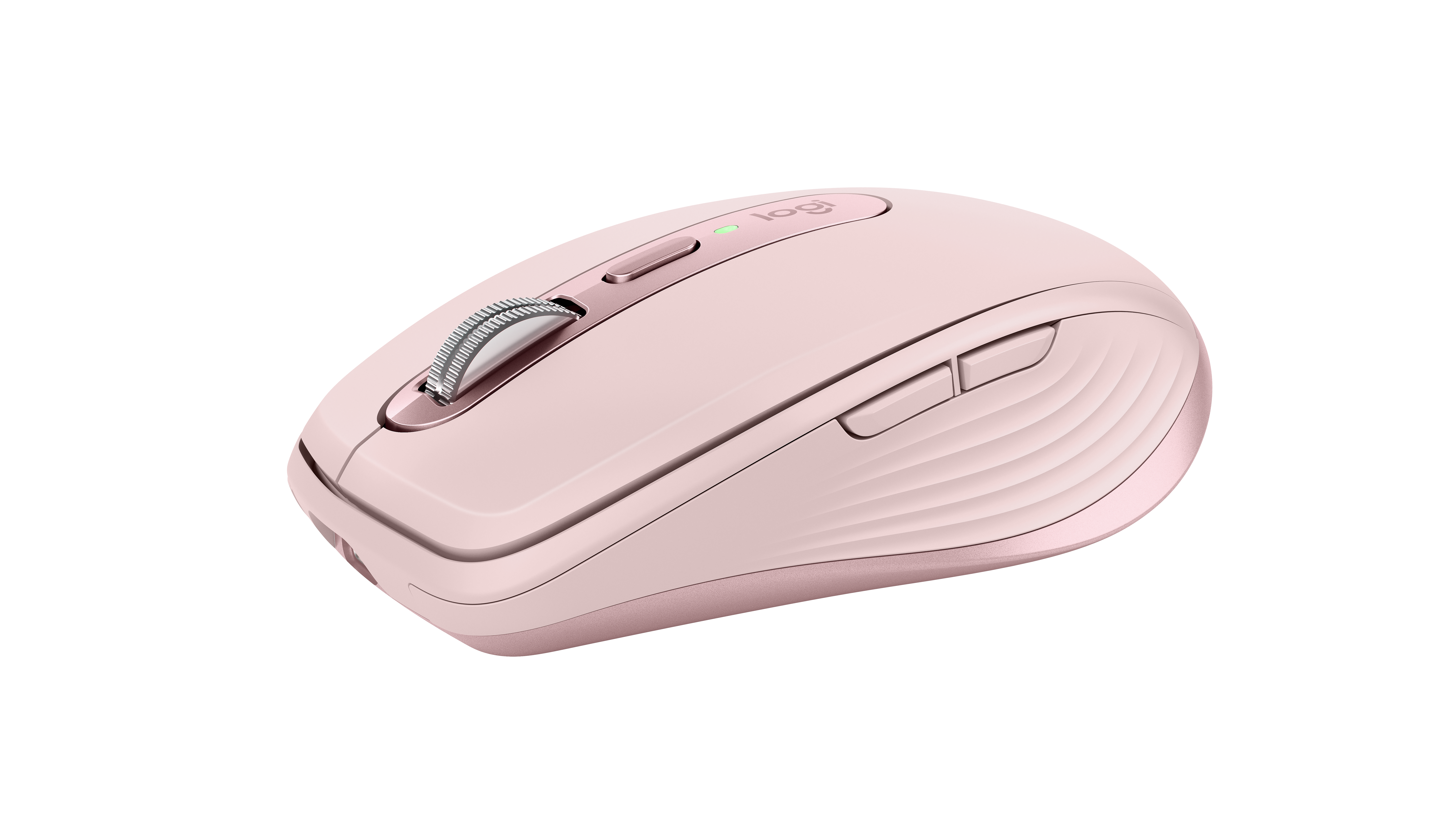
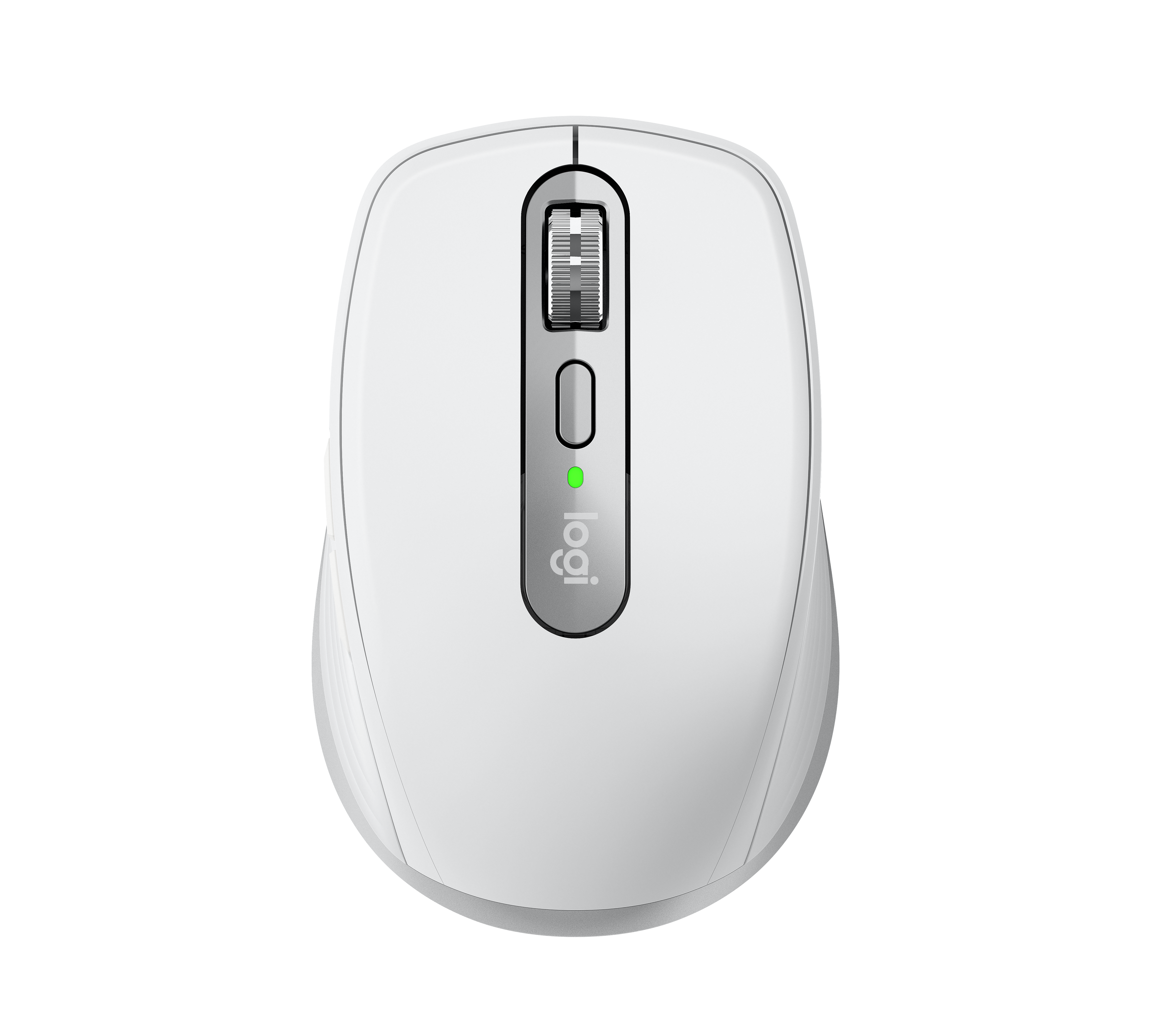
Logitech MX Anywhere 3 · Logitech press library; mxanywhere3toppalegray.png
Logitech · MX
MX Anywhere 3
Logitech's compact 2020 wireless mouse with glass-surface tracking, a MagSpeed wheel and USB-C charging for work across up to three devices.
Model history · 4 models, 2009–2020
- 2009Anywhere Mouse MXCompare
- 2015MX Anywhere 2Compare
- 2017MX Anywhere 2SCompare
- 2020MX Anywhere 3
- Shape
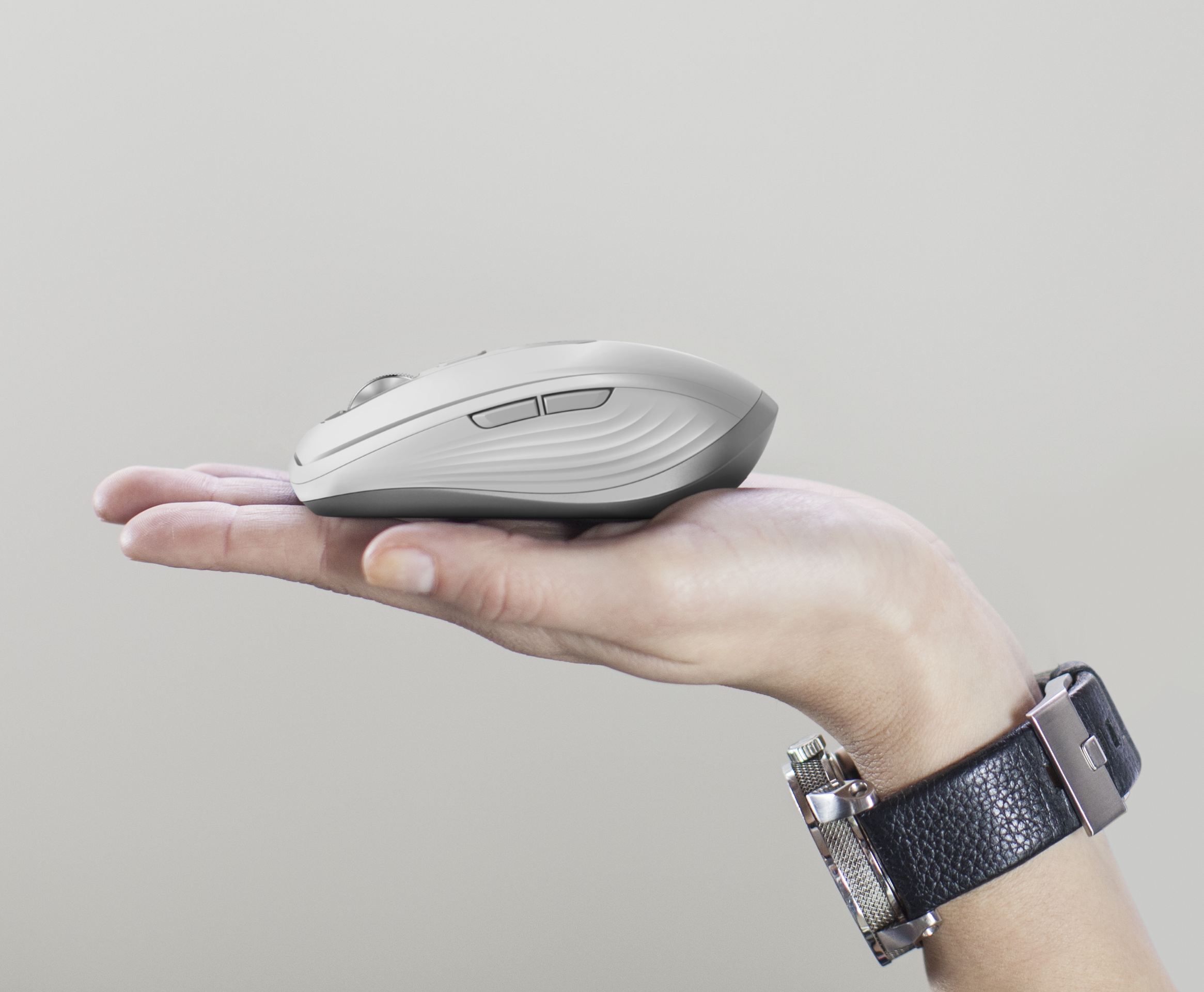
- Compact
- Buttons
- 6
- DPI
- 4,000
- Battery
- 70 days
- Connects by
- Bluetooth and USB receiver
- Weight
- 99 g
What reviewers say
RTINGS, TechRadar and Laptop Mag found the MX Anywhere 3 well built, portable and precise on a wide range of surfaces. All three liked its fast scroll wheel and device flexibility, but noted that the small shape is less comfortable for larger hands or a palm grip. They also missed a storage slot for the receiver.
From rtings.com, techradar.com and laptopmag.com
Specifications
Report a wrong or missing specTracking
- Shape
- Compact
- Hand
- Right hand
- Sensitivity
- Up to 4,000 DPI
- Sensor
- Darkfield high precision
- Buttons
- 6
- Free-spinning wheel
- Yes
- Thumb wheel
- No
- Sensor
- Darkfield tracking on almost any surface including glass; adjustable from 200 to 4,000 DPI.
- Scroll wheel
- MagSpeed electromagnetic wheel with SmartShift, switching between stepped and free-spinning modes; Logitech claims up to 1,000 lines per second.
- Thumb wheel
- No separate thumb wheel; horizontal scrolling uses a side button held while turning the main wheel.
Connections and battery
- Connects by
- Bluetooth and USB receiver
- Devices it switches between
- 3
- Power
- Rechargeable
- Battery life (maker's claim)
- Up to 70 days
- Charging port
- USB-C
- Receiver
- The standard model includes a Logitech Unifying USB receiver; the Mac variant connects over Bluetooth and has no receiver in the box.
- Charging
- USB-C, 500 mAh rechargeable lithium-polymer battery; Logitech claims three hours of use from a one-minute charge and up to 70 days from a full charge.
- Works with
- Standard edition uses Unifying or Bluetooth Low Energy with Windows, macOS, ChromeOS and Linux; Bluetooth also supports iPadOS 13.4 or later. The Mac variant uses Bluetooth.
- Software
- Logitech Options at launch, with button customisation, application profiles and Flow between computers.
Design
- Weight
- 99 g
- Size
- 100.5 × 65 × 34.4 mm (length × width × height); Logitech's consumer support sheet gives 99 g with battery.
- Colours
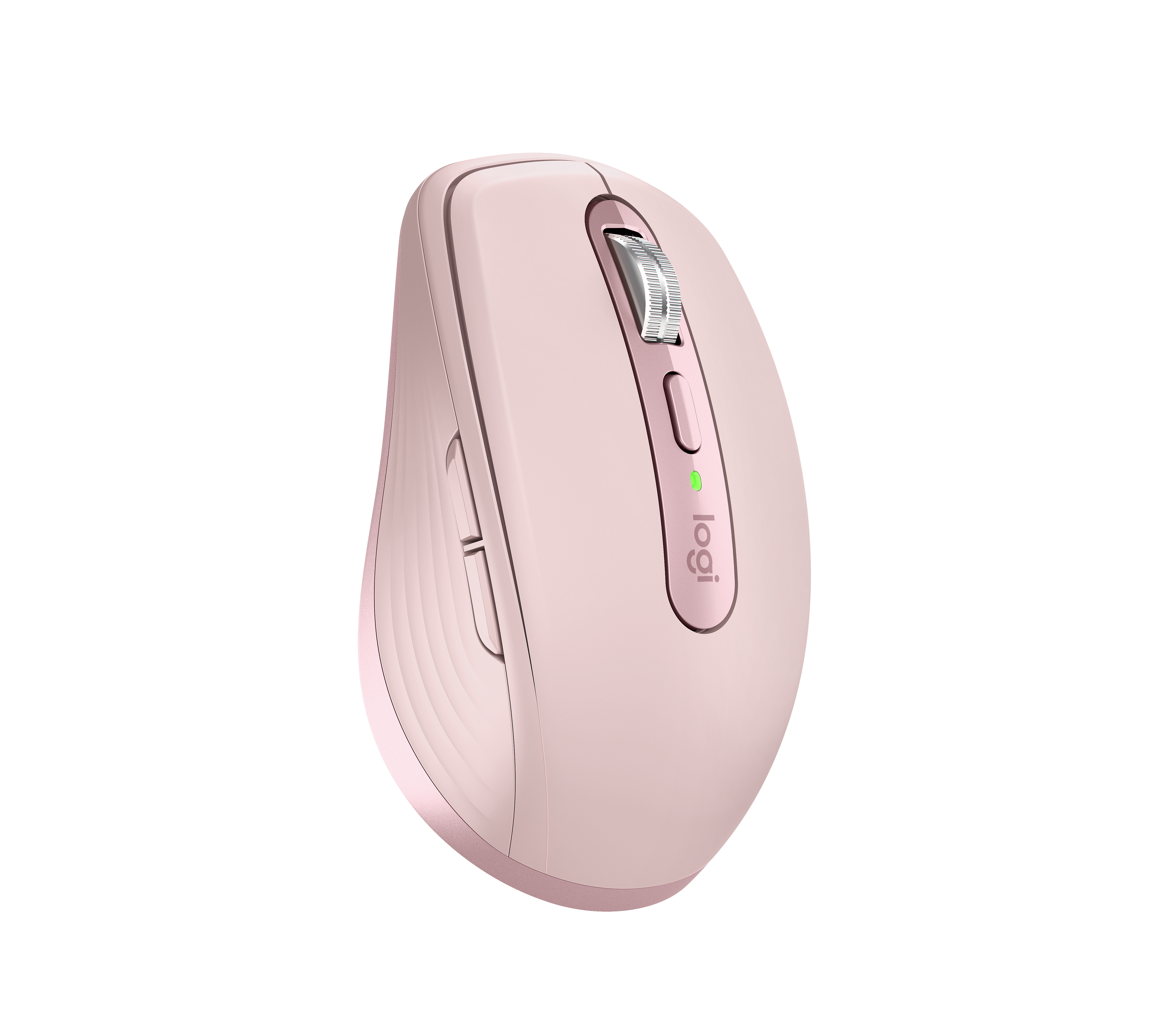
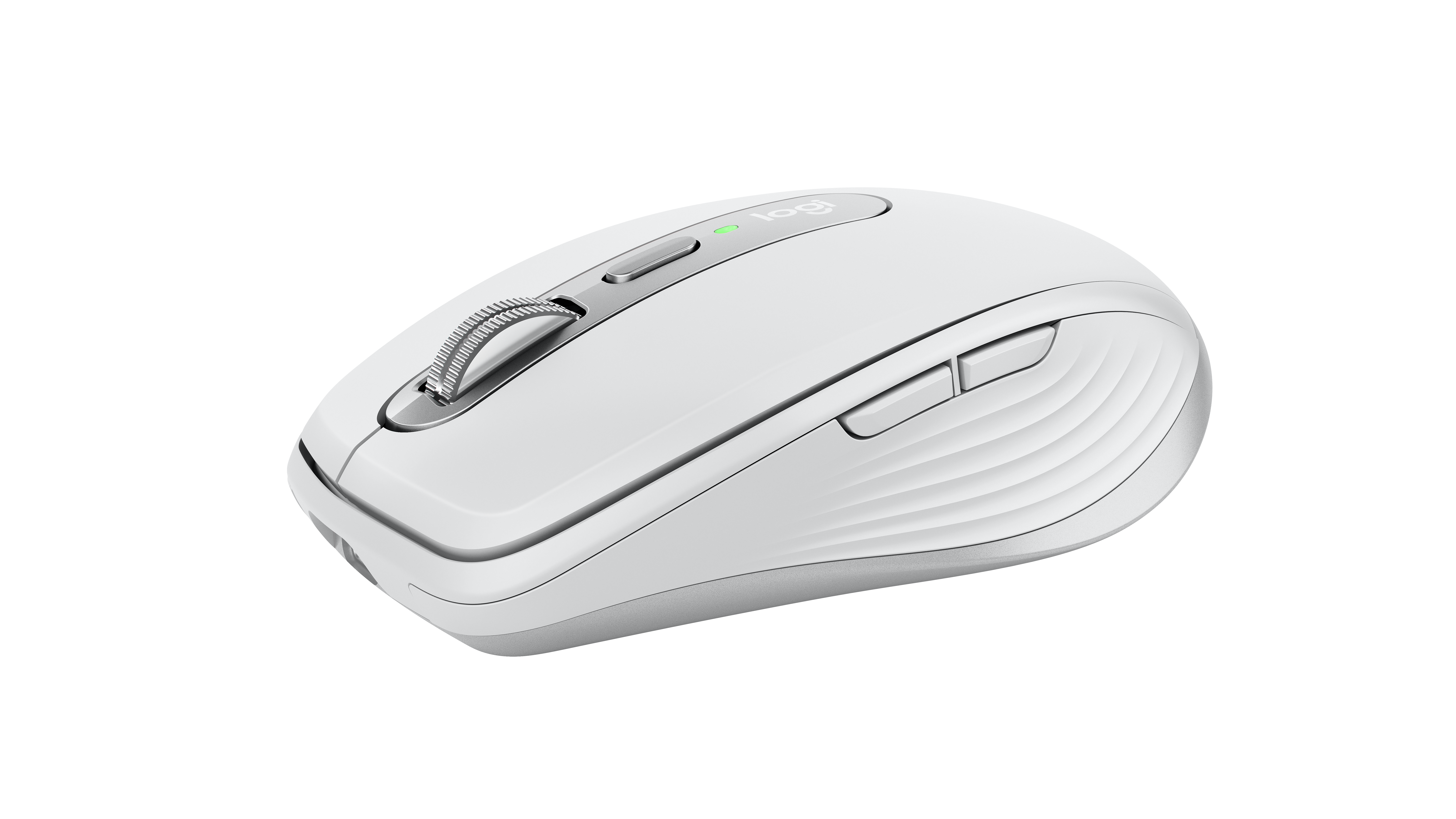
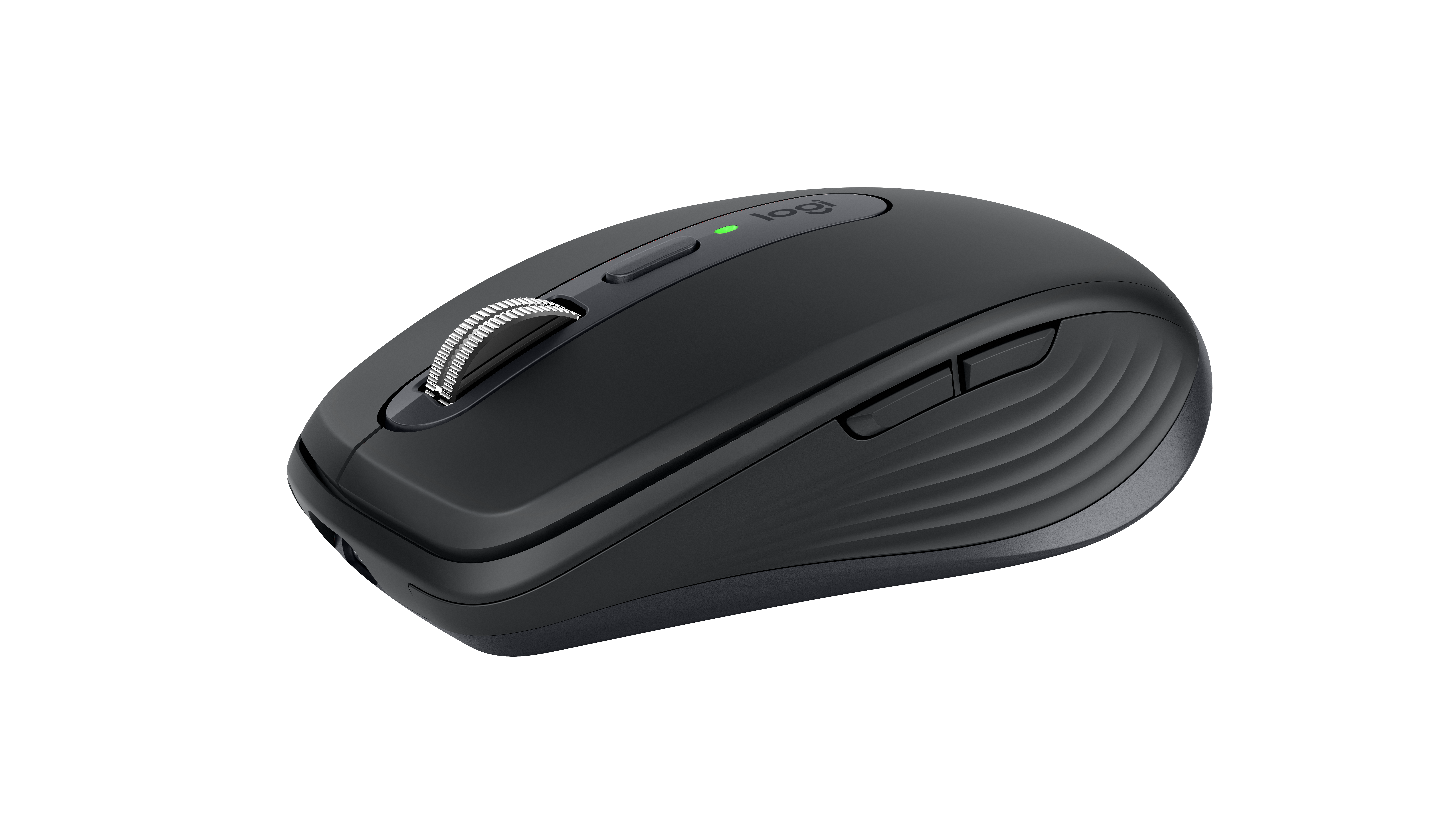
- Graphite, Pale Grey and Rose for the standard edition; Pale Grey for the Mac edition at launch.
- In the box
- Standard edition includes the mouse, Unifying receiver, USB-A-to-USB-C charging cable and documentation; Mac edition substitutes a USB-C-to-USB-C cable and omits the receiver.
Pros and cons
Pros
- Darkfield sensor tracks on glass and reaches 4,000 DPI
- MagSpeed wheel switches between stepped and free-spinning scrolling
- Connects through Bluetooth or the included Unifying receiver
Cons
- Compact shape gives limited palm support for larger hands
- No storage slot for the included USB receiver
- No dedicated thumb wheel
Closest rivals
Model | Shape | Buttons | DPI | Battery | Connects by | Weight | Released |
|---|---|---|---|---|---|---|---|
| Compact | 6 | 18,000 | 445 hours | Bluetooth and USB receiver | 60 g | Apr 2021 | |
| Compact | 4 | 4,000 | 24 months | Bluetooth and USB receiver | 82 g | Nov 2021 | |
| Compact | 6 | 8,000 | 70 days | Bluetooth and USB receiver | 99 g | Jun 2023 |

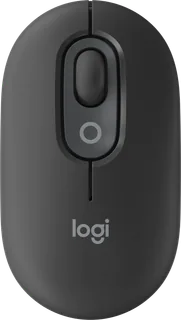
Previous model: MX Anywhere 2S. Newer model: MX Anywhere 3S.
Sources
- support.logi.com/hc/es-mx/articles/360053565493-Especificaciones-Mouse-inal%C3%…
- news.logitech.com/press-releases/news-details/2020/Ultimate-Performance-and-Spe…
- logitech.com/blog/2020/09/21/enhance-your-workflow-and-workspace-with-logitechs…
Photo: Logitech press library; mxanywhere3toppalegray.png
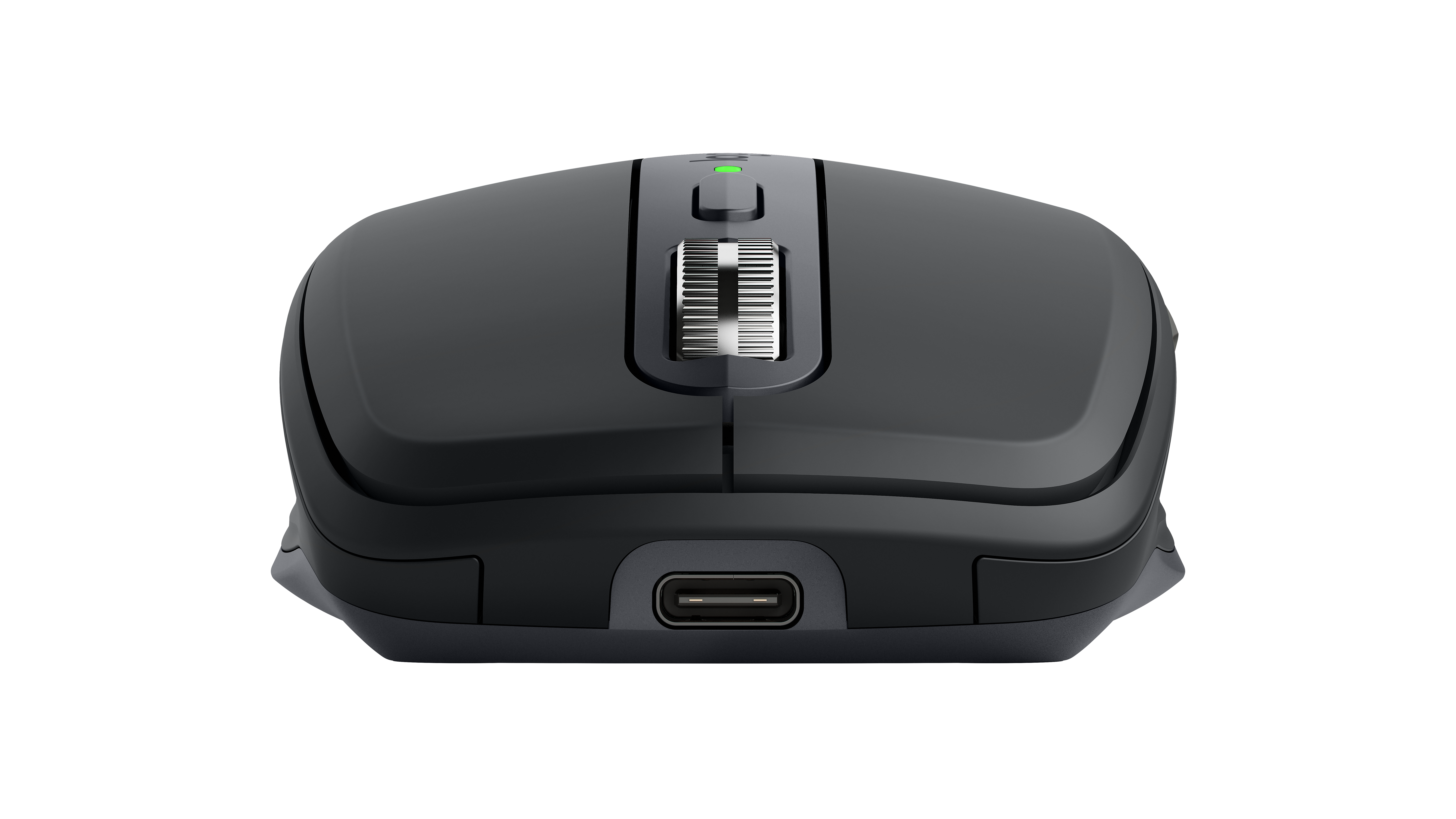
- Logitech MX Anywhere 3, Graphite, front: Logitech press library; mxanywhere3frontgraphite.png
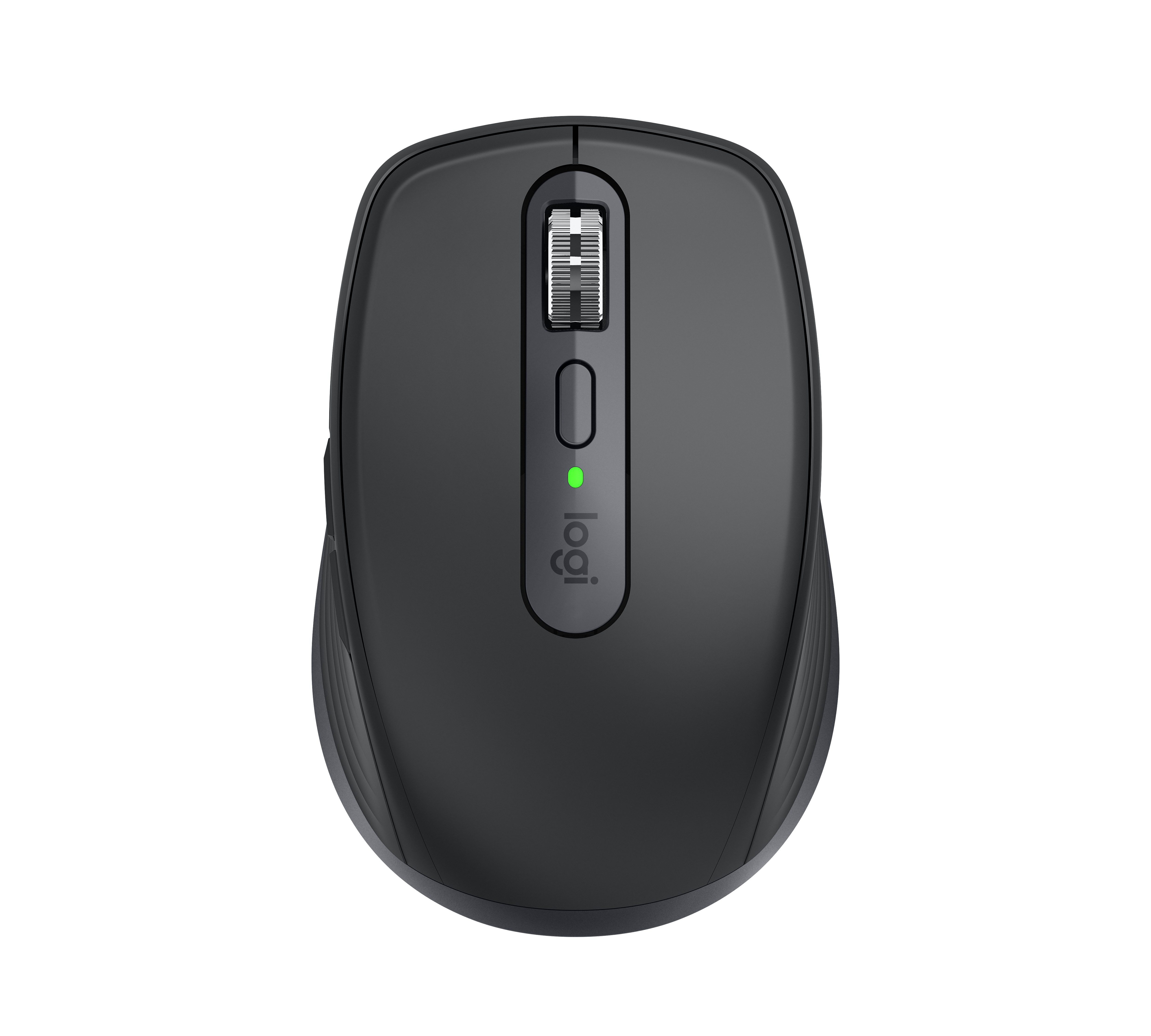
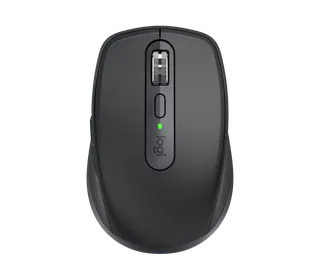
- Logitech MX Anywhere 3, Graphite, top: Logitech press library; mxanywhere3topgraphite.png
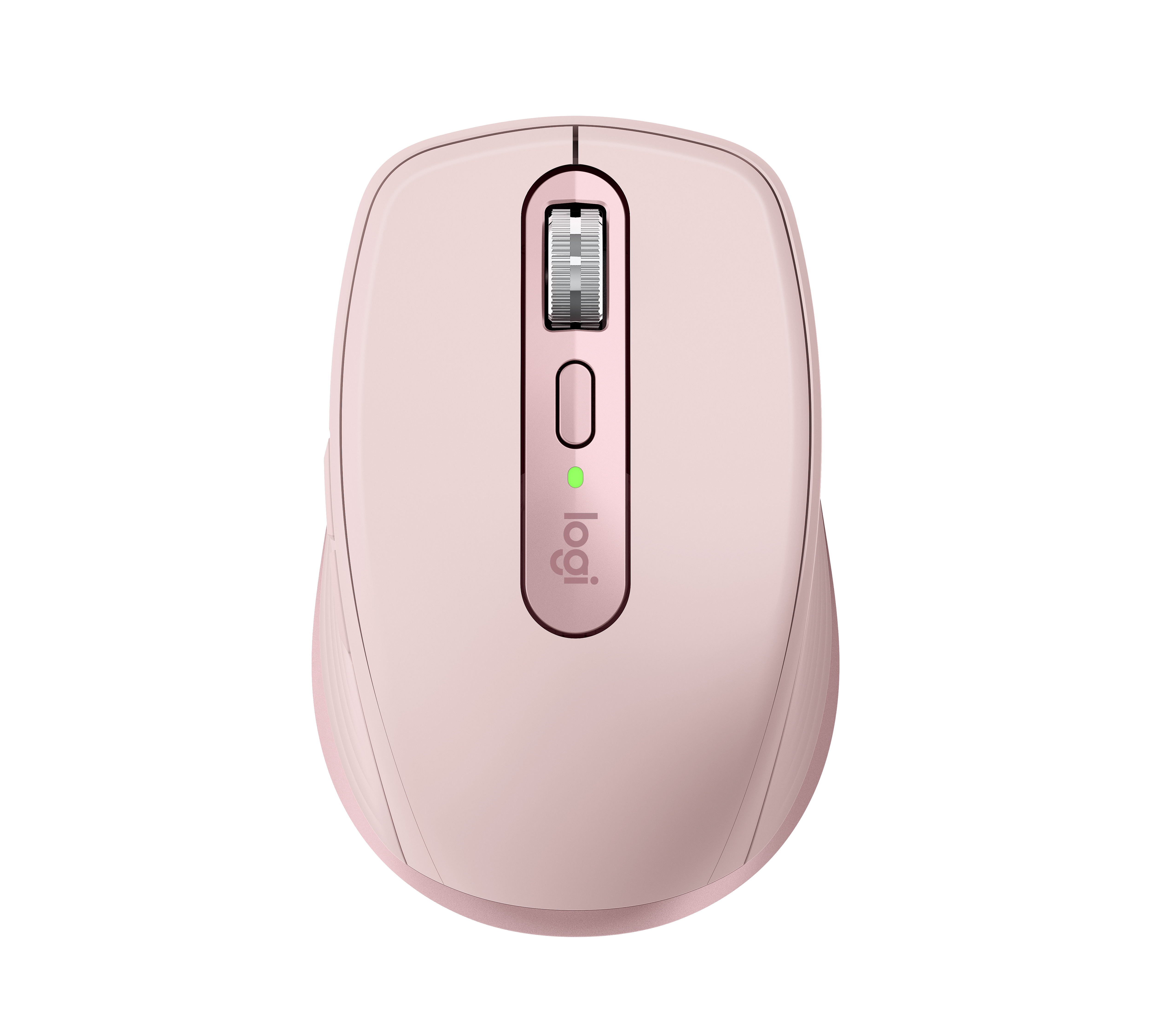
- Logitech MX Anywhere 3, Rose, top: Logitech press library; mxanywhere3toprose.png
- Logitech MX Anywhere 3, Pale Grey, front angle: Logitech press library; mxanywhere3fobpalegray.png
- Logitech MX Anywhere 3, Graphite, front angle: Logitech press library; mxanywhere3fobgraphite.png
- Logitech MX Anywhere 3, Rose, front angle: Logitech press library; mxanywhere3fobrose.png
- Logitech MX Anywhere 3, Pale Grey, front three-quarter: Logitech press library; mxanywhere33-4frontpalegray.png
- Logitech MX Anywhere 3, Graphite, front three-quarter: Logitech press library; mxanywhere33-4frontgraphite.png
- Logitech MX Anywhere 3, Rose, front three-quarter: Logitech press library; mxanywhere33-4frontrose.png
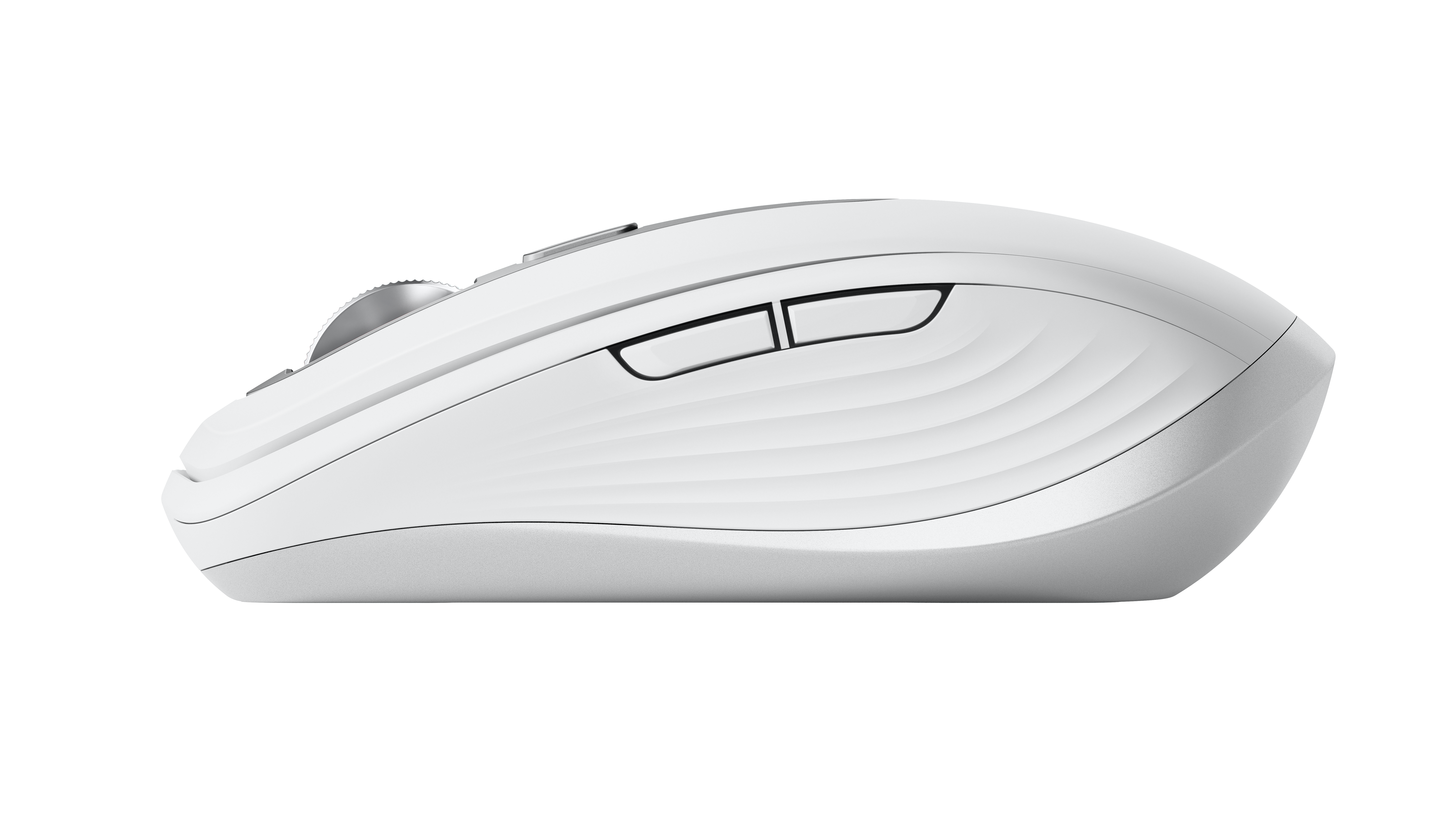
- Logitech MX Anywhere 3, Pale Grey, left side: Logitech press library; mxanywhere3leftprofilepalegray.png
- Logitech MX Anywhere 3 in Pale Gray resting on an outstretched hand: Logitech press library; mxanywhere3-12croppedcopy.png
- Logitech MX Anywhere 3 in Rose used beside a sofa: Logitech press library; mxanywhere3lifewidelivingroomrosetalent.png
- Logitech MX Anywhere 3 in Pale Gray in use on a desk: Logitech press library; mxanywhere3lifecupalegreytalent.png
- Logitech MX Anywhere 3 in Rose, Pale Gray and Graphite on a desk: Logitech press library; mxanywhere3lifecu3colorsnotalent-2.png
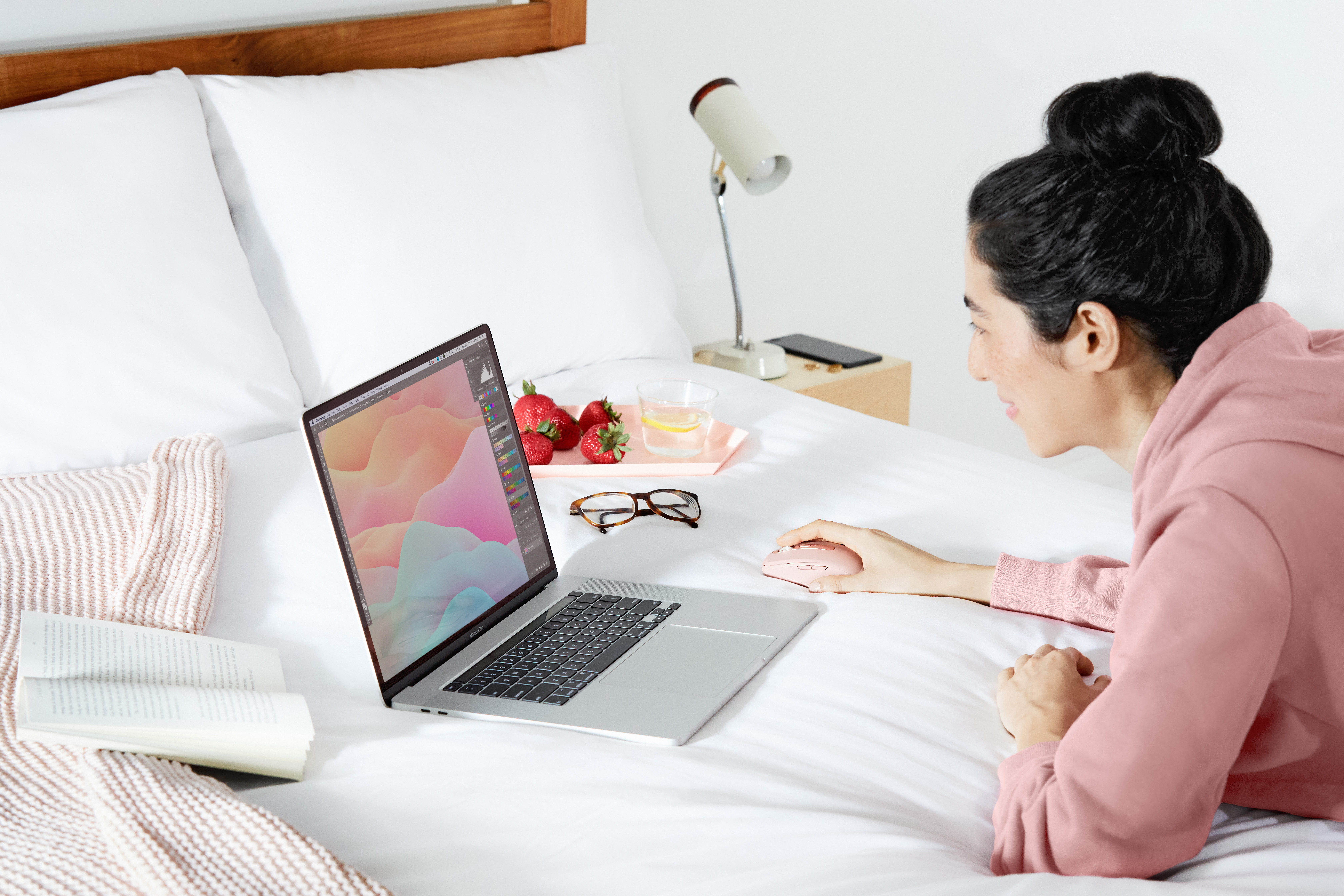
- Logitech MX Anywhere 3 in Rose used beside a laptop on a bed: Logitech press library; mxanywhere3life3qtrmediumrosetalentscreen2.png
- Logitech MX Anywhere 3 in Graphite on a table beside a tablet: Logitech press library; mxanywhere3boblifestyle01graphite.png