Photo 1 of 39
Logitech MX Anywhere 3S · Photo source
Logitech · MX
MX Anywhere 3S
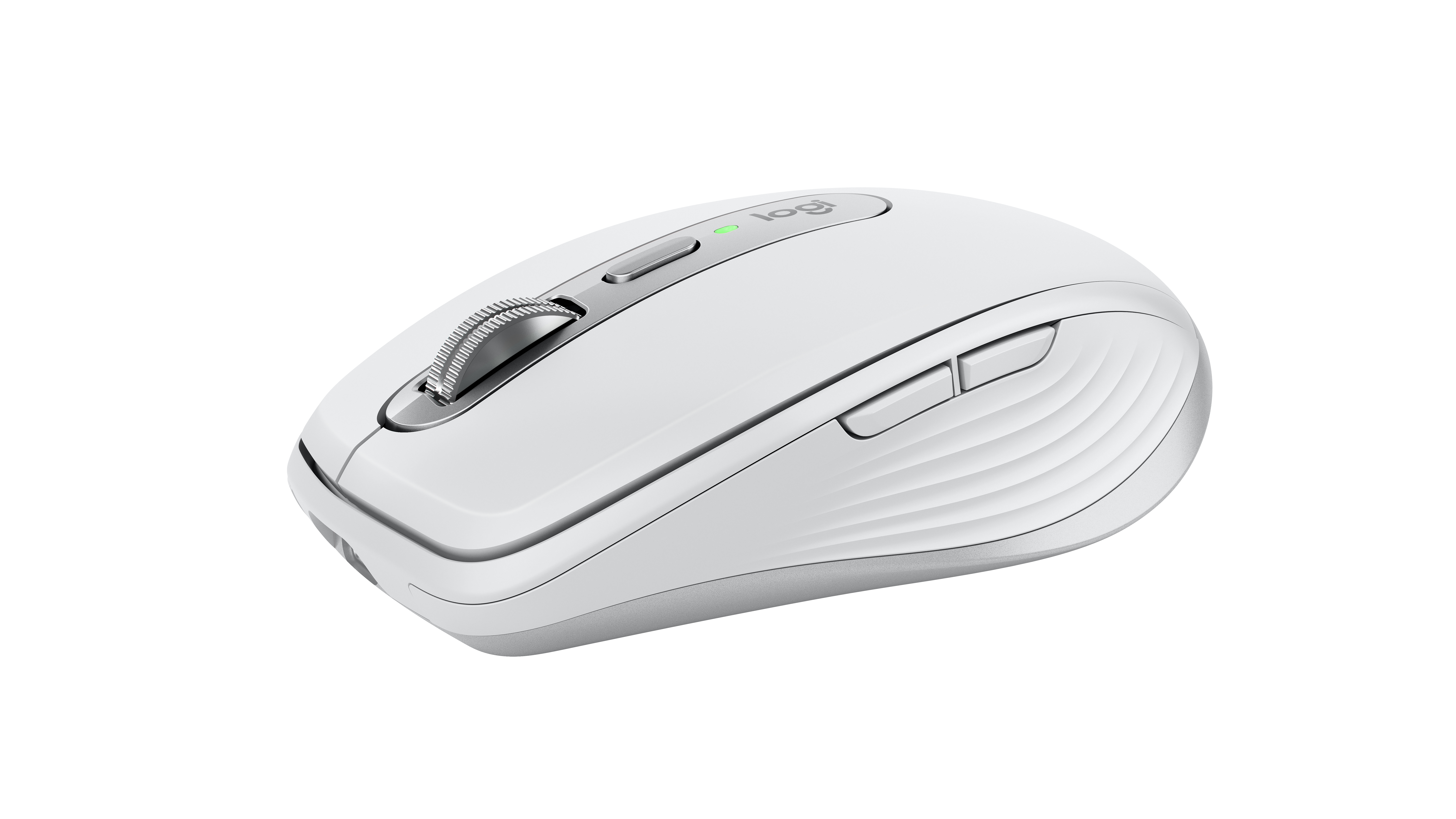
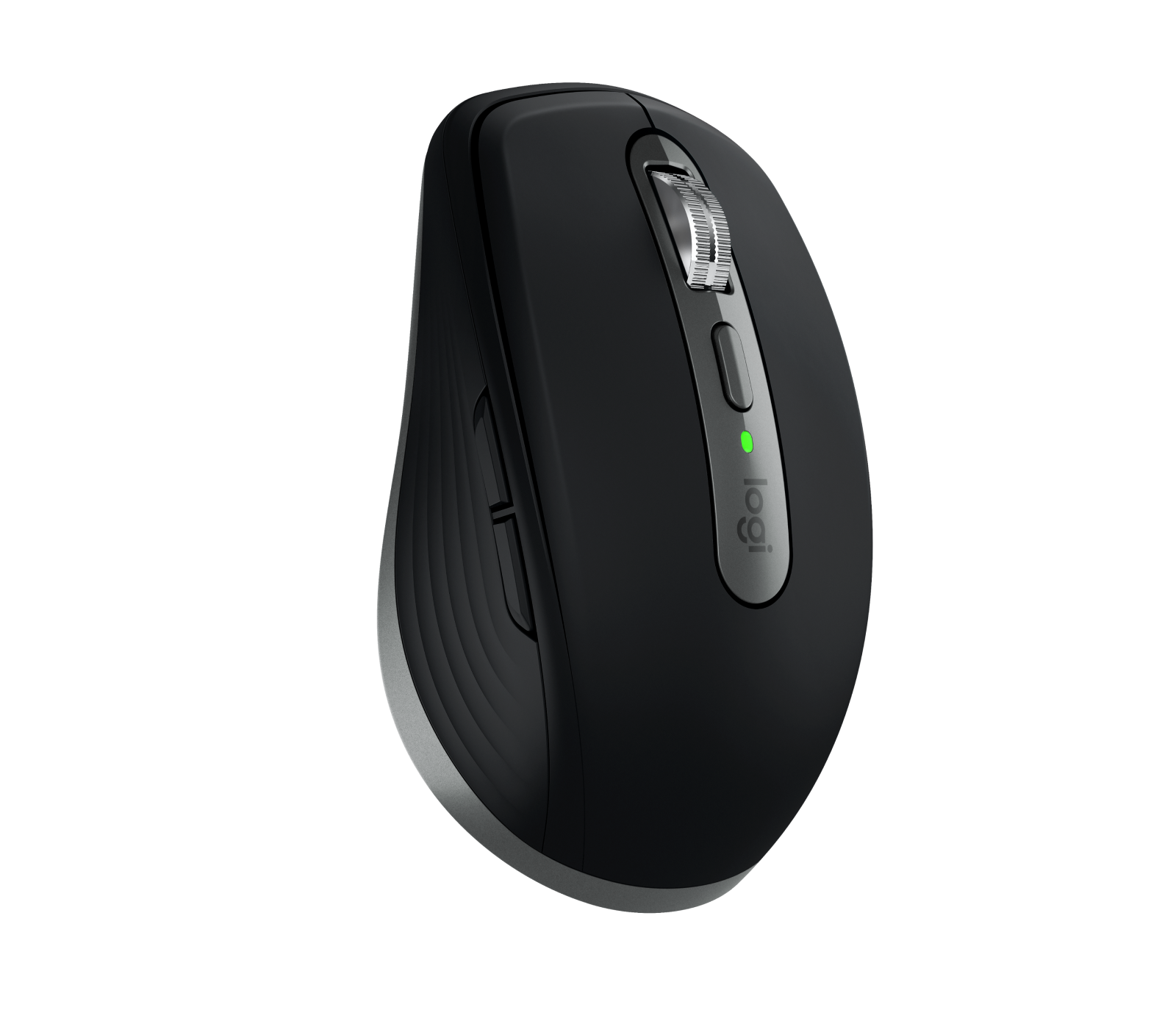
Logitech's compact wireless mouse with a MagSpeed wheel, quiet clicks and an 8,000 DPI sensor that tracks on glass, suited to laptop users who want MX features in a mouse that fits in a bag.
Model history · 5 models, 2009–2023
- 2009Anywhere Mouse MXCompare
- 2015MX Anywhere 2Compare
- 2017MX Anywhere 2SCompare
- 2020MX Anywhere 3Compare
- 2023MX Anywhere 3S
- Shape
- Compact
- Buttons
- 6
- DPI
- 8,000
- Battery
- 70 days
- Connects by
- Bluetooth and USB receiver
- Weight
- 99 g
What reviewers say
Reviewers praise the build quality, quiet clicks, excellent scroll wheel and capable software, and find it easy to carry. Its small size is the main complaint, with Tom's Guide finding it uncomfortable for everyday use and Tom's Hardware calling it best for small hands; RTINGS and Tom's Hardware missed horizontal scrolling, and Tom's Guide found it overpriced.
From rtings.com, tomsguide.com and tomshardware.com
Specifications
Report a wrong or missing specTracking
- Shape
- Compact
- Hand
- Right hand
- Sensitivity
- Up to 8,000 DPI
- Sensor
- Darkfield high precision
- Buttons
- 6
- Free-spinning wheel
- Yes
- Thumb wheel
- No
- Quiet clicks
- Yes
- Sensor
- 200–8,000 DPI, adjustable in 50 DPI steps (1,000 DPI by default); tracks on almost any surface, including glass; Bluetooth report rate 88–133 Hz
- Scroll wheel
- MagSpeed electromagnetic wheel with SmartShift, which switches between ratchet and free-spin as you scroll faster; up to 1,000 lines a second; horizontal scrolling by holding a side button while turning the wheel
- Gestures
- The top button, below the wheel, can be set as a gesture button in Logi Options+
Connections and battery
- Connects by
- Bluetooth and USB receiver
- Devices it switches between
- 3
- Power
- Rechargeable
- Battery life (maker's claim)
- Up to 70 days
- Charging port
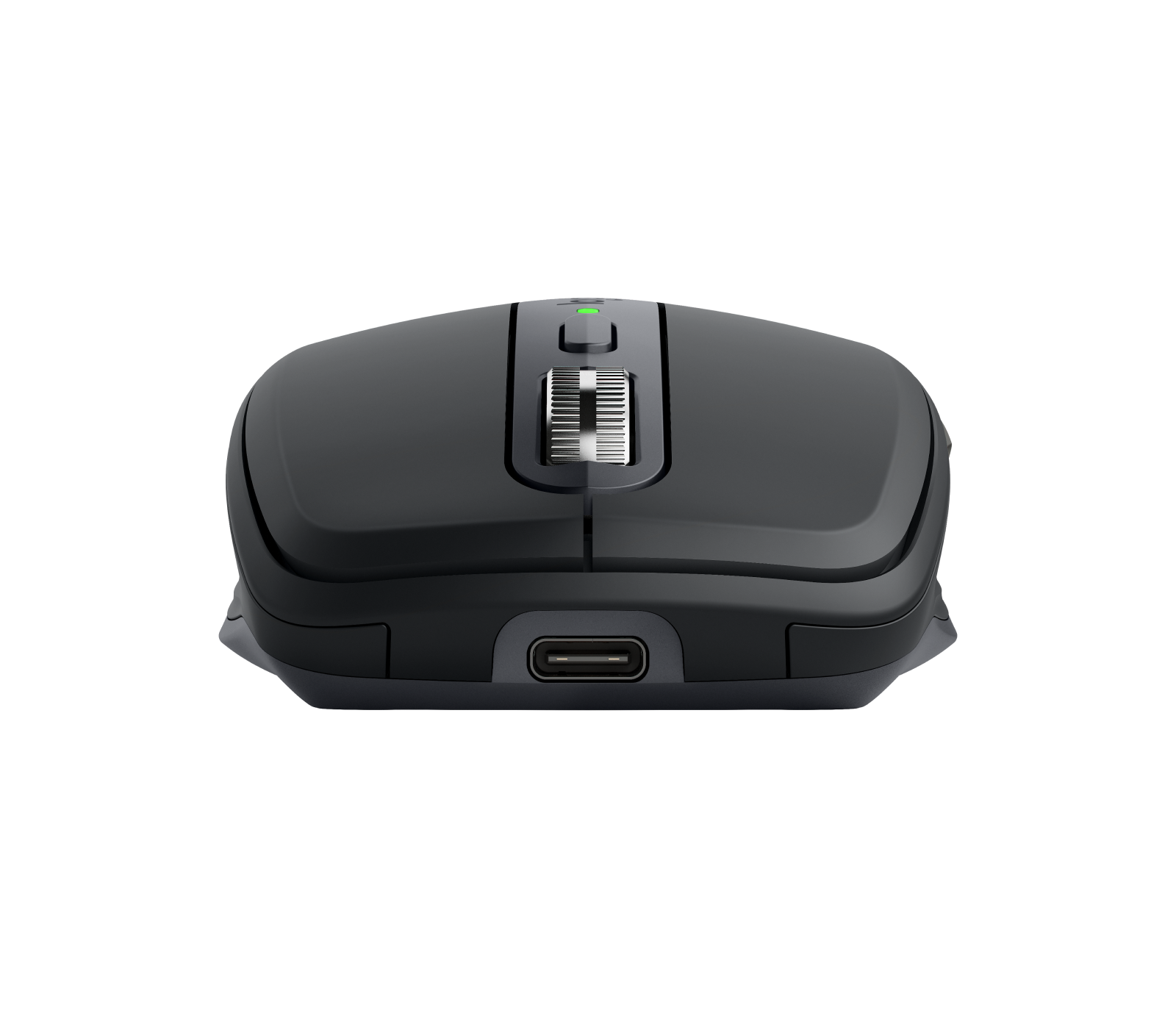
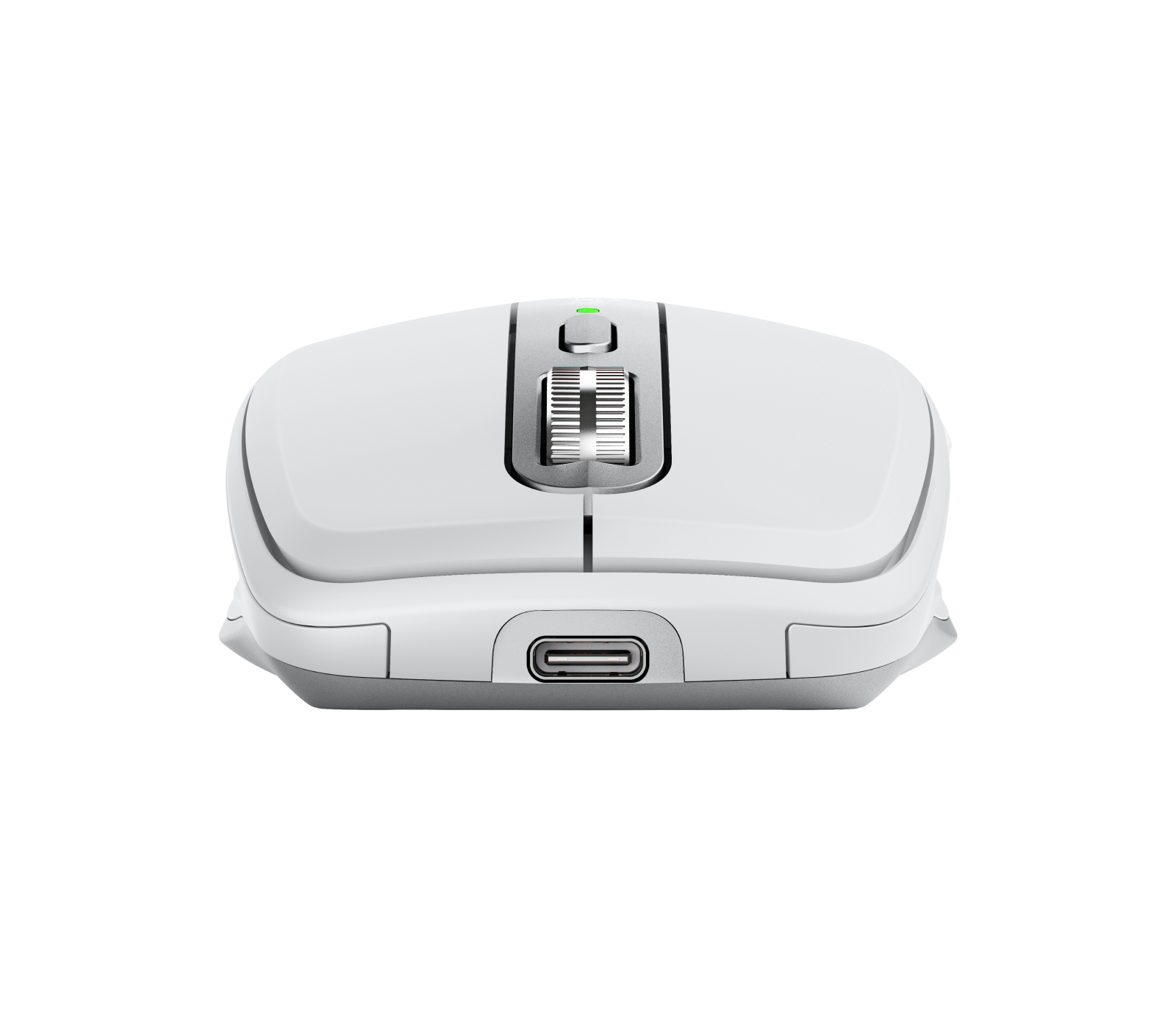
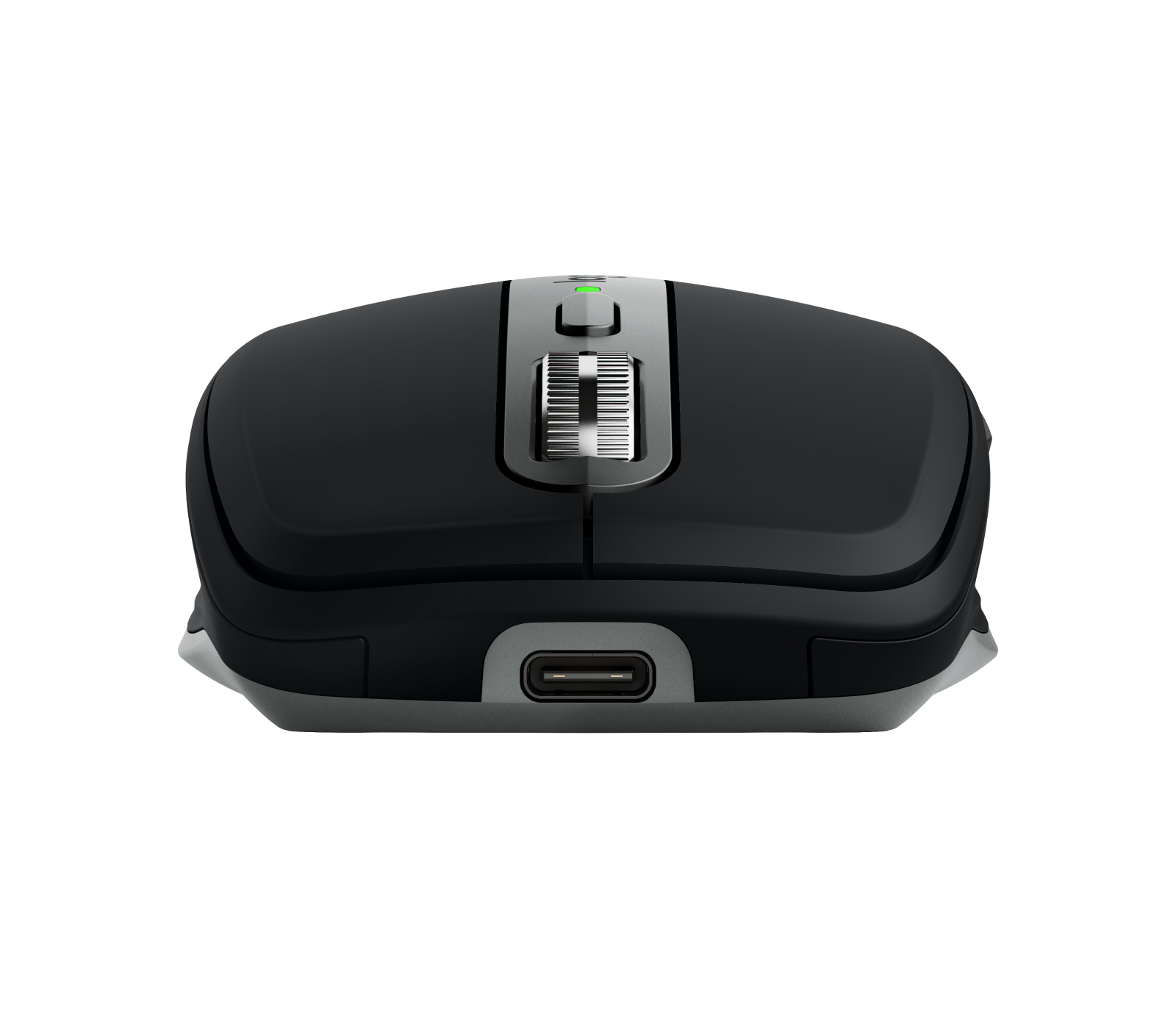
- USB-C
- Receiver
- Works with a Logi Bolt USB receiver, not included (MX Anywhere 3S for Business comes with one); not compatible with other Logitech receivers
- Charging
- USB-C; a 1-minute charge gives 3 hours of use; full charge in 2 hours; 500 mAh lithium-polymer battery
- Works with
- Bluetooth Low Energy with Windows 10, 11 or later, macOS 10.15 or later, iPadOS 14 or later, Android 8.0 or later, Linux and ChromeOS; the Mac version lists macOS 10.15 or later and iPadOS 14 or later
- Software
- Logi Options+ on Windows and macOS (Smart Actions, Logitech Flow); basic functions work without software on other systems
Design
- Weight
- 99 g
- Size
- 100.5 × 65 × 34.4 mm (length × width × height)
- Materials
- Certified post-consumer recycled plastic, 78% in Graphite and 61% in Pale Grey and Rose; silicone side grips; left and right buttons rated for 10 million clicks
- Colours
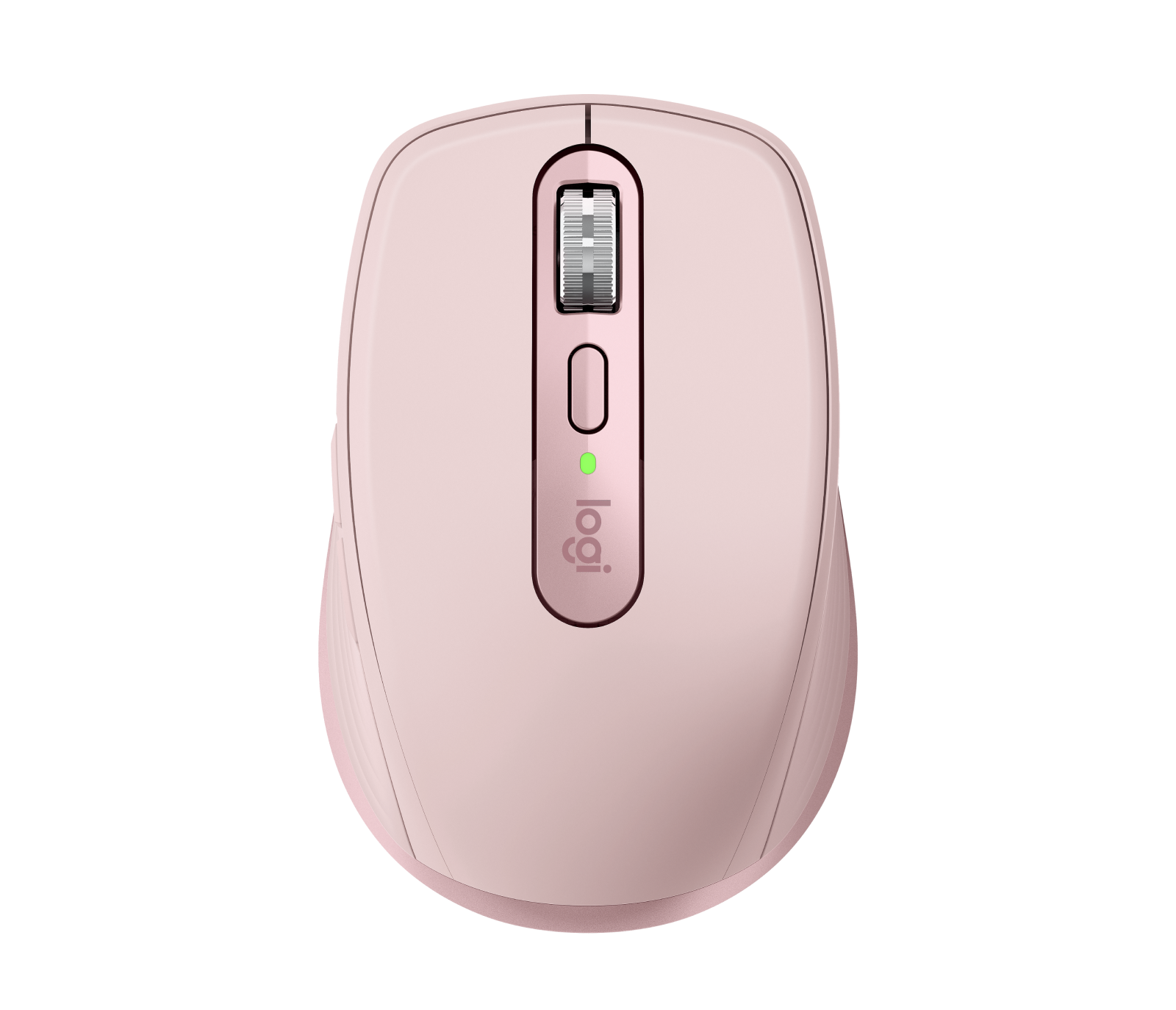
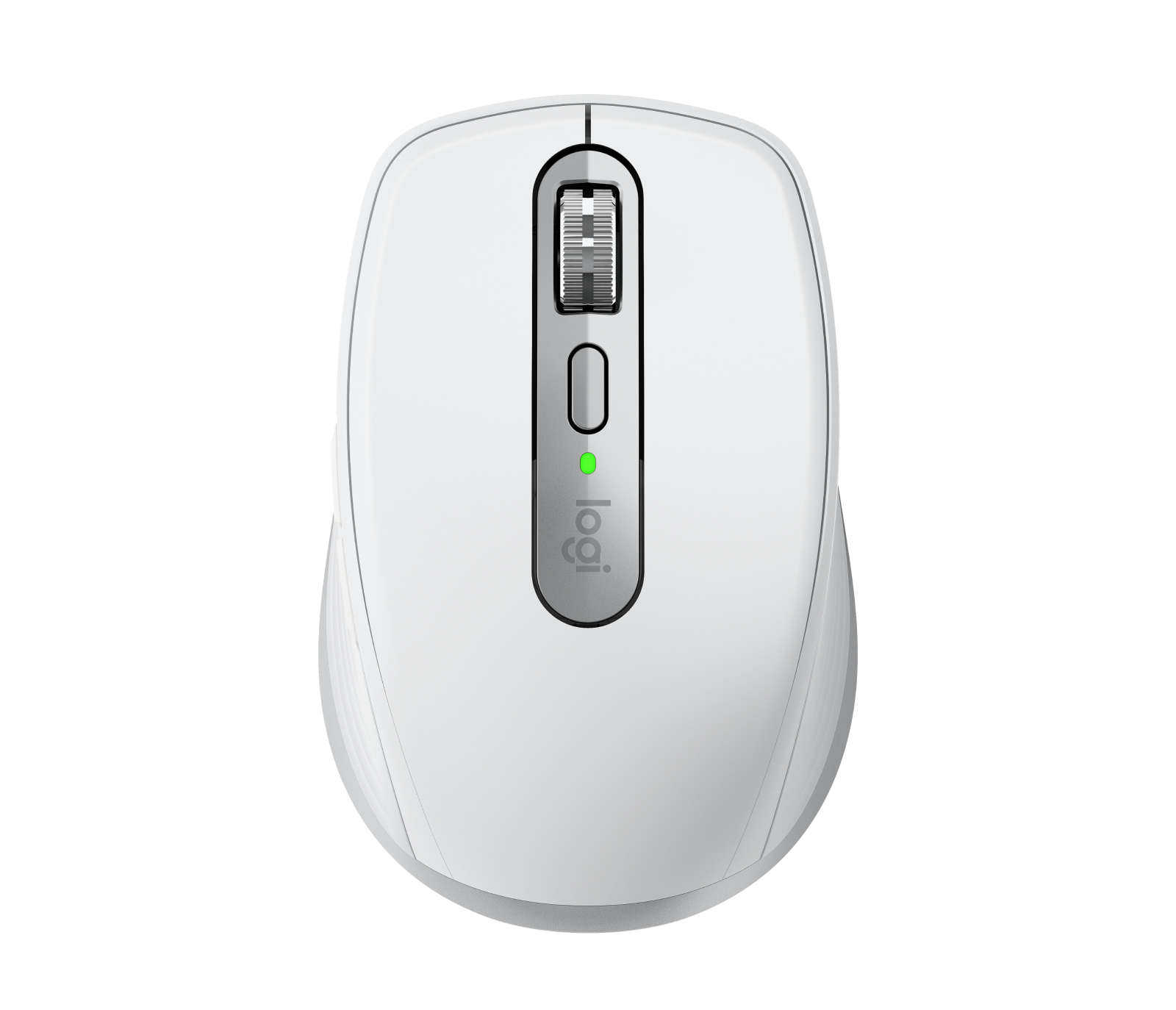
- Graphite, Pale Grey, Rose; Mac version in Space Grey, Pale Grey
- In the box
- Mouse, USB-C charging cable (USB-A to USB-C, or USB-C to USB-C with the Mac version), documentation
- Warranty
- 2-year limited hardware warranty
Pros and cons
Pros
- Compact and 99 g, with a MagSpeed wheel that switches between line-by-line and free-spinning
- 8,000 DPI Darkfield sensor tracks on glass
- Pairs with up to three devices over Bluetooth, and also works with a Logi Bolt receiver
Cons
- No receiver in the box; a Logi Bolt receiver is sold separately
- No thumb wheel; horizontal scrolling means holding a side button while turning the wheel
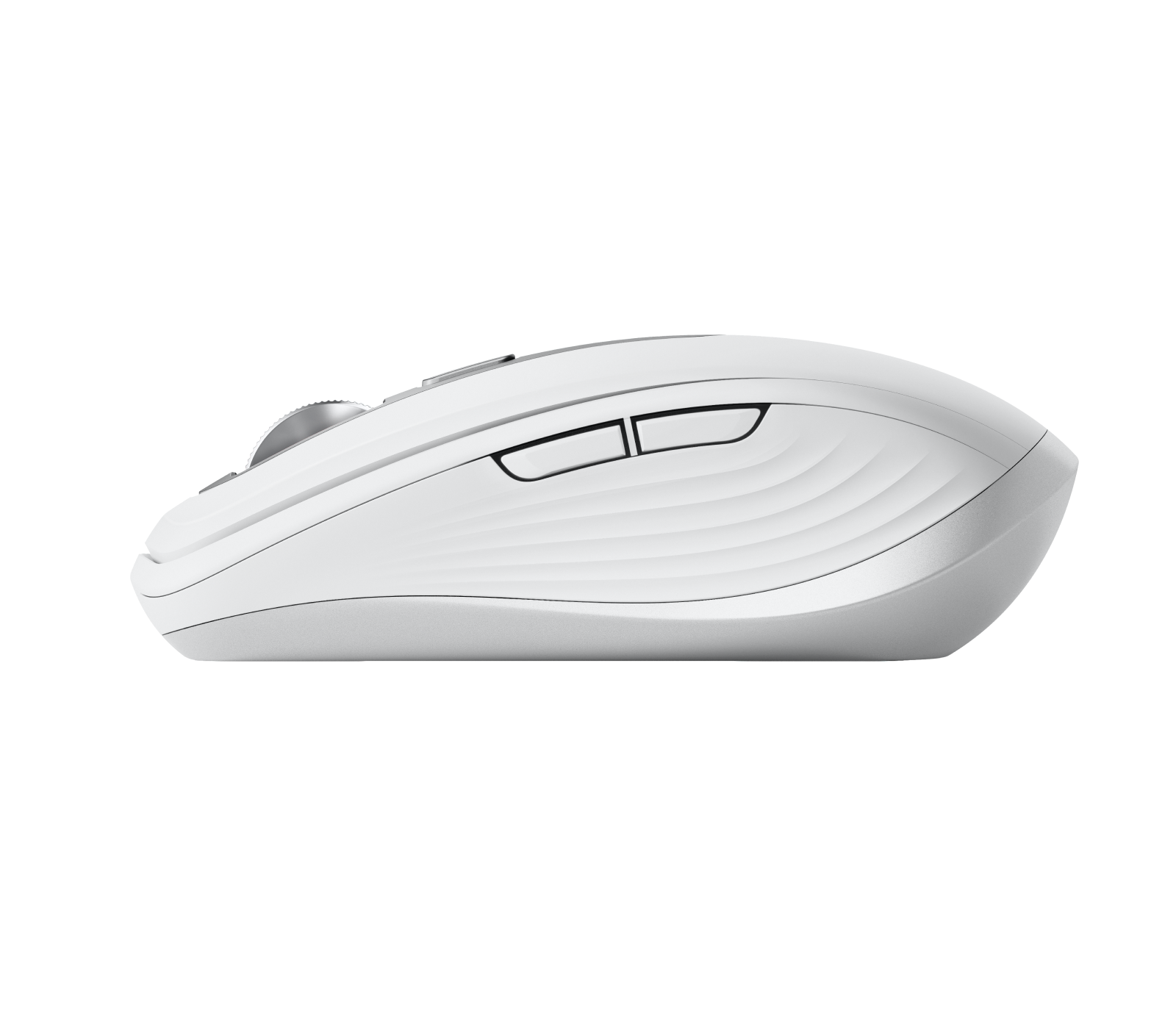
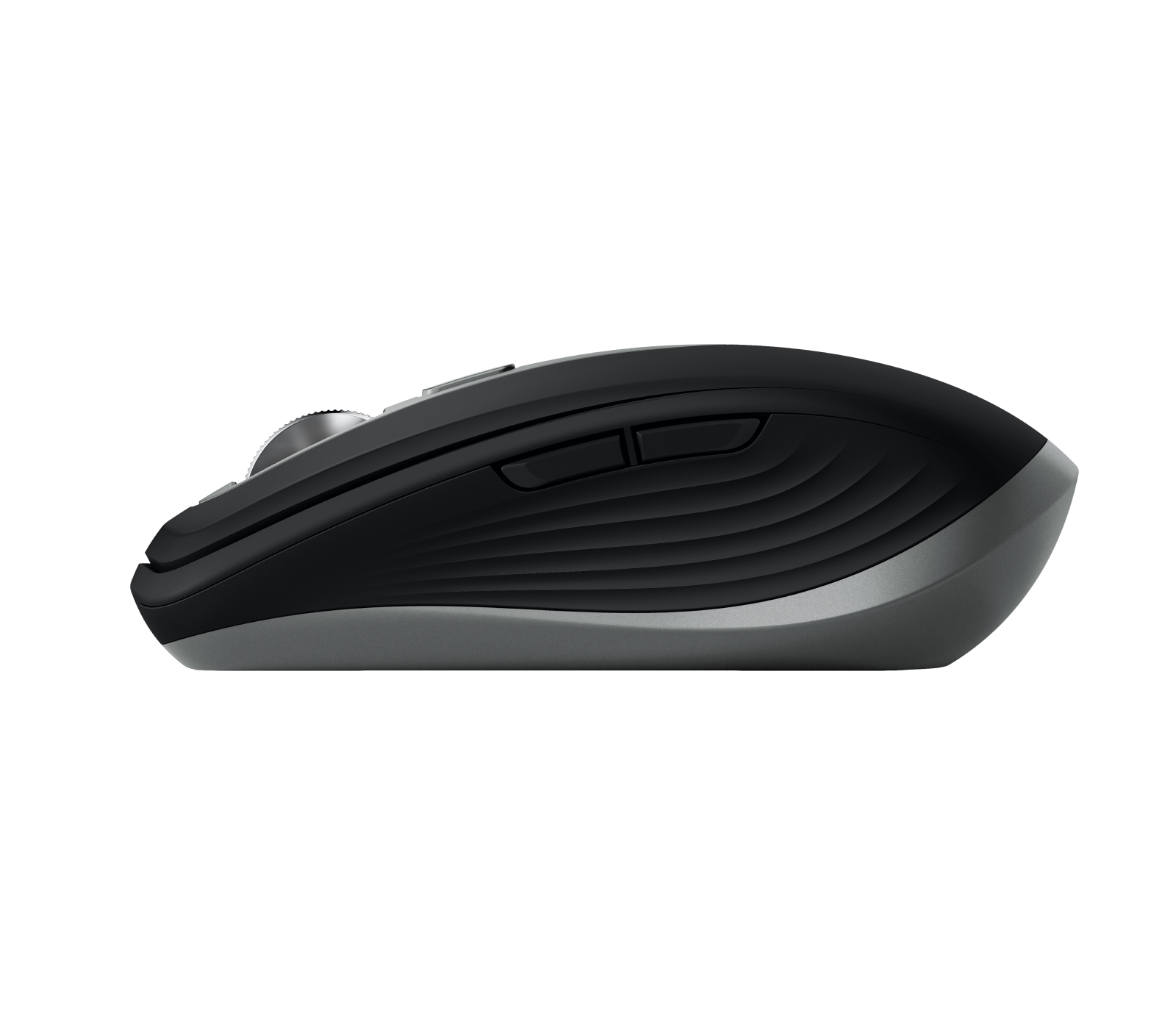
- Back and forward buttons are on the left side only
Closest rivals
Model | Shape | Buttons | DPI | Battery | Connects by | Weight | Released |
|---|---|---|---|---|---|---|---|
| Compact | 6 | 18,000 | 445 hours | Bluetooth and USB receiver | 60 g | Apr 2021 | |
| Compact | 3 | 4,000 | 24 months | Bluetooth and USB receiver | 76 g | Sept 2023 | |
| Compact | 3 | 4,000 | 18 months | Bluetooth and USB receiver | 73.8 g | May 2023 |

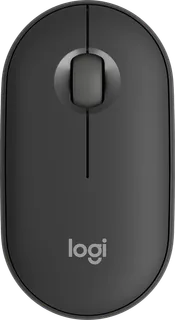
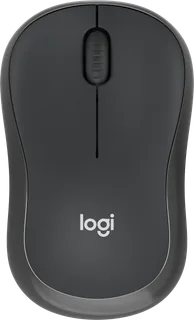
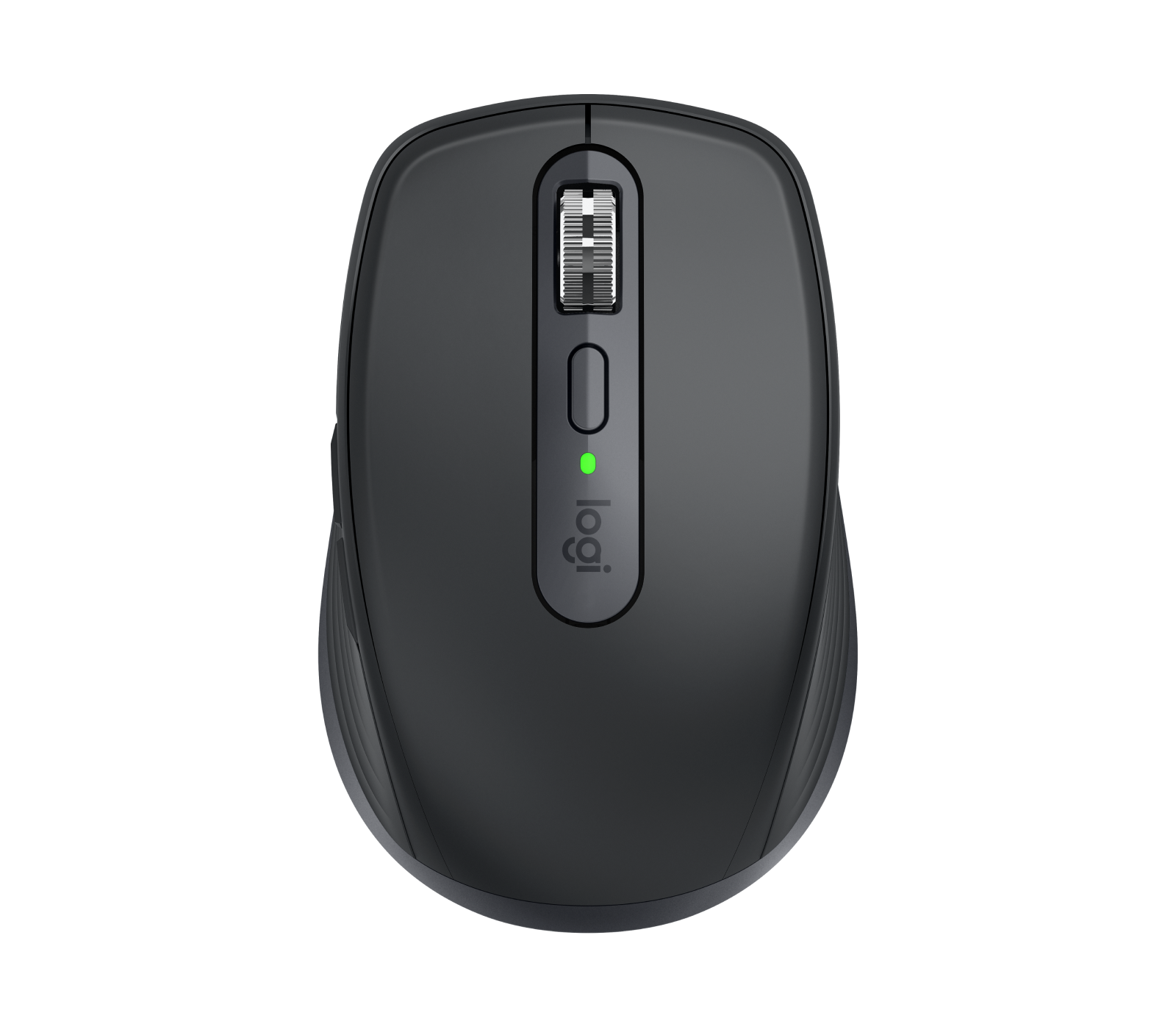
Previous model: MX Anywhere 3.
Sources
- logitech.com/en-gb/shop/p/mx-anywhere-3s.910-006929
- logitech.com/en-gb/shop/p/mx-anywhere-3s-for-mac.910-006947
- support.logi.com/hc/en-gb/articles/12895017855127-Specification-MX-Anywhere-3S
- support.logi.com/hc/en-gb/articles/12895142964887-Specification-MX-Anywhere-3S-…
- support.logi.com/hc/en-gb/articles/12895016873495-Getting-Started-MX-Anywhere-3S
- support.logi.com/hc/en-gb/articles/13399995022743-What-is-the-difference-betwee…
- news.logitech.com/press-releases/news-details/2023/Logitech-Offers-First-Ever-M…
- news.logitech.com/press-releases/news-details/2024/Logitech-Expands-Designed-fo…
- logitech.com/en-us/shop/p/mx-anywhere-3s.910-006928
- rtings.com/mouse/reviews/logitech/mx-anywhere-3s
Photo: resource.logitech.com
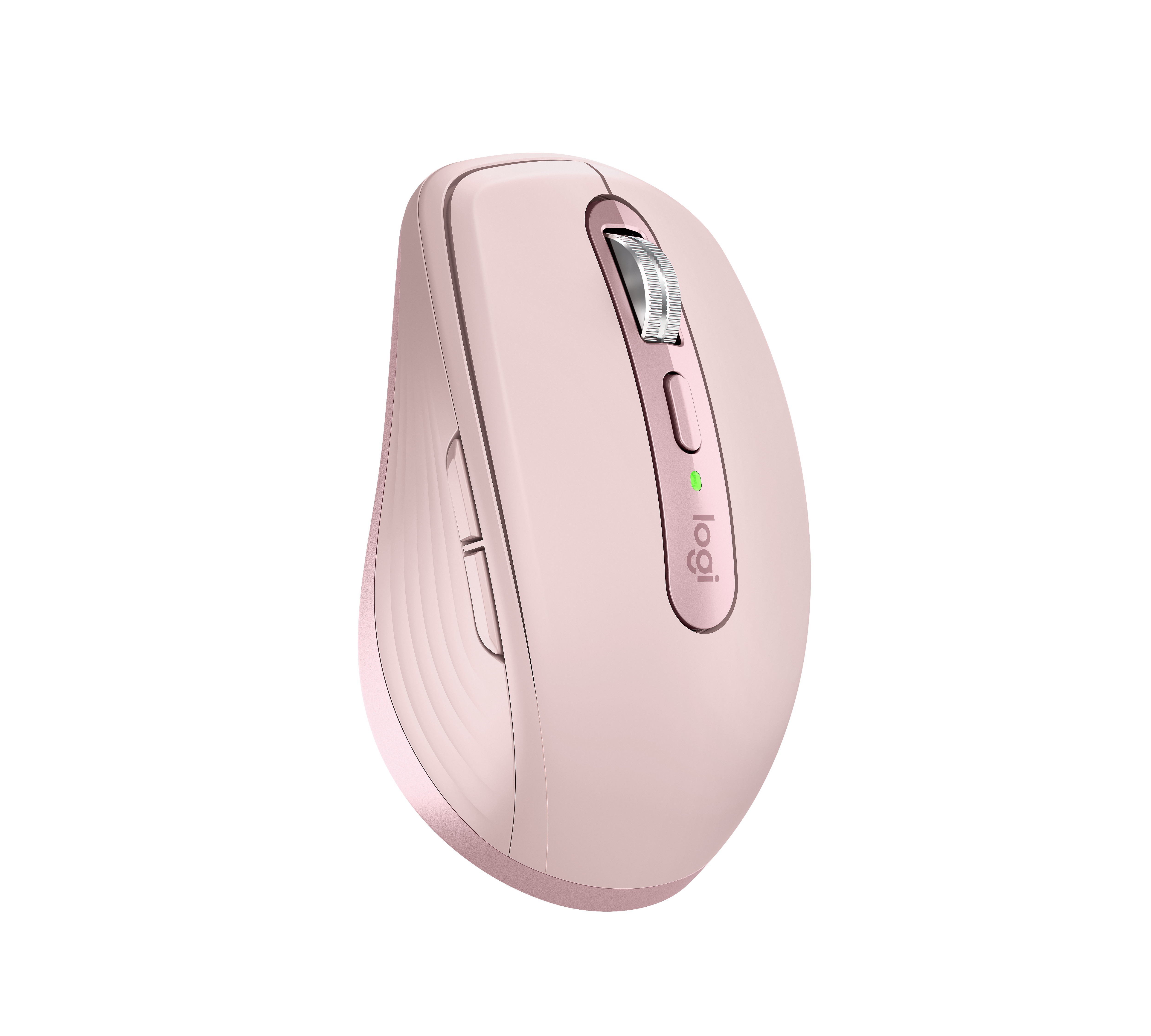
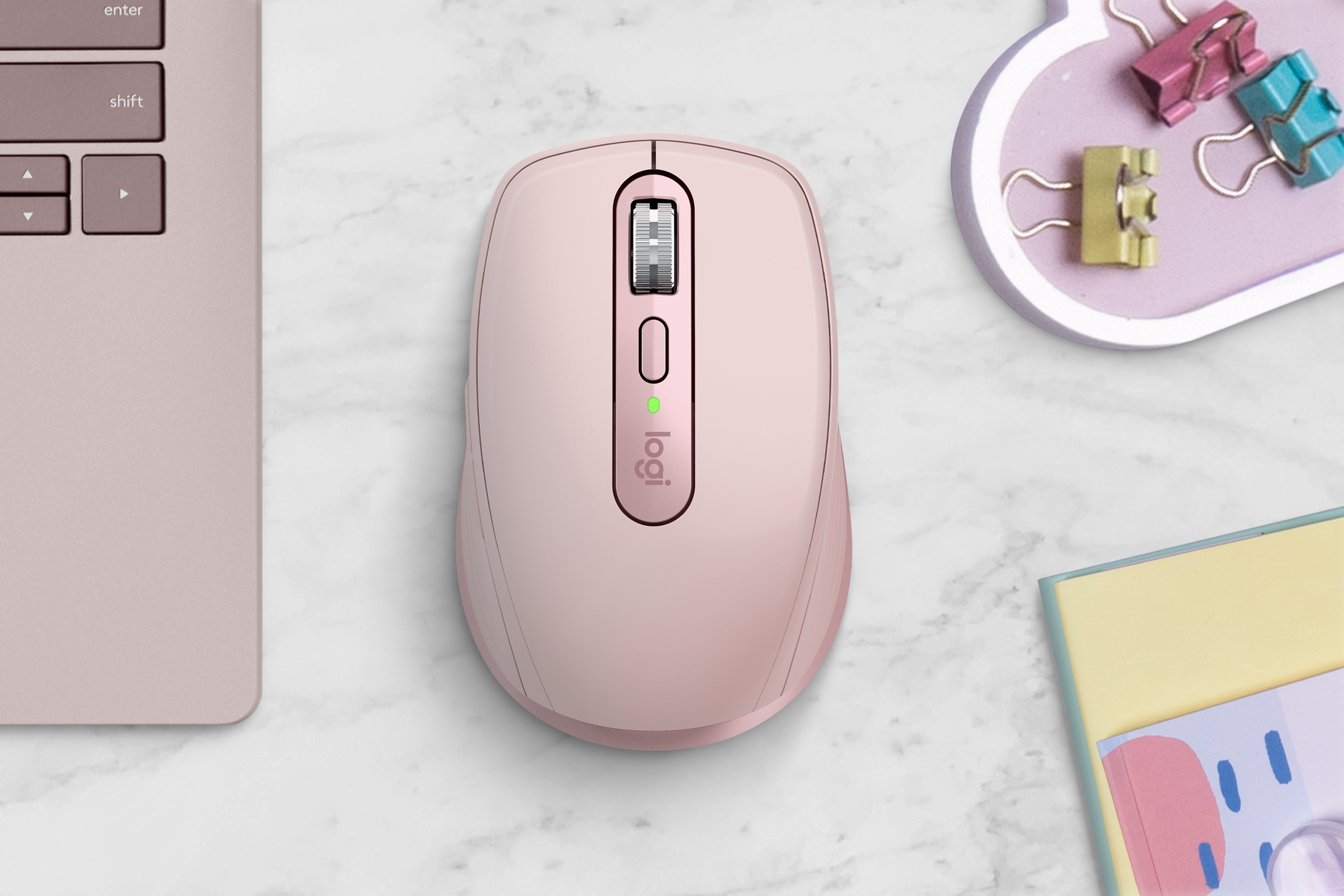
- Logitech MX Anywhere 3S, Rose, top: Logitech
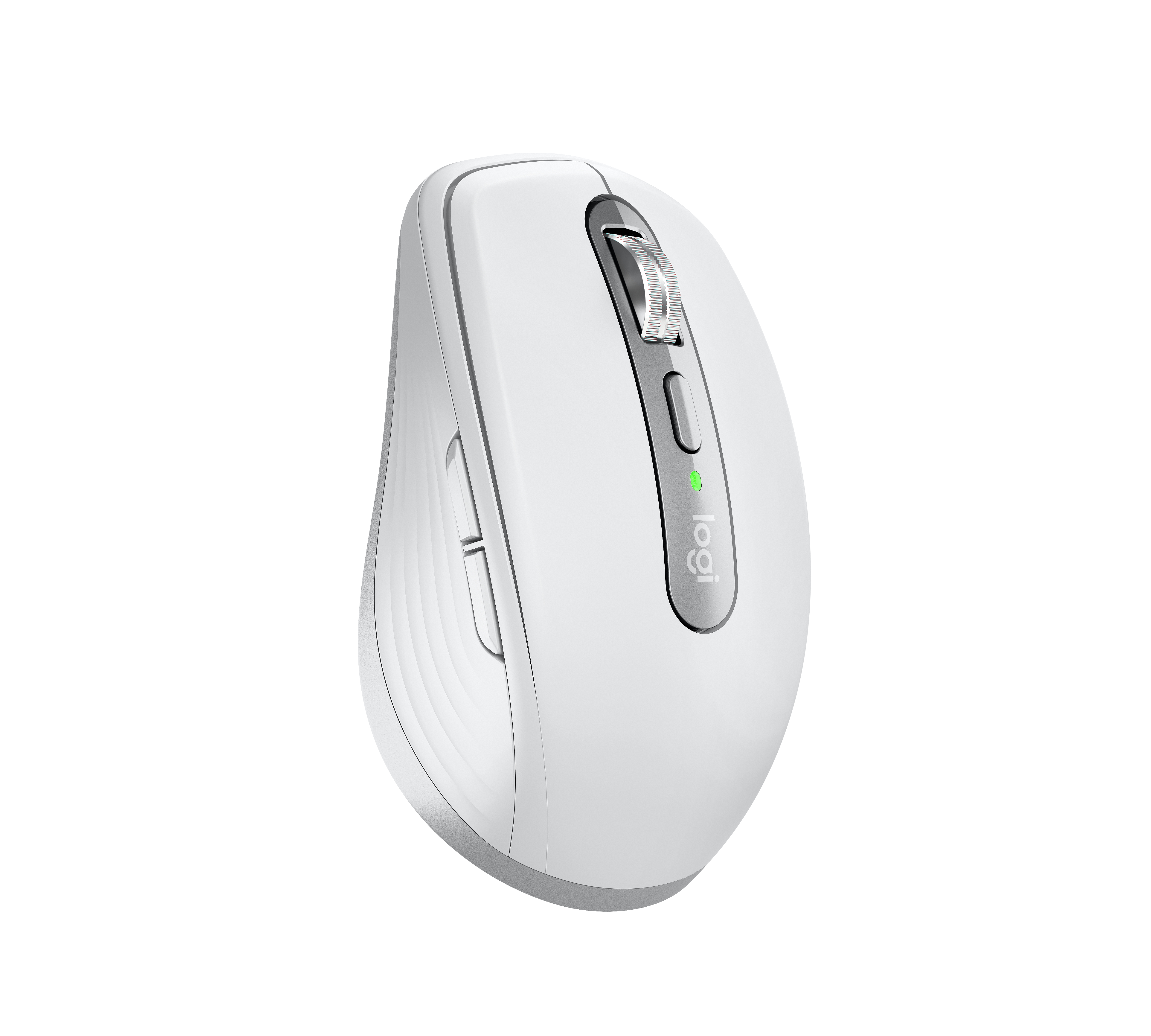
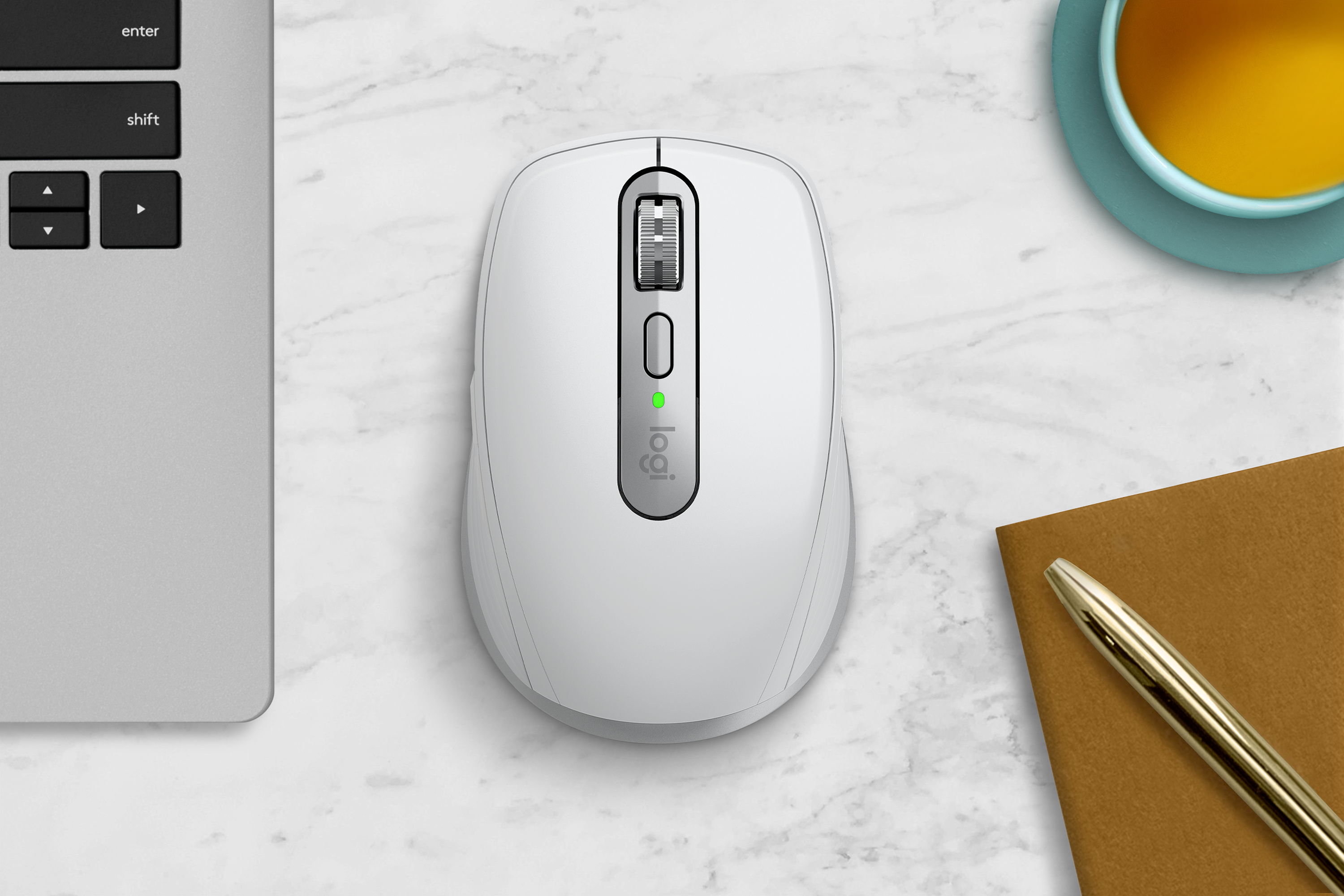
- Logitech MX Anywhere 3S, Pale Grey, top: Logitech
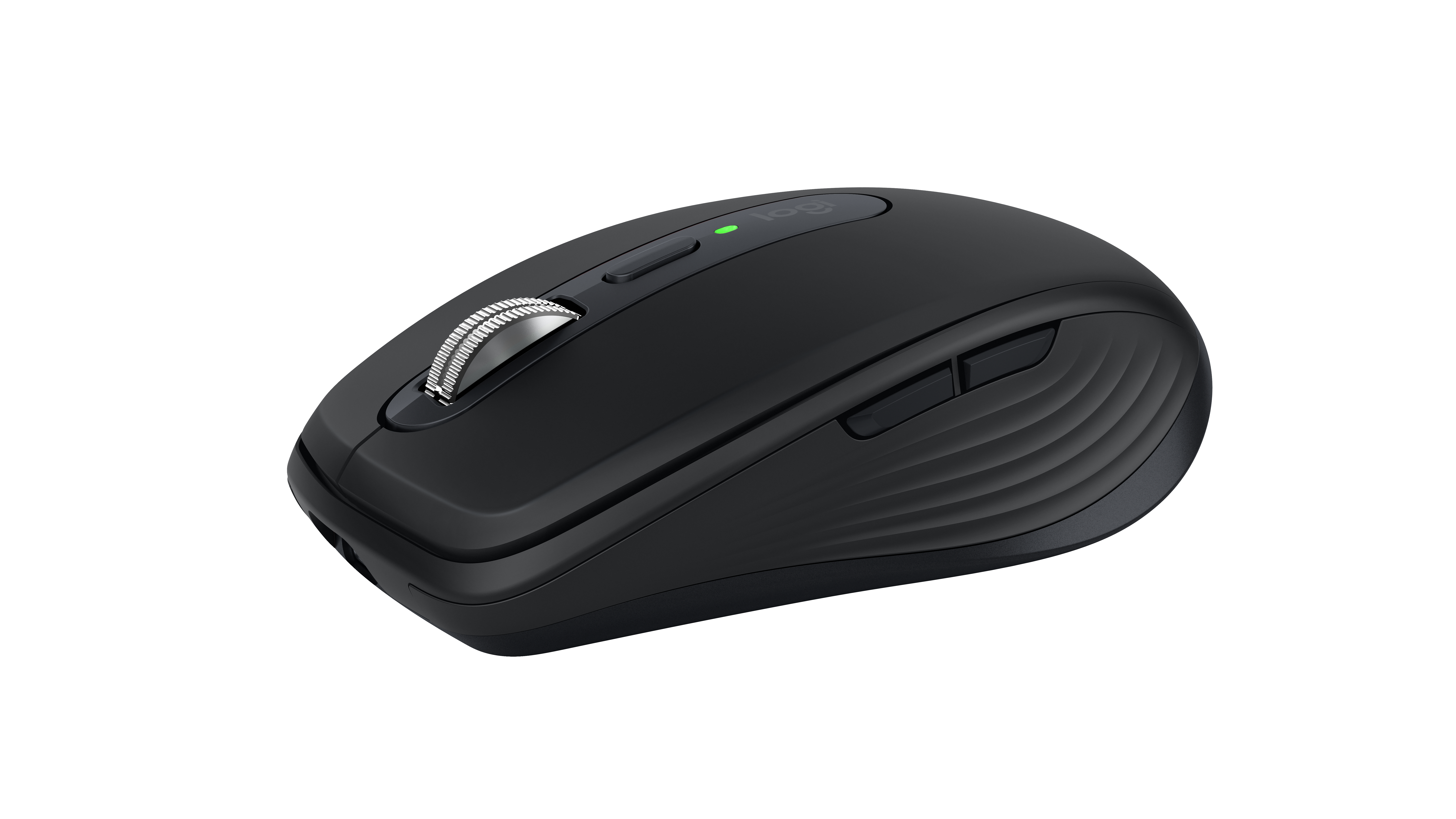
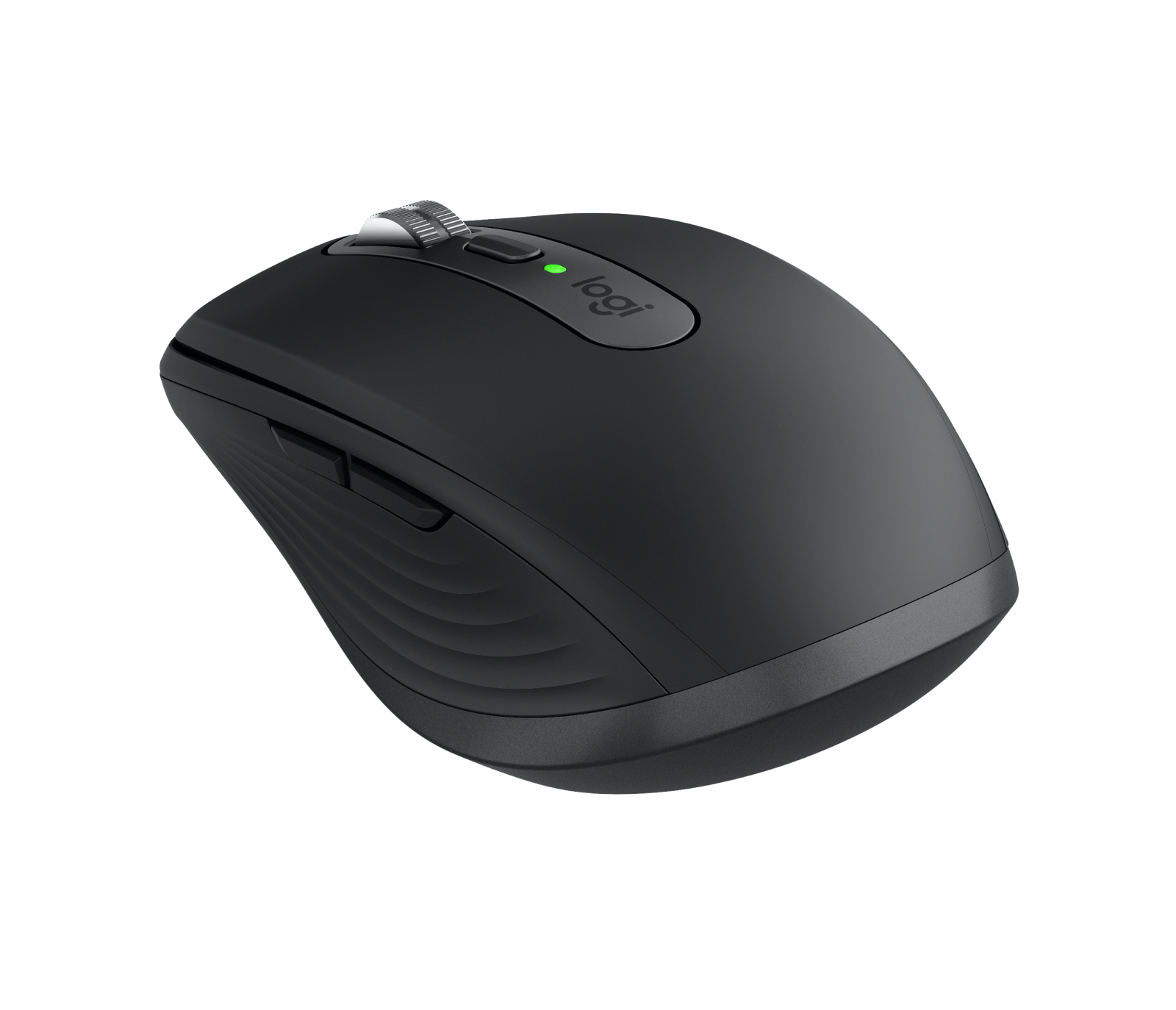
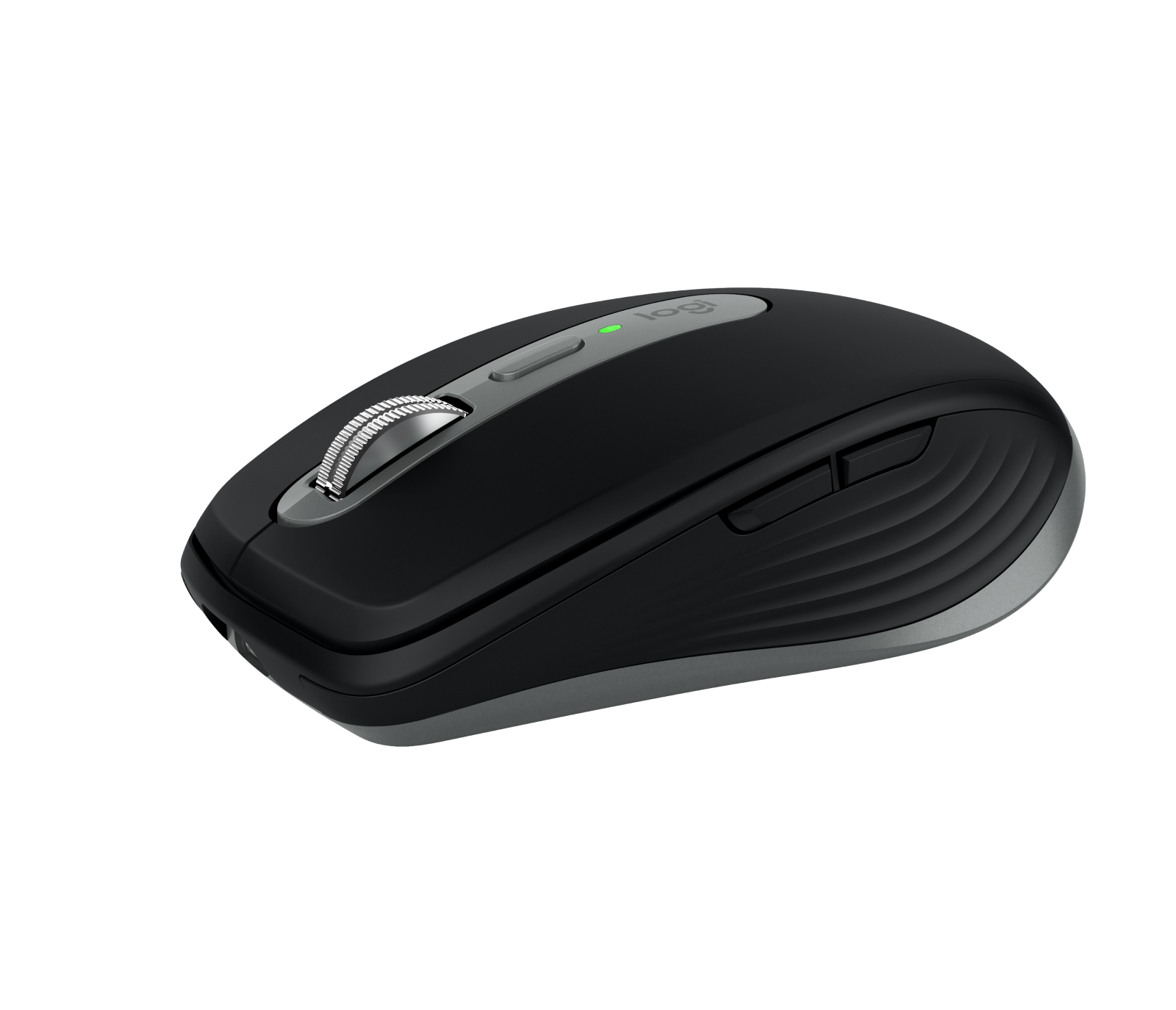
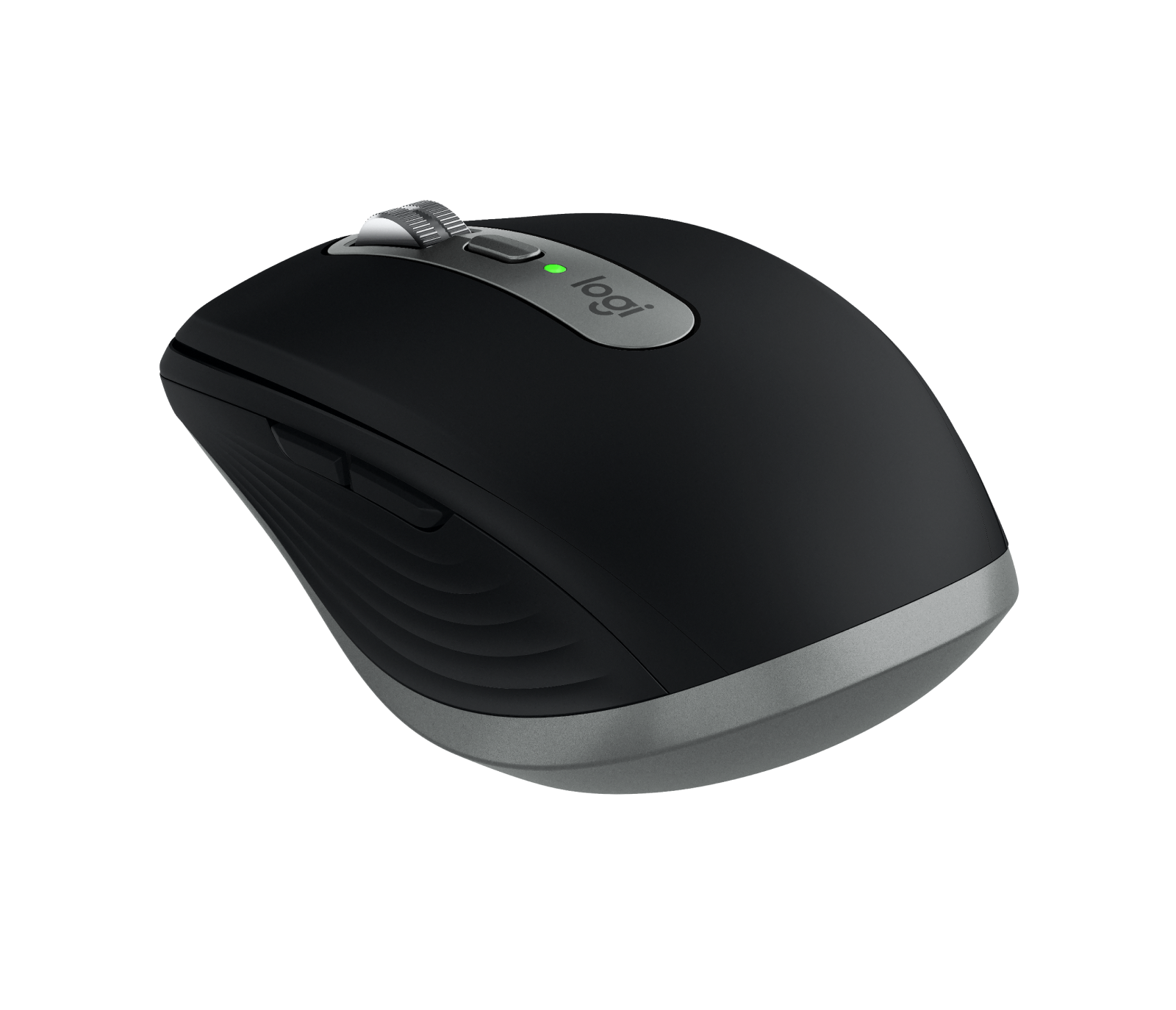
- Logitech MX Anywhere 3S, Graphite, front three-quarter: Logitech company press library — High_Resolution_JPG-MX Anywhere 3S 3QTR FRNT Black; complete supplied canvas and background retained
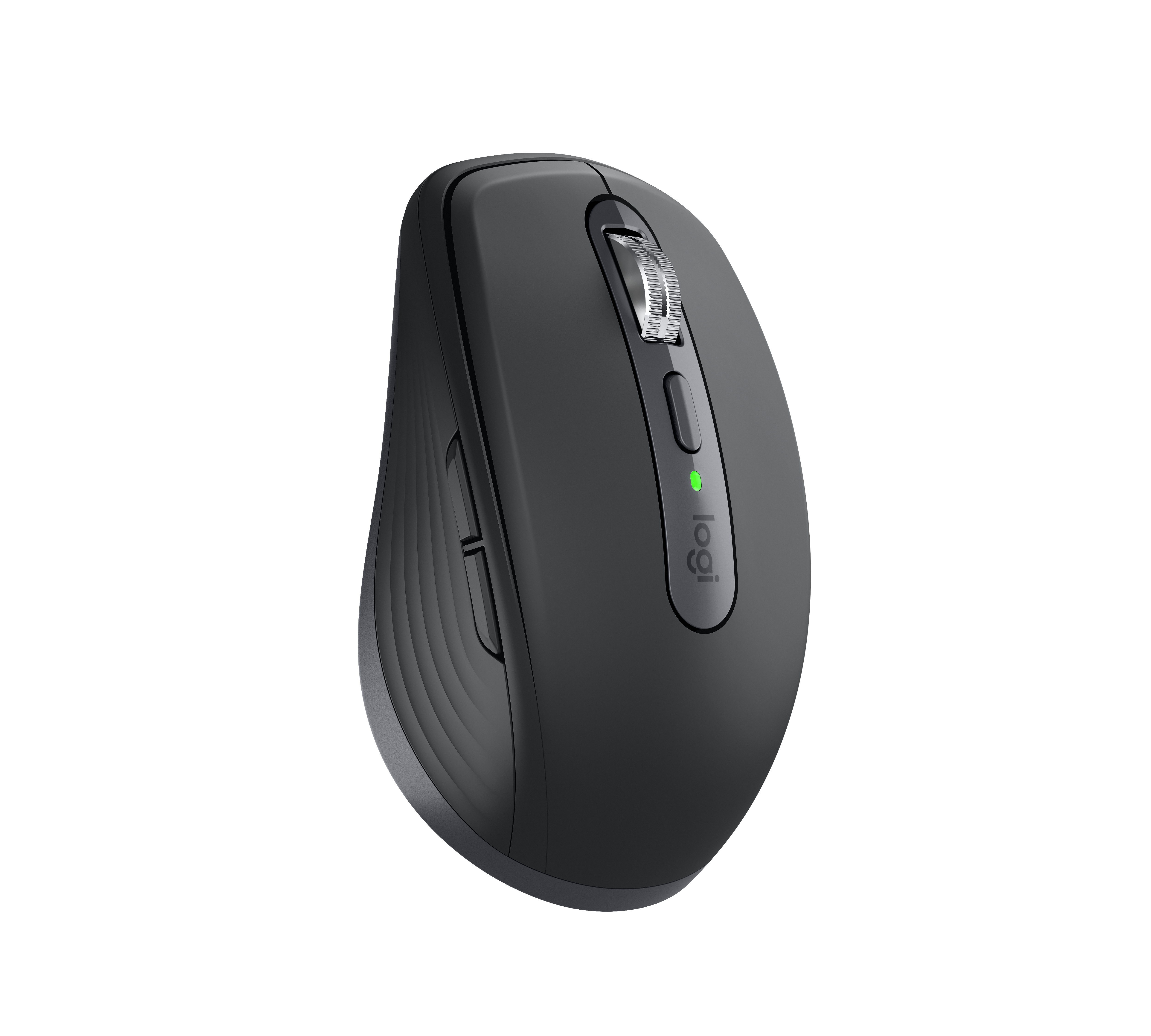
- Logitech MX Anywhere 3S, Graphite, front angle: Logitech company press library — High_Resolution_JPG-MX Anywhere 3S FOB Graphite; complete supplied canvas and background retained
- Logitech MX Anywhere 3S, Graphite, front: Logitech
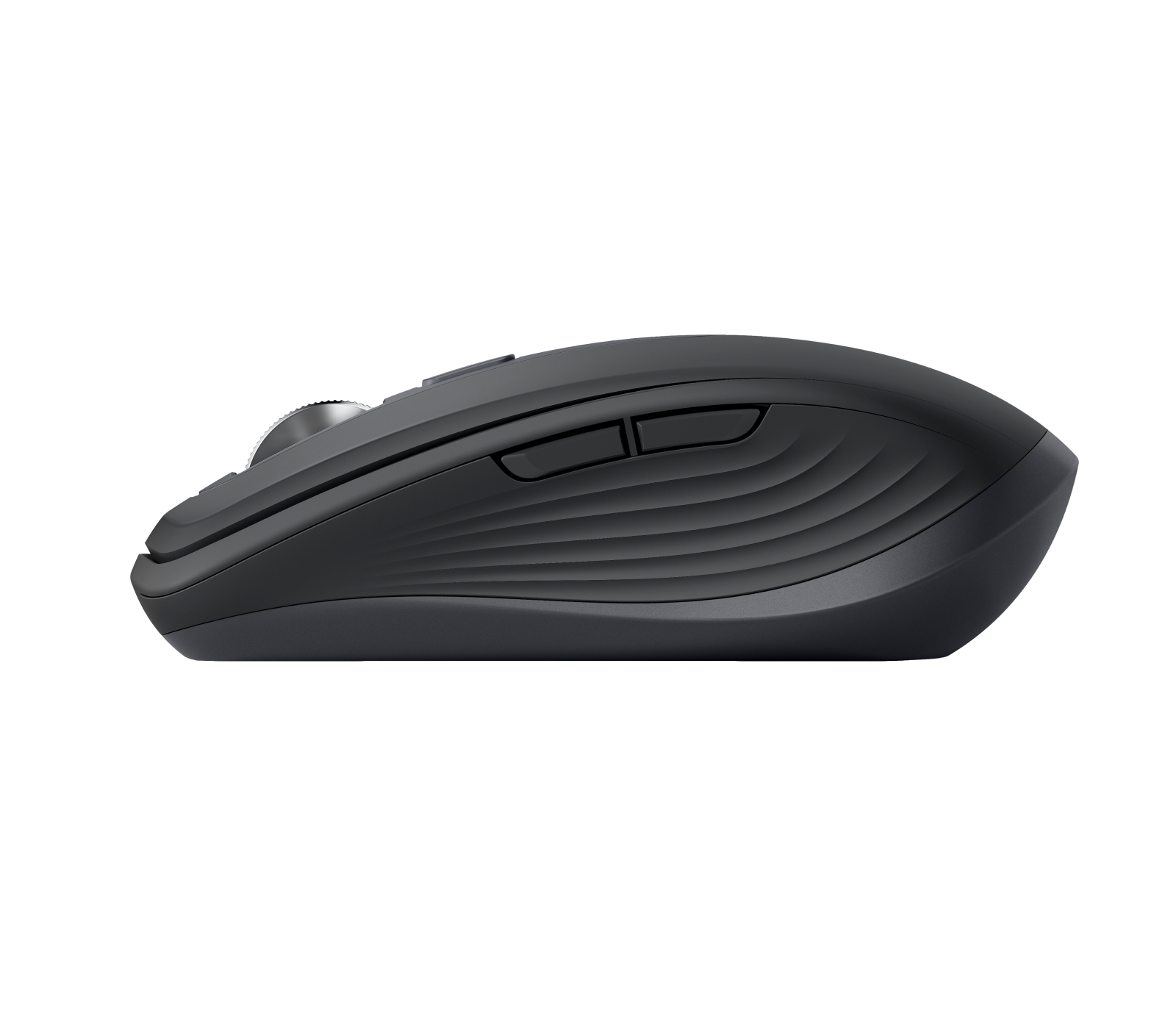
- Logitech MX Anywhere 3S, Graphite, left side: Logitech
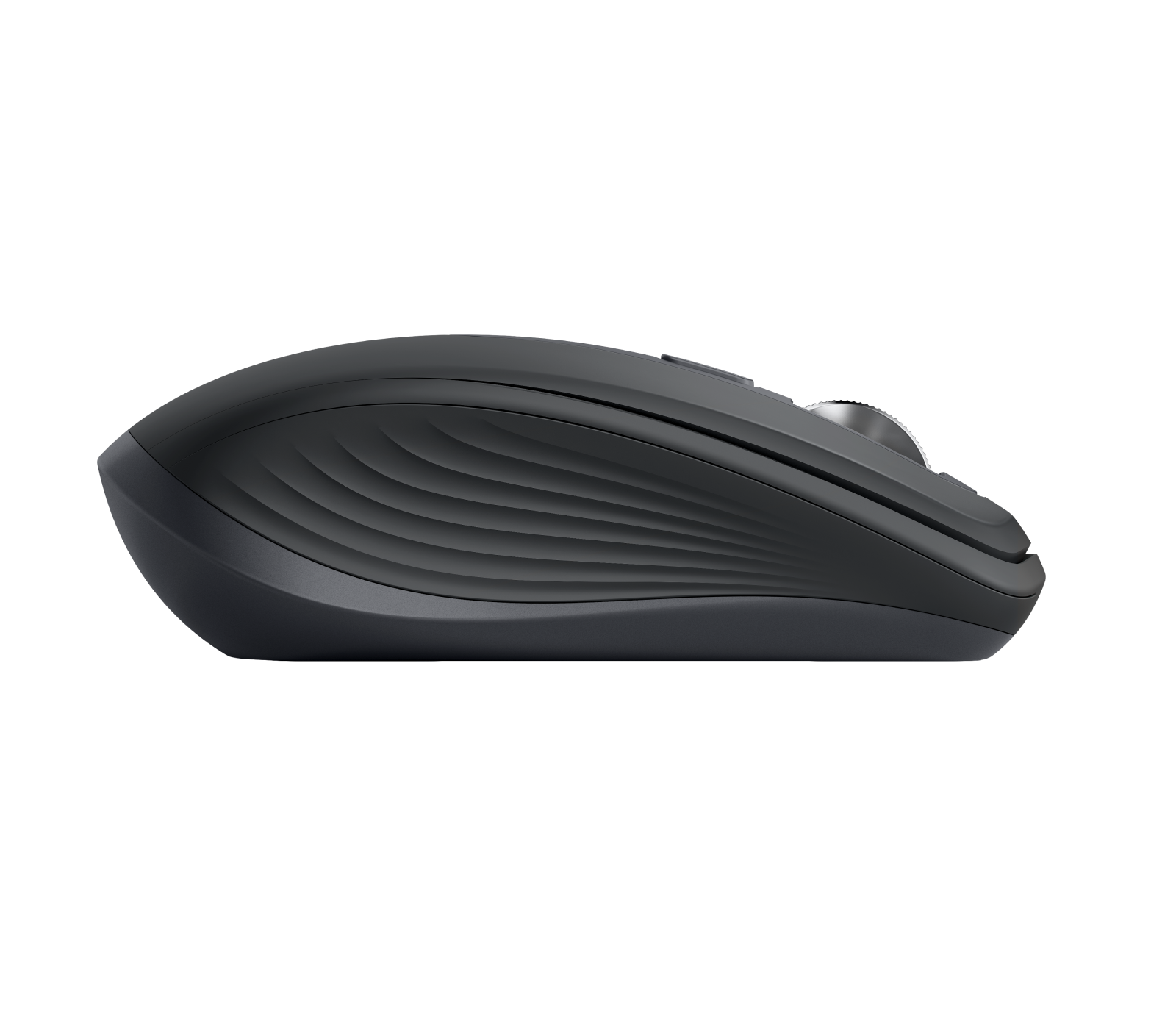
- Logitech MX Anywhere 3S, Graphite, right side: Logitech
- Logitech MX Anywhere 3S, Graphite, rear three-quarter: Logitech
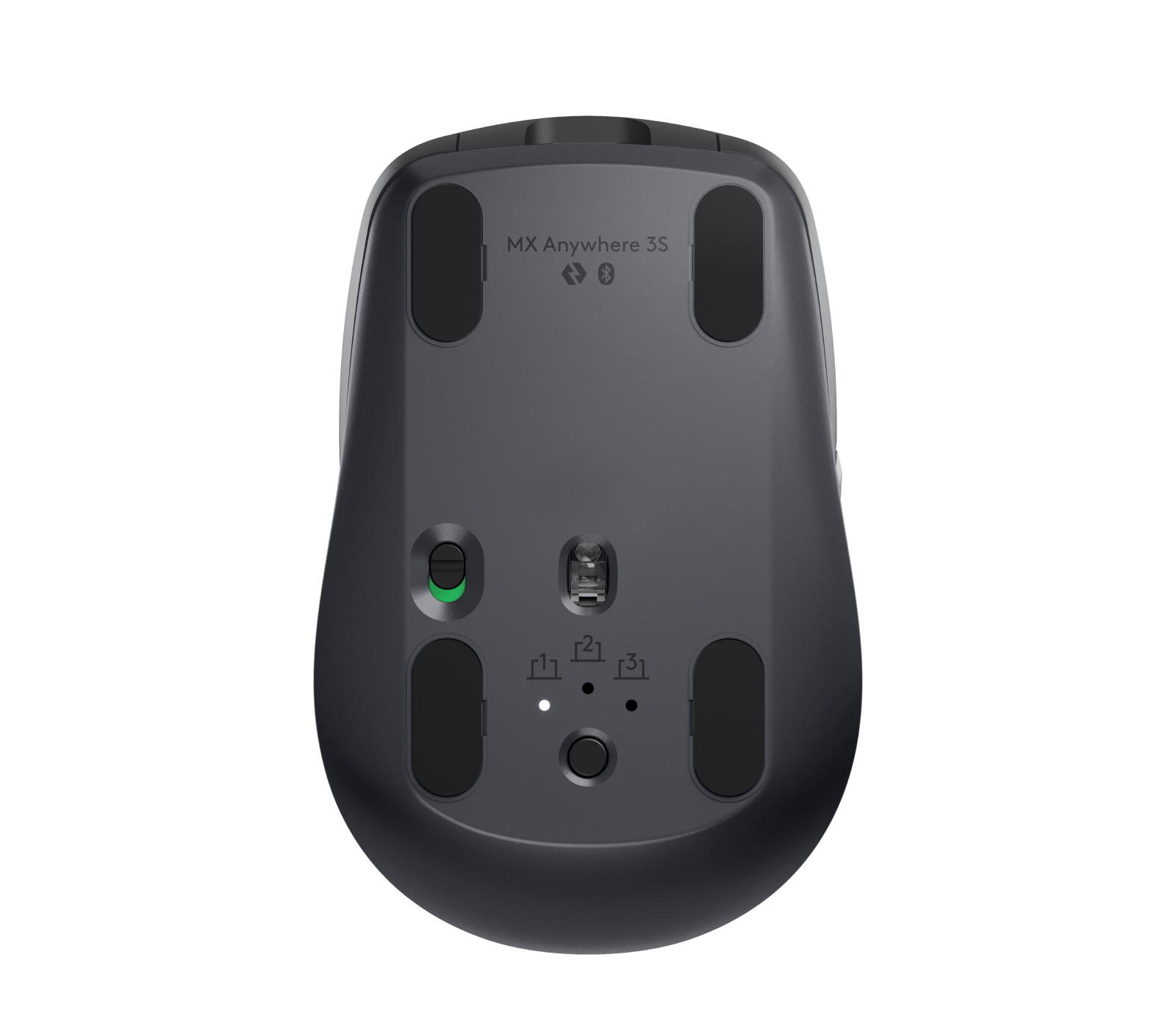
- Logitech MX Anywhere 3S, Graphite, underside: Logitech
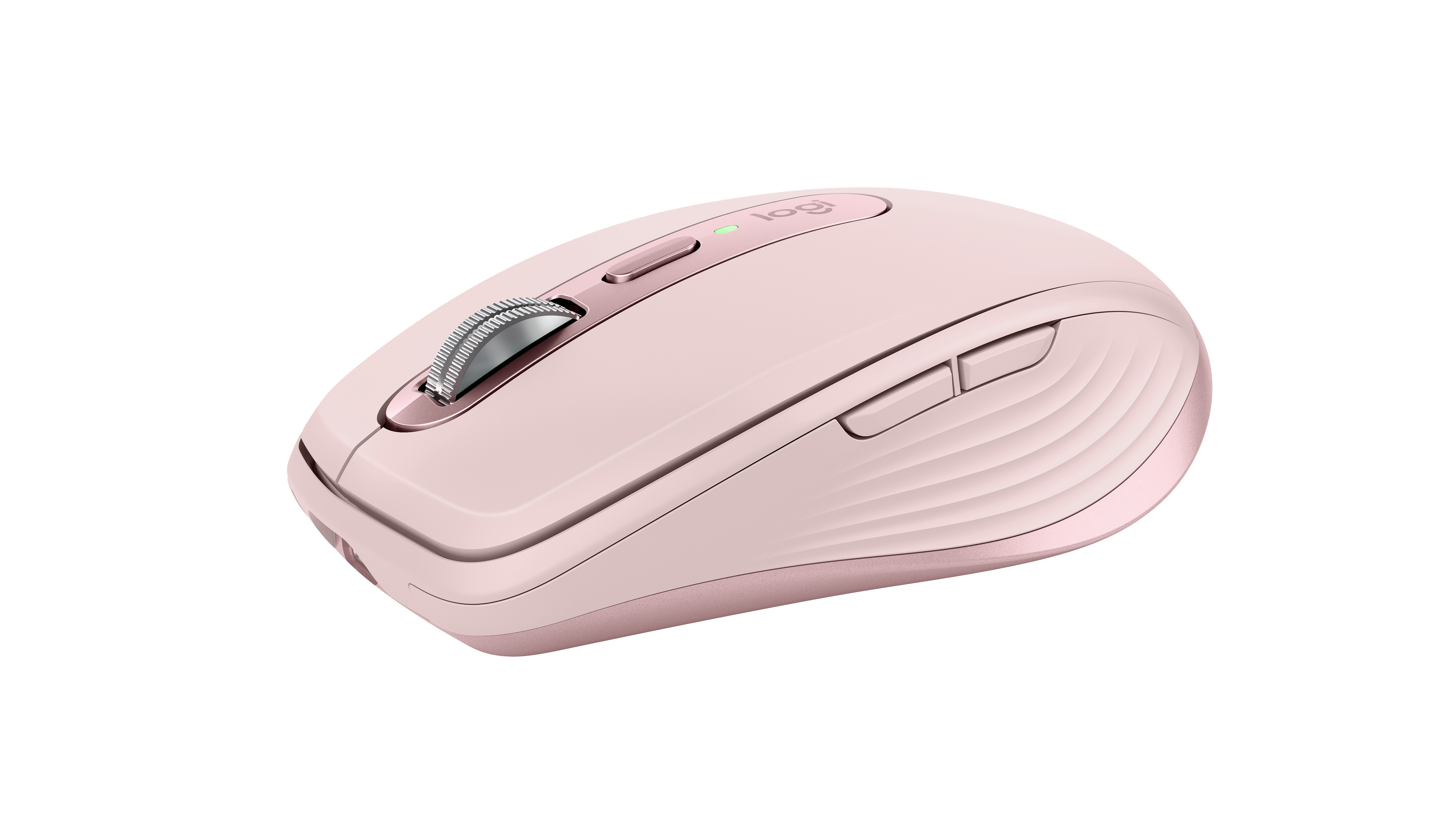
- Logitech MX Anywhere 3S, Rose, front three-quarter: Logitech company press library — High_Resolution_JPG-MX Anywhere 3S 3QTR FRNT Rose; complete supplied canvas and background retained
- Logitech MX Anywhere 3S, Rose, front angle: Logitech company press library — High_Resolution_JPG-MX Anywhere 3S FOB Rose; complete supplied canvas and background retained
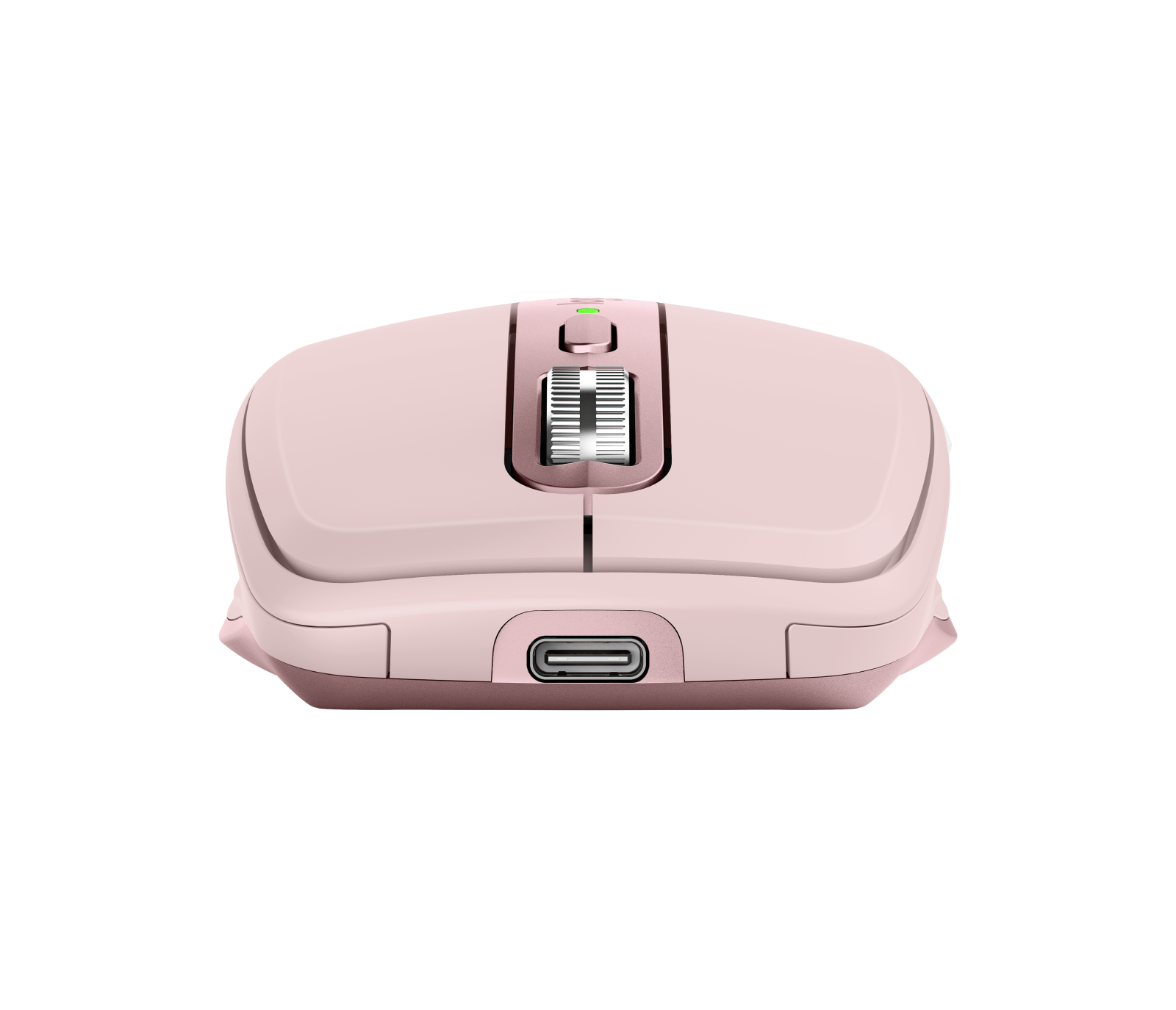
- Logitech MX Anywhere 3S, Rose, front: Logitech
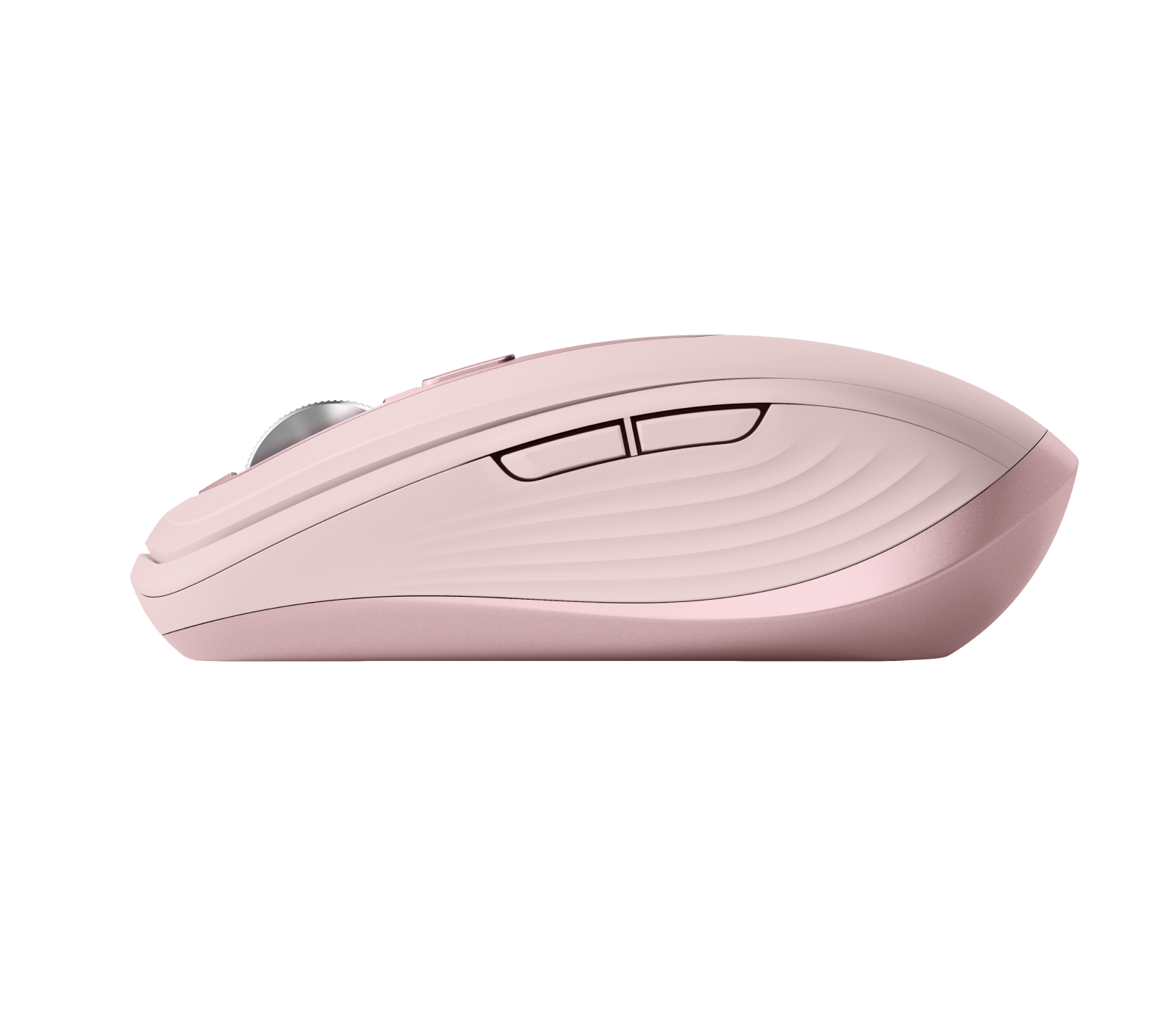
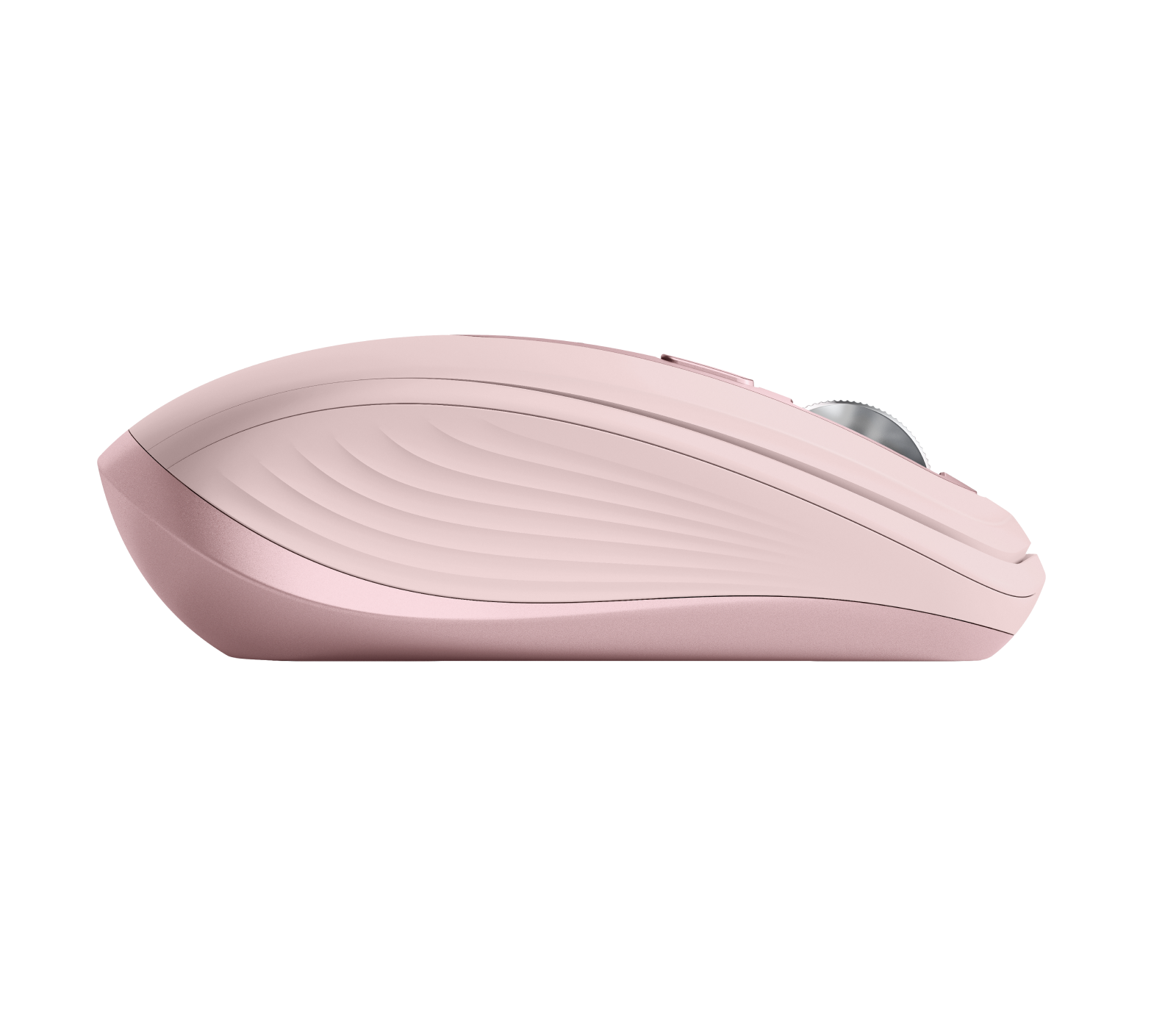
- Logitech MX Anywhere 3S, Rose, left side: Logitech
- Logitech MX Anywhere 3S, Rose, right side: Logitech
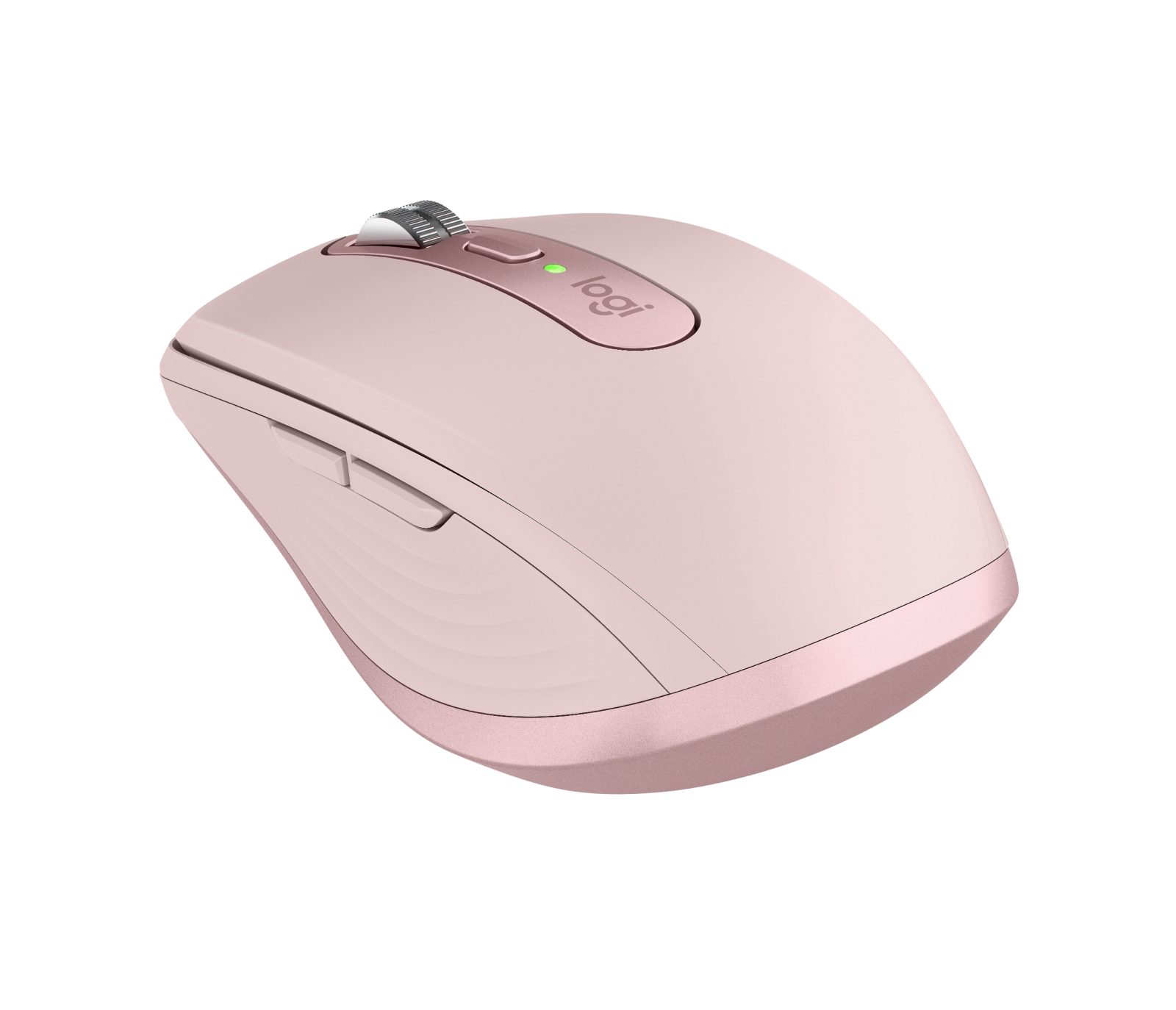
- Logitech MX Anywhere 3S, Rose, rear three-quarter: Logitech
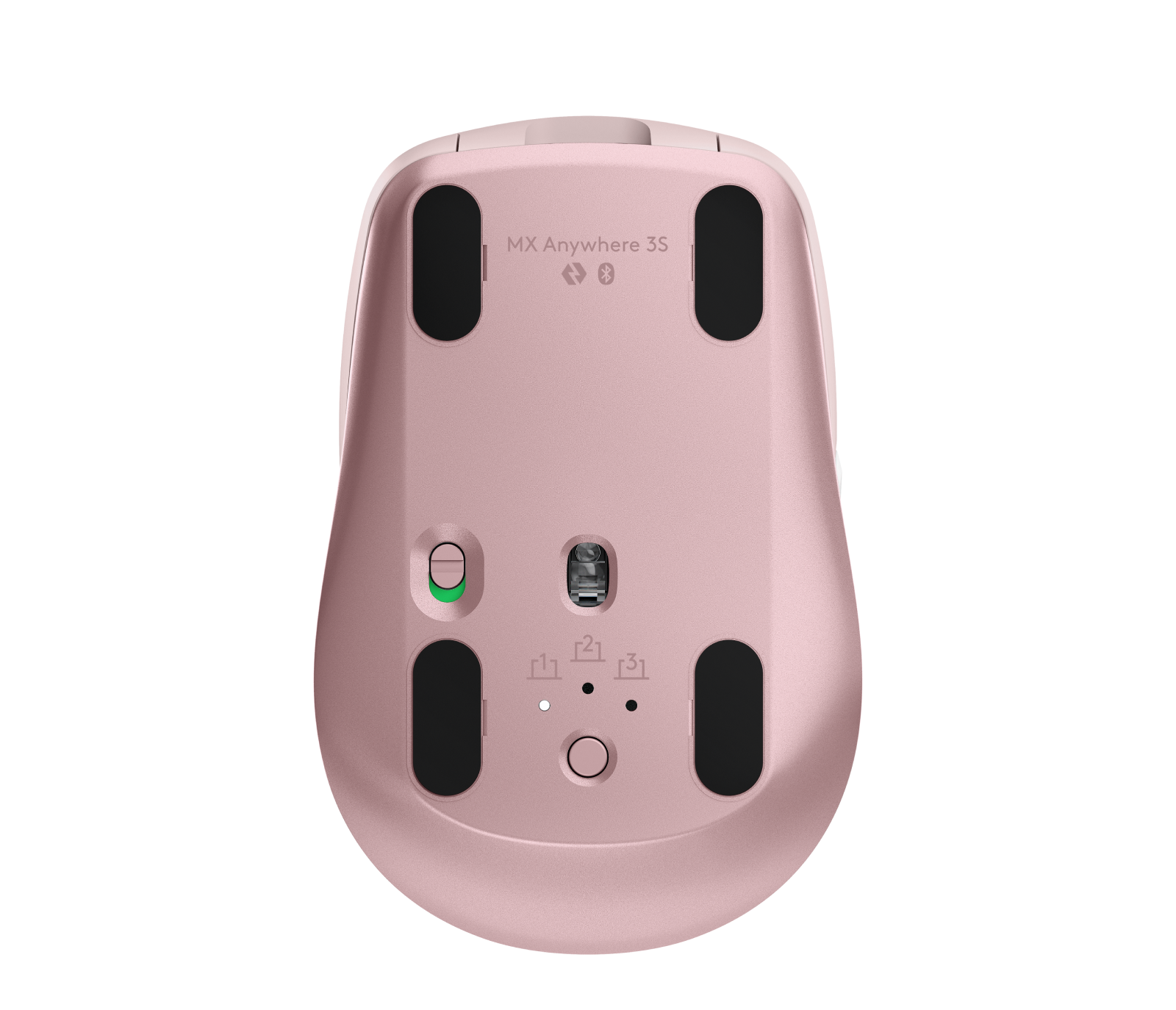
- Logitech MX Anywhere 3S, Rose, underside: Logitech
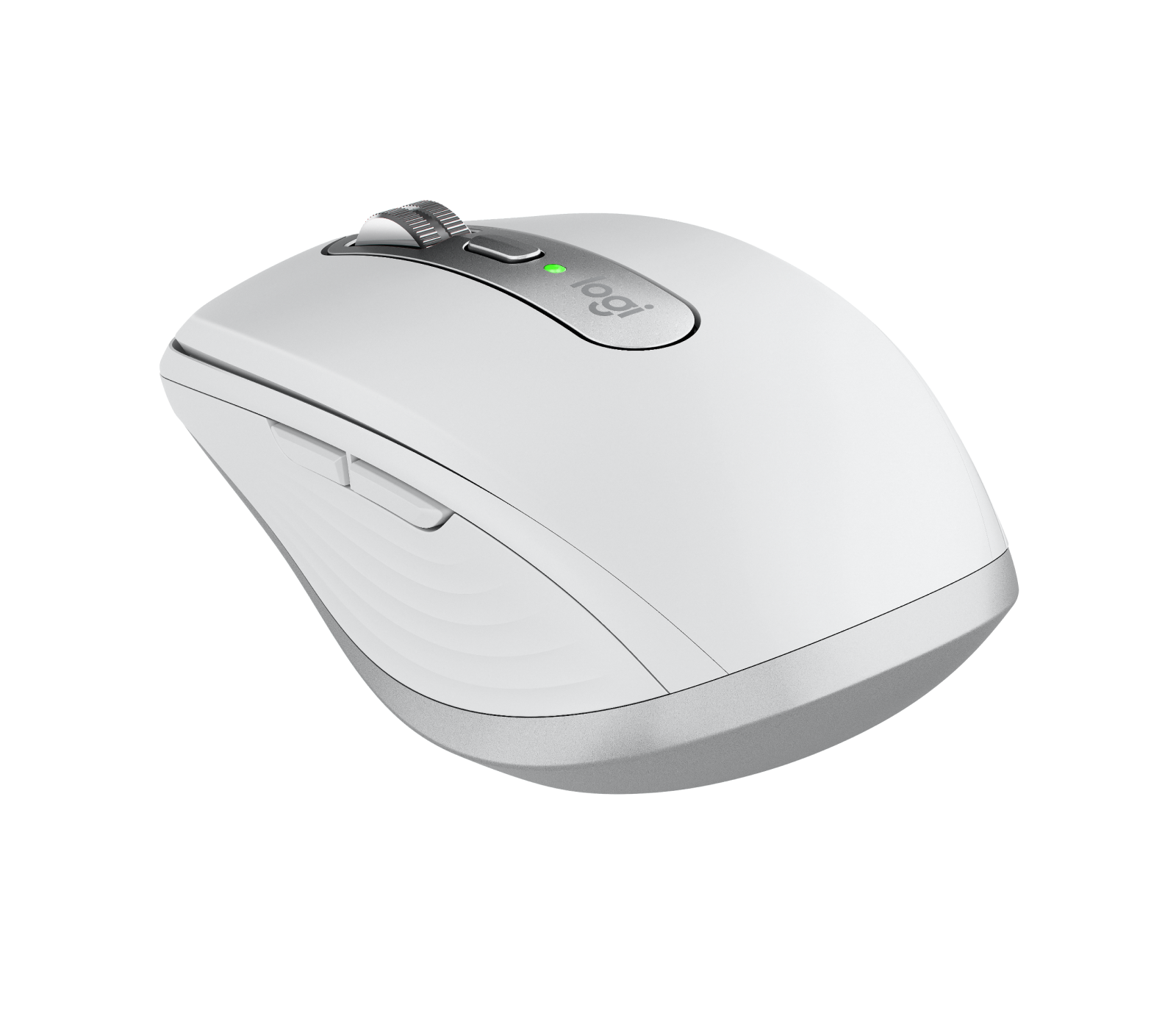
- Logitech MX Anywhere 3S, Pale Grey, front three-quarter: Logitech company press library — High_Resolution_JPG-MX Anywhere 3S 3QTR Front Pale Grey; complete supplied canvas and background retained
- Logitech MX Anywhere 3S, Pale Grey, front angle: Logitech company press library — High_Resolution_JPG-MX Anywhere 3S FOB Pale Grey; complete supplied canvas and background retained
- Logitech MX Anywhere 3S, Pale Grey, front: Logitech
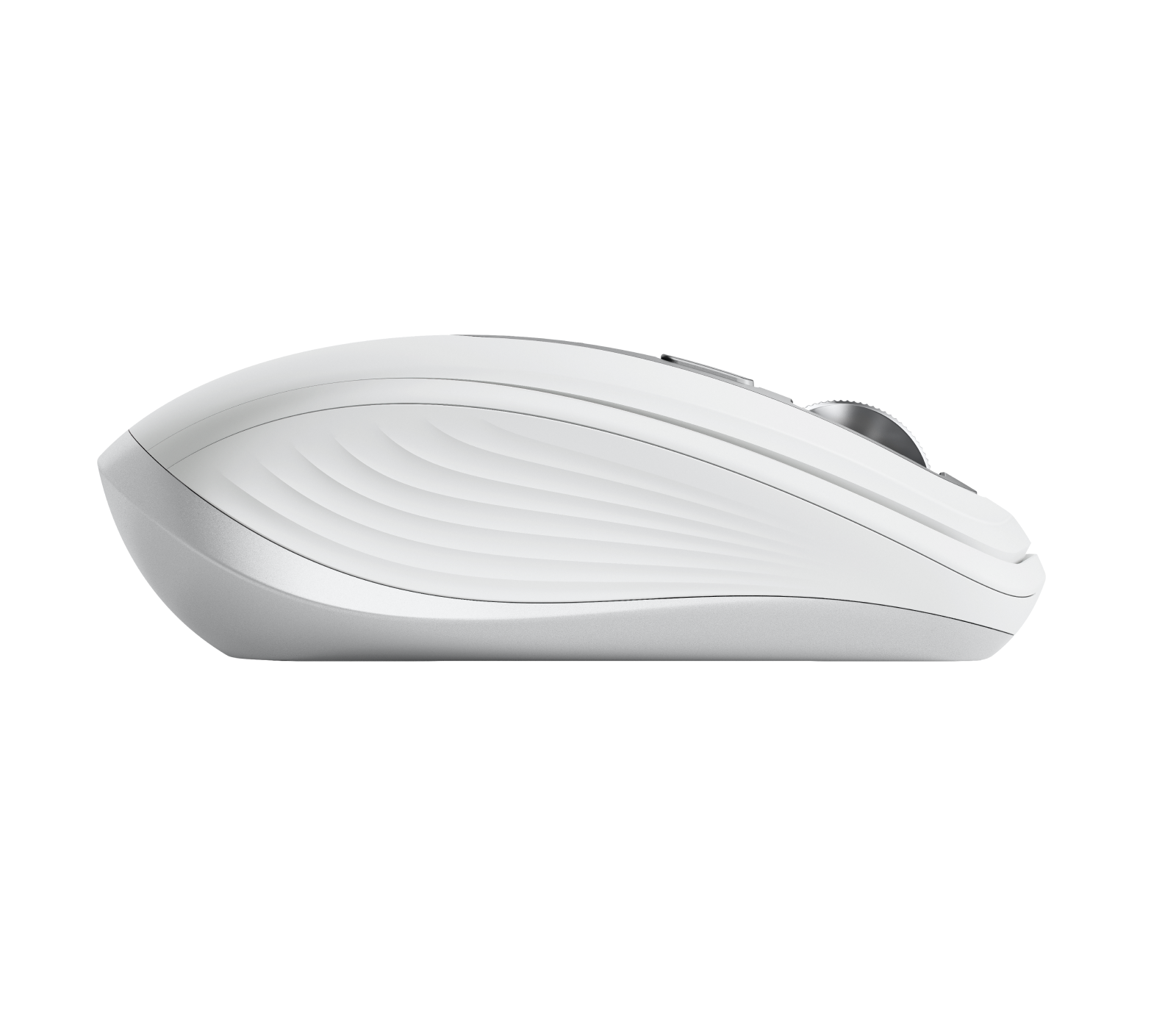
- Logitech MX Anywhere 3S, Pale Grey, left side: Logitech
- Logitech MX Anywhere 3S, Pale Grey, right side: Logitech
- Logitech MX Anywhere 3S, Pale Grey, rear three-quarter: Logitech
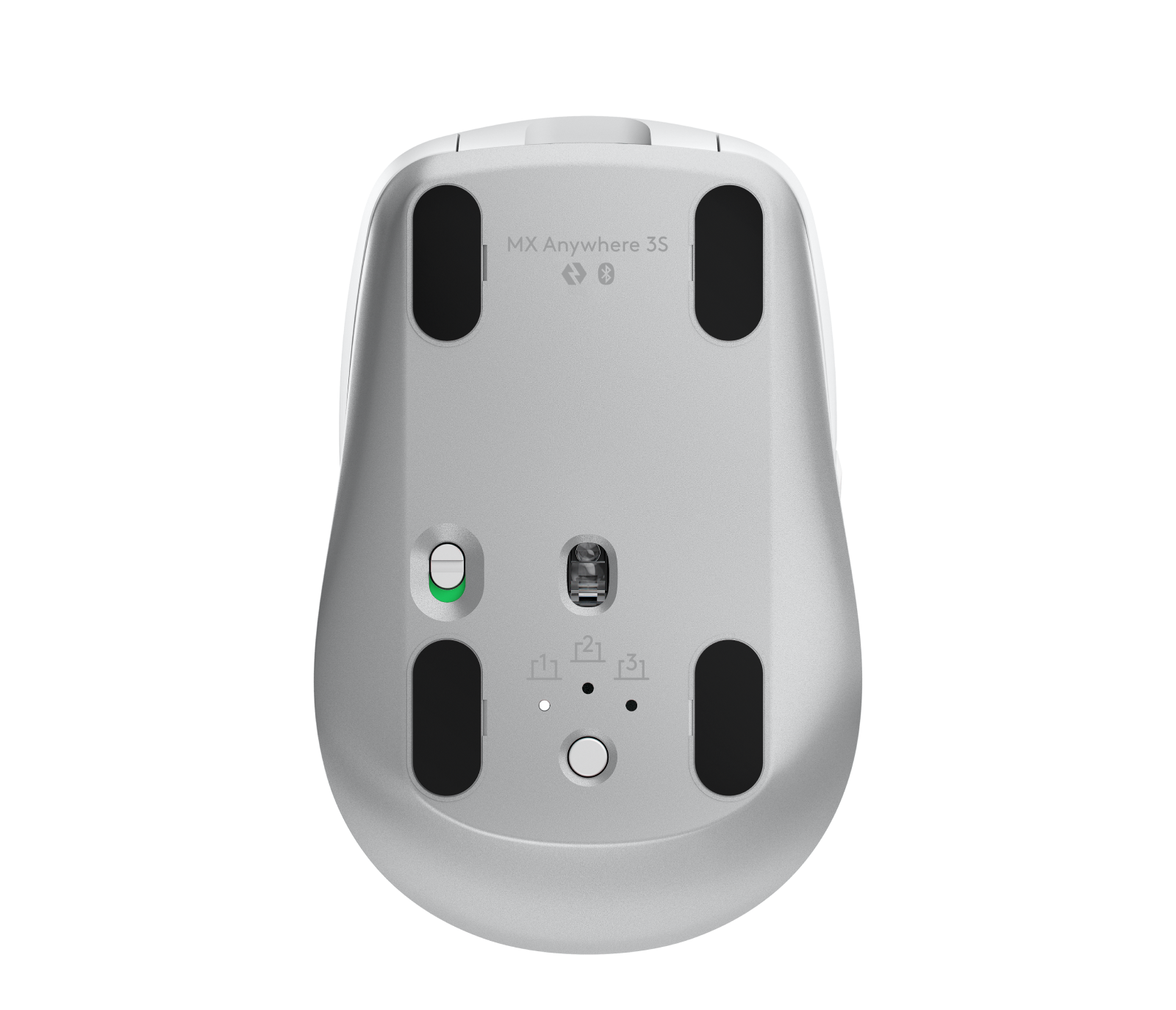
- Logitech MX Anywhere 3S, Pale Grey, underside: Logitech
- Logitech MX Anywhere 3S, Space Grey for Mac, top: Logitech
- Logitech MX Anywhere 3S, Space Grey for Mac, front three-quarter: Logitech
- Logitech MX Anywhere 3S, Space Grey for Mac, front angle: Logitech
- Logitech MX Anywhere 3S, Space Grey for Mac, front: Logitech
- Logitech MX Anywhere 3S, Space Grey for Mac, left side: Logitech
- Logitech MX Anywhere 3S, Space Grey for Mac, rear three-quarter: Logitech
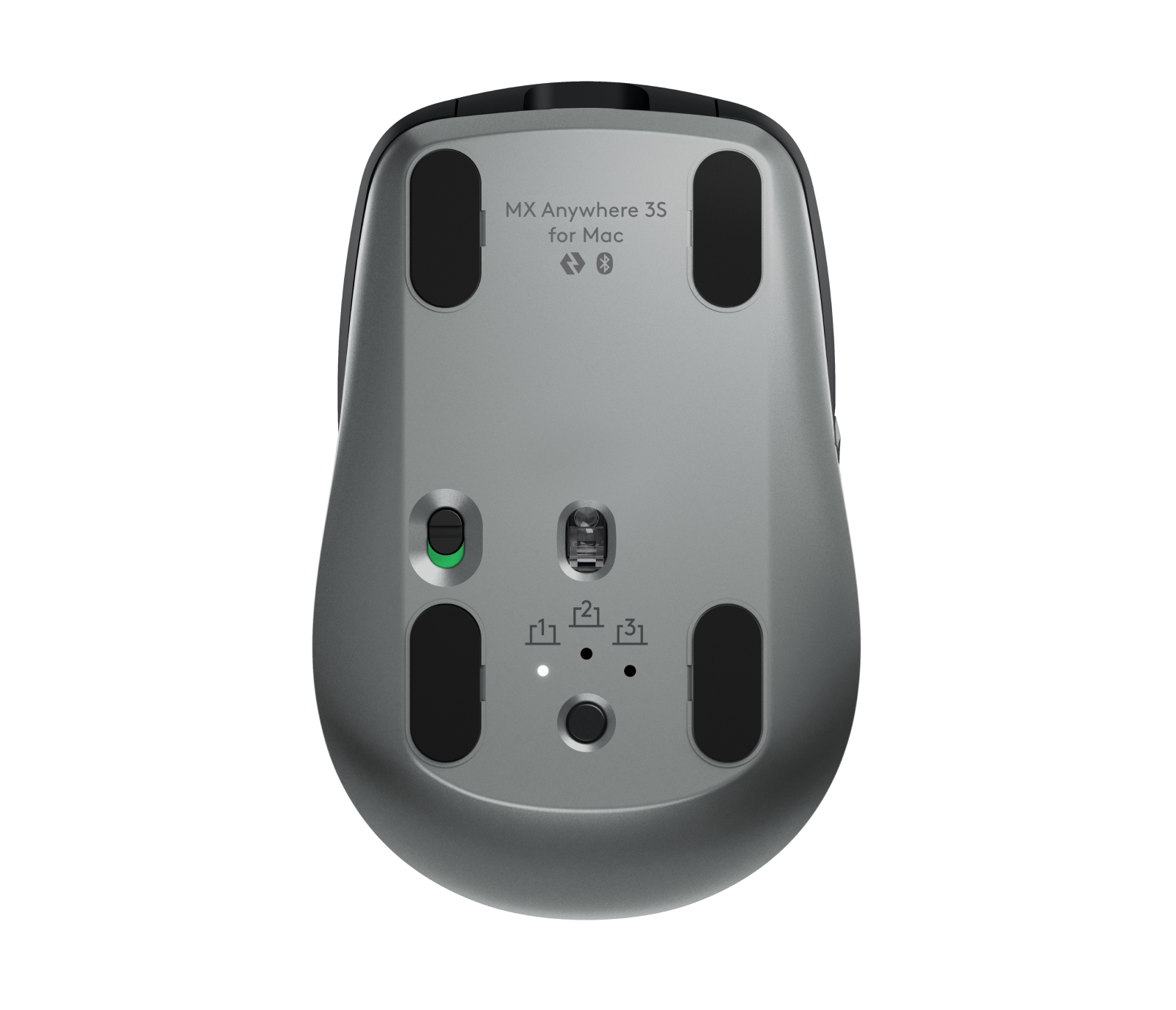
- Logitech MX Anywhere 3S, Space Grey for Mac, underside: Logitech
- Logitech MX Anywhere 3S, Pale Grey, underside, Mac variant: Logitech
- Graphite Logitech MX Anywhere 3S on a wooden desk beside a person typing, complete home-office photograph: Logitech company press library — High_Resolution_PNG-MX Anywhere 3S LIFE Home Office 04; complete supplied canvas and background retained
- Rose Logitech MX Anywhere 3S with keyboard and stationery in the supplied overhead desk photograph: Logitech company press library — High_Resolution_PNG-MX Anywhere 3S Rose ENVR BOB; complete supplied canvas and background retained
- Pale Grey Logitech MX Anywhere 3S with keyboard, coffee and notebook in the supplied overhead desk photograph: Logitech company press library — High_Resolution_PNG-MX Anywhere 3S Pale Grey ENVR BOB; complete supplied canvas and background retained
- Pale Grey Logitech MX Anywhere 3S being used beside a laptop in the supplied cafe photograph: Logitech company press library — High_Resolution_PNG-MX Anywhere 3S LIFE Cafe Pale Grey; complete supplied canvas and background retained
- Logitech MX Anywhere 3S in Pale Grey, Rose and Graphite finishes on the supplied wooden desk: Logitech company press library — High_Resolution_PNG-MX Anywhere 3S ENVR Home Office 01; complete supplied canvas and background retained
- Rose Logitech MX Anywhere 3S beside a laptop and earbuds in the supplied cafe photograph: Logitech company press library — High_Resolution_PNG-MX Anywhere 3S LIFE Cafe Rose 01; complete supplied canvas and background retained
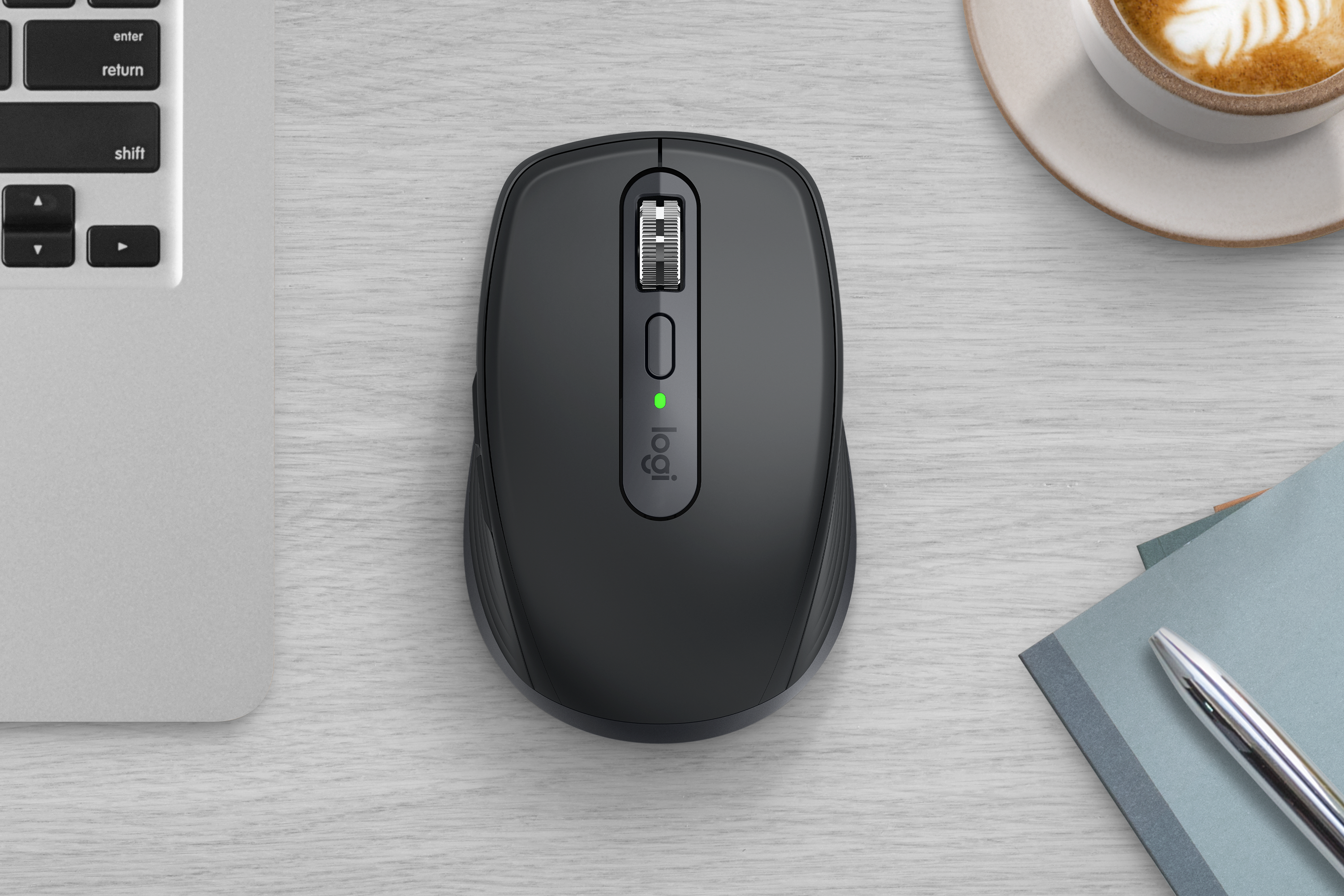
- Graphite Logitech MX Anywhere 3S with keyboard and coffee in the supplied overhead desk photograph: Logitech company press library — High_Resolution_PNG-MX Anywhere 3S Graphite ENVR BOB; complete supplied canvas and background retained