Photo 1 of 5
Lenovo ThinkVision P27UD-40 · Photo source
Lenovo · ThinkVision
ThinkVision P27UD-40
Lenovo's 27-inch 4K IPS business monitor with a 24–120Hz refresh rate and a Thunderbolt 4 hub with 140W charging, 2.5GbE Ethernet and a KVM switch, suited to laptop users who want a single-cable desk for office and colour-critical work.
- Size
- 27″
- Resolution
- 3840 × 2160
- PPI
- 163
- Panel
- IPS
- Refresh
- 120 Hz
- Brightness
- 350 nits
- HDR
- –
- USB-C power
- 140 W
Specifications
Report a wrong or missing specDisplay
- Screen size
- 27″
- Resolution
- 3840 × 2160 (4K)
- Sharpness
- 163 pixels per inch
- Panel
- IPS
- Refresh rate
- 120 Hz
- Response time (grey to grey)
- 4 ms
- Brightness (typical)
- 350 nits
- HDR formats
- HDR10
- Contrast ratio
- 1,500:1
- Colour range
- 98% DCI-P3, 99% sRGB, 99% BT.709
- DCI-P3 coverage
- 98%
- Screen finish
- Matte
- Shape
- Flat
- Adaptive sync
- HDMI VRR
- Colour depth
- 10-bit (8-bit + FRC), 1.07 billion colours
- sRGB coverage
- 99% (CIE 1931)
- Colour accuracy
- Average Delta E < 2 for sRGB and DCI-P3
- Response time detail
- 4 ms grey-to-grey in Extreme mode, 6 ms in Normal mode
- Variable refresh range
- 24–120 Hz (HDMI 2.1 VRR; Dynamic Refresh Rate in Windows)
- Viewing angles
- 178° / 178°
- Pixel pitch
- 0.1554 × 0.1554 mm
- Eye care
- TÜV Rheinland Eye Comfort 5 Stars, TÜV Rheinland Low Blue Light (hardware), Eyesafe Display 2.0, Natural Low Blue Light
- Calibration
- Factory calibrated; calibration report in the box
Connections
- Video inputs
- Thunderbolt 4, HDMI 2.1, DisplayPort 1.4
- USB-C charging
- Up to 140 W
- USB ports
- USB-C, 4 × USB-A, Thunderbolt 4
- KVM switch
- Yes
- Ethernet
- Yes
- Speakers
- No
- HDMI detail
- HDMI 2.1 (TMDS), 3840 × 2160 at 120 Hz
- DisplayPort detail
- DisplayPort 1.4 (HBR3) in, up to 32.4 Gbps; DisplayPort 1.4 out
- USB-C detail
- Thunderbolt 4 upstream (40 Gbps) with PD 3.1 up to 140 W and DisplayPort 1.4 Alt Mode (HBR3); Thunderbolt 4 out
- Daisy chaining
- Up to 2 displays, via Thunderbolt 4 out or DisplayPort out
- USB hub detail
- 4 × USB-A (USB 5 Gbps, one with BC 1.2), 1 × USB-C (USB 5 Gbps, 15 W, data only); USB-B and Thunderbolt 4 upstream
- Picture by picture
- PIP and PBP
- Speaker detail
- None built in; supports the optional ThinkVision MS30 Monitor Soundbar
- Webcam detail
- None built in; supports the optional ThinkVision VoIP Stack MC60 and Lenovo LC50 monitor webcams
Design
- Stand adjusts
- Height, tilt, swivel, pivot
- VESA mount
- Yes
- Weight with stand
- 6.8 kg
- Height adjustment
- 155 mm
- Tilt
- −5° to 23.5°
- Swivel
- −45° to 45°
- Pivot
- −90° to 90°
- VESA pattern
- 100 × 100 mm
- Size with stand
- 613.4 × 195.0 × 384.1–539.1 mm (W × D × H)
- Size without stand
- 613.4 × 46.0 × 357.0 mm (W × D × H)
- Weight without stand
- 4.6 kg
- Colours
- Raven Black
Power and support
- Power use
- 19 W typical, 226 W max, 17.3 W ENERGY STAR on-mode, < 0.5 W sleep, < 0.3 W off
- Energy class
- D
- Power supply
- Built-in, 100–240 V AC, 50–60 Hz
- Software
- Lenovo Display Fleet Manager (LDFM), Lenovo Accessories and Display Manager (LADM)
- Certifications
- ENERGY STAR 8.0, TCO 10, TCO Edge 2.1, EPEAT Gold, RoHS
- Warranty
- 3-year limited
- In the box
- Monitor with stand, power cable (1.8 m), DP 1.4 cable (1.8 m), USB-A to USB-B cable (1.8 m), Thunderbolt cable (1 m, 40 Gbps), factory calibration report, quick setup guide
Pros and cons
Pros
- Thunderbolt 4 hub with up to 140W charging, 2.5GbE Ethernet, and Thunderbolt 4 and DisplayPort outputs for daisy-chaining
- 4K IPS panel at up to 120Hz with 98% DCI-P3 and factory calibration to an average Delta E below 2
- Built-in KVM switch, and the stand adjusts for height (155 mm), tilt, swivel and pivot
Cons
- 350-nit brightness and 1,500:1 contrast, with HDR10 support but no VESA DisplayHDR certification
- No built-in speakers or webcam; it supports Lenovo's optional add-on webcam and soundbar
- Downstream USB ports run at 5Gbps, and the one downstream USB-C port is data-only
Closest rivals
Model | Size | Resolution | PPI | Panel | Refresh | Brightness | HDR | USB-C power | Released |
|---|---|---|---|---|---|---|---|---|---|
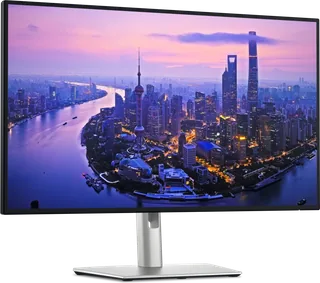
| 27″ | 3840 × 2160 | 163 | IPS | 120 Hz | 350 nits | – | 65 W | Mar 2025 | |
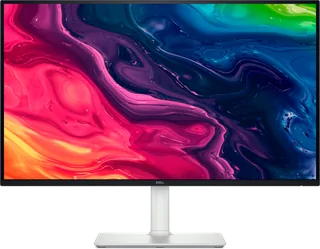
| 27″ | 3840 × 2160 | 163 | IPS | 120 Hz | 350 nits | – | – | Apr 2025 | |
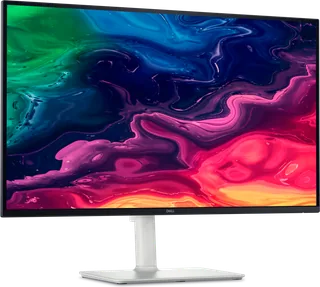
| 27″ | 3840 × 2160 | 163 | IPS | 120 Hz | 450 nits | 600 | 140 W | Feb 2025 |

Sources
- lenovo.com/gb/en/p/accessories-and-software/monitors/professional/64cegat2uk
- psref.lenovo.com/Detail/ThinkVision_P27UD_40_Monitor
- psrefstuff.lenovo.com/syspool/Sys/PDF/datasheet/ThinkVision_P27UD-40_DS_EN.pdf
Photo: psrefstuff.lenovo.com
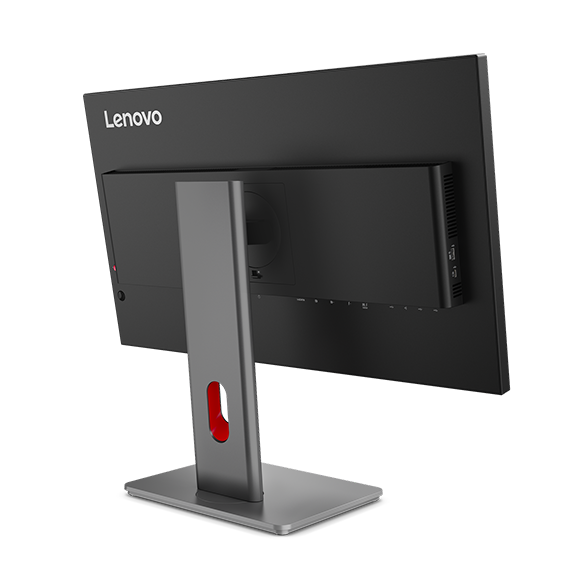
- ThinkVision P27UD-40 rear angle: Lenovo UK product gallery for exact model 64CEGAT2UK
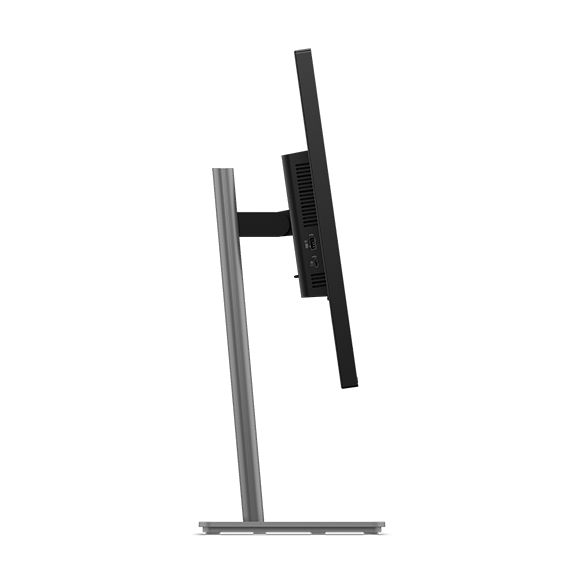
- ThinkVision P27UD-40 side profile: Lenovo UK product gallery for exact model 64CEGAT2UK
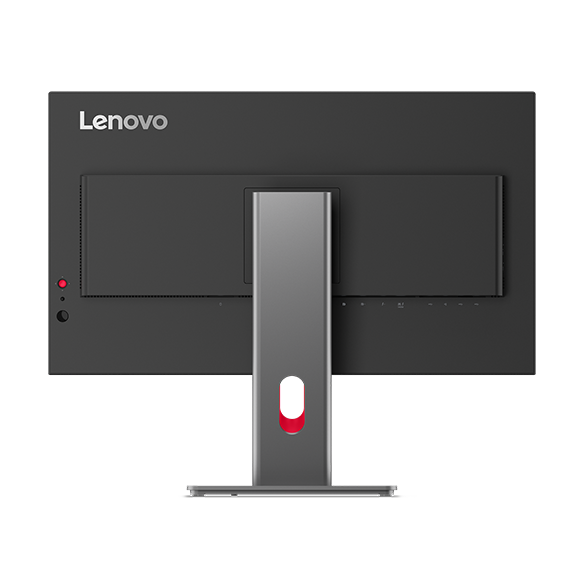
- ThinkVision P27UD-40 rear view: Lenovo UK product gallery for exact model 64CEGAT2UK
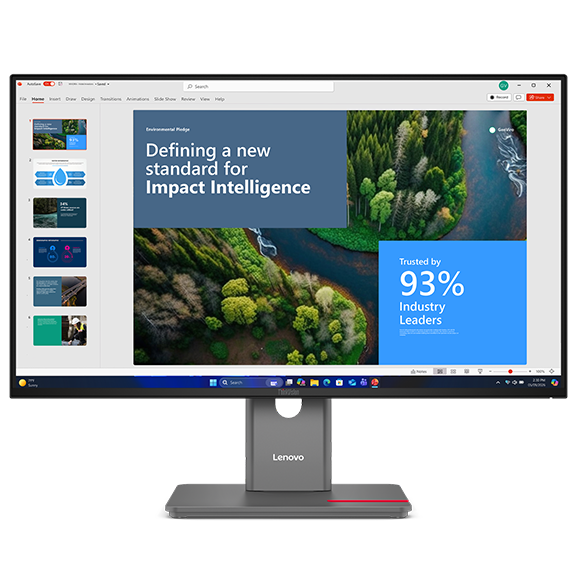
- ThinkVision P27UD-40 straight front view: Lenovo UK product gallery for exact model 64CEGAT2UK