Photo 1 of 11
Logitech MX Master · Photo source
Logitech · MX
MX Master
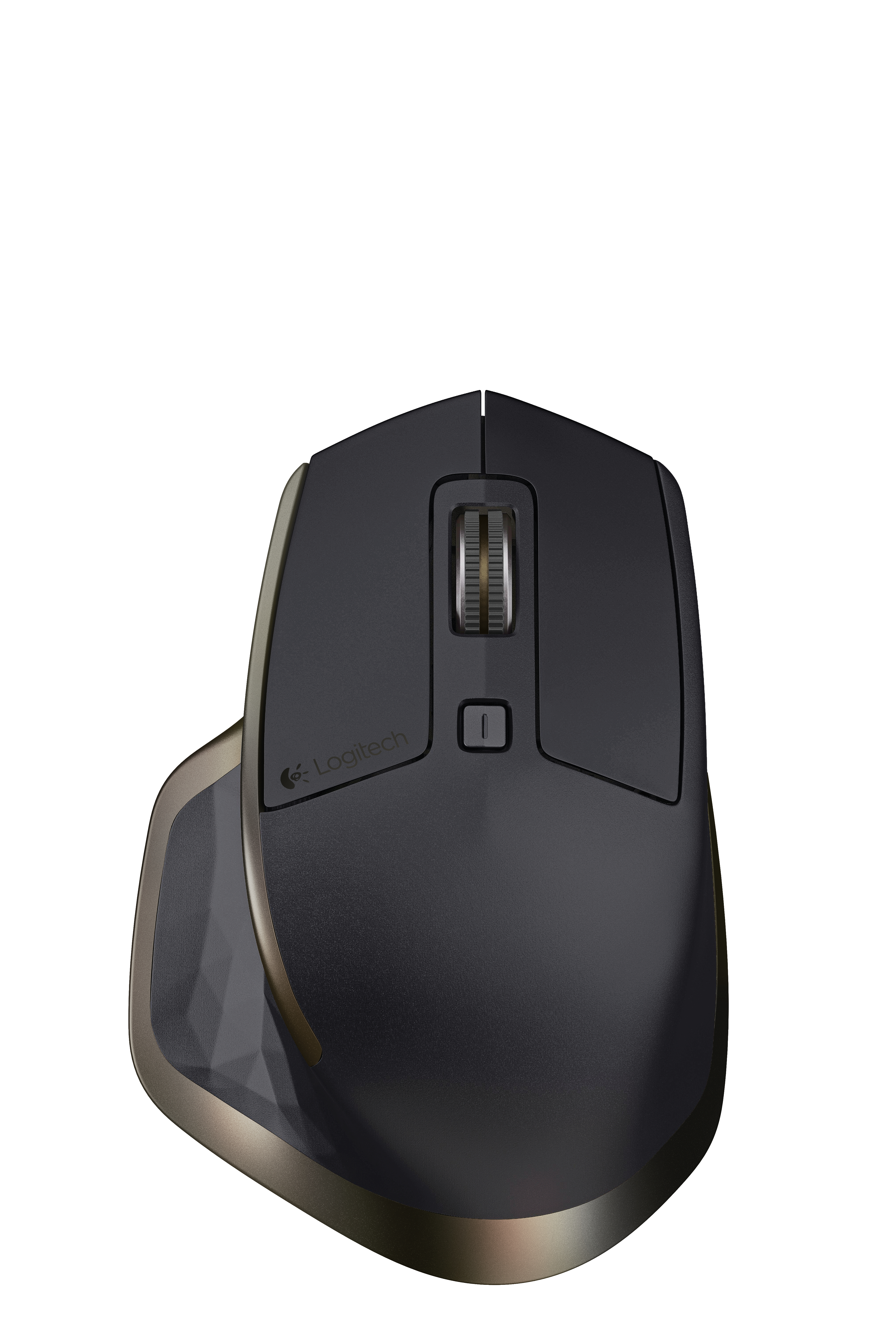
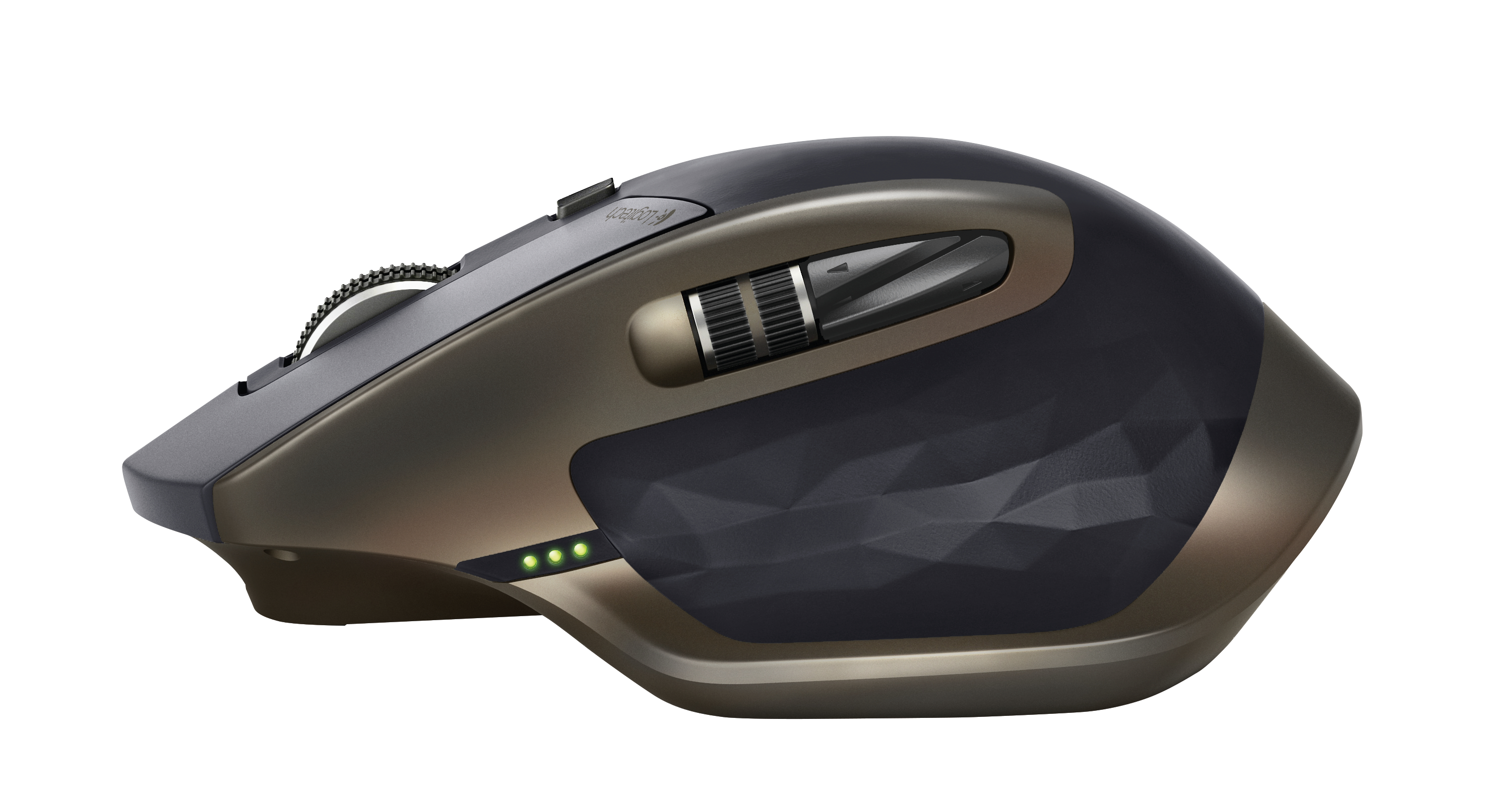
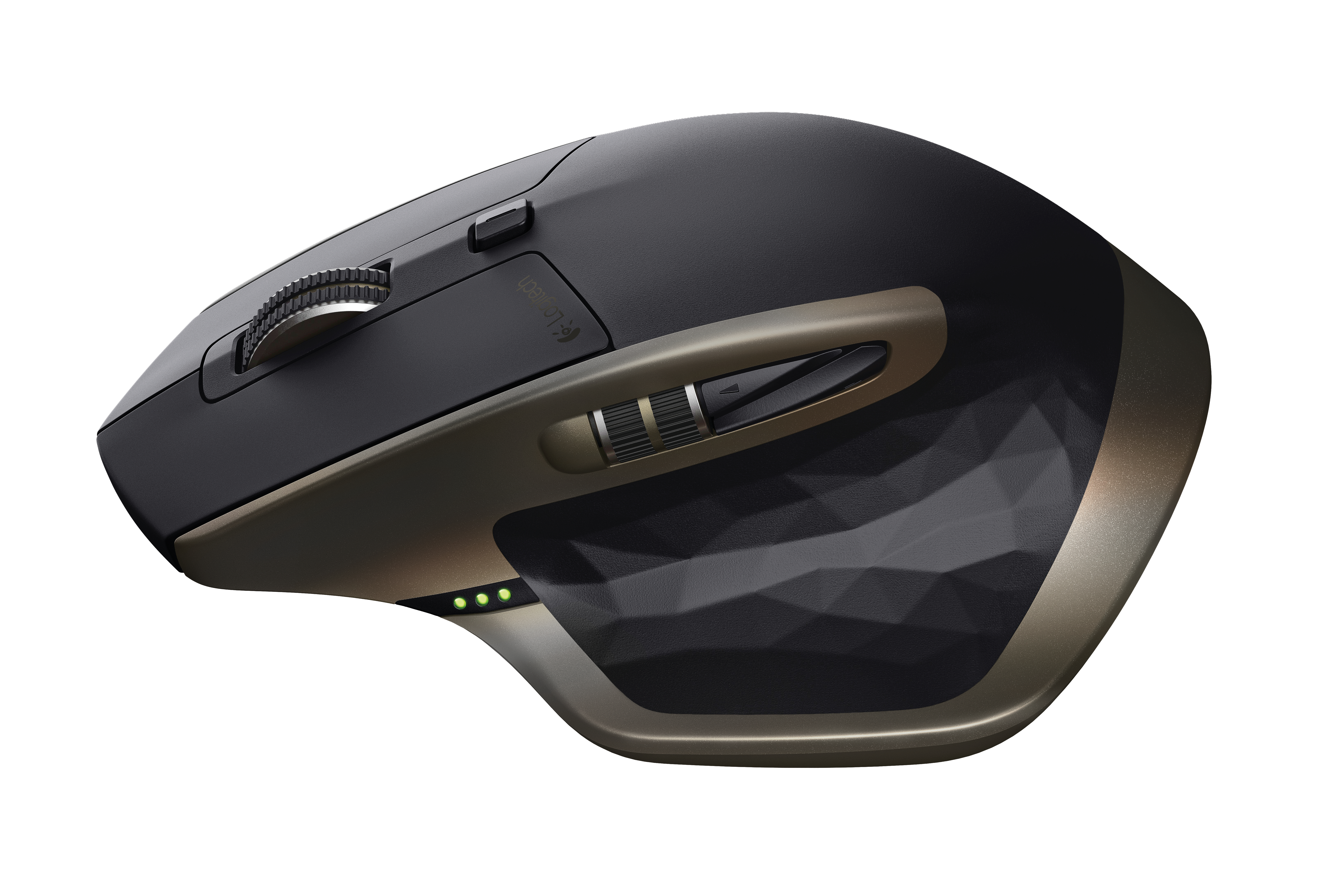
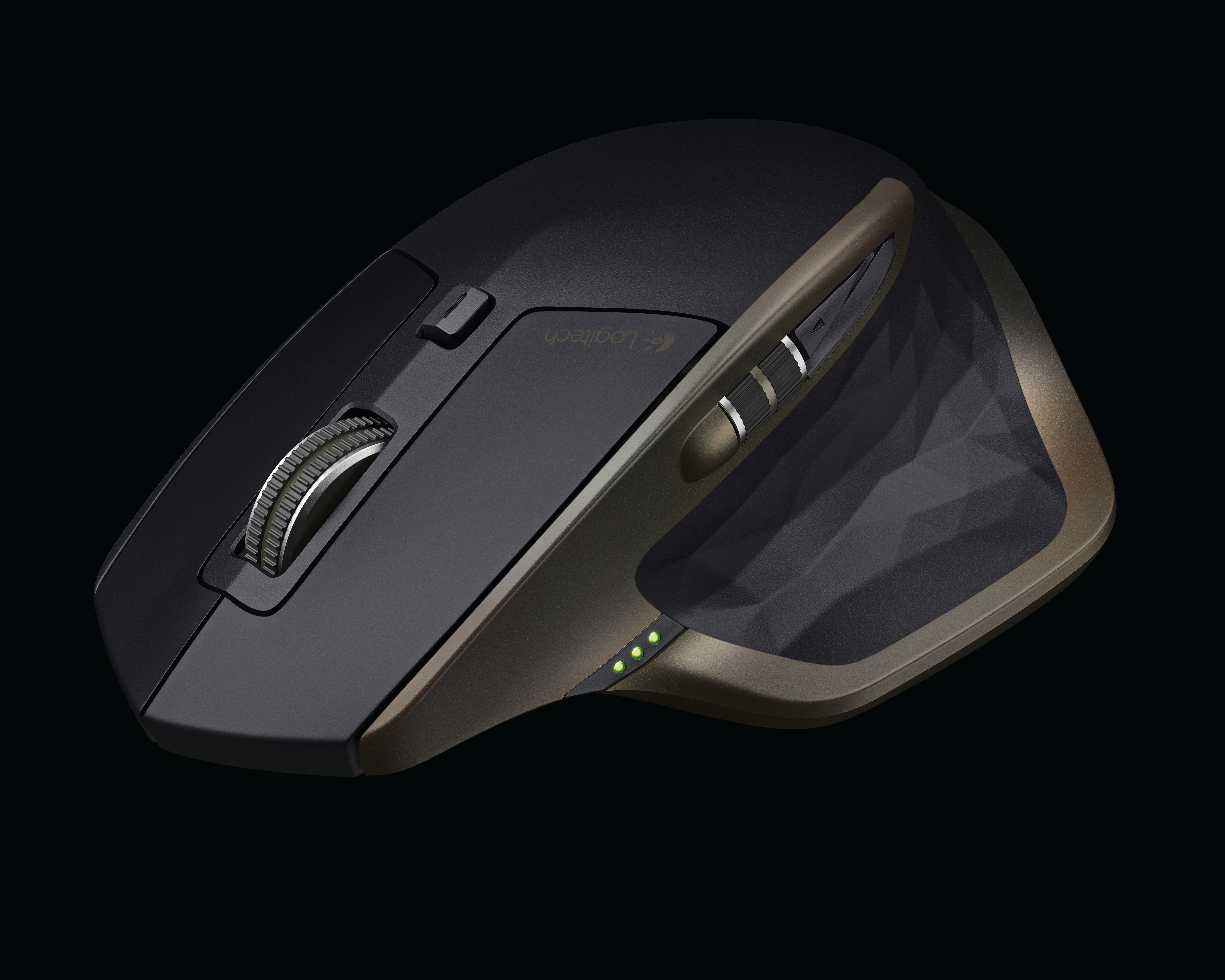
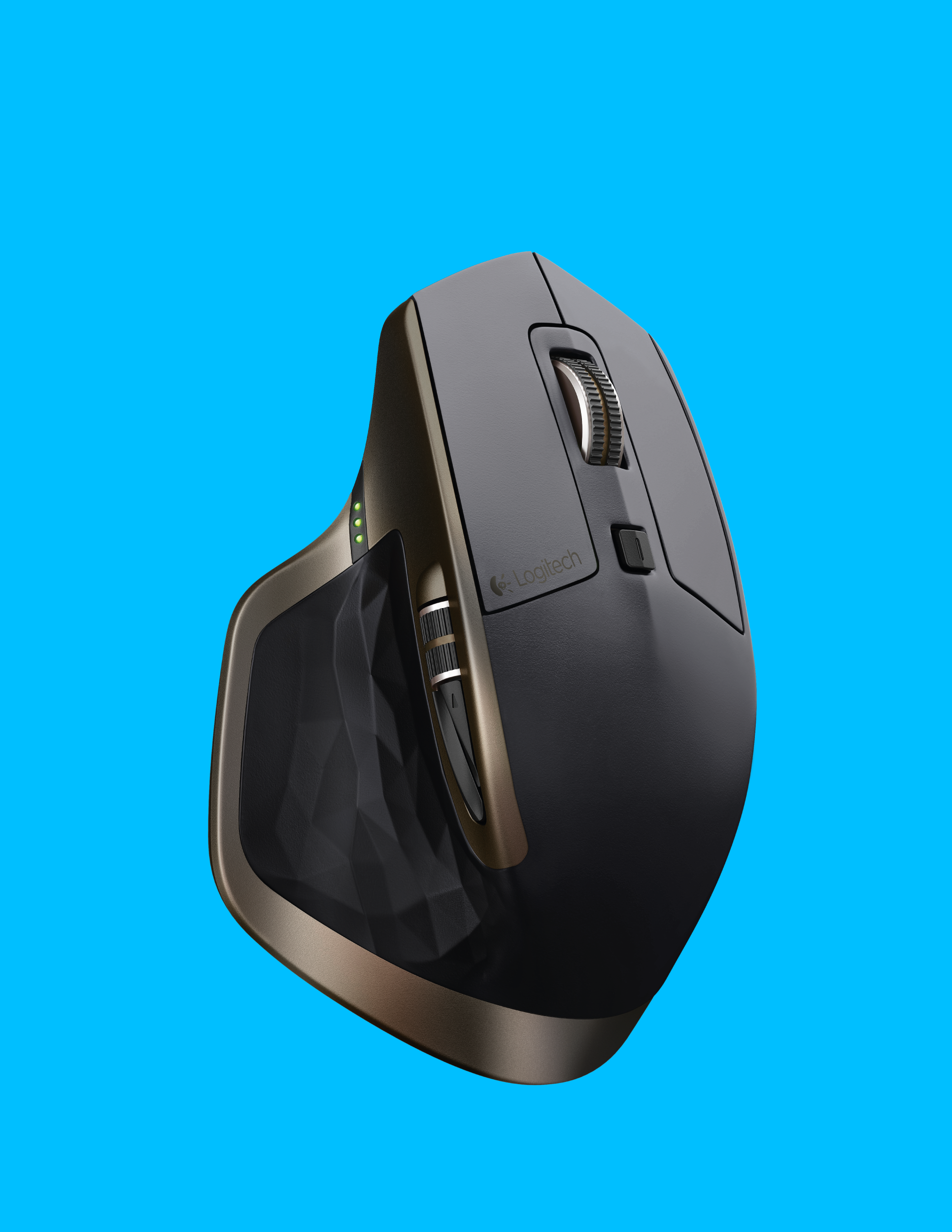
Logitech's original right-handed MX Master mouse, with a Darkfield laser sensor, adaptive scroll wheel and thumb wheel for desk work across up to three computers.
Model history · 4 models, 2004–2015
- 2004MX1000 Laser Cordless MouseCompare
- 2006MX RevolutionCompare
- 2009Performance Mouse MXCompare
- 2015MX Master
- Shape
- Ergonomic
- Buttons
- 5
- DPI
- 1,600
- Battery
- 40 days
- Connects by
- Bluetooth and USB receiver
- Weight
- 145 g
What reviewers say
Reviewers praise the comfortable sculpted shape, precise tracking and useful dual scroll wheels for office work. RTINGS found it bulky for travel and unsuitable for small hands; Tom's Guide disliked the tiny stacked thumb buttons and found the notched scroll mode too loose. TechSpot found the feet slightly sticky on a cloth pad.
From rtings.com, tomsguide.com, techspot.com and techspot.com
Specifications
Report a wrong or missing specTracking
- Shape
- Ergonomic
- Hand
- Right hand
- Sensitivity
- Up to 1,600 DPI
- Sensor
- Darkfield laser
- Buttons
- 5
- Free-spinning wheel
- Yes
- Thumb wheel
- Yes
- Sensor
- Darkfield laser tracking on glass at least 4 mm thick; 400–1,600 DPI in 200 DPI steps, 1,000 DPI nominal
- Scroll wheel
- Speed-adaptive wheel automatically switches between click-to-click and free-spinning scrolling
- Thumb wheel
- Side-to-side scrolling and page switching; functions can be customised in Logitech Options
- Gestures
- Customisable button in the thumb rest for gesture controls
Connections and battery
- Connects by
- Bluetooth and USB receiver
- Devices it switches between
- 3
- Power
- Rechargeable
- Battery life (maker's claim)
- Up to 40 days
- Charging port
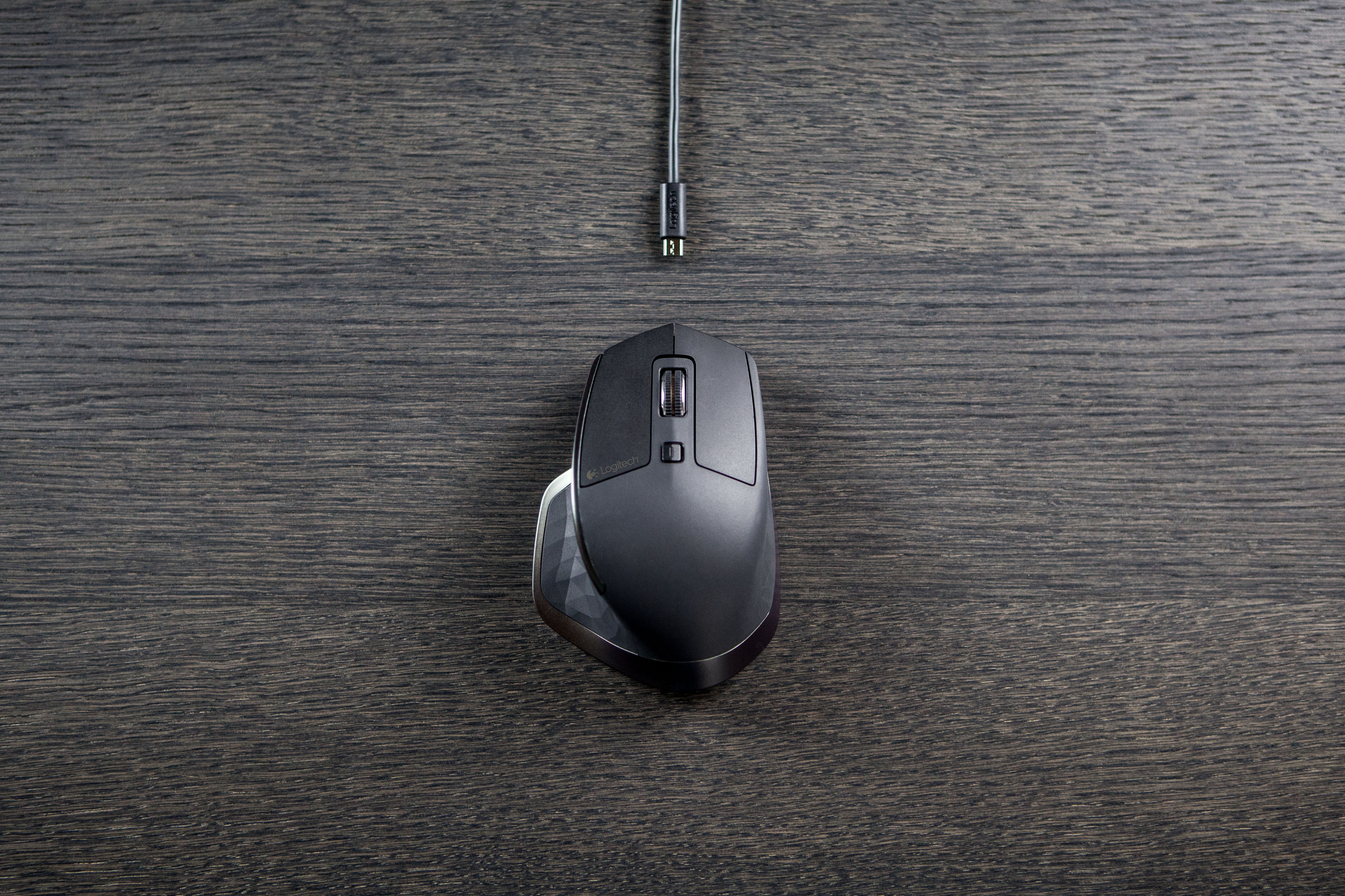
- Micro-USB
- Receiver
- Included Logitech Unifying USB receiver; 2.4 GHz wireless connection with a stated range of 10 m
- Charging
- Micro-USB; rechargeable 500 mAh lithium-polymer battery; Logitech states a 1-minute charge gives around 2 hours of use, and the mouse works while charging
- Works with
- Unifying on Windows 7 or later and Mac OS X 10.8 or later; Bluetooth Smart on Windows 8 or later and Mac OS X 10.10 or later
- Software
- Logitech Options for button and action customisation at launch
Design
- Weight
- 145 g
- Size
- 126 × 85.7 × 48.4 mm (length × width × height)
- In the box
- Mouse, Logitech Unifying receiver, Micro-USB charging cable and documentation
- Warranty
- 1-year limited hardware warranty
Pros and cons
Pros
- Adaptive main wheel switches between click-to-click and free-spinning scroll
- Thumb wheel scrolls horizontally and the Unifying receiver or Bluetooth Smart connects to three devices
- Darkfield laser tracks on glass at least 4 mm thick
Cons
- Right-handed shape only
- The 1,600 DPI ceiling is lower than later MX Master models
- Charges through Micro-USB rather than USB-C
Closest rivals
Model | Shape | Buttons | DPI | Battery | Connects by | Weight | Released |
|---|---|---|---|---|---|---|---|
| Ergonomic | 8 | 1,000 | 24 months | Bluetooth and USB receiver | 135 g | Aug 2016 | |
| Ergonomic | 7 | 4,000 | 70 days | Bluetooth and USB receiver | 145 g | Jun 2017 | |
| Ergonomic | 7 | 4,000 | 70 days | Bluetooth and USB receiver | 141 g | Sept 2019 |

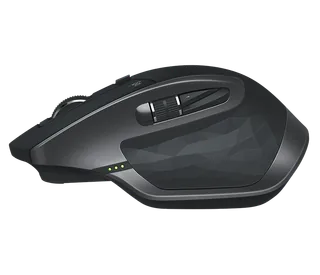
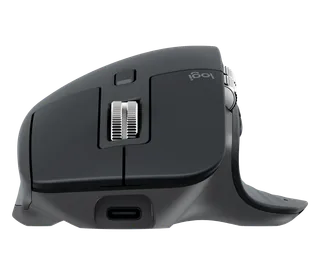
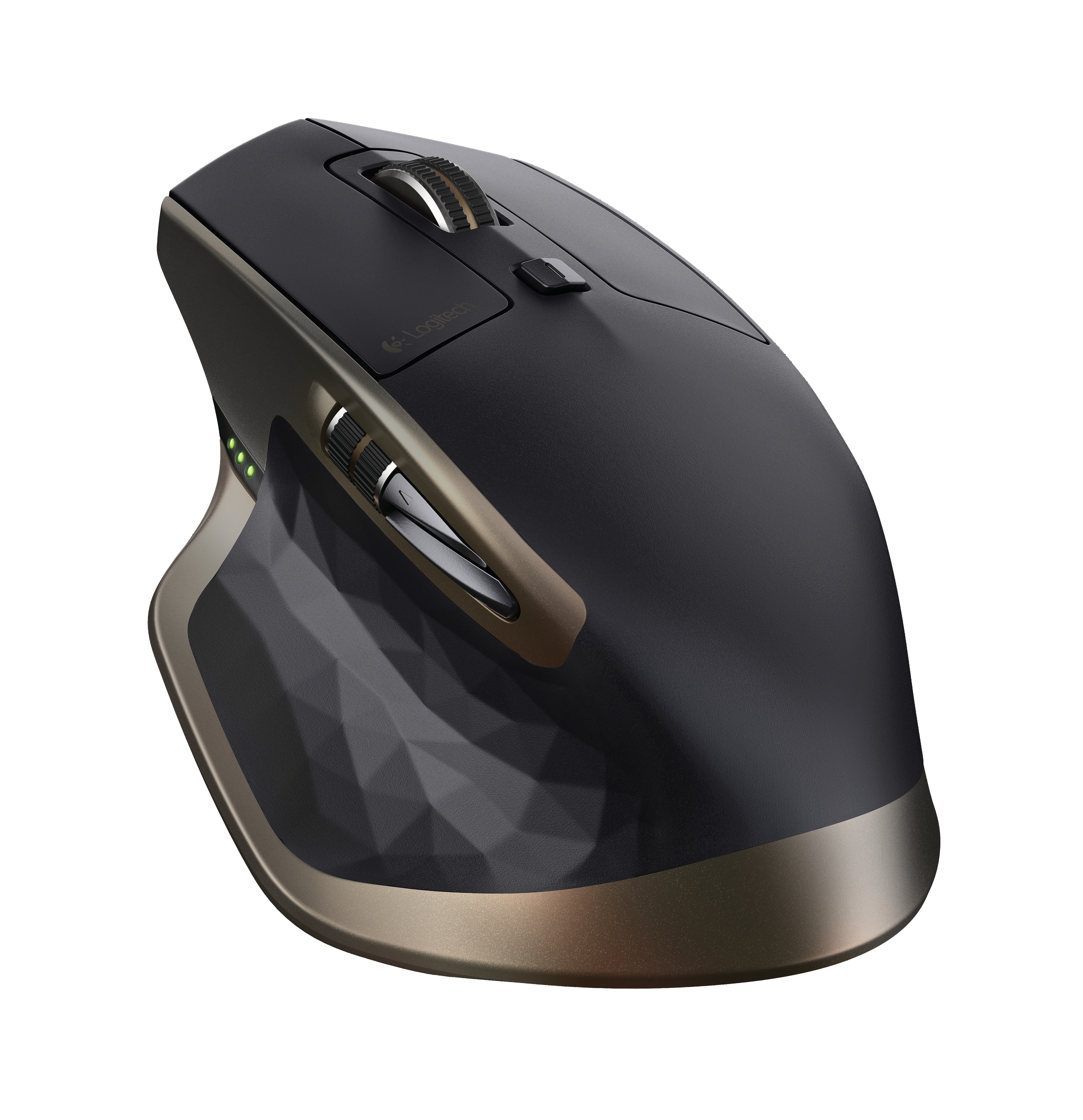
Previous model: Performance Mouse MX. Newer model: MX Master 2S.
Sources
- support.logi.com/hc/en-gb/articles/360023463773-MX-Master-Mice-and-Pointers-Tec…
- logitech.com/assets/53623/mx-master-data-sheet.pdf
- news.logitech.com/press-releases/news-details/2015/logitech-unveils-its-most-ad…
- tomshardware.com/news/logitech-announces-mx-master-mouse,28813.html
Photo: s24.q4cdn.com
- Original MX Master top view: Logitech
- Original MX Master left profile and thumb controls: Logitech
- Original MX Master angled left-side view: Logitech
- Original MX Master in a dark studio three-quarter photograph: Logitech
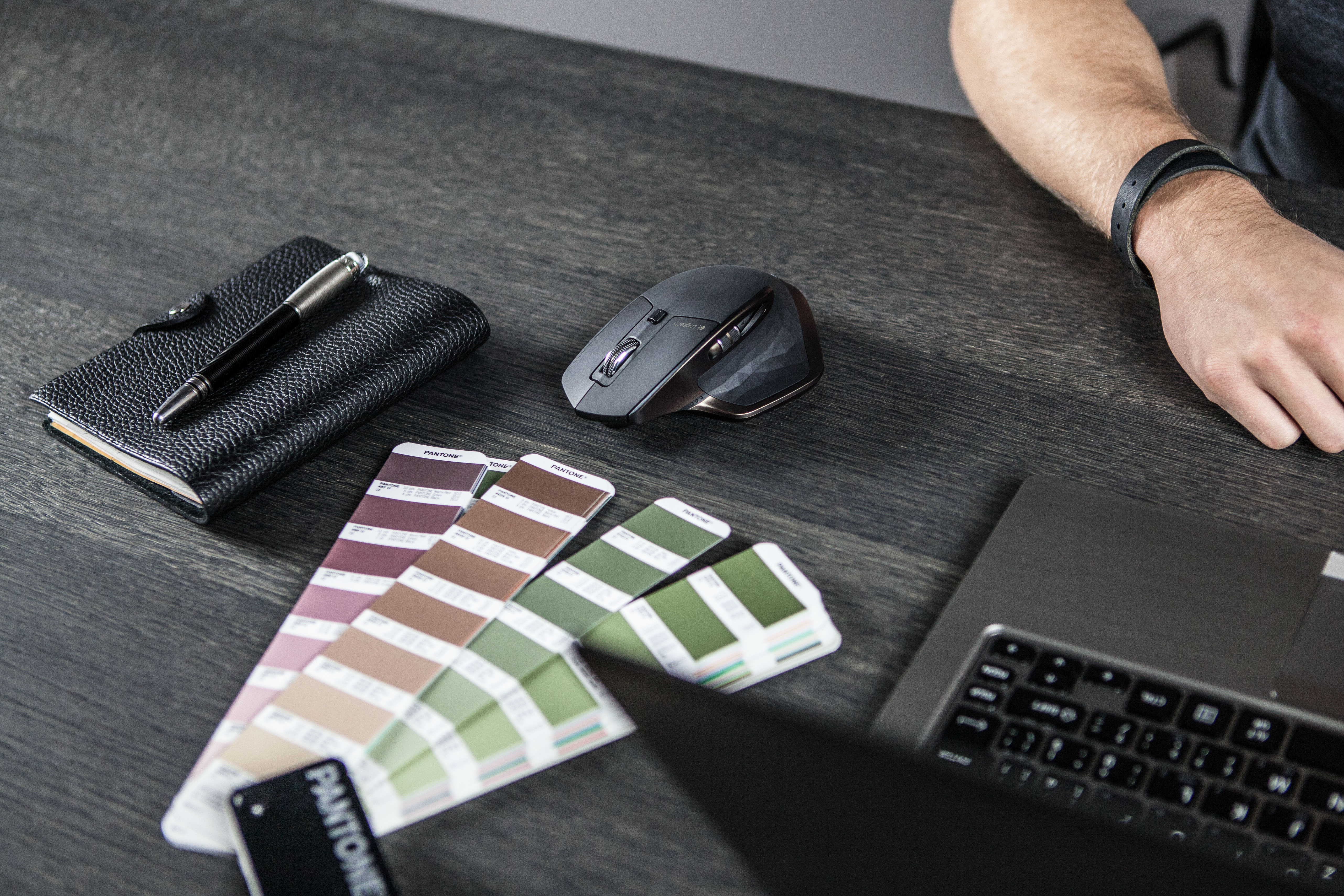
- Original MX Master beside a notebook and colour samples on a desk: Logitech
- Original MX Master with a charging cable on a dark desk, viewed from above: Logitech
- Original MX Master in an overhead workspace with plans and colour samples: Logitech
- Original MX Master upright against its supplied cyan background: Logitech
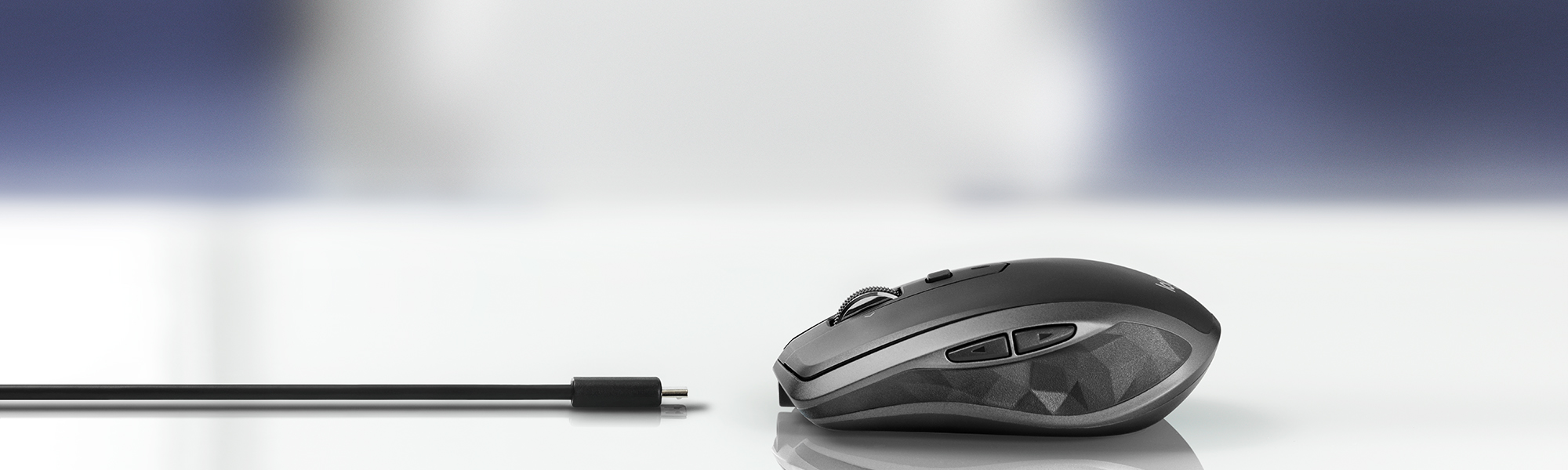
- Original MX Master and charging cable on reflective glass: Logitech
- Original MX Master being used beside a keyboard: Logitech