Photo 1 of 25
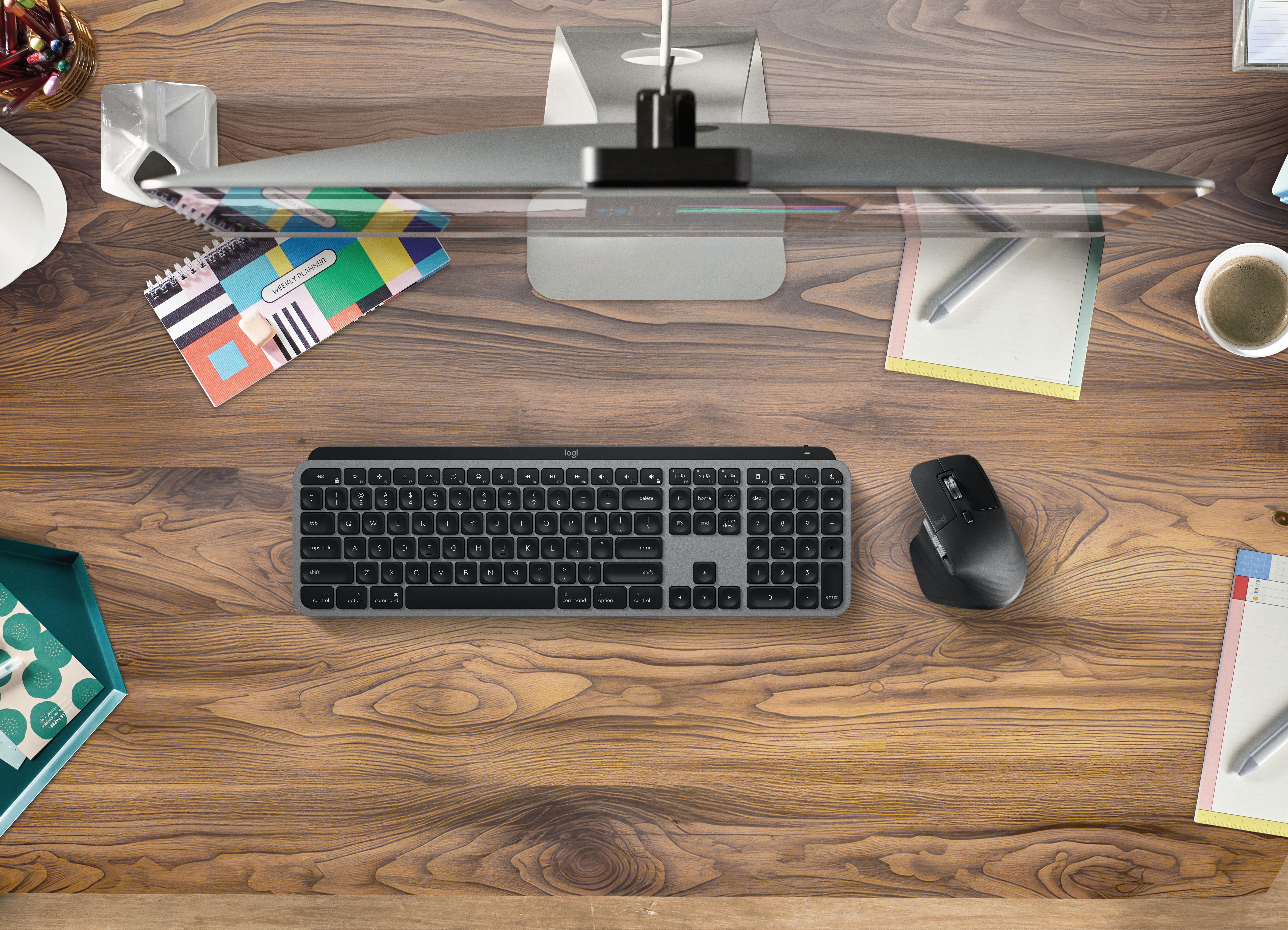
Logitech MX Master 3 · Photo source
Logitech · MX
MX Master 3
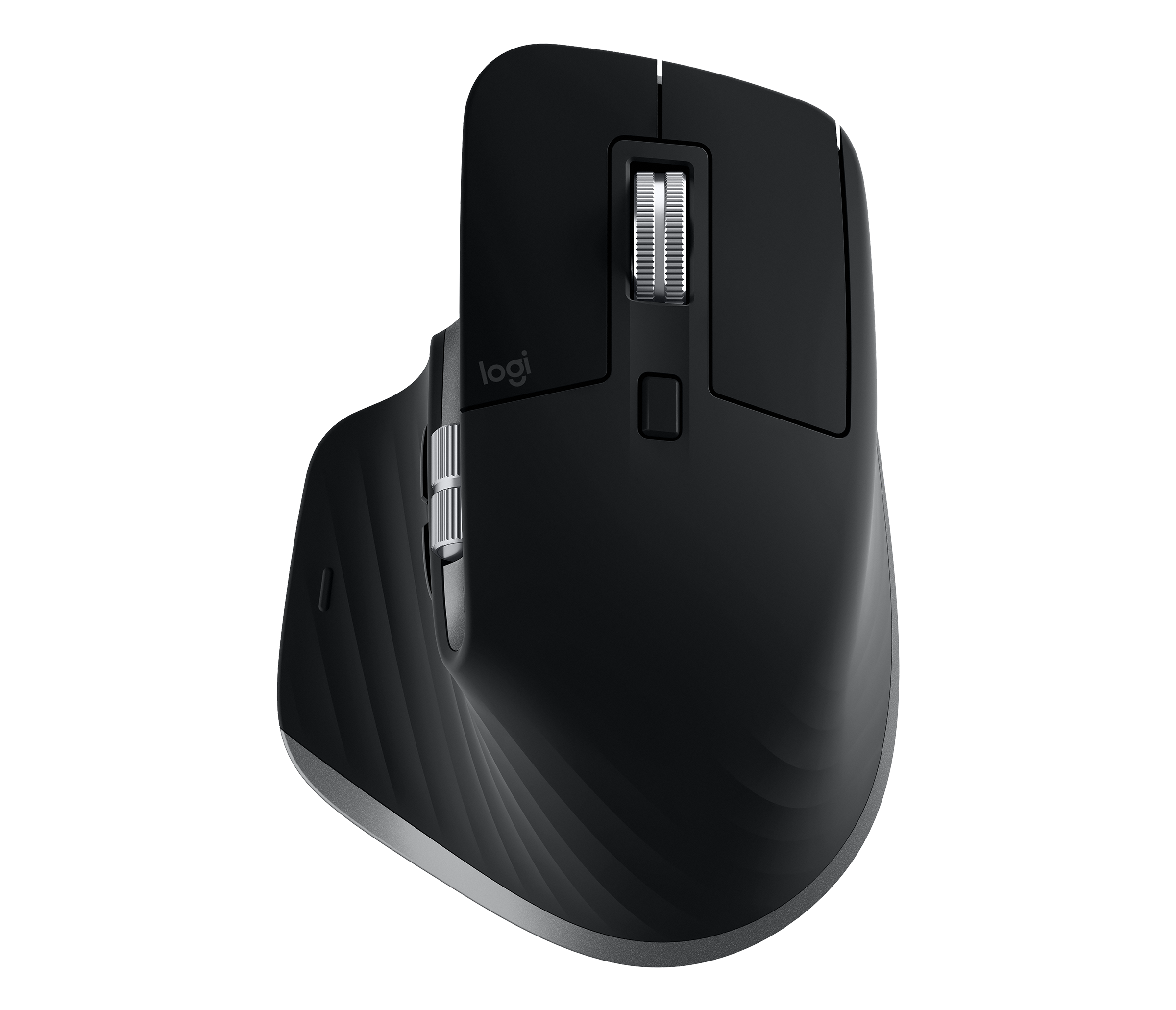
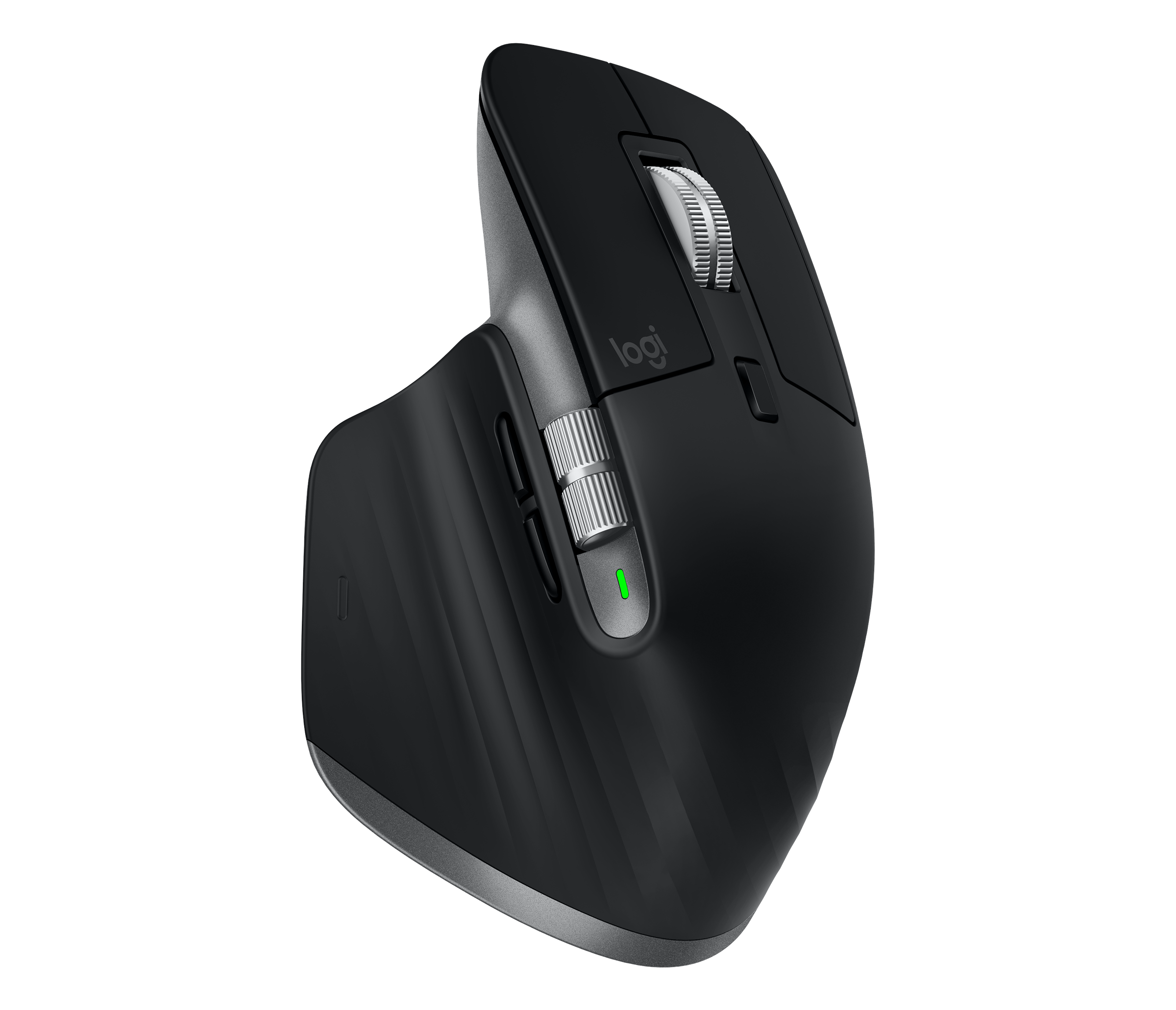
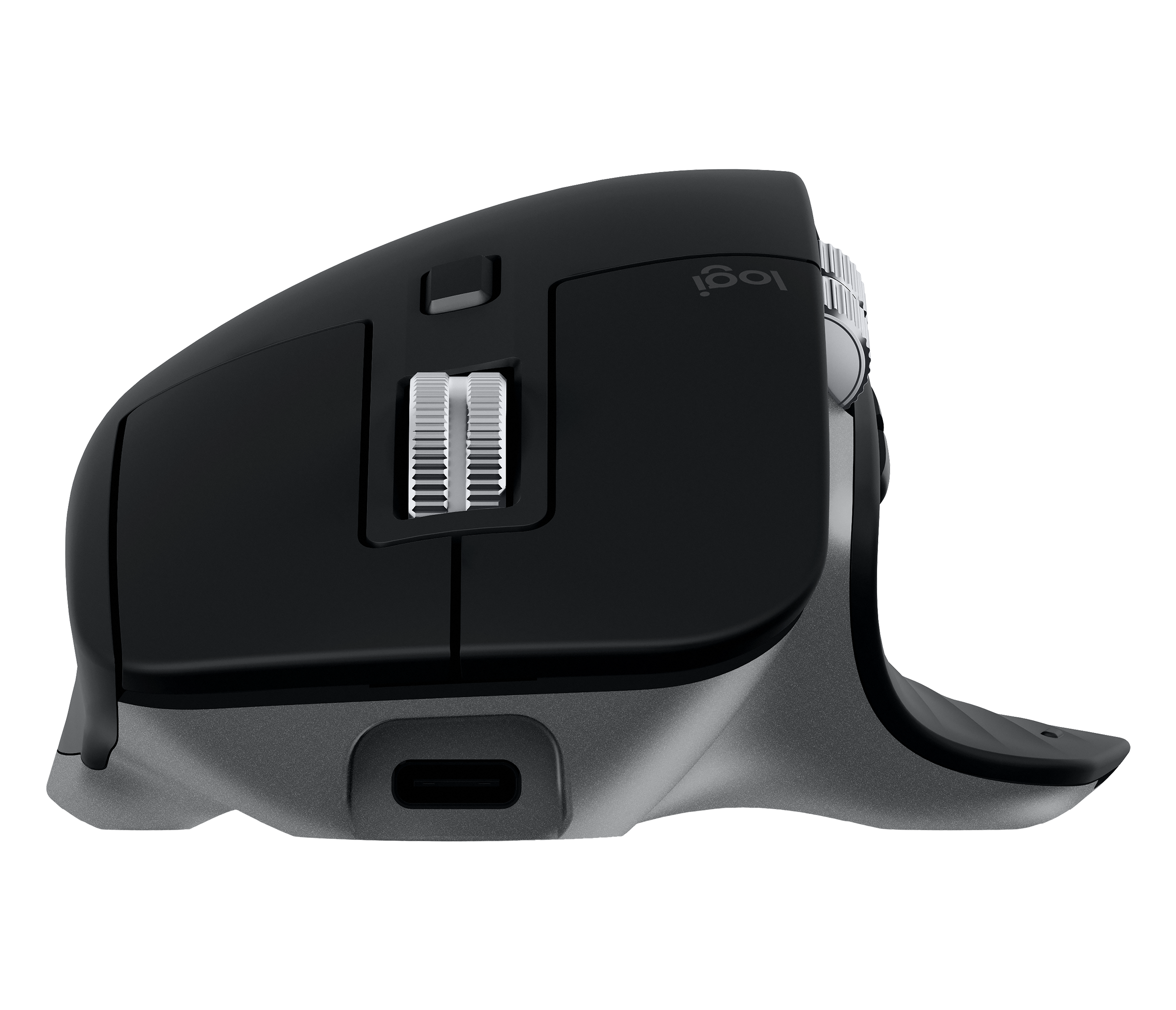
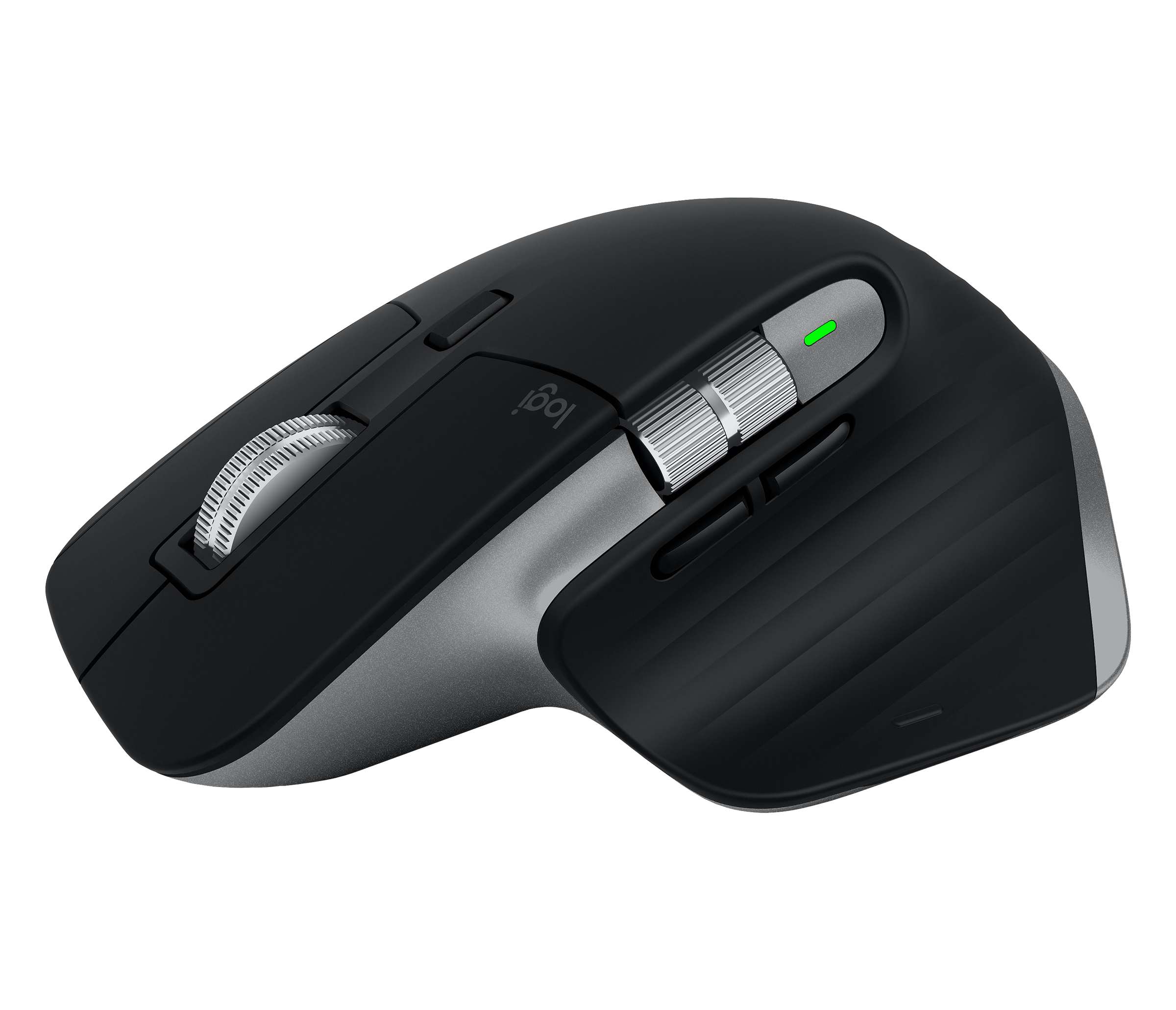
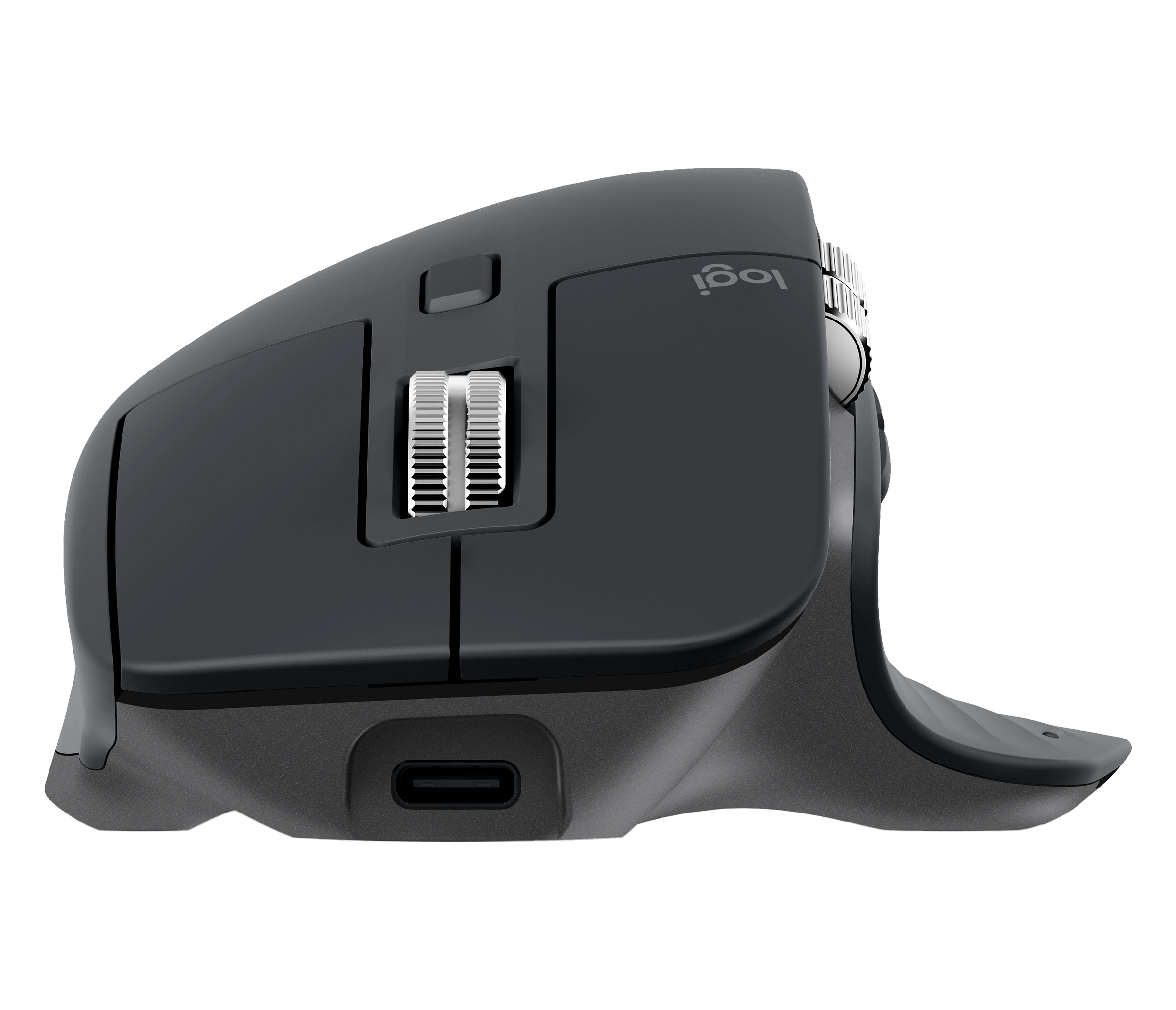
Logitech's third-generation, right-handed MX Master mouse, with a MagSpeed electromagnetic scroll wheel, thumb wheel and USB-C charging for desk work across up to three computers.
Model history · 6 models, 2004–2019
- 2004MX1000 Laser Cordless MouseCompare
- 2006MX RevolutionCompare
- 2009Performance Mouse MXCompare
- 2015MX MasterCompare
- 2017MX Master 2SCompare
- 2019MX Master 3
- Shape
- Ergonomic
- Buttons
- 7
- DPI
- 4,000
- Battery
- 70 days
- Connects by
- Bluetooth and USB receiver
- Weight
- 141 g
What reviewers say
Reviewers praise its comfortable sculpted shape, smooth and fast MagSpeed wheel, useful thumb controls and extensive software customisation. Tom's Hardware found the thumb-rest gesture button awkward to press; PCWorld said the free-spinning wheel takes practice; Tom's Guide noted the high price and occasional Logitech Flow delays.
From tomshardware.com, pcworld.com and tomsguide.com
Specifications
Report a wrong or missing specTracking
- Shape
- Ergonomic
- Hand
- Right hand
- Sensitivity
- Up to 4,000 DPI
- Sensor
- Darkfield high precision
- Buttons
- 7
- Free-spinning wheel
- Yes
- Thumb wheel
- Yes
- Sensor
- 200–4,000 DPI Darkfield high-precision tracking; tracks on glass
- Scroll wheel
- MagSpeed electromagnetic wheel with ratchet and free-spin modes, switched by speed or the mode button
- Thumb wheel
- Sideways scrolling or app-specific functions in Logitech Options
- Gestures
- Gesture button in the thumb rest; hold it while moving the mouse for customisable actions
Connections and battery
- Connects by
- Bluetooth and USB receiver
- Devices it switches between
- 3
- Power
- Rechargeable
- Battery life (maker's claim)
- Up to 70 days
- Charging port
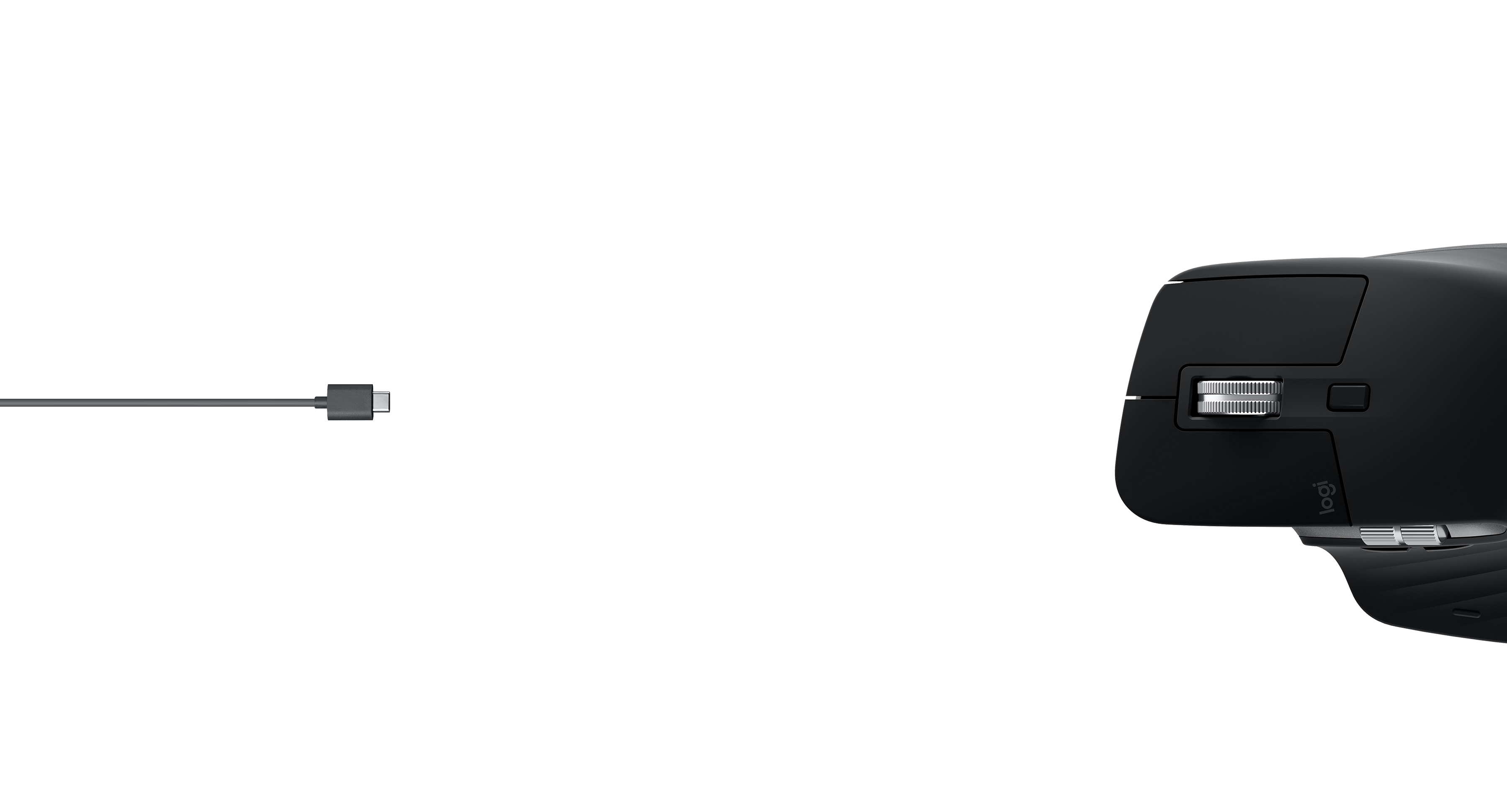
- USB-C
- Receiver
- Included Logitech Unifying USB receiver for the standard version; Bluetooth Low Energy is also supported
- Charging
- USB-C and 500 mAh rechargeable lithium-polymer battery; Logitech states a 1-minute charge gives 3 hours of use and a full charge takes about 2 hours
- Works with
- Bluetooth Low Energy with Windows 8 or later, macOS 10.13 or later, iOS 9 or later, Android 6 or later and Linux; Unifying receiver with Windows 7 or later, macOS 10.13 or later, Android 6 or later and Linux
- Software
- Logitech Options for button customisation, app-specific profiles and Logitech Flow across computers
Design
- Weight
- 141 g
- Size
- 124.9 × 84.3 × 51 mm (length × width × height)
- In the box
- Standard version includes mouse, Logitech Unifying USB receiver, USB-C charging cable and documentation
Pros and cons
Pros
- MagSpeed wheel switches between ratcheted and free-spinning scrolling
- Thumb wheel, gesture button and app-specific controls suit desk work
- Connects to three computers through Bluetooth or the included Unifying receiver
Cons
- Right-handed shape only
- Large and heavy for travel or smaller hands
- Does not have the quieter clicks or higher DPI ceiling of the MX Master 3S
Closest rivals
Model | Shape | Buttons | DPI | Battery | Connects by | Weight | Released |
|---|---|---|---|---|---|---|---|
| Ergonomic | 8 | 16,000 | – | Cable | – | Feb 2019 | |
| Ergonomic | 6 | 25,600 | 60 hours | USB receiver and Cable | 95 g | Jun 2019 | |
| Ergonomic | 7 | 4,000 | 70 days | Bluetooth and USB receiver | 145 g | Jun 2017 |

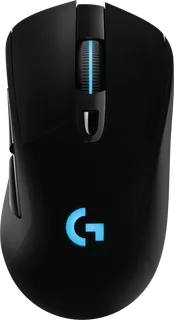
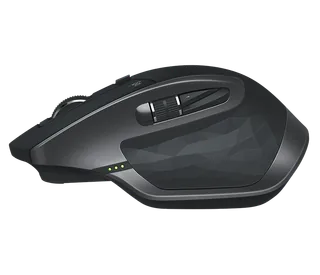
Previous model: MX Master 2S. Newer model: MX Master 3S.
Sources
- support.logi.com/hc/en-gb/articles/360035271293-MX-Master-3-Wireless-Mouse-with…
- support.logi.com/hc/en-150/articles/360035271133-Getting-Started-MX-Master-3
- news.logitech.com/press-releases/news-details/2019/Logitech-Enables-Advanced-Us…
Photo: resource.logitech.com
- Space Grey MX Master3 for Mac top view: Logitech
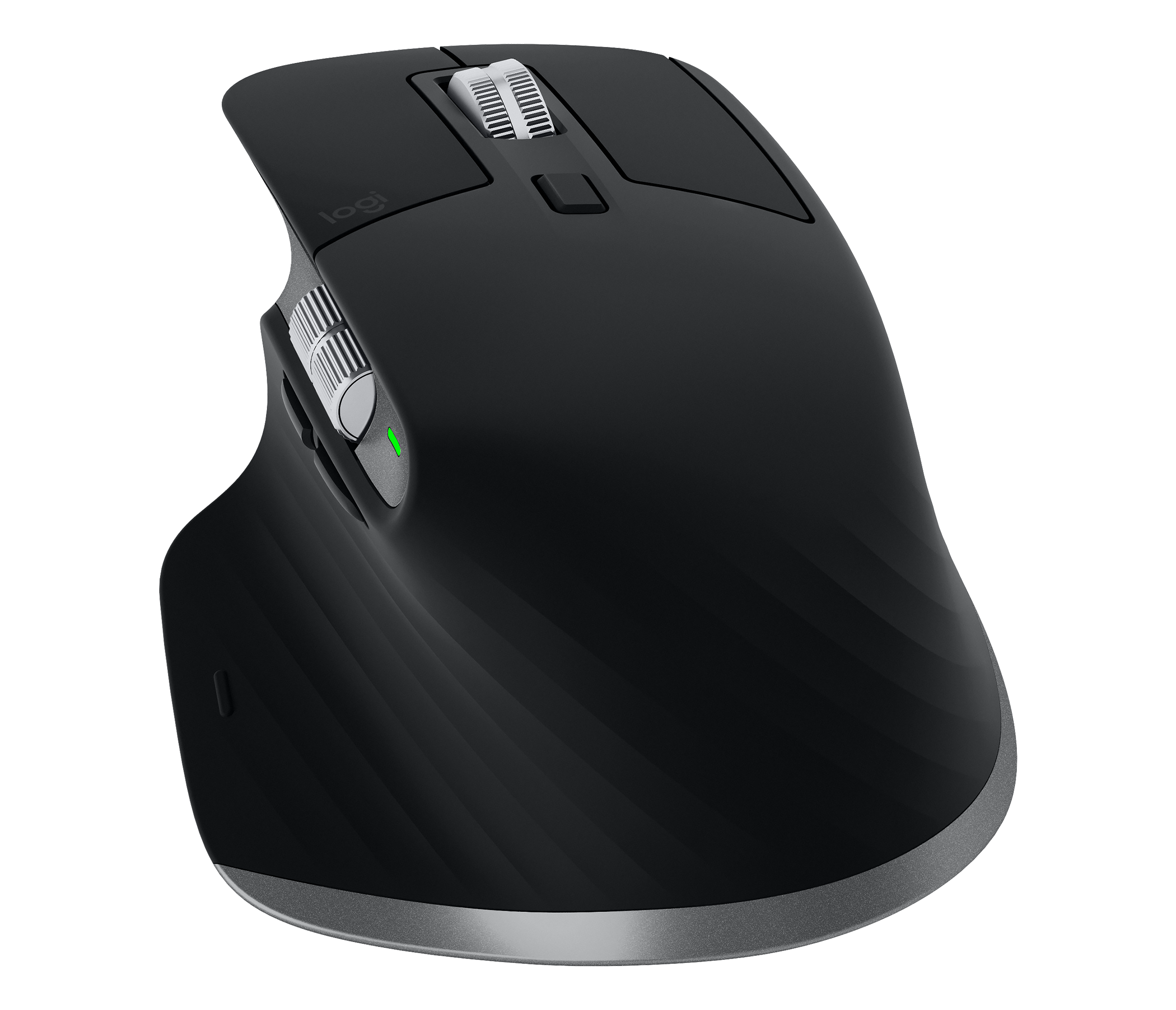
- Space Grey MX Master3 for Mac raised three-quarter view: Logitech
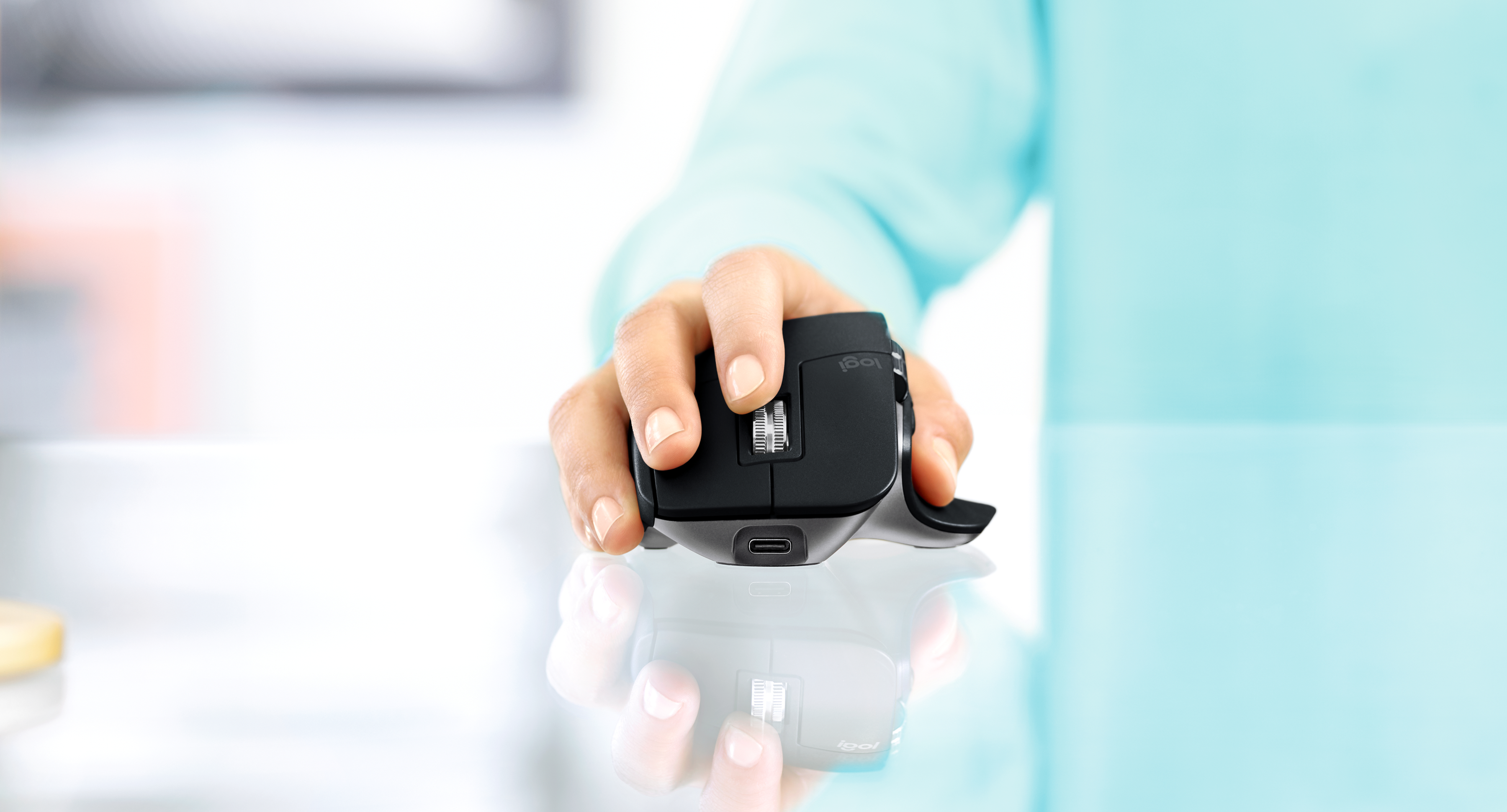
- Space Grey MX Master3 for Mac front and USB-C charging port: Logitech
- Space Grey MX Master3 for Mac front three-quarter view: Logitech
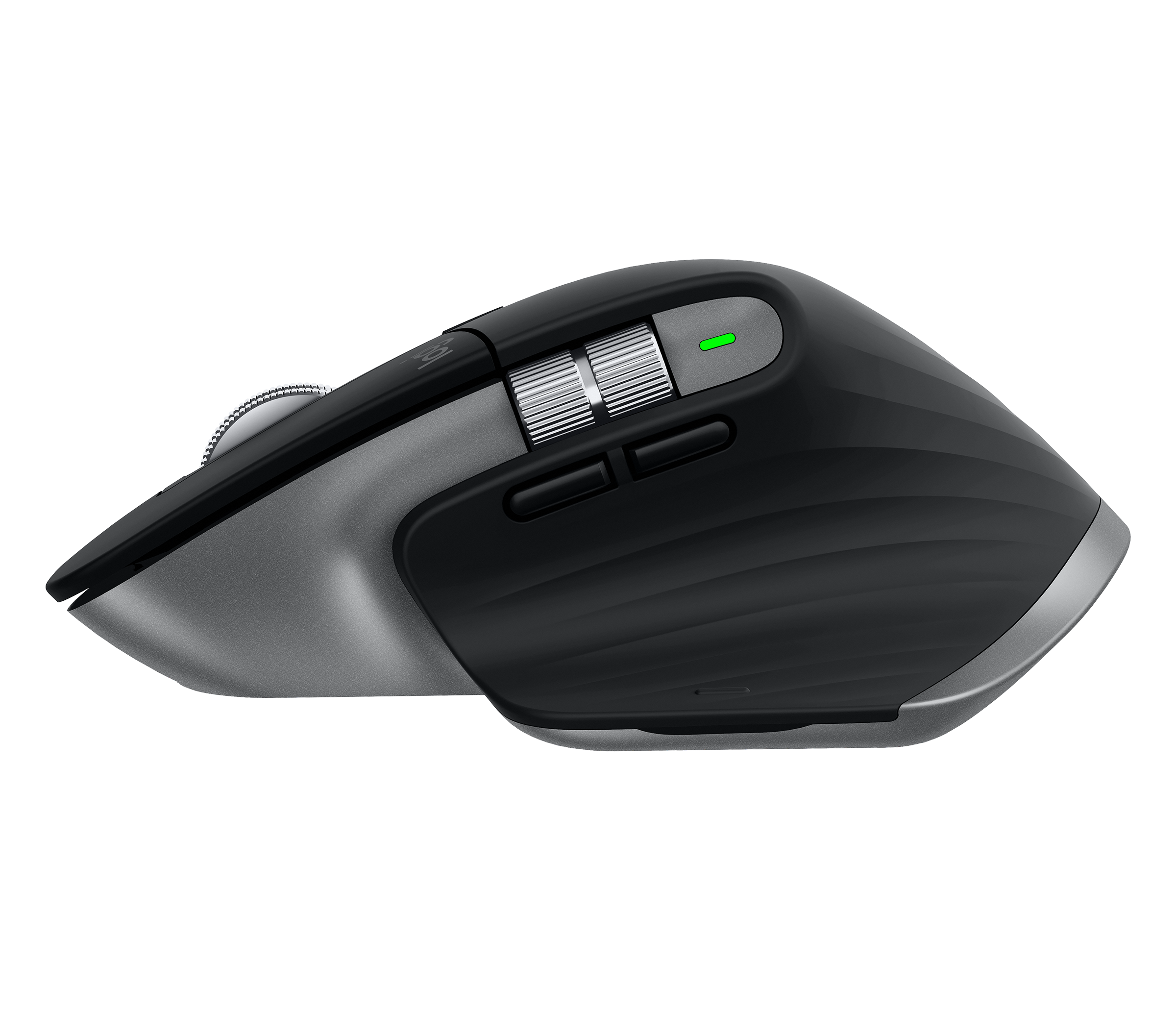
- Space Grey MX Master3 for Mac left profile: Logitech
- Space Grey MX Master3 for Mac rear view: Logitech
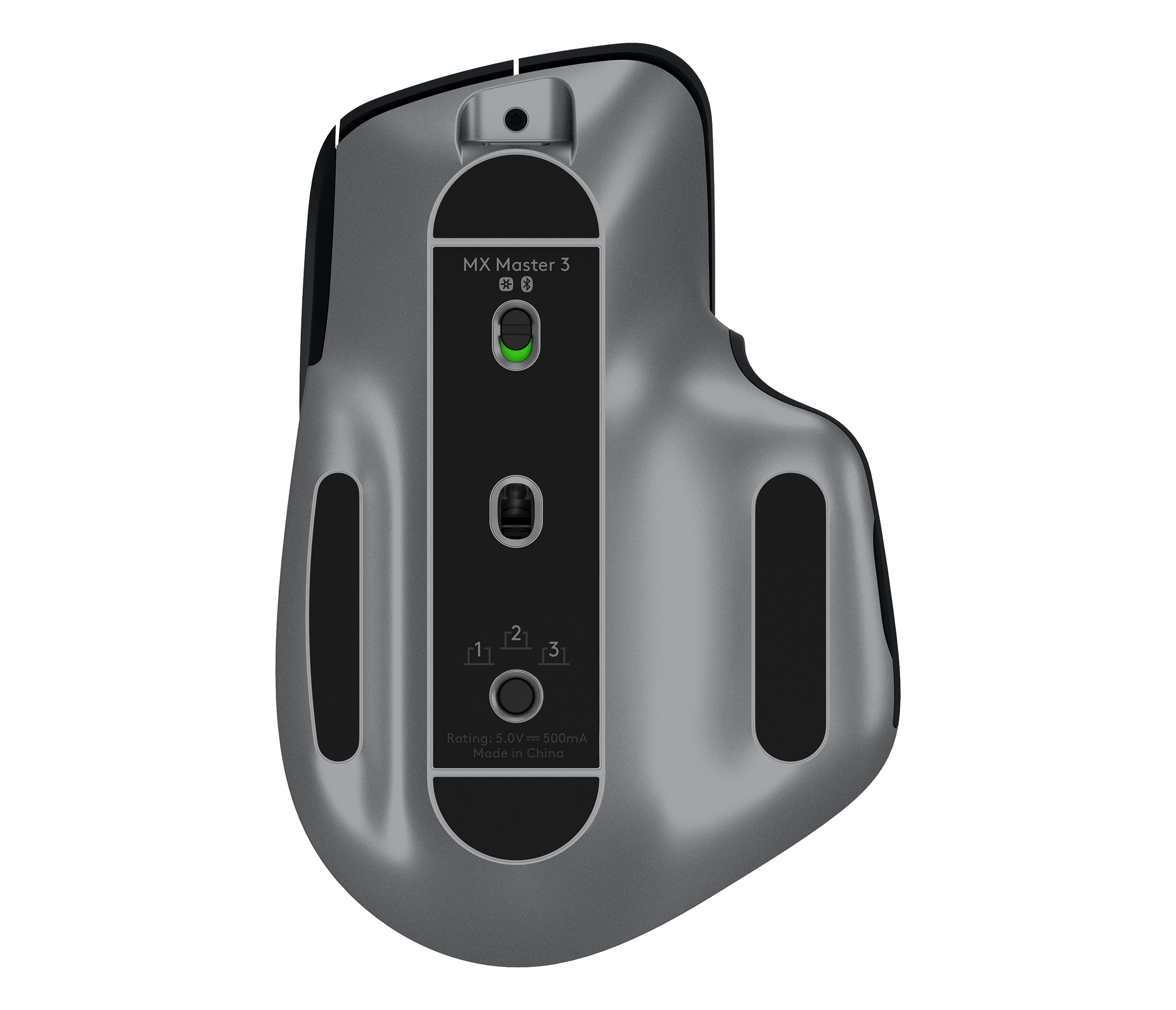
- Space Grey MX Master3 for Mac underside and device-selection controls: Logitech
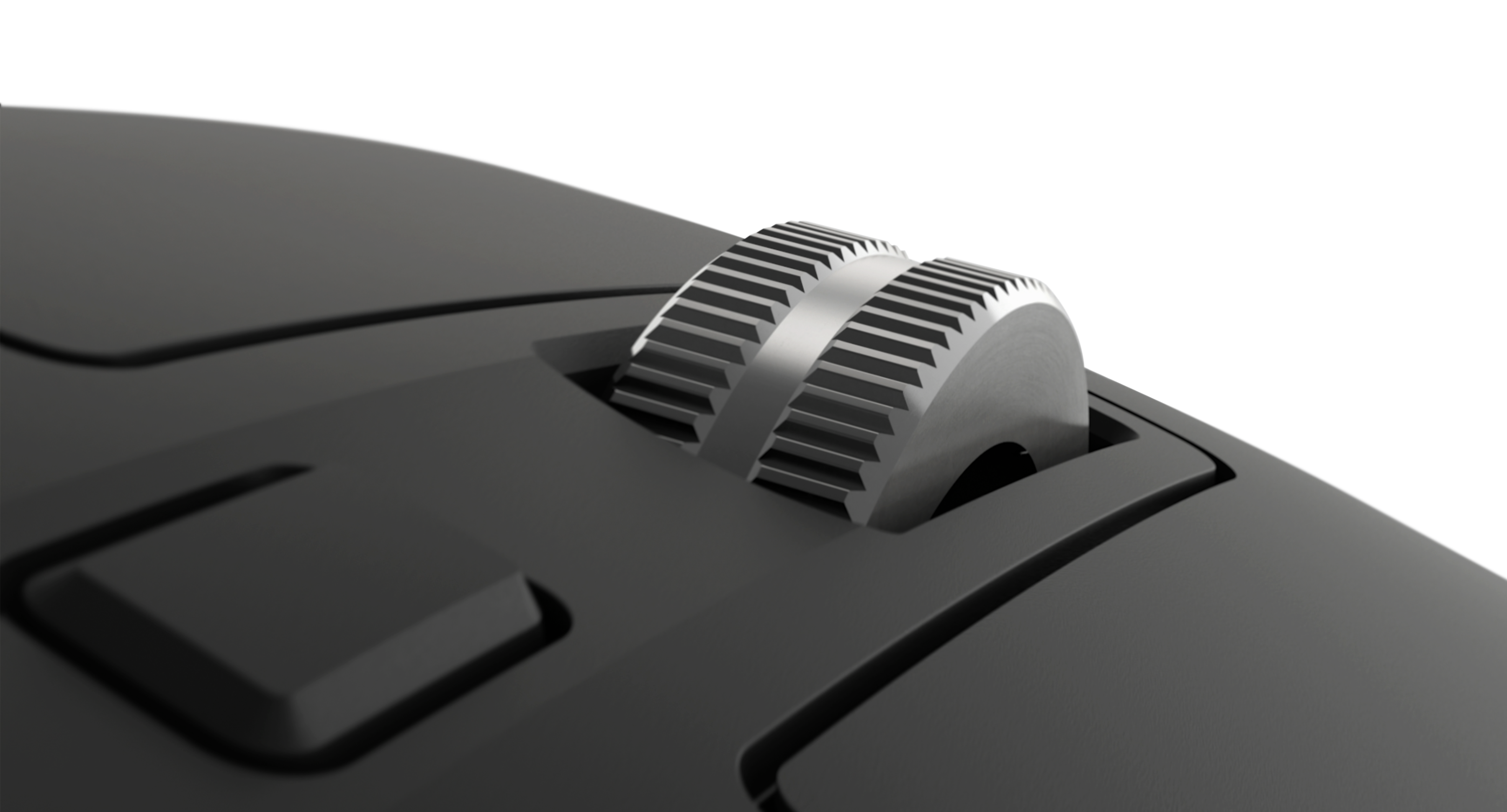
- MX Master3 for Mac MagSpeed scroll wheel close-up: Logitech
- Graphite MX Master3 and MX Keys in an overhead desk photo with hands typing: Logitech
- Graphite MX Master3 and MX Keys in an overhead desk photo: Logitech
- Graphite MX Master3 and MX Keys with a laptop in a wide overhead desk scene: Logitech
- Graphite MX Master3 beside hands typing on MX Keys: Logitech
- Graphite MX Master3 and MX Keys in a design workspace: Logitech
- MX Master3 in a dual-computer workspace: Logitech
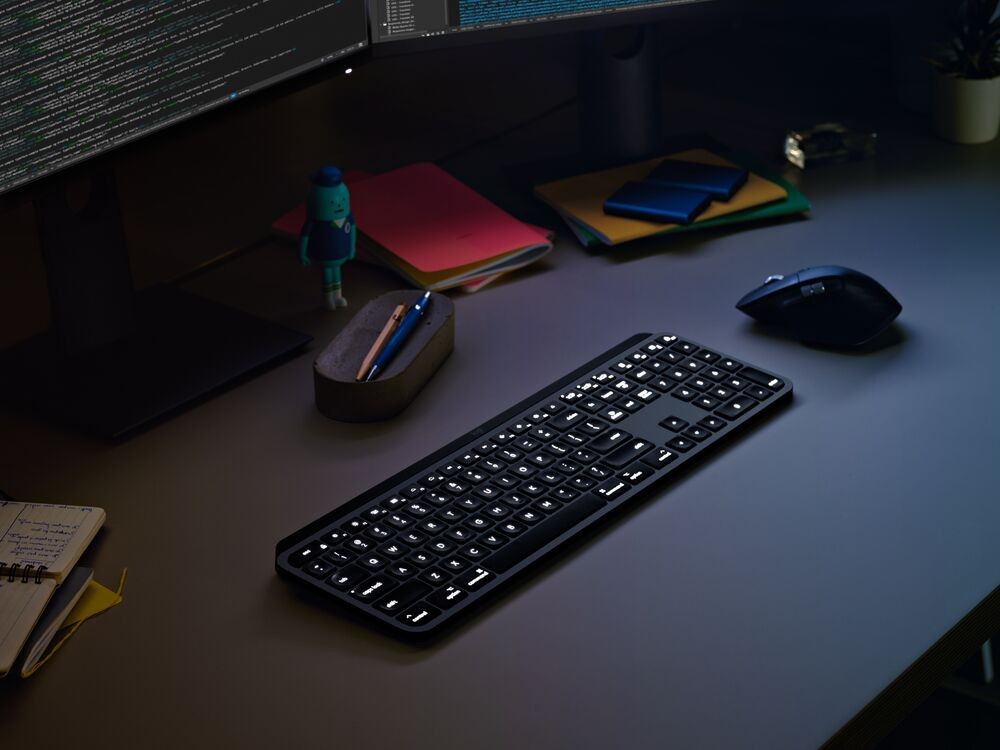
- MX Master3 for Mac and MX Keys for Mac in a dark desk scene: Logitech
- MX Master3 for Mac being used on glass from the left: Logitech
- MX Master3 for Mac being used on glass from the front: Logitech
- Space Grey MX Master3 for Mac and MX Keys for Mac in an overhead desk photo with a person typing: Logitech
- Space Grey MX Master3 for Mac and MX Keys for Mac in an overhead desk photo without hands: Logitech
- Space Grey MX Master3 for Mac in an angled overhead workspace with an iPad: Logitech
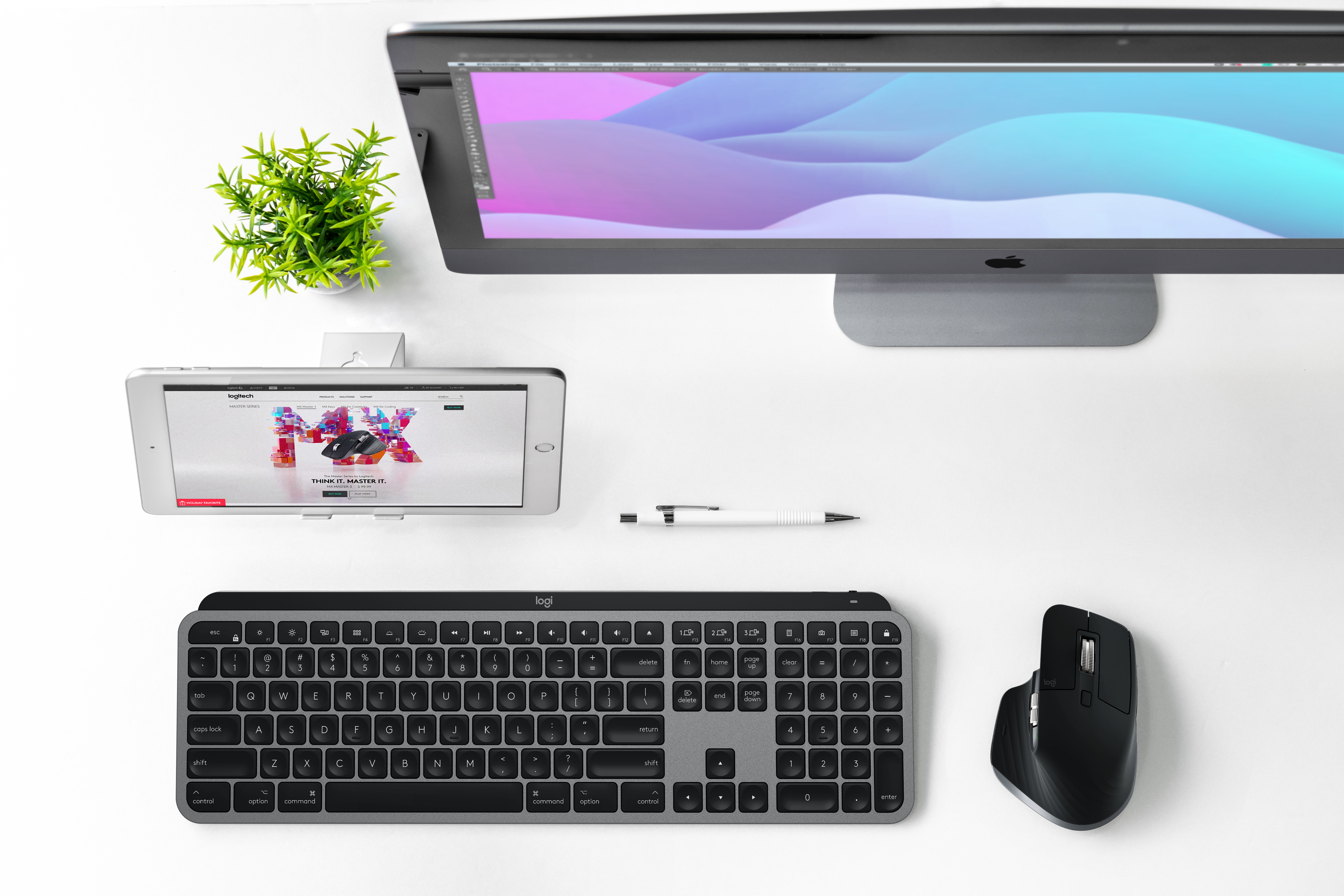
- Space Grey MX Master3 for Mac and MX Keys for Mac in an overhead iMac and iPad workspace: Logitech
- MX Master 3 for Mac front and supplied charging cable on a white background: Logitech
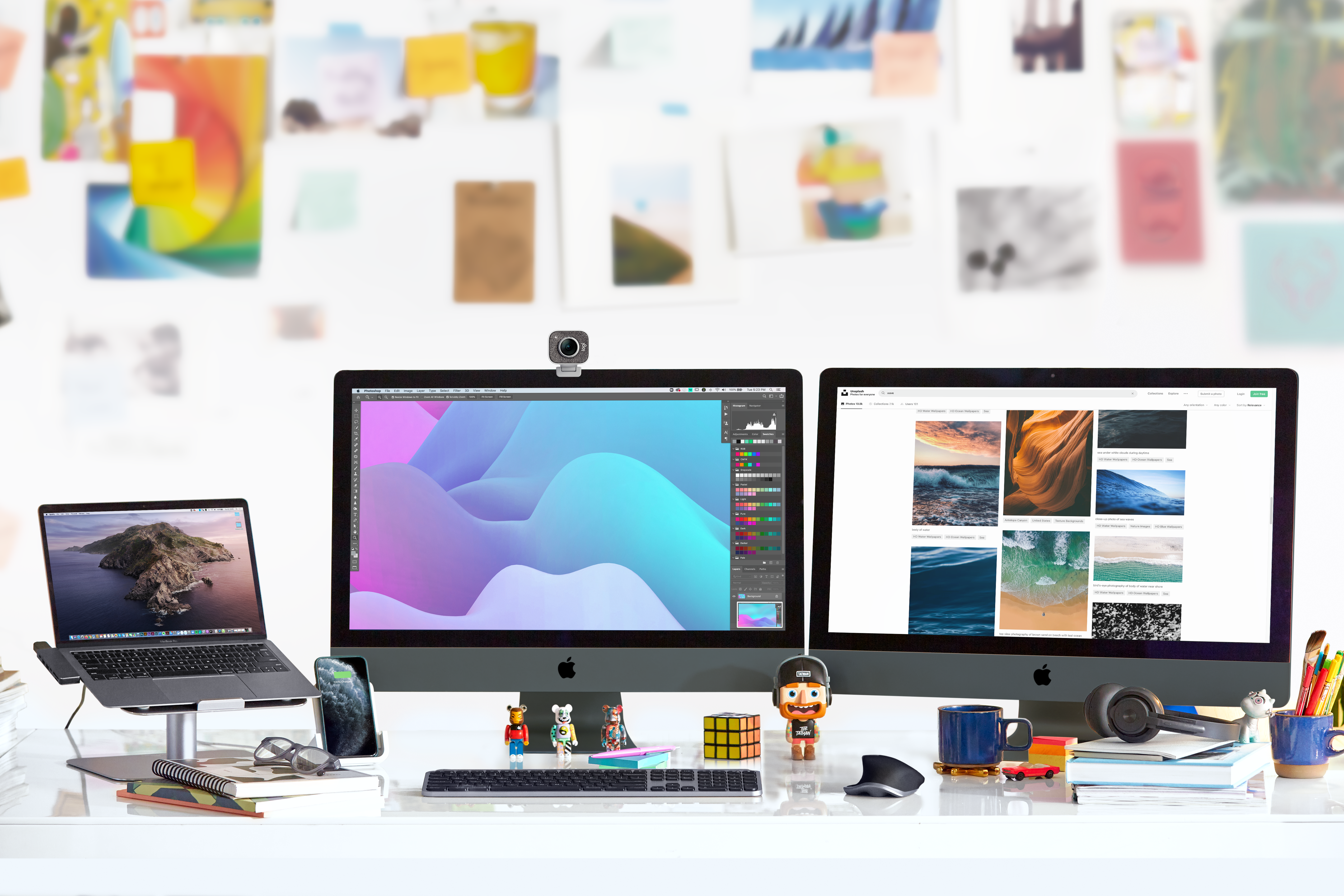
- MX Master 3 for Mac in a multi-display workspace: Logitech
- Space Grey MX Master 3 for Mac and MX Keys S for Mac in the complete supplied overhead desk photograph: Logitech — company press library, High_Resolution_JPG-MX Keys S for Mac MX Master 3 LIFE Space Grey 01