Photo 1 of 10
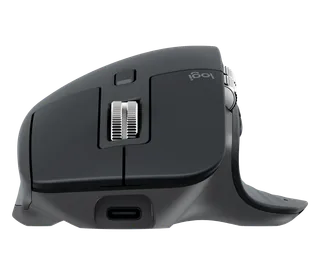
Logitech MX Master 2S · Photo source
Logitech · MX
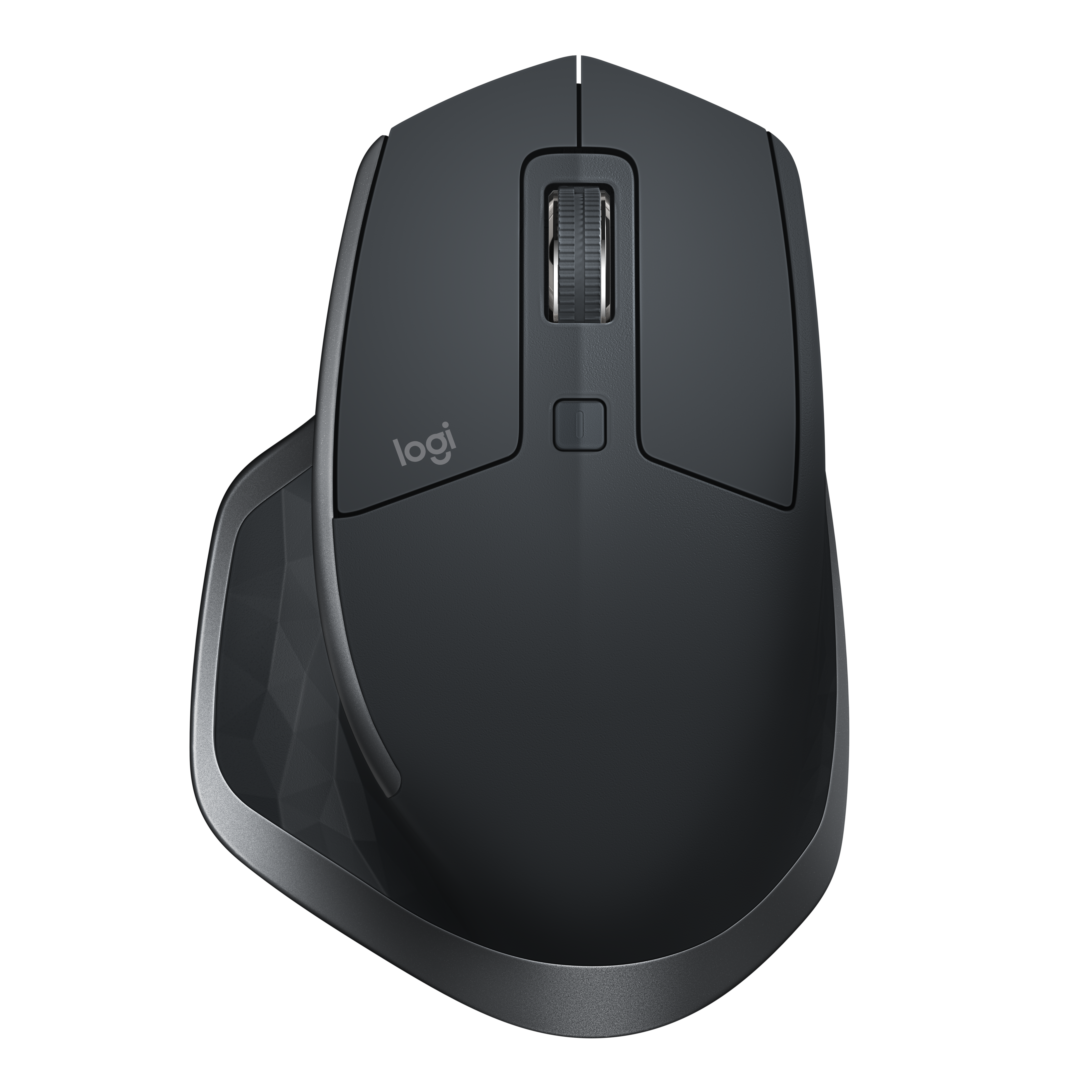
MX Master 2S
Logitech's right-handed wireless productivity mouse with a Darkfield sensor, adaptive scroll wheel, thumb wheel and switching for three computers.
Model history · 5 models, 2004–2017
- 2004MX1000 Laser Cordless MouseCompare
- 2006MX RevolutionCompare
- 2009Performance Mouse MXCompare
- 2015MX MasterCompare
- 2017MX Master 2S
- Shape
- Ergonomic
- Buttons
- 7
- DPI
- 4,000
- Battery
- 70 days
- Connects by
- Bluetooth and USB receiver
- Weight
- 145 g
What reviewers say
Reviewers praised the comfortable shape, versatile scroll wheels, precise tracking and Logitech Flow across computers. Its weight, price and right-handed shape drew criticism. Laptop Mag found the small thumb buttons awkward, while Windows Central liked their arrangement but criticised the loud clicks.
From techradar.com, laptopmag.com and windowscentral.com
Specifications
Report a wrong or missing specTracking
- Shape
- Ergonomic
- Hand
- Right hand
- Sensitivity
- Up to 4,000 DPI
- Sensor
- Darkfield high precision
- Buttons
- 7
- Free-spinning wheel
- Yes
- Thumb wheel
- Yes
- Sensor
- 200–4,000 DPI in 50 DPI steps; tracks on glass at least 4 mm thick
- Scroll wheel
- Speed-adaptive wheel switches automatically between ratcheted and free-spinning modes through SmartShift; a top button also changes modes manually
- Thumb wheel
- Side-to-side scrolling by default; Logitech Options can assign other actions
- Gestures
- Button beneath the thumb rest supports a press and movement in four directions; up to five actions can be assigned
Connections and battery
- Connects by
- Bluetooth and USB receiver
- Devices it switches between
- 3
- Power
- Rechargeable
- Battery life (maker's claim)
- Up to 70 days
- Charging port
- Micro-USB
- Receiver
- Unifying 2.4 GHz USB-A receiver included; Bluetooth 4.0 Low Energy also supported; Easy-Switch button underneath selects one of three paired computers
- Charging
- Micro-USB; 500 mAh lithium-polymer battery; Logitech claims one minute of charge gives about two hours of use
- Works with
- At launch, Unifying supported Windows 7 or later and Mac OS X 10.8 or later; Bluetooth Low Energy required Windows 8 or later or Mac OS X 10.10 or later
- Software
- Logitech Options for button mapping and Logitech Flow, which moves the pointer and copies content between computers
Design
- Weight
- 145 g
- Size
- 126 × 85.7 × 48.4 mm (length × width × height)
- Colours
- Graphite (EMEA)
- In the box
- Mouse, Unifying receiver, Micro-USB charging cable and user documentation
- Warranty
- 2-year manufacturer's guarantee
Pros and cons
Pros
- Speed-adaptive main wheel and a separate thumb wheel for horizontal scrolling
- Darkfield sensor tracks on glass at least 4 mm thick
- Logitech Flow moves the pointer and copies content between up to three computers
Cons
- Sculpted for right-handed use only
- Charges through Micro-USB
- Unifying receiver has no storage compartment in the mouse
Closest rivals
Model | Shape | Buttons | DPI | Battery | Connects by | Weight | Released |
|---|---|---|---|---|---|---|---|
| Ergonomic | 8 | 1,000 | 24 months | Bluetooth and USB receiver | 135 g | Aug 2016 | |
| Ergonomic | 7 | 4,000 | 70 days | Bluetooth and USB receiver | 141 g | Sept 2019 | |
| Ergonomic | 8 | 16,000 | – | Cable | – | Feb 2019 |



Previous model: MX Master. Newer model: MX Master 3.
Sources
- support.logi.com/hc/en-gb/articles/360023462393-MX-MASTER-2S-WIRELESS-MOUSE-Tec…
- support.logi.com/hc/en-gb/articles/360023459853-MX-MASTER-2S-WIRELESS-MOUSE
- media.bechtle.com/asrc/180712/1c4b3d4ee288fc9434f5175bf56070570/c3/-/7e04613b3d…
- news.logitech.com/press-releases/news-details/2017/Logitech-Takes-Multi-Compute…
- laptopmag.com/reviews/accessories/logitech-mx-master-2s
Photo: assets.logitech.com
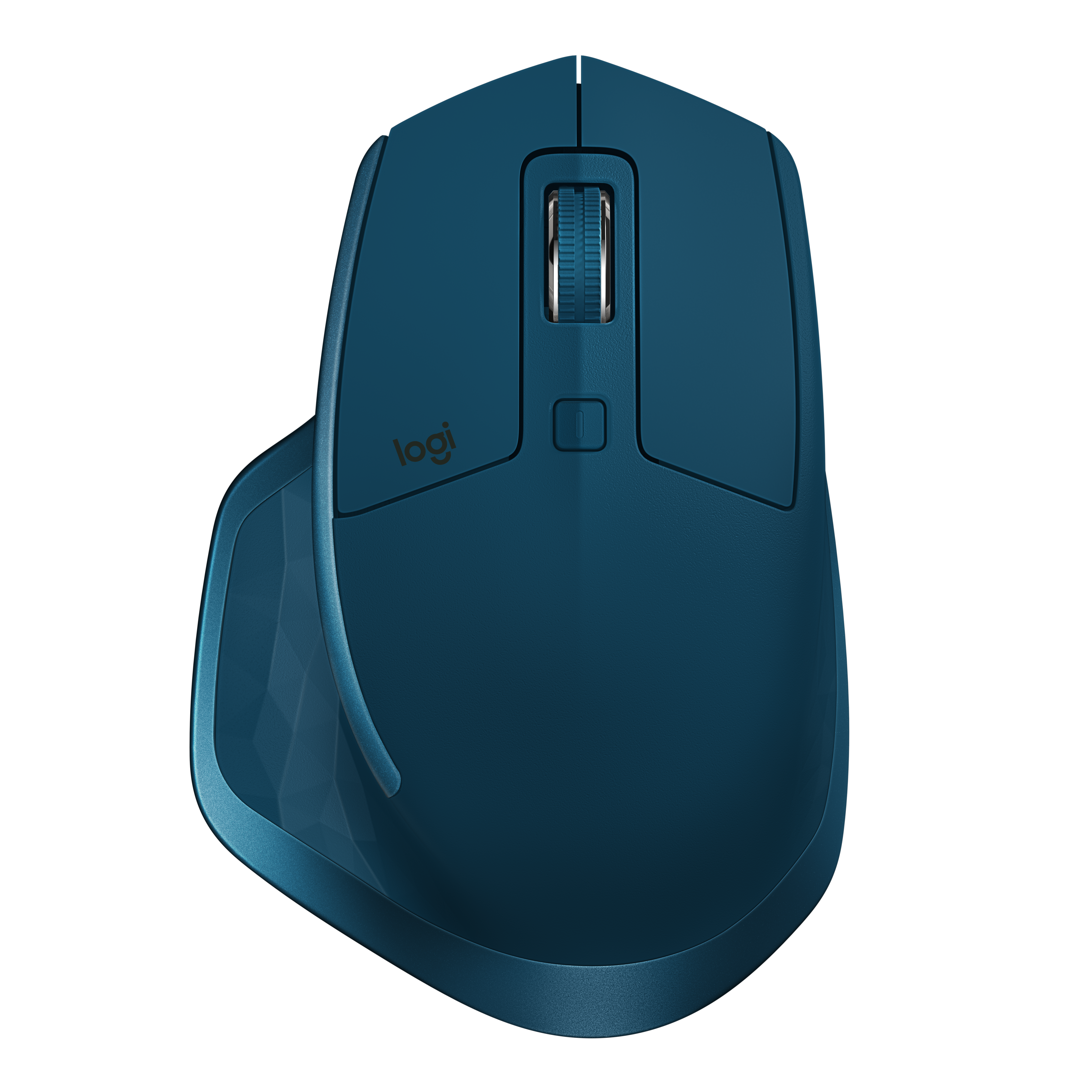
- Midnight Teal MX Master 2S top view: Logitech
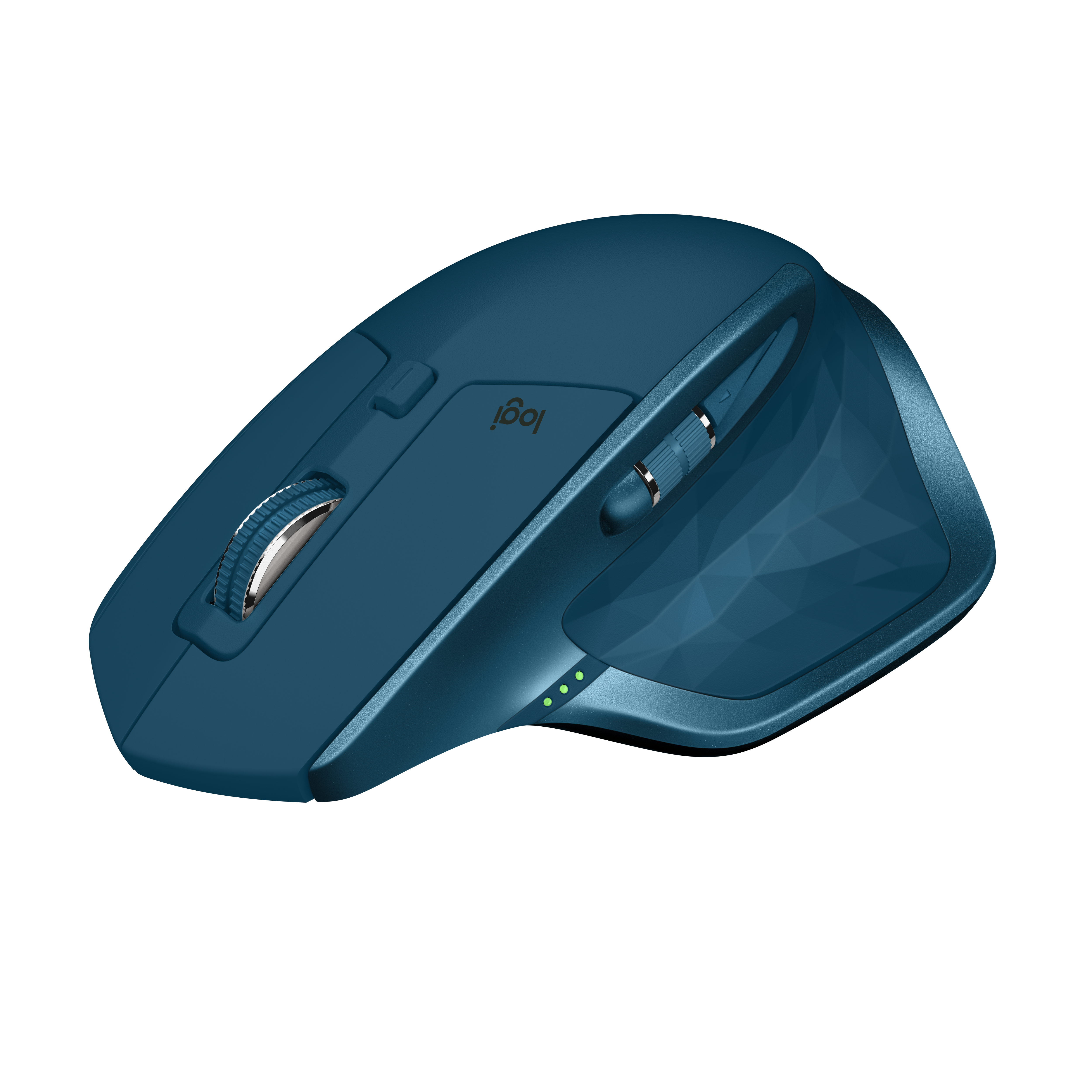
- Midnight Teal MX Master 2S three-quarter view: Logitech
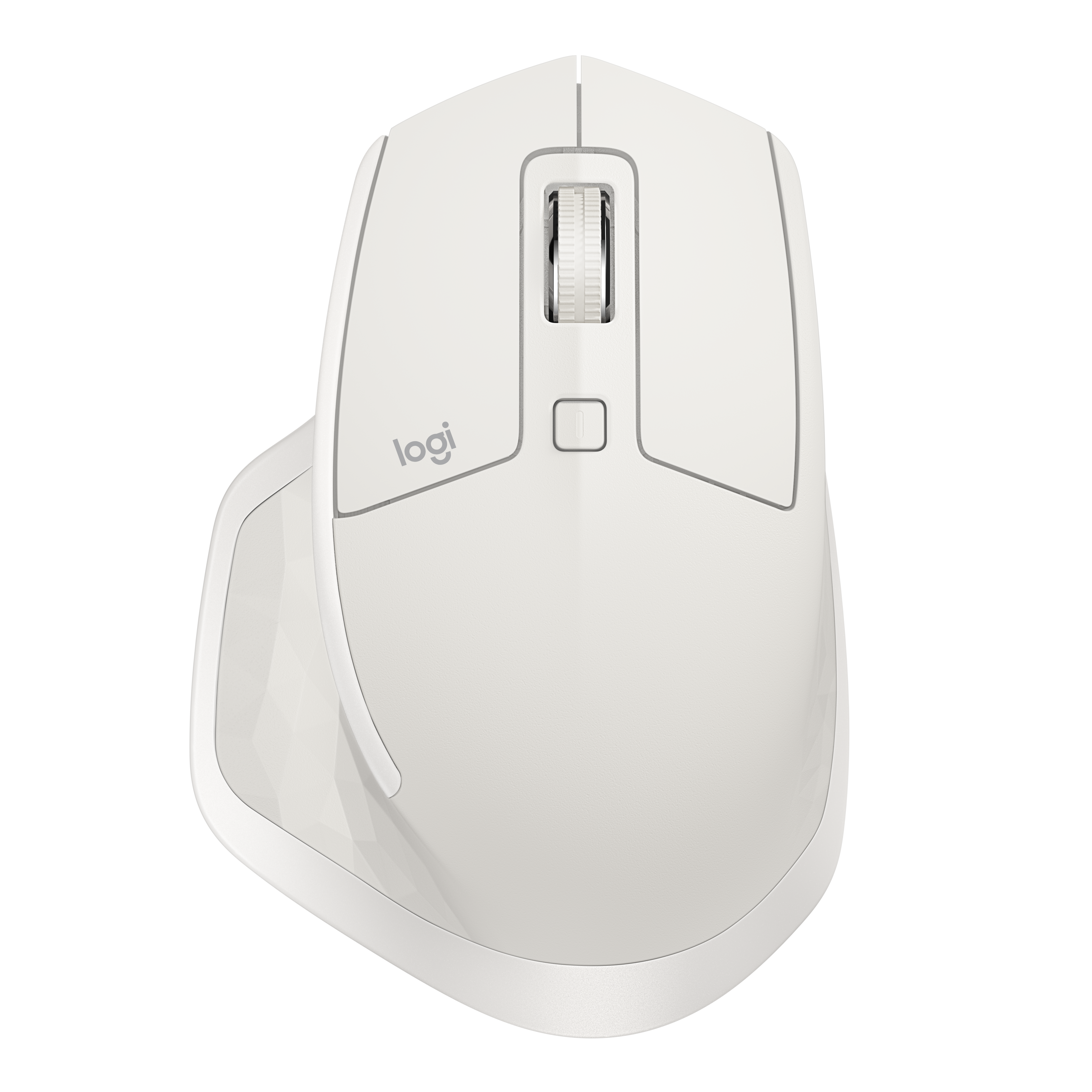
- Light Grey MX Master 2S top view: Logitech
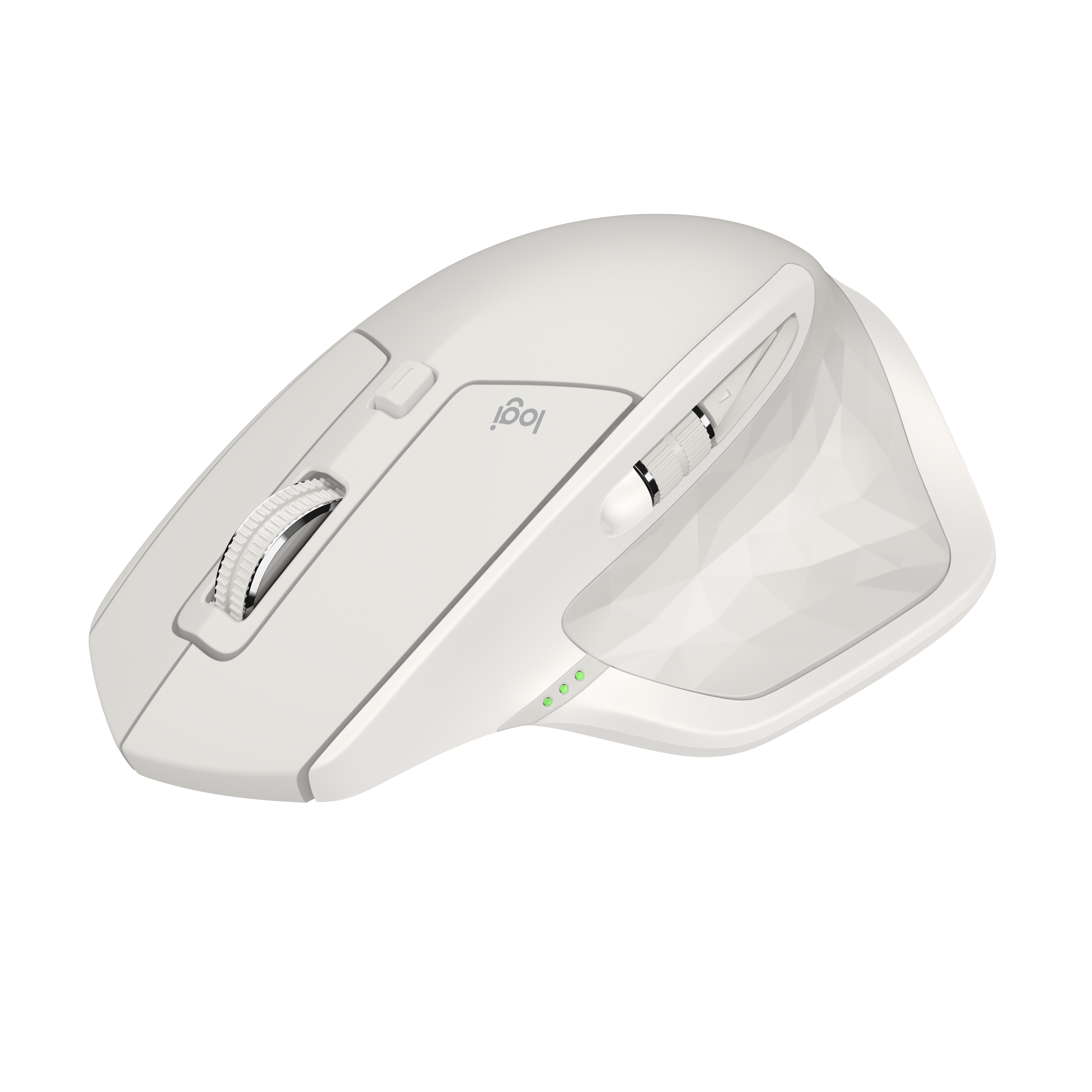
- Light Grey MX Master 2S three-quarter view: Logitech
- Graphite MX Master 2S top view: Logitech
- Graphite MX Master 2S being used in a dual-computer workspace: Logitech
- Graphite MX Master 2S in a wide overhead dual-computer desk scene: Logitech
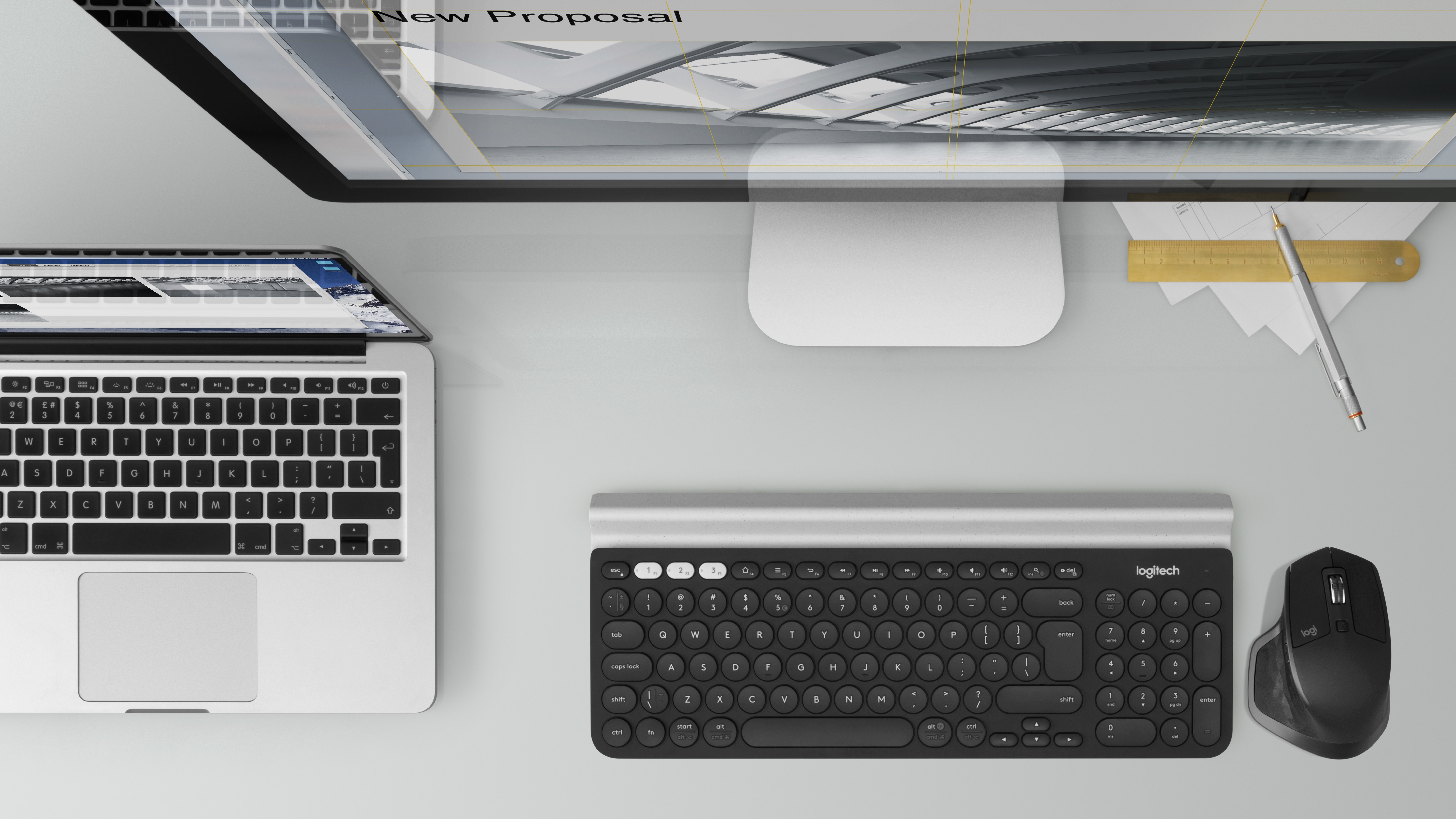
- Graphite MX Master 2S beside a keyboard in an overhead desk detail: Logitech
- Graphite MX Master 2S on a reflective glass surface: Logitech