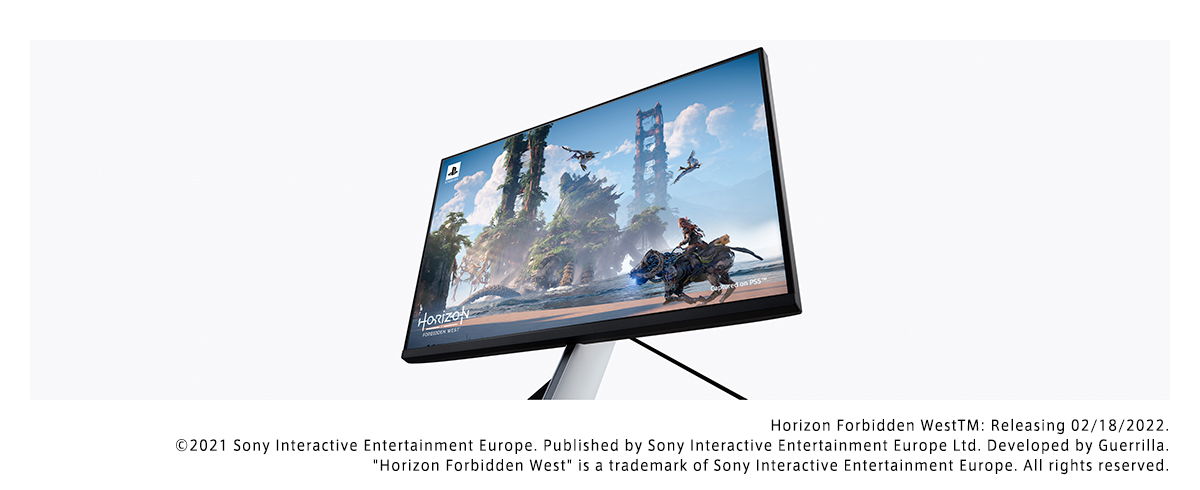
Photo 1 of 14
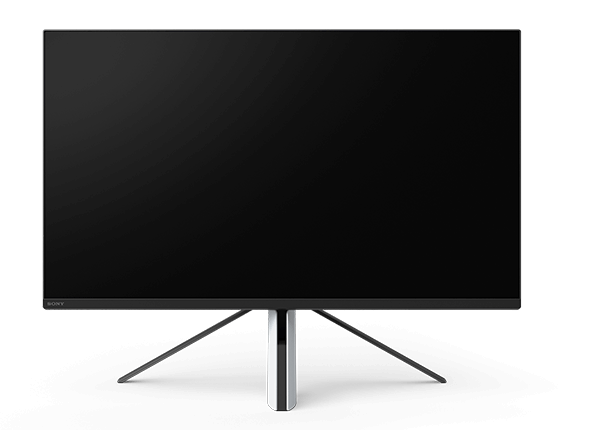
Sony INZONE M9 · Photo source
Sony · INZONE
INZONE M9
Sony's original 27-inch 4K IPS gaming monitor with full-array local dimming, 144 Hz over DisplayPort, USB-C video and an automatic KVM switch.
- Size
- 27″
- Resolution
- 3840 × 2160
- PPI
- 163
- Panel
- IPS
- Refresh
- 144 Hz
- Brightness
- 400 nits
- HDR
- 600
- USB-C power
- 15 W
What reviewers say
PC Gamer and Tom's Guide praise the sharp 4K picture, smooth motion and automatic PS5 picture features, but criticise the weak speakers. TechSpot finds full-array local dimming improves HDR over edge-lit monitors, while noting blooming from its 96 zones and the absence of an sRGB mode. All three find stand adjustment limited. PC Gamer also reports that application-specific picture profiles did not always switch reliably in its review.
From pcgamer.com, tomsguide.com and techspot.com
Product links
Specifications
Report a wrong or missing specDisplay
- Screen size
- 27″
- Resolution
- 3840 × 2160 (4K)
- Sharpness
- 163 pixels per inch
- Panel
- IPS (Direct LED backlight with full-array local dimming)
- Refresh rate
- 144 Hz
- Response time (grey to grey)
- 1 ms
- Brightness (typical)
- 400 nits
- HDR peak brightness
- 600 nits
- HDR certification
- DisplayHDR 600
- HDR formats
- HDR10, HLG
- Contrast ratio
- 1,000:1
- Colour range
- Over 95% DCI-P3
- DCI-P3 coverage
- 95%
- Screen finish
- Matte
- Shape
- Flat
- Adaptive sync
- G-Sync Compatible, HDMI VRR
- Colour depth
- 1.07 billion colours
- Colour modes
- Standard, FPS Game, Cinema, Game 1 and Game 2; black equalizer, crosshair, timer and frame-rate counter
- HDR detail
- Full-array local dimming; 96 zones reported by TechSpot. Sony's formal specifications give 600 cd/m² peak brightness, while its Japanese engineer interview describes a 750-nit design target. Dynamic contrast 80,000:1; static contrast 1,000:1.
- Response time detail
- 1 ms grey-to-grey in Fast mode (Sony Japan)
- Variable refresh range
- 48–144 Hz over DisplayPort and 48–120 Hz over HDMI (Sony FAQ); supported vertical-frequency ranges are 24–144 Hz and 24–120 Hz respectively
- Motion blur reduction
- No backlight strobing (Sony FAQ)
- Viewing angles
- 178° horizontal and vertical
- Eye care
- TÜV Rheinland-certified low blue light and flicker-free display
- Calibration
- Sony states Delta E below 1 for HDR input in its FAQ; a factory colour-calibration report is supplied. This is not an SDR accuracy claim.
Connections
- Video inputs
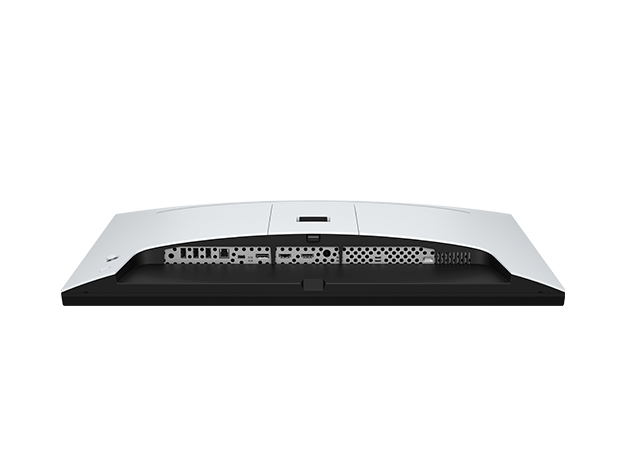
- 2 × HDMI 2.1, DisplayPort 1.4, USB-C
- USB-C charging
- Up to 15 W
- USB ports
- 3 × USB-A
- KVM switch
- Yes
- Ethernet
- No
- Speakers
- Yes
- HDMI detail
- 2 × HDMI 2.1, up to 4K 120 Hz; HDMI VRR, ALLM, CEC and HDCP 2.3. PS5 Auto HDR Tone Mapping and Auto Genre Picture Mode require supported PS5 software and settings.
- DisplayPort detail
- 1 × DisplayPort 1.4, up to 4K 144 Hz
- USB-C detail
- DisplayPort Alternate Mode and USB upstream; USB data transfer up to 480 Mbps (USB 2.0). Power output 5 V / 3 A, equivalent to 15 W (Sony FAQ).
- USB hub detail
- 1 × USB-B upstream (USB 3.0, 5 Gbps), 3 × USB-A downstream (5 V / 0.9 A each). Auto KVM switches peripherals between USB-B and USB-C upstream connections; video alone does not establish both USB connections.
- Audio out
- 3.5 mm headphone jack
- Speaker detail
- 2 W × 2
Design
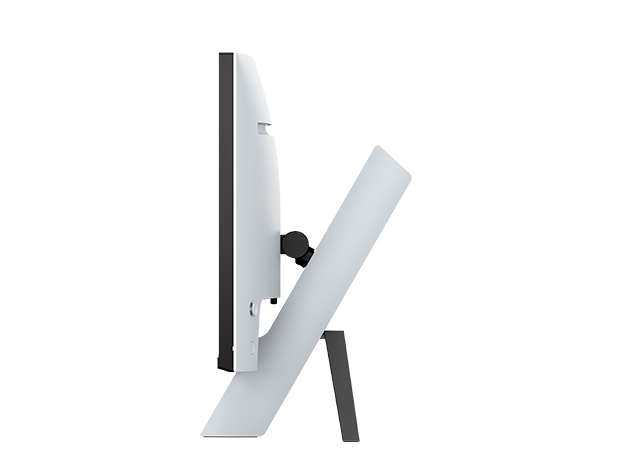
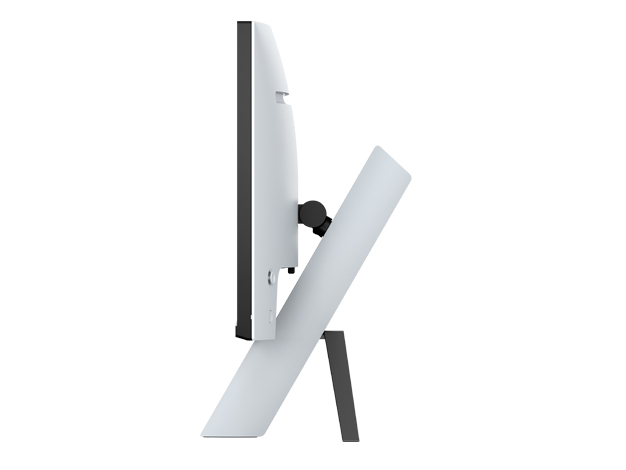
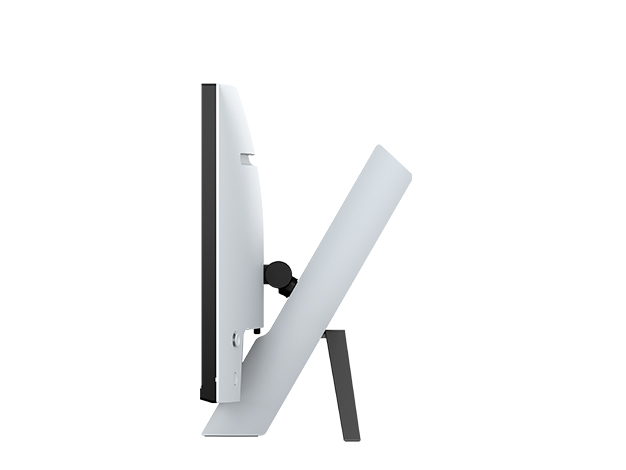
- Stand adjusts
- Height, tilt
- VESA mount
- Yes
- Weight with stand
- 6.8 kg
- Height adjustment
- 70 mm
- Tilt
- 0° to 20°
- Swivel
- No swivel
- Pivot
- No portrait pivot
- VESA pattern
- 100 × 100 mm
- Size with stand
- Approximately 615 × 479 × 248 mm (W × H × D)
- Size without stand
- Approximately 615 × 363 × 73 mm (W × H × D)
- Weight without stand
- Approximately 4.6 kg
- Weight detail
- Approximately 6.8 kg including the stand
- Controls
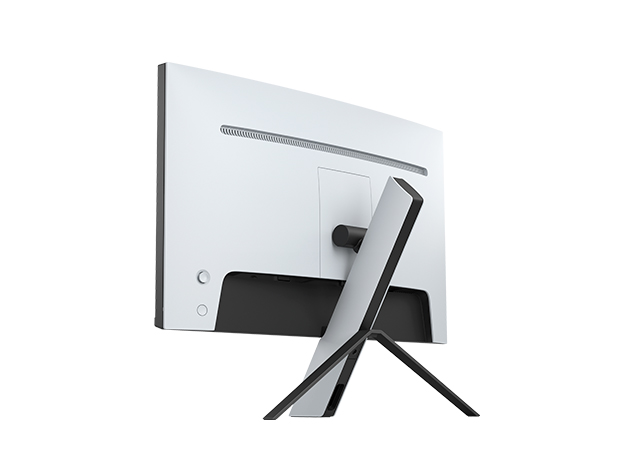
- Rear joystick; configurable rear lighting with 13 colour options
- Colours
- White rear housing and black bezel
Power and support
- Power use
- Typical 139 W; Eco mode 28.9 W; standby 0.5 W (Sony UK specifications)
- Power supply
- External AC adapter; 100–240 V AC, 50/60 Hz
- Laptop charging
- USB charging depends on the USB-hub/KVM selection settings (Sony FAQ)
- Software
- INZONE Hub for Windows; firmware updates through the PC software using a USB upstream connection
- In the box
- AC adapter, AC power cord, setup guide, operating instructions, factory colour-calibration report, warranty card and INZONE sticker. Video and USB cables are not included (Sony UK specifications and FAQ).
Pros and cons
Pros
- 4K at up to 144 Hz over DisplayPort, with NVIDIA G-SYNC Compatible and HDMI VRR support
- Full-array local dimming and VESA DisplayHDR 600
- USB-C video, three USB-A downstream ports and an automatic KVM switch
Cons
- HDMI inputs are limited to 120 Hz at 4K
- The stand adjusts height and tilt but has no swivel or portrait pivot
- USB-C supplies only 15 W, rather than enough power for most laptops
Closest rivals
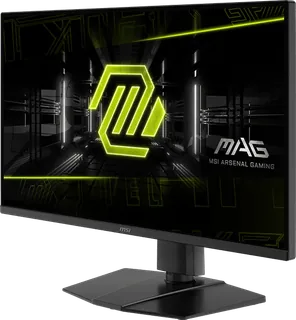
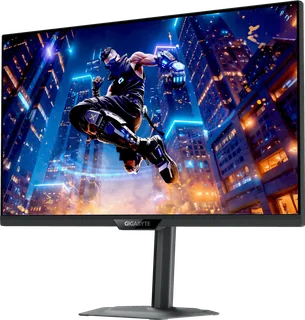
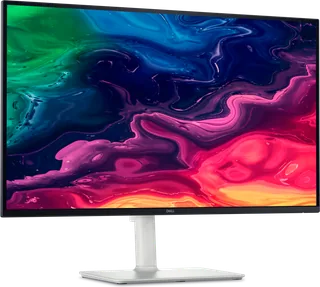
Model | Size | Resolution | PPI | Panel | Refresh | Brightness | HDR | USB-C power | Released |
|---|---|---|---|---|---|---|---|---|---|
| 27″ | 3840 × 2160 | 163 | IPS | 144 Hz | 250 nits | – | – | Apr 2025 | |
| 27″ | 3840 × 2160 | 163 | IPS | 160 Hz | 350 nits | 400 | 18 W | Jun 2025 | |
| 27″ | 3840 × 2160 | 163 | IPS | 120 Hz | 350 nits | – | 65 W | Mar 2025 |
Sources
- sony.co.uk/electronics/support/televisions-projectors-monitors/sdm-u27m90/speci…
- sony.jp/inzone/products/INZONE_M9/spec.html
- sony-asia.com/electronics/gaming-monitors/inzone-m9
- sony.jp/inzone/products/INZONE_M9
- sony.co.uk/electronics/support/televisions-projectors-monitors/sdm-u27m90/artic…
- helpguide.sony.net/tv/u27m90/v1/en/print.pdf
- pro.sony/support/res/manuals/9888/738628a2c399cb3cf778d5dcfe363c8e/98888784M.pdf
- sony.jp/CorporateCruise/Press/202206/22-0629
- sony.co.uk/presscentre/sony-unveils-new-pc-gaming-gear-brand-inzone-to-maximise…
- prnewswire.com/news-releases/sony-electronics-unveils-new-gaming-gear-brand-inz…
- sony.jp/inzone/brand/interview/m9
- techspot.com/review/2493-sony-inzone-m9-monitor
- sony.jp/inzone/products/INZONE_M9/feature_1.html
- sony.jp/inzone/products/INZONE_M9/feature_2.html
- sony.jp/inzone/products/INZONE_M9/feature_3.html
- sony.jp/inzone/products/INZONE_M9/feature_4.html
- sony.jp/inzone/products/INZONE_M9/feature_5.html
- sony.jp/inzone/products/INZONE_M9/feature_6.html
- sony.jp/inzone/special/gamingmonitor
Photo: sony.jp
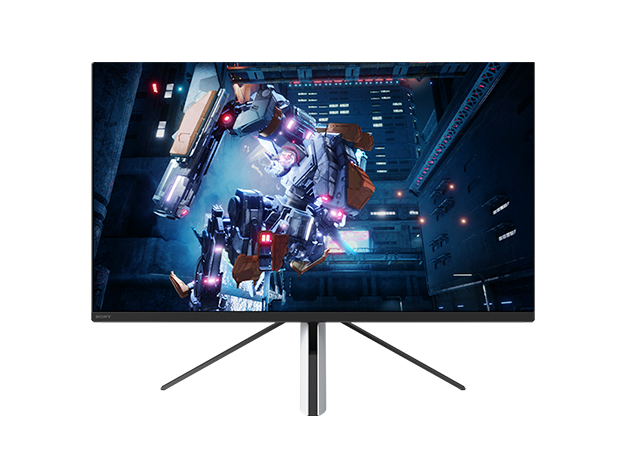
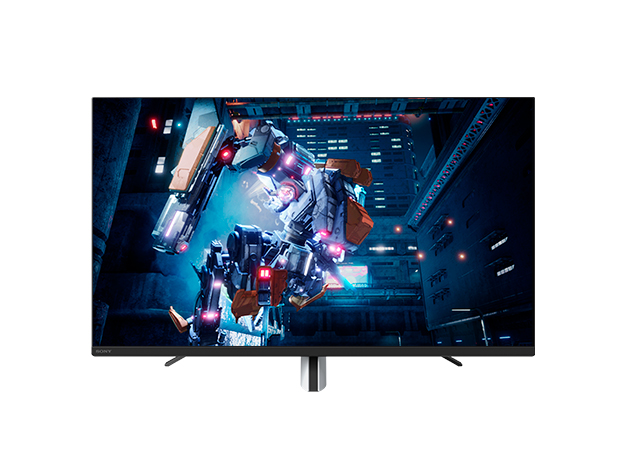
- Sony INZONE M9: Front view with game artwork and stand raised: sony.jp/products/picture/INZONE-M9.jpg
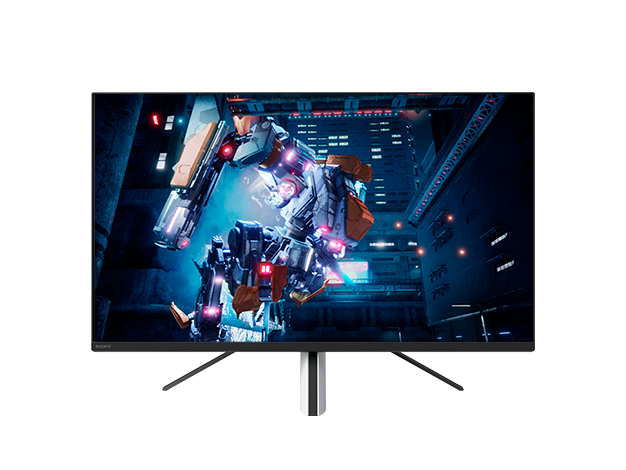
- Sony INZONE M9: Front view with game artwork and stand lowered: sony.jp/products/picture/INZONE-M9_00.jpg
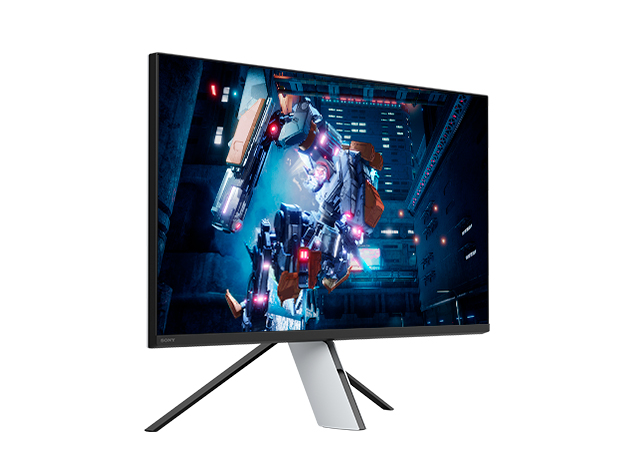
- Sony INZONE M9: Three-quarter view with game artwork: sony.jp/products/picture/INZONE-M9_01.jpg
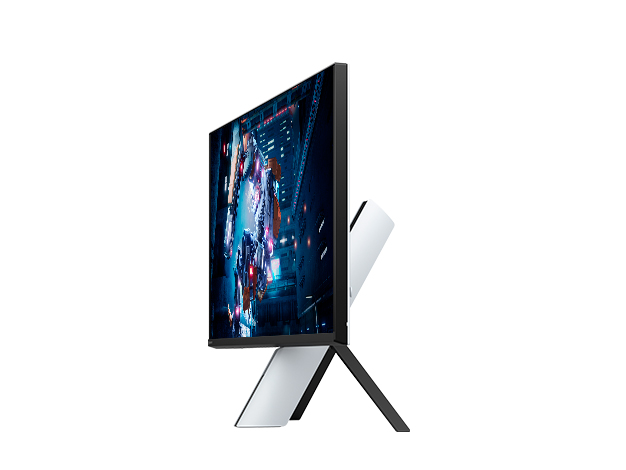
- Sony INZONE M9: Oblique side view with game artwork: sony.jp/products/picture/INZONE-M9_02.jpg
- Sony INZONE M9: Rear three-quarter view: sony.jp/products/picture/INZONE-M9_03.jpg
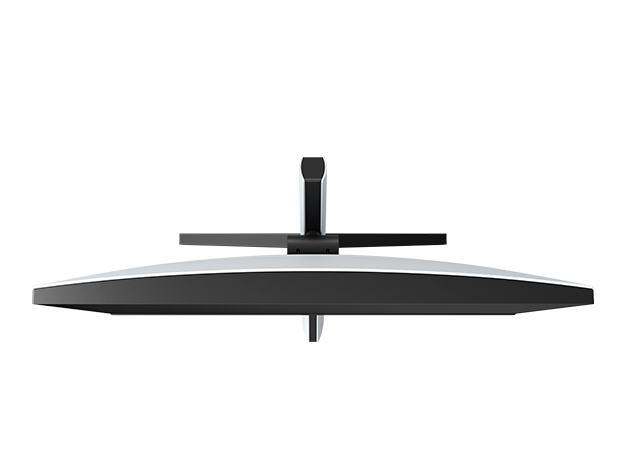
- Sony INZONE M9: Top view of display and stand: sony.jp/products/picture/INZONE-M9_04.jpg
- Sony INZONE M9: Front view with game artwork and standard stand height: sony.jp/products/picture/INZONE-M9_05.jpg
- Sony INZONE M9: Side profile with standard stand height: sony.jp/products/picture/INZONE-M9_06.jpg
- Sony INZONE M9: Side profile with stand lowered: sony.jp/products/picture/INZONE-M9_07.jpg
- Sony INZONE M9: Side profile with stand raised: sony.jp/products/picture/INZONE-M9_08.jpg
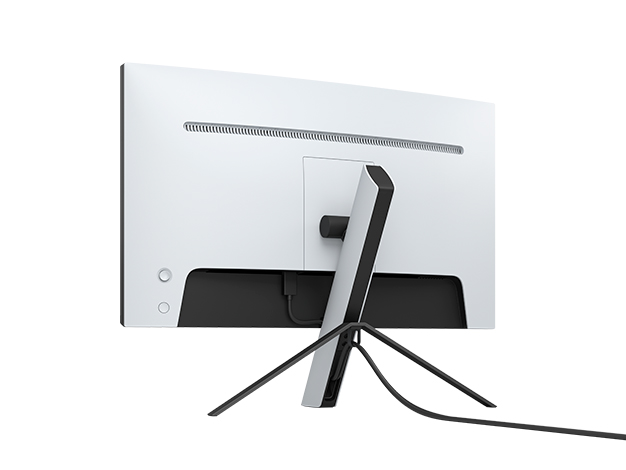
- Sony INZONE M9: Rear view with cables routed through the stand: sony.jp/products/picture/INZONE-M9_10.jpg
- Sony INZONE M9: Underside connection panel: sony.jp/products/picture/INZONE-M9_11.jpg
- Sony INZONE M9 monitor with PlayStation game artwork on screen: sony.jp/products/picture/y_INZONE-M9_024.jpg