Photo 1 of 14
Logitech MX Keys · Photo source
Logitech · MX
MX Keys
Logitech's original full-size MX keyboard from 2019, with backlit, low-profile scissor keys and a number pad, suited to people who type all day and move between up to three computers or devices.
- Layout
- Full size
- Switches
- Scissor
- Backlight
- White
- Battery
- 5 months
- Connects by
- Bluetooth and USB receiver
- Weight
- 810 g
What reviewers say
Reviewers agree it is a first-rate office keyboard: well built, with quiet, easy-to-press keys, smart backlighting, long battery life and pairing with several computers. RTINGS and Windows Central found the software customisation limited, and Windows Central also missed an adjustable incline and a wrist rest.
From rtings.com, windowscentral.com and trustedreviews.com
Specifications
Report a wrong or missing specTyping
- Layout
- Full size
- Switches
- Scissor
- Key travel
- 1.8 mm
- Backlight
- White
- Automatic backlight
- Yes
- Keys labelled for
- Mac, Windows and more
- Touch ID
- No
- Switches
- Scissor switches with 60 g actuation force, rated for 10 million keystrokes (function keys 5 million)
- Keycaps
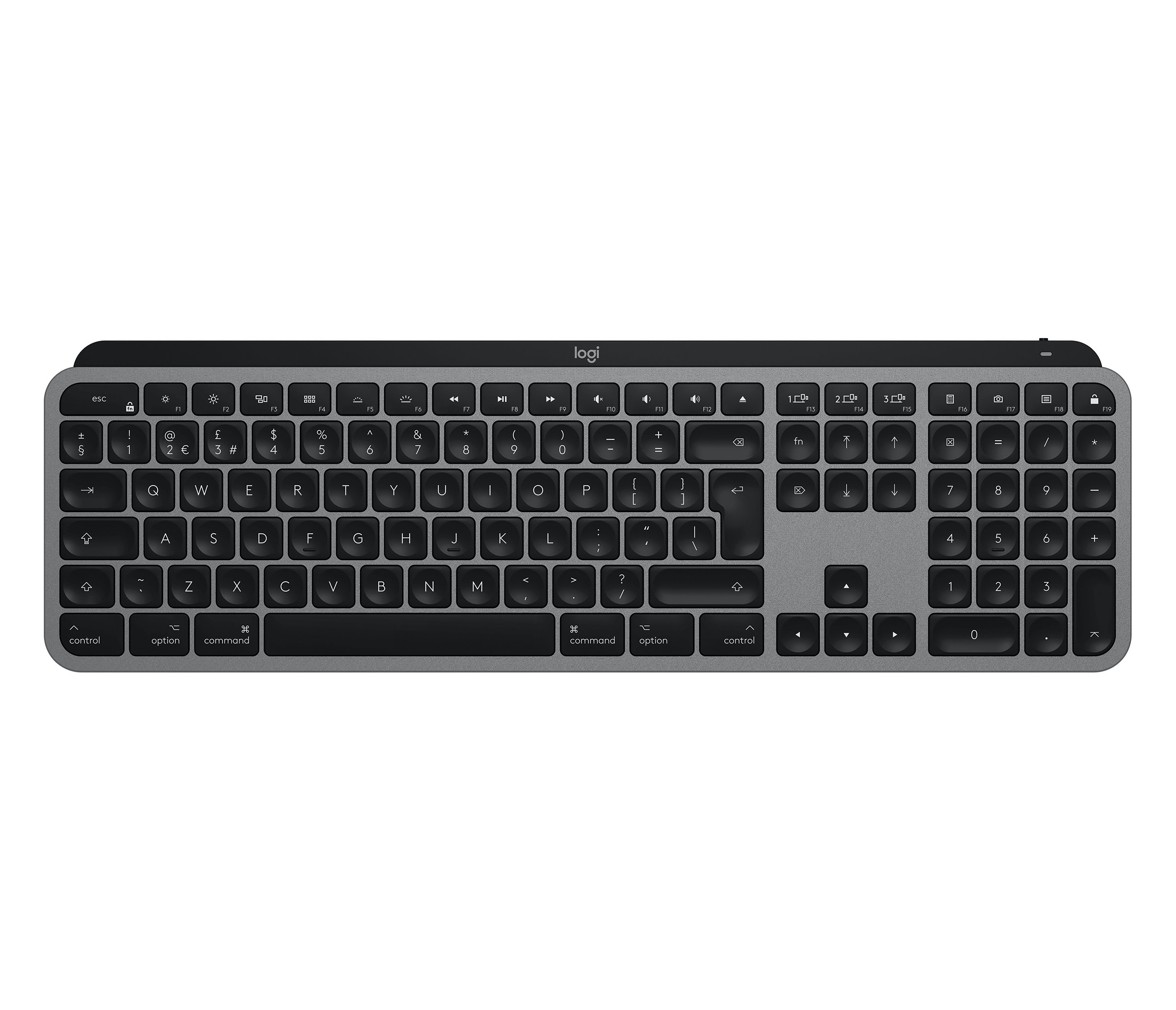
- Spherically dished keys with a matte coating; MX Keys for Mac has Mac-only laser-printed legends
- Layouts
- MX Keys for Mac in English UK, Danish/Norwegian/Swedish/Finnish, French, German, Italian, Spanish and Swiss (UK store)
- Backlight
- A hand proximity sensor turns it on and an ambient light sensor sets the level; eight levels; stays off in bright rooms (over 200 lux) and below 10% battery
- Special keys
- Easy-Switch keys; Fn + Esc swaps media keys and F-keys; legends for both Windows and Mac (a Mac layout with an Eject key on MX Keys for Mac)
Connections and battery
- Connects by
- Bluetooth and USB receiver
- Devices it switches between
- 3
- Power
- Rechargeable
- Battery life (maker's claim)
- Up to 5 months
- With the backlight on
- Up to 10 days
- Receiver
- Logitech Unifying USB receiver included with both versions
- Battery life detail
- Rechargeable 1500 mAh battery; Logitech quotes 10 days with backlighting or 5 months with it off
- Charging
- USB-C port at the top right; usable while charging; USB-A to USB-C cable (USB-C to USB-C with MX Keys for Mac)
- Works with
- At launch, Bluetooth with Windows 8 or 10, macOS 10.13 or later, iOS 9 or later, Android 6 or later and Linux, and Unifying with Windows 7, 8 or 10, macOS 10.13 or later, Android 6 or later and Linux; MX Keys for Mac lists macOS 10.15 or later, iOS 13.4 or later and iPadOS 14 or later
- Software
- Logitech Options at launch, now Logi Options+ (Windows and macOS); Logitech Flow with a Flow-enabled Logitech mouse
Design
- Weight
- 810 g
- Width × depth × height
- 430.2 × 131.63 × 20.5 mm
- Colours
- MX Keys for Mac in Space Gray
- In the box
- Keyboard, Unifying USB receiver, USB-C charging cable, documentation
- Warranty
- 2-year limited hardware warranty (UK)
Pros and cons
Pros
- Backlight turns on as your hands approach and adjusts to the room's light
- Connects over Bluetooth or the included Unifying receiver
- Up to 5 months per charge with the backlight off
Cons
- No dictation, emoji or microphone mute keys, which MX Keys S added
- Uses Logitech's older Unifying receiver rather than Logi Bolt
- Up to 10 days per charge with the backlight on
Closest rivals
Model | Layout | Switches | Backlight | Battery | Connects by | Weight | Released |
|---|---|---|---|---|---|---|---|
| Full size | Scissor | None | – | Bluetooth | 390 g | Jun 2017 | |
| Full size | Membrane | RGB | – | Cable | 1000 g | Sept 2016 | |
| Full size | Scissor | White | 5 months | Bluetooth and USB receiver | 810 g | Jun 2023 |
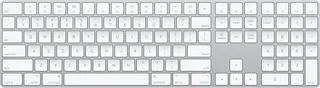
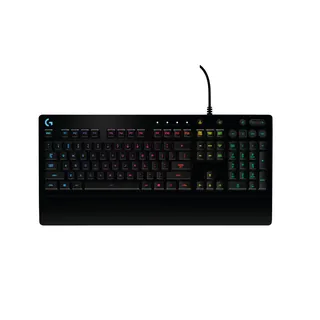
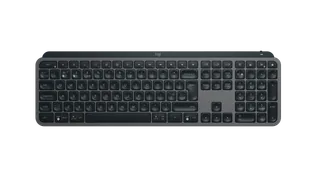
Newer model: MX Keys S.
Sources
- logitech.com/en-gb/shop/p/mx-keys-mac-wireless-keyboard
- support.logi.com/hc/en-gb/articles/360035270353-MX-Keys-Wireless-Illuminated-Ke…
- support.logi.com/hc/en-gb/articles/360050049554-Technical-Specifications-MX-Key…
- support.logi.com/hc/en-gb/articles/360034762774-Getting-Started-MX-Keys
- support.logi.com/hc/en-gb/articles/360050549434-Getting-Started-MX-Keys-for-Mac
- news.logitech.com/press-releases/news-details/2019/Logitech-Enables-Advanced-Us…
- news.logitech.com/press-releases/news-details/2020/Logitech-Empowers-Your-Mac-w…
- news.logitech.com/press-releases/news-details/2023/Logitech-Offers-First-Ever-M…
Photo: resource.logitech.com
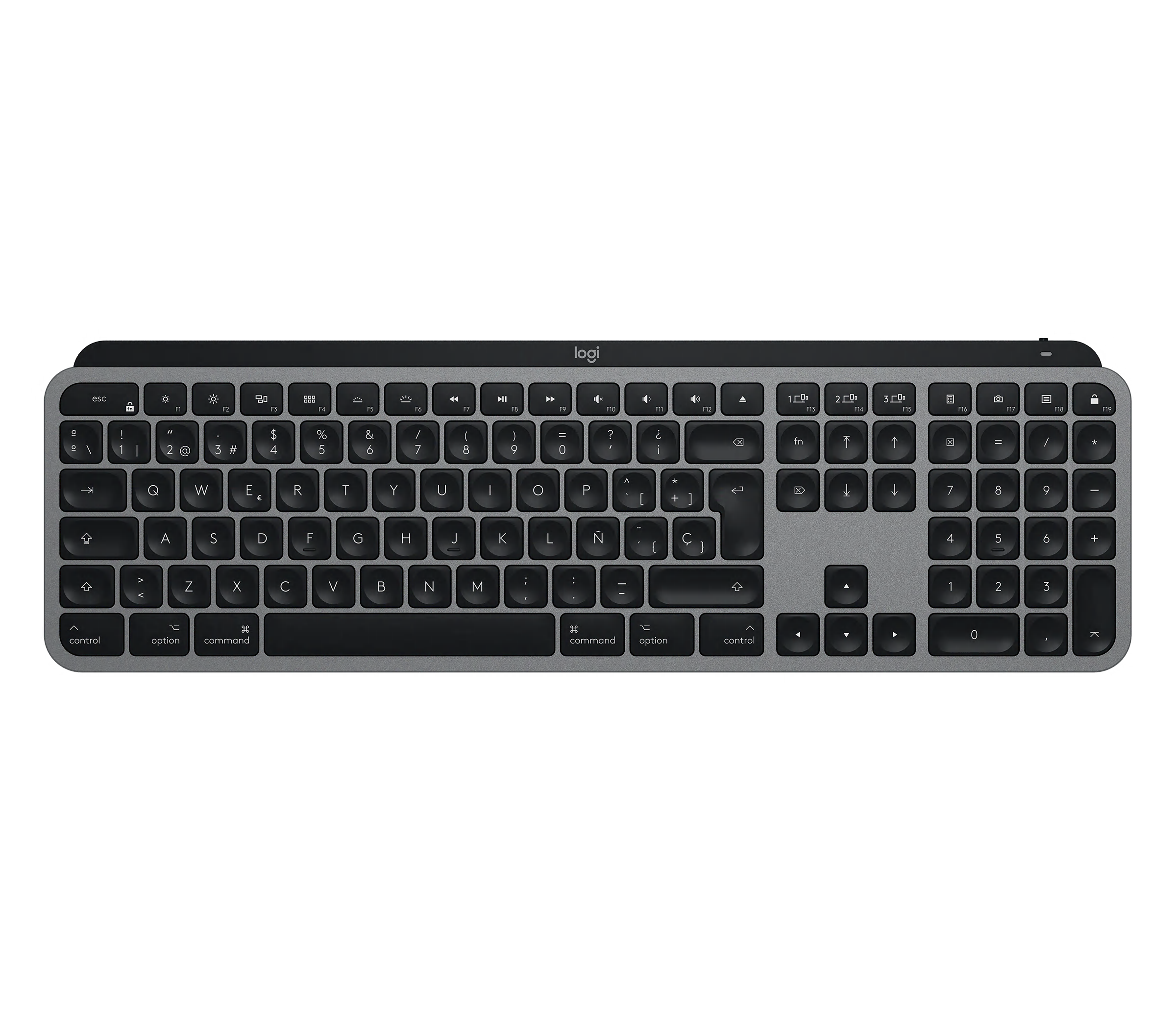
- MX Keys for Mac product still, front view, Spanish printed layout.: Logitech
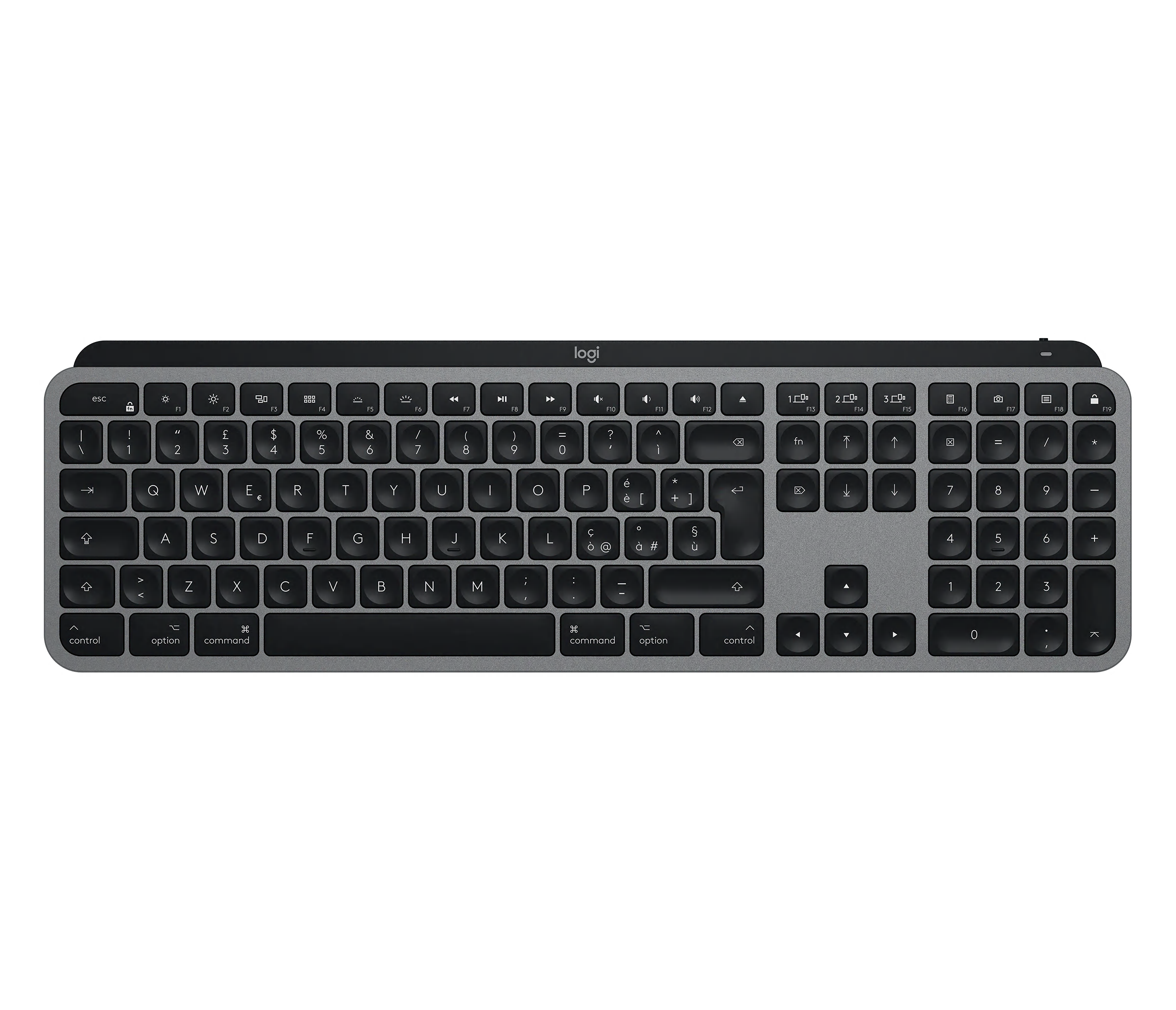
- MX Keys for Mac product still, front view, Italian printed layout.: Logitech
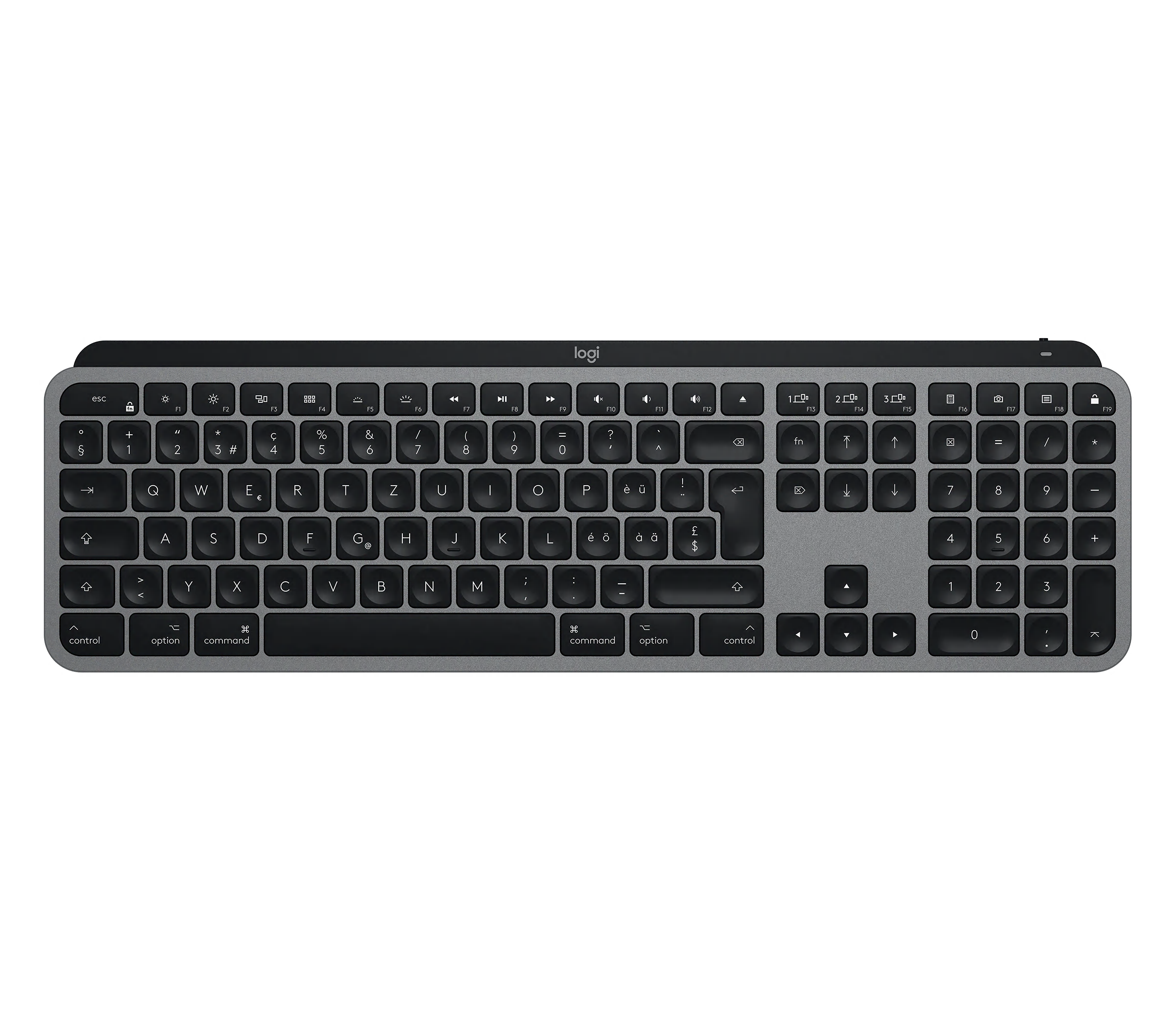
- MX Keys for Mac product still, front view, Swiss printed layout.: Logitech
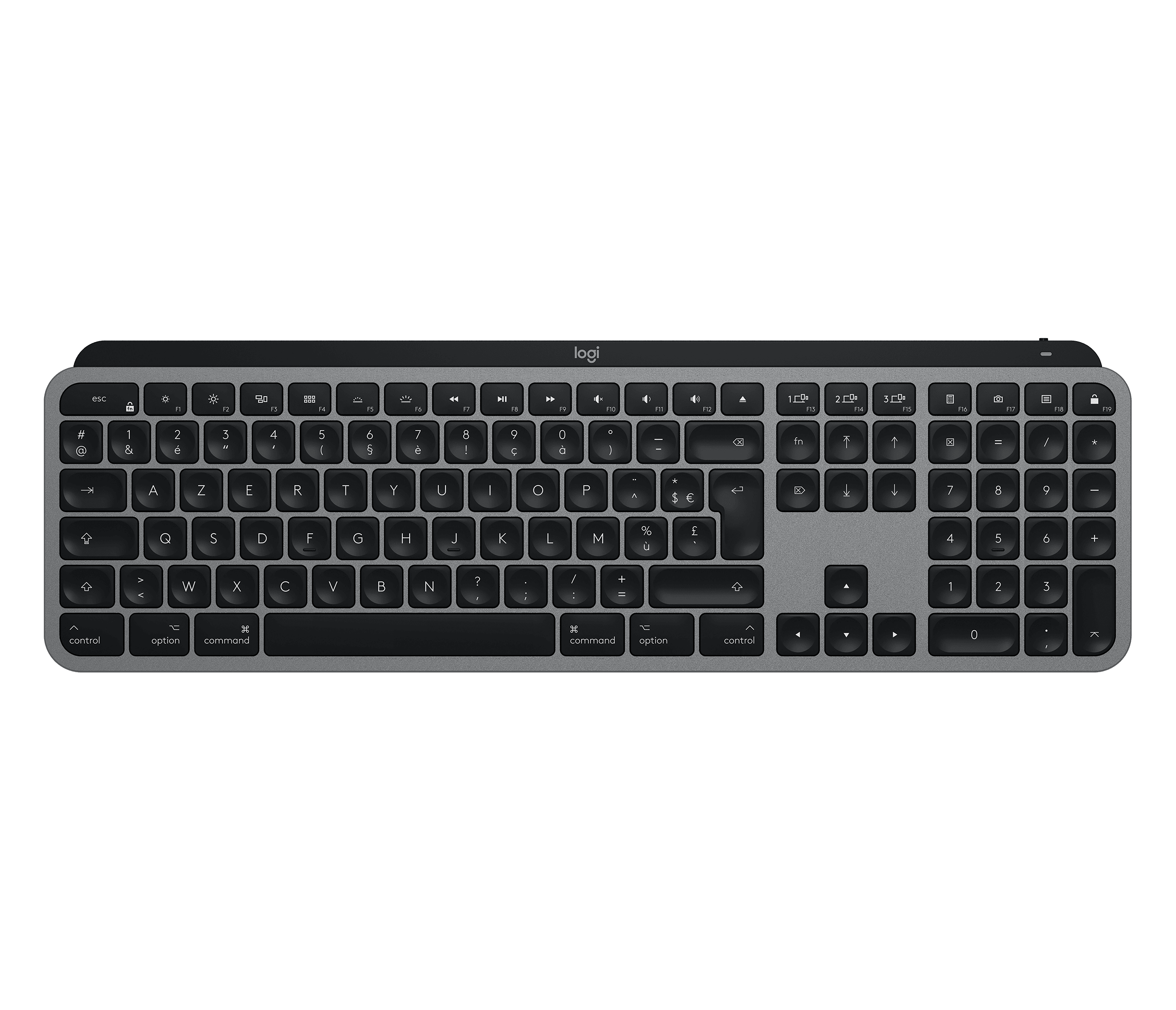
- MX Keys for Mac product still, front view, French printed layout.: Logitech
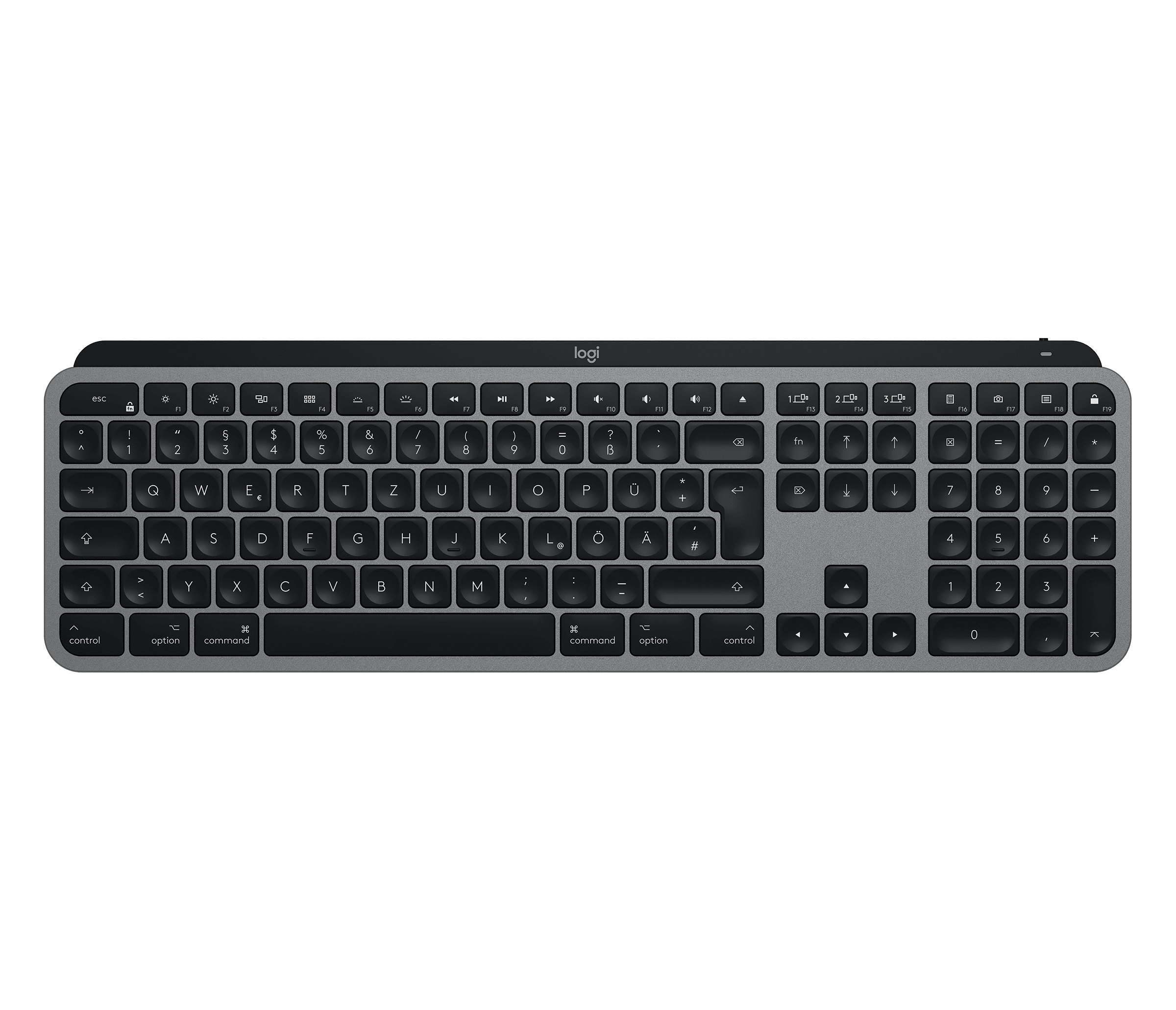
- MX Keys for Mac product still, front view, German printed layout.: Logitech
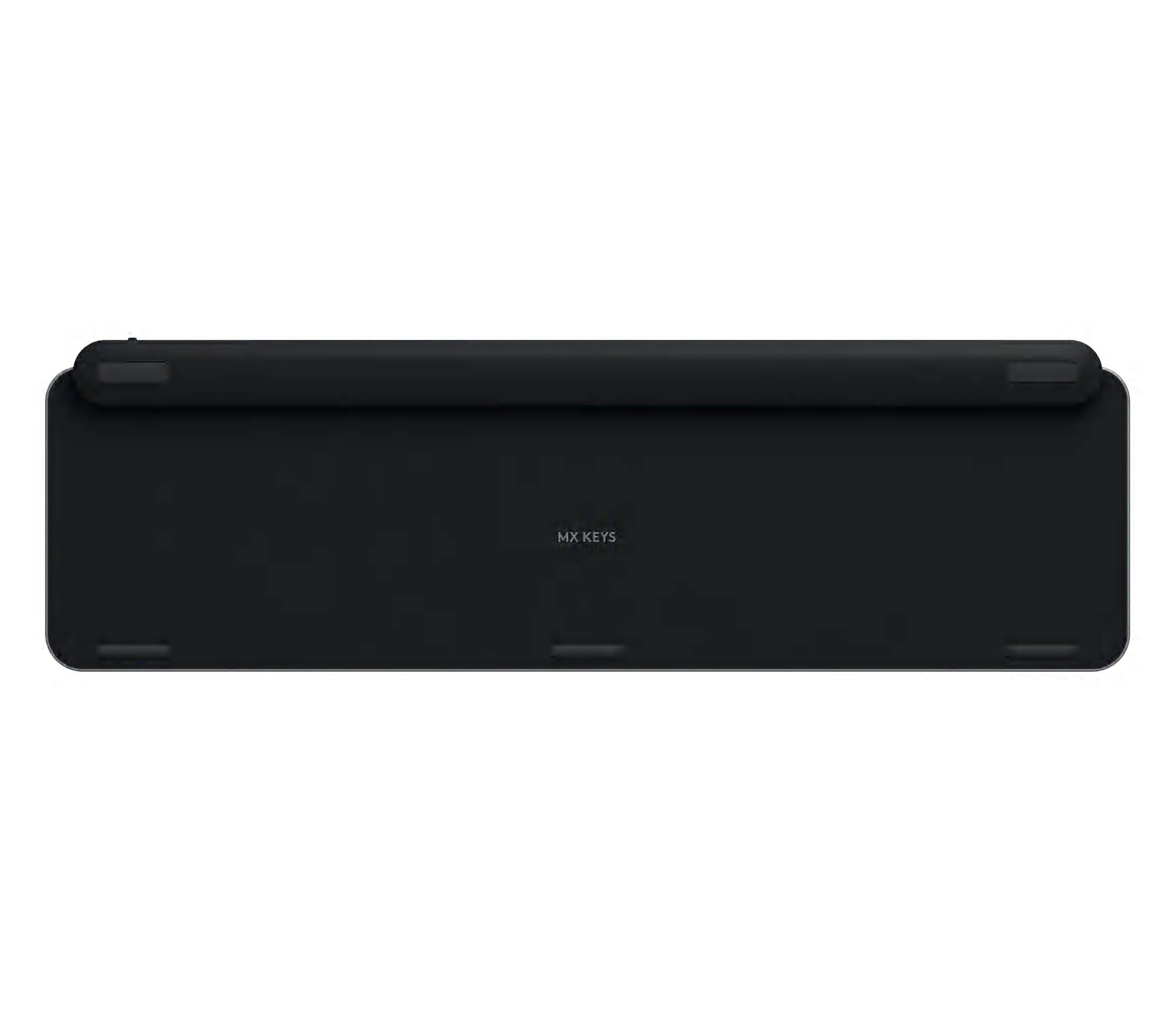
- MX Keys for Mac, underside (official view shared across layouts): Logitech
- MX Keys for Mac, side profile (official view shared across layouts): Logitech
- MX Keys for Mac, close-up of the left keys and Space Gray casing: Logitech
- MX Keys for Mac, USB-C charging cable and right-side keys: Logitech
- MX Keys with MX Master 3, Graphite, three-quarter press view (2019): Logitech
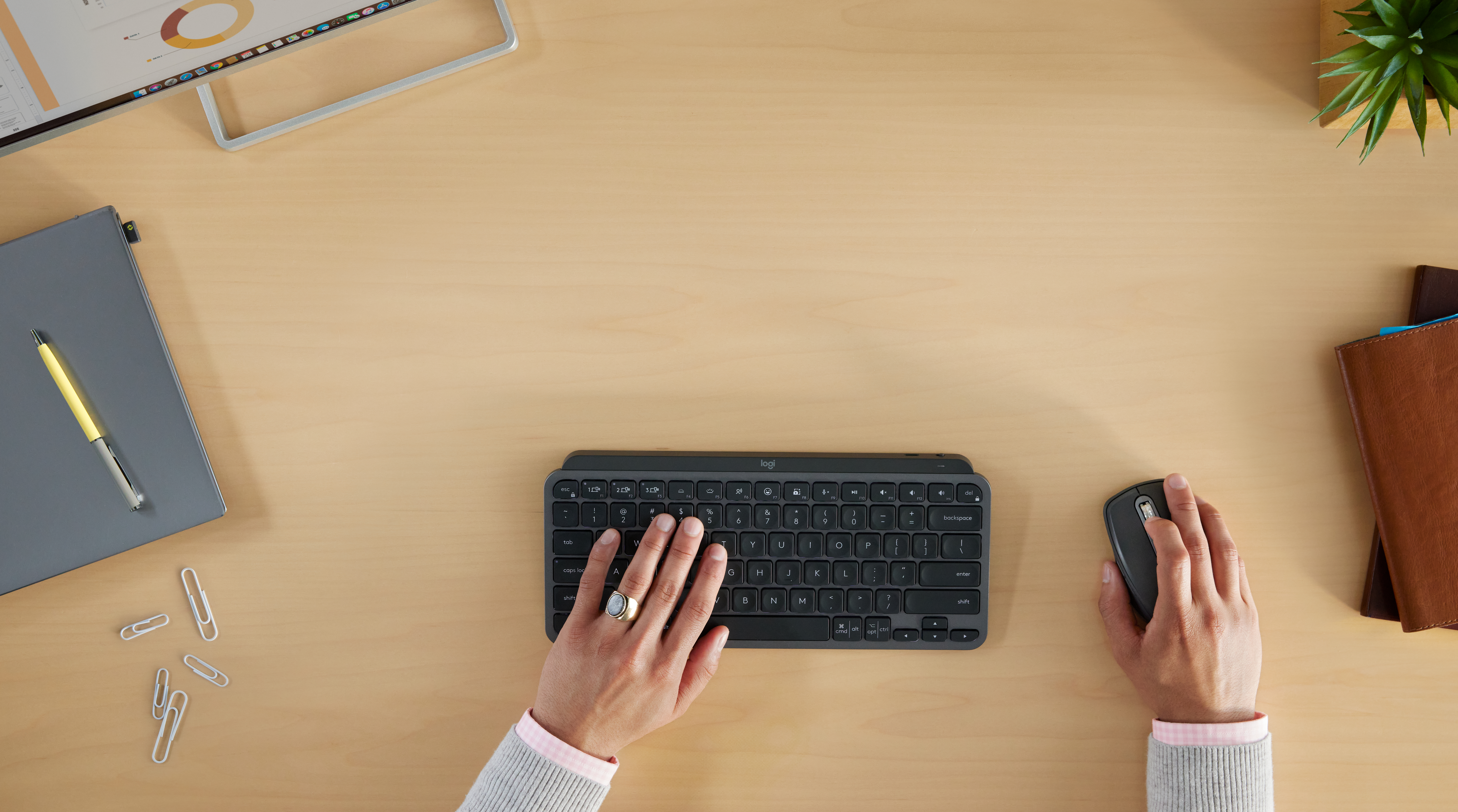
- MX Keys for Mac with MX Master 3 for Mac, Space Gray, top press view (2020): Logitech
- MX Keys MX Master 3S for Business ENVR 1643: Logitech company press library — High_Resolution_PNG-MX Keys MX Master 3S for Business ENVR 1643; complete supplied canvas and background retained
- MX Keys Combo for Business LIFE GRAPHITE 10: Logitech company press library — High_Resolution_JPG-MX Keys Combo for Business LIFE GRAPHITE 10; complete supplied canvas and background retained